Uvod
This manual provides essential instructions and information for users of the Apple iPhone XS and iPhone XS Max. It covers initial setup, basic operation, key features of iOS 12, and tips for maximizing your device's potential. Please read this guide thoroughly to ensure proper use and understanding of your new iPhone.
Konec izdelkaview
The iPhone XS and iPhone XS Max represent a significant advancement in smartphone technology, featuring a powerful A12 Bionic chip, advanced camera systems, and an all-screen design. This manual serves as your guide to exploring these capabilities.
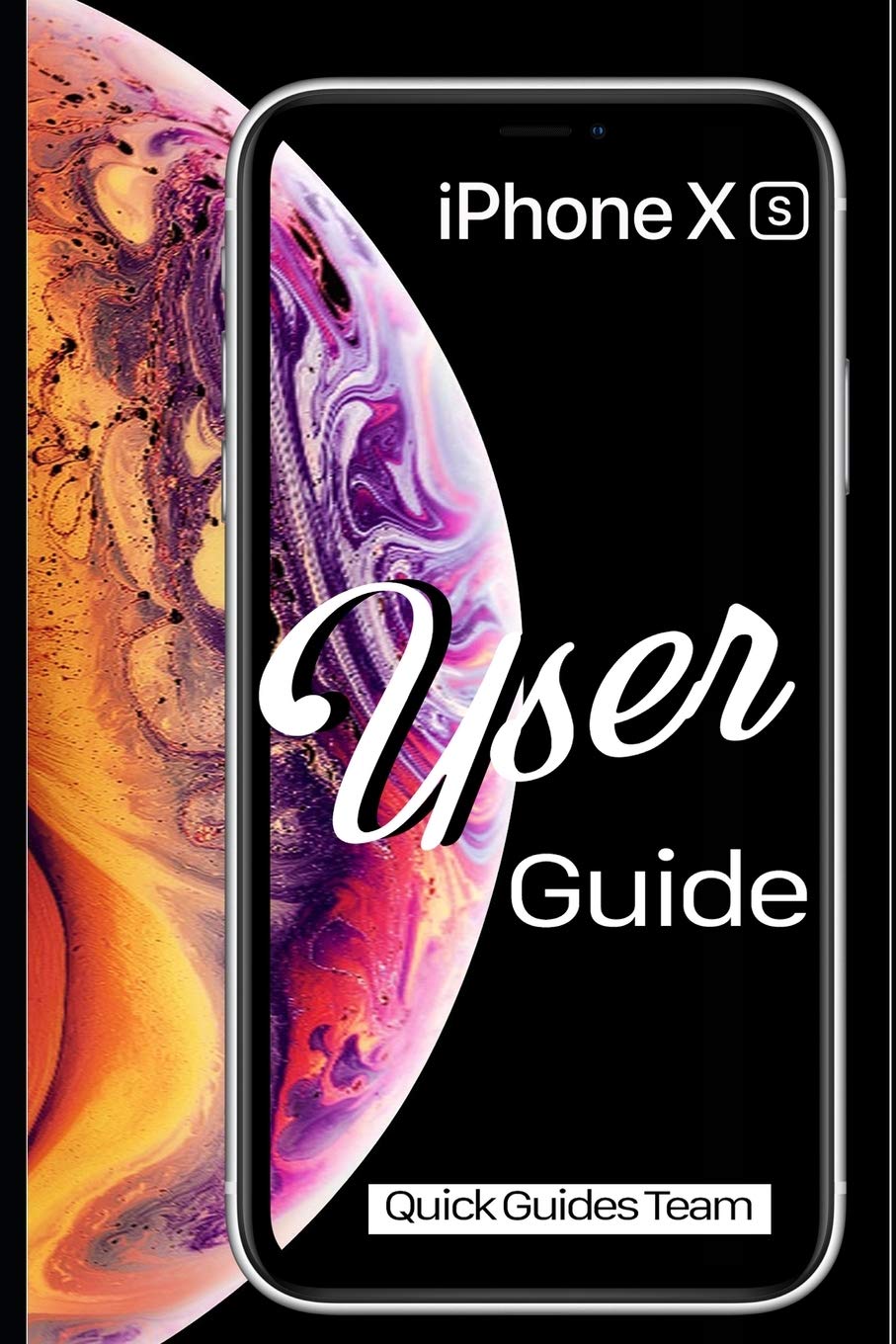
Image 1: Front cover of the Apple iPhone XS User Manual. This image displays the iPhone XS with its vibrant display and the manual's title.

Image 2: Back cover of the Apple iPhone XS User Manual. The back cover is plain black and includes the ISBN-13 barcode: 978-1091970465.
Nastavitev
- Vklop: Pritisnite in držite stranski gumb, dokler se ne prikaže logotip Apple.
- Začetna konfiguracija: Sledite navodilom na zaslonu, da izberete jezik, regijo in se povežete z omrežjem Wi-Fi.
- Nastavitev Face ID-ja: Configure Face ID for secure authentication and Apple Pay.
- Prenos podatkov: Choose to restore from an iCloud or iTunes backup, or set up as a new iPhone.
- Apple ID: Sign in with your existing Apple ID or create a new one. This is essential for accessing the App Store, iCloud, and other Apple services.
Operating Your iPhone XS
Basic Gestures and Navigation
- Tapnite: Izberite element ali aktivirajte gumb.
- Swipe Up (from bottom edge): Pojdite na začetni zaslon.
- Swipe Up and Pause (from bottom edge): View all open apps (App Switcher).
- Swipe Down (from top-right corner): Odprite Nadzorni center.
- Swipe Down (from top-center): Odprite Center za obvestila.
- Ščepec: Povečaj ali pomanjšaj fotografije in web strani.
Začetni zaslon in aplikacije
The Home screen is where you access all your applications. You can organize apps into folders, search for apps using Spotlight Search (swipe down from the middle of the Home screen), and customize your app layout.
- Odpiranje aplikacij: Tap an app icon.
- Zapiranje aplikacij: From the App Switcher, swipe an app card upwards.
- App Store: Download new applications and games.
nastavitve
The Settings app allows you to customize your iPhone's behavior, connectivity, and privacy. Key settings include:
- Wi-Fi in Bluetooth: Manage wireless connections.
- Obvestila: Control how apps alert you.
- Zaslon in svetlost: Adjust screen appearance.
- Baterija: Monitor battery usage and health.
- ID obraza in geslo: Manage security settings.
Lastnosti kamere
The iPhone XS camera system offers advanced photography capabilities. New photo modes and features in iOS 12 enhance your ability to capture stunning images and videos.
- Pokončni način: Create professional-looking photos with a depth-of-field effect.
- Pametni HDR: Automatically capture more detail in highlights and shadows.
- Snemanje videa: Record 4K video at up to 60 fps.
Bistvene aplikacije
- Safari: Browse the internet securely.
- Pošta: Manage your email accounts.
- Sporočila: Send and receive text messages and iMessages.
- FaceTime: Opravljajte video in zvočne klice z drugimi uporabniki Apple.
- Files: Access and organize documents across various cloud services.
- Find My: Locate your devices or share your location with friends.
Vzdrževanje
- Čiščenje: Za čiščenje iPhona uporabljajte mehko krpo, ki ne pušča vlaken. Izogibajte se abrazivnim materialom ali močnim kemikalijam.
- Posodobitve programske opreme: Regularly update iOS to the latest version for security enhancements and new features. Go to Nastavitve > Splošno > Posodobitev programske opreme.
- Vzdrževanje baterije: Optimize battery life by managing background app refresh, reducing screen brightness, and enabling Low Power Mode when needed.
- Varnostno kopiranje podatkov: Regularly back up your iPhone to iCloud or a computer using iTunes to prevent data loss.
Odpravljanje težav
- Naprava se ne odziva: Če se vaš iPhone ne odziva, ga prisilno znova zaženite: Pritisnite in hitro spustite gumb za povečanje glasnosti, nato pritisnite in hitro spustite gumb za zmanjšanje glasnosti, nato pa pritisnite in držite stranski gumb, dokler se ne prikaže logotip Apple.
- Aplikacija se ne odziva: Zaprite aplikacijo iz preklopnika aplikacij in jo znova odprite. Če težava ne izgine, znova zaženite iPhone.
- Težave s povezljivostjo: For Wi-Fi or Bluetooth problems, try toggling the respective setting off and on, or restart your iPhone. You can also reset network settings via Nastavitve > Splošno > Prenos ali ponastavitev iPhona > Ponastavi > Ponastavi omrežne nastavitve.
- Programske napake: Ensure your iOS is up to date. If problems persist, consider restoring your iPhone from a backup or performing a factory reset (Nastavitve > Splošno > Prenesi ali ponastavi iPhone > Izbriši vso vsebino in nastavitve) after backing up your data.
Specifikacije
| Funkcija | Podrobnost |
|---|---|
| Model | iPhone XS, iPhone XS Max |
| Operacijski sistem | iOS 12 (at time of manual publication) |
| Dimensions (iPhone XS) | 143.6 x 70.9 x 7.7 mm (5.65 x 2.79 x 0.30 palca) (Approximate, based on general knowledge) |
| Weight (iPhone XS) | 177 gramov (6.24 unč) (Approximate, based on general knowledge) |
| ISBN-10 (Priročnik) | 1091970467 |
| ISBN-13 (Priročnik) | 978-1091970465 |
| Datum objave (priročnik) | 29. marec 2019 |
Note: Device specifications are approximate and may vary. Refer to Apple's official website for the most accurate and up-to-date product details.
Garancija in podpora
For detailed warranty information, please refer to the official Apple warranty documentation included with your device or visit the official Apple website. Apple provides comprehensive support resources, including online knowledge bases, community forums, and direct customer service.
- Spletna podpora: Obisk support.apple.com for troubleshooting guides, FAQs, and service options.
- Pooblaščeni servis: For hardware issues, contact an authorized Apple service provider.


