
1. Uvod in konecview
This manual provides detailed instructions for the Redmi 15A 5G smartphone. It covers essential information regarding device setup, operation, maintenance, troubleshooting, and technical specifications. Please read this manual thoroughly to ensure proper use and to maximize the performance of your device.
Kaj je v škatli
- Redmi 15A 5G Smartphone
- Polnilec
- USB Type-C kabel
- Orodje za izmet kartice SIM
- Garancijska kartica
- Navodila za uporabo (ta dokument)
- Zaščitna torbica
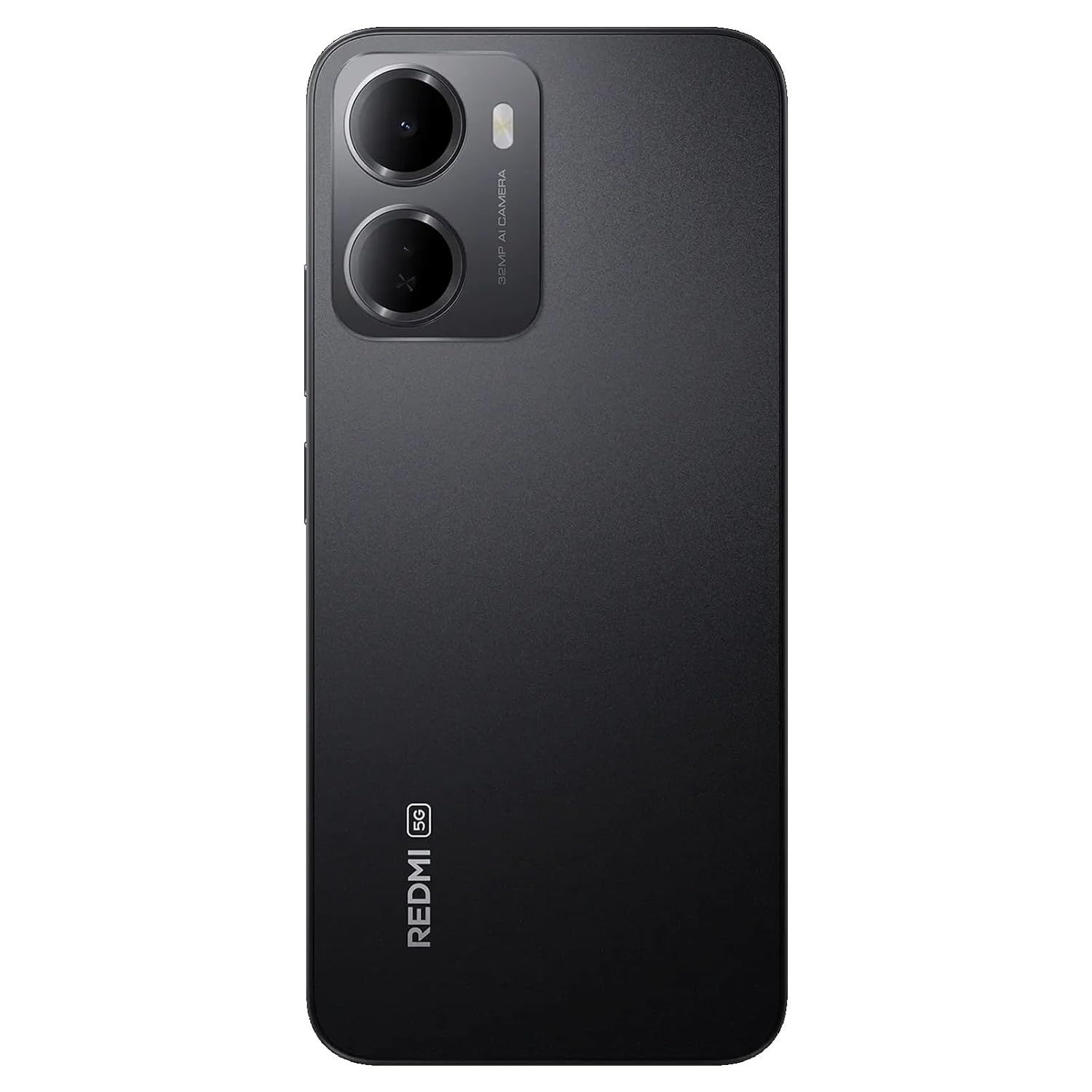
Figure 1: Redmi 15A 5G Smartphone (Front and Back View)
2. Nastavitev naprave
2.1. Namestitev kartice SIM in kartice microSD
To install your SIM card(s) and/or microSD card:
- Poiščite pladenj za kartico SIM na strani naprave.
- Vstavite orodje za izmet SIM kartice v majhno luknjo poleg pladnja in močno pritisnite, dokler pladenj ne izskoči.
- Vstavite kartico(-e) Nano-SIM in/ali kartico microSD v predvidene reže na pladnju, pri čemer pazite, da so zlati kontakti obrnjeni navzdol.
- Pladenj previdno potisnite nazaj v napravo, dokler se ne zaskoči.

Slika 2: stran View s pladnjem za SIM kartico
2.2. Polnjenje naprave
Before first use, it is recommended to fully charge your Redmi 15A 5G. Connect the USB Type-C cable to the charging port at the bottom of the phone and plug the other end into the provided charger. Plug the charger into a power outlet. The battery indicator on the screen will show the charging status.
2.3. Vklop in začetna nastavitev
To power on your device, press and hold the Power button located on the side until the Redmi logo appears. Follow the on-screen instructions to complete the initial setup, including language selection, Wi-Fi connection, Google account setup, and security settings.
3. Navodila za uporabo
3.1. Osnovna navigacija
The Redmi 15A 5G features a touchscreen interface. Use gestures such as tapping, swiping, pinching, and spreading to navigate. The Power button controls screen on/off and device power, while the Volume buttons adjust audio levels.
3.2. Klici in pošiljanje sporočil
To make a call, open the Phone app, enter the number, and tap the call icon. To send a message, open the Messages app, tap the new message icon, enter the recipient's number or select from contacts, and type your message.
3.3. Povezovanje z omrežji
- Wi-Fi: Go to Settings > Wi-Fi, turn Wi-Fi on, and select your desired network. Enter the password if prompted.
- Mobilni podatki (5G): Go to Settings > SIM cards & mobile networks, select your SIM, and ensure 'Mobile data' is enabled.
- Bluetooth: Go to Settings > Bluetooth, turn Bluetooth on, and pair with available devices.
3.4. Uporaba kamere
Open the Camera app from your home screen or app drawer. Tap the shutter button to take a photo. Swipe left or right to switch between different modes like Video, Portrait, and more. Tap on the screen to focus on a specific area.
3.5. Varnostne funkcije
Your device supports various security features:
- Zaklepanje zaslona: Set a PIN, pattern, or password via Settings > Password & security.
- Odklepanje prstnih odtisov: Register your fingerprint(s) via Settings > Password & security > Fingerprint unlock.
- Odklepanje z obrazom: Set up face recognition via Settings > Password & security > Face unlock.
4. Vzdrževanje
4.1. Čiščenje naprave
Use a soft, lint-free cloth to gently wipe the screen and body of your phone. Avoid using harsh chemicals, abrasive cleaners, or aerosol sprays, as these can damage the device's finish and coatings. Do not expose the device to excessive moisture.
4.2. Skrb za baterijo
To prolong the life of your 6300mAh battery:
- Izogibajte se ekstremnim temperaturam.
- Ne dovolite, da se baterija pogosto popolnoma izprazni.
- Uporabljajte samo priloženi polnilnik in kabel.
- Ko je baterija polna, izključite polnilnik.
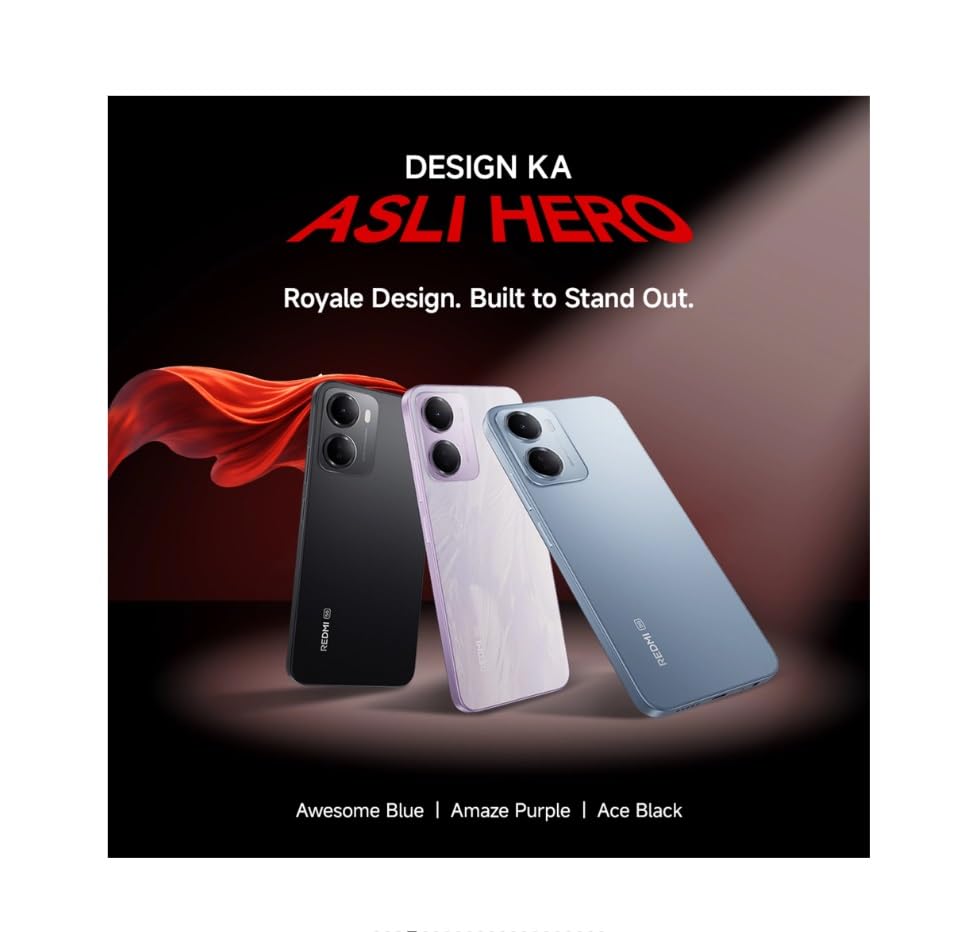
Figure 3: Redmi 15A 5G Battery Capacity (6300mAh)
4.3. Posodobitve programske opreme
Regularly check for and install software updates to ensure your device has the latest features, security patches, and performance improvements. Go to Settings > About phone > MIUI version (or Android version) to check for updates.
4.4. Varnostno kopiranje podatkov
It is recommended to regularly back up your important data (photos, contacts, documents) to a cloud service or a computer to prevent data loss in case of device malfunction or loss.
5. Odpravljanje težav
5.1. Naprava se ne vklopi
- Prepričajte se, da je baterija napolnjena. Priključite polnilnik in počakajte nekaj minut, preden poskusite vklopiti napravo.
- Pritisnite in držite gumb za vklop vsaj 10-15 sekund, da prisilite ponovni zagon.
5.2. Težave z omrežno povezljivostjo
- Wi-Fi: Restart your router. Forget and reconnect to the Wi-Fi network on your phone.
- Mobilni podatki: Ensure mobile data is enabled and you have an active plan. Try toggling Airplane Mode on and off.
- Calls/SMS: Check SIM card insertion. Ensure you have network signal.
5.3. Application Performance Issues
- Zaprite aplikacije v ozadju.
- Clear the cache of the problematic app (Settings > Apps > Manage apps > [App Name] > Clear cache).
- Ponovno zaženite napravo.
5.4. Tovarniška ponastavitev
Opozorilo: Ponastavitev na tovarniške nastavitve bo izbrisala vse podatke v vaši napravi. Pred nadaljevanjem varnostno kopirajte pomembne podatke.
If other troubleshooting steps fail, you may perform a factory reset: Go to Settings > About phone > Factory reset. Follow the on-screen prompts.
6. Specifikacije
| Funkcija | Specifikacija |
|---|---|
| Znamka | Redmi |
| Model | 15A 5G |
| Operacijski sistem | Android 16, HyperOS 3 |
| RAM pomnilnik | 4 GB |
| Zmogljivost pomnilnika | 64 GB |
| Model procesorja | Core 2 Duo T8300 |
| Hitrost procesorja | 2.2 GHz |
| Napajanje baterije | 6300 mAh |
| Vrsta zaslona | LCD |
| Celična tehnologija | 5G |
| Brezžična omrežna tehnologija | LTE |
| Vrsta priključka | USB tipa C |
| Mere predmeta | 17.2 x 7.9 x 0.8 centimetrov |
| Teža predmeta | 210 gramov |
| Modelno leto | 2026 |
7. Informacije o garanciji
The Redmi 15A 5G comes with a 1-letna garancija proizvajalca za napravo od datuma nakupa. Za priloženo dodatno opremo, vključno z baterijami, velja garancija 6-mesečna garancija proizvajalca od datuma nakupa. Prosimo, shranite dokazilo o nakupu za uveljavljanje garancije.
8. Podpora strankam
For technical assistance, service, or warranty inquiries, please contact Redmi customer support. You can find contact details on the official Redmi website or refer to the warranty card included in your product box.
Proizvajalec: DBG Technology (India) Pvt Ltd, PLOT NO-2, BAWAL, SECTOR-8, Rewari, Haryana, 123501.
Uvoznik: Xiaomi Technology India Private Limited, Building Orchid. Block E, Embassy Tech Village, Marathahalli Outer Ring Road, Devarabisanahalli, Bengaluru 560103.


