
1. Nastavitev
Vsebina paketa
Prepričajte se, da so v paketu prisotni vsi elementi:
- ULANZI D100H Video Editing Keyboard
- USB-C kabel
- Uporabniški priročnik
Polnjenje naprave
Before initial use, fully charge the ULANZI D100H using the provided USB-C cable. Connect the cable to the device's USB-C port and a compatible power source (e.g., computer USB port or USB wall adapter). The device features a 1000mAh rechargeable battery, providing approximately 2.5 hours of continuous use on a full charge. Low standby power consumption (200uA) ensures extended standby time.
Povezljivost
The D100H supports both wired and wireless connections.
- Žična povezava: Connect the device directly to your computer using the USB-C cable.
- Wireless Connection (Bluetooth 5.1): The device can connect to up to three devices simultaneously via Bluetooth.

Figure 1: ULANZI D100H connected wirelessly to a laptop and desktop monitor, demonstrating its Bluetooth capabilities.
Bluetooth združitev
- Locate the Bluetooth switch button on the bottom of the D100H.
- Toggle the switch to one of the three available channels (1, 2, or 3) to initiate pairing mode for that channel.
- On your computer (PC, Mac) or iPad, navigate to Bluetooth settings and select the ULANZI D100H to pair.
- Repeat for up to three different devices as needed.

Figure 2: The Bluetooth switch on the underside of the ULANZI D100H, allowing selection of up to three paired devices.
Software Installation (Ulanzi Studio)
For full customization and advanced features, download and install the Ulanzi Studio software from the official ULANZI website. This software is compatible with Mac and Windows 10+ operating systems.
2. Navodila za uporabo
konecview nadzora
The ULANZI D100H features a multi-functional dial knob and 7 customizable buttons designed for efficient one-hand operation.
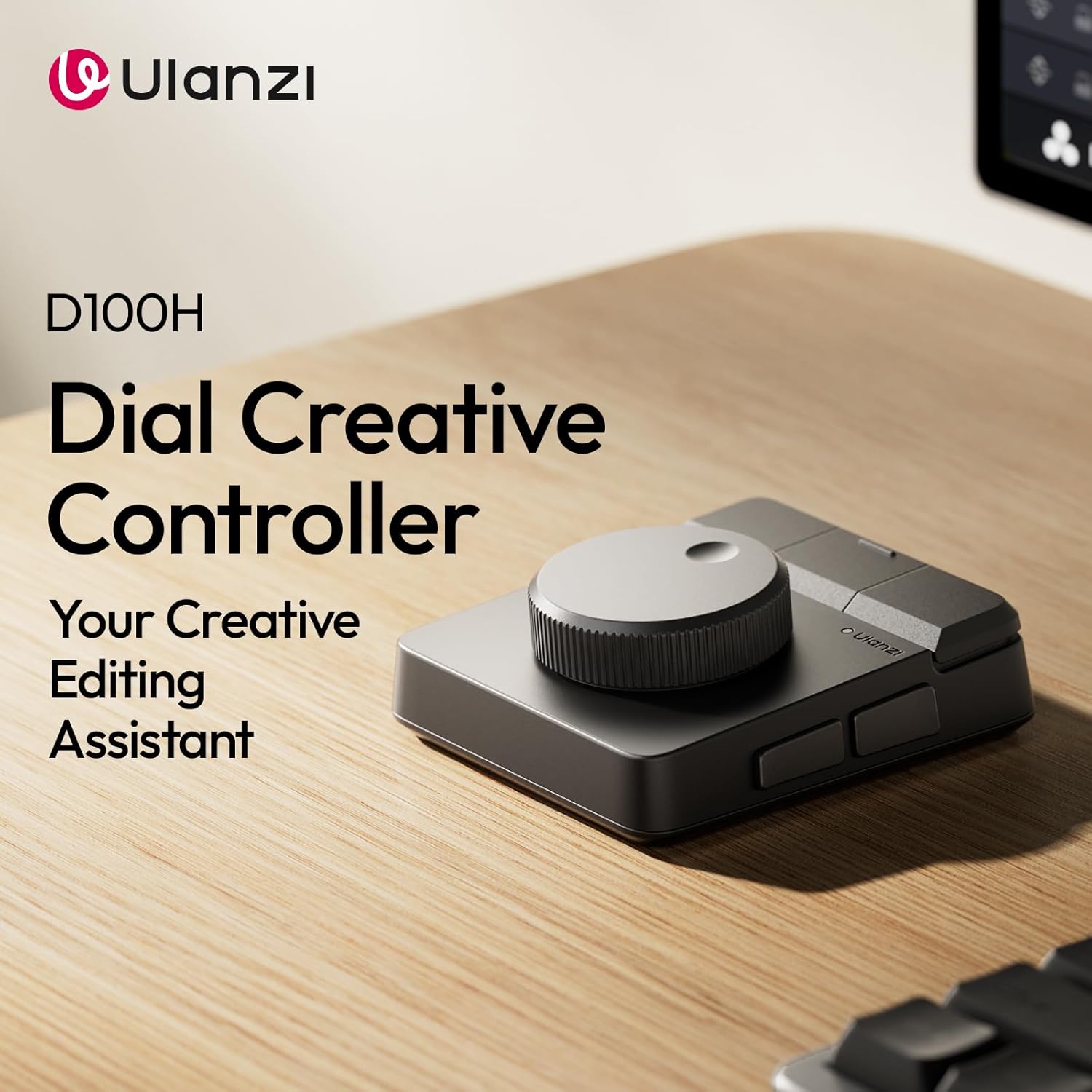
Slika 3: Zgornji del view of the ULANZI D100H, highlighting the central dial and seven programmable buttons.
Dial Knob Functionality
The premium aluminum alloy dial knob provides precise parameter adjustment with anti-slip texture and motor vibration feedback (haptic feedback). This allows for accurate control in tasks such as video color grading, timeline editing, and photo retouching.

Figure 4: Illustration of the D100H's high-precision dial with haptic feedback for precise adjustments.
Načini dela
- Način brez povezave: The device operates with default presets without requiring the Ulanzi Studio software. Default functions include Copy, Paste, Undo, Redo, Play/Pause, Previous, Next, and a multi-functional Knob action.
- Online Mode (Ulanzi Studio): Connect the device to Ulanzi Studio to unlock full customization. You can assign specific shortcuts, macros, and application-specific profiles for various software.

Figure 5: Default button assignments for the ULANZI D100H in standalone mode.
Customization with Ulanzi Studio
The Ulanzi Studio software allows you to:
- Assign custom functions to the 7 buttons and the dial knob (rotation and press).
- Create application-specific profiles for software like CapCut, DaVinci Resolve, Final Cut Pro, Adobe Photoshop/Lightroom Classic.
- Set up system controls such as volume adjustment, screen brightness, and media playback.
- Access a library of plugins and preset files for various content creation and post-production tasks.

Figure 6: Ulanzi Studio interface for customizing the D100H's controls and creating presets.
Integration with ULANZI D200 Series
The ULANZI D100H can be combined with ULANZI D200 series devices (sold separately) to create an extended "key+knob" creative solution, further enhancing workflow efficiency.

Figure 7: The ULANZI D100H paired with a D200 series keypad for an expanded control setup.
Uradni videoposnetek izdelka
Video 1: Official ULANZI D100H Editing Keyboard overview, demonstrating its features and use.
3. Vzdrževanje
Čiščenje
To clean the ULANZI D100H, use a soft, dry, lint-free cloth. For stubborn dirt, a slightly damp cloth can be used, but ensure no moisture enters the device's ports or openings. Avoid using harsh chemicals, abrasive cleaners, or solvents, as these can damage the ABS+PC housing, aluminum alloy knob, or silicone anti-slip pad.
Skrb za baterijo
Za podaljšanje življenjske dobe baterije:
- Izogibajte se pogostemu popolnemu praznjenju baterije.
- Napravo shranjujte na hladnem in suhem mestu, ko je dalj časa ne uporabljate.
- Naprave ne izpostavljajte ekstremnim temperaturam.
4. Odpravljanje težav
Težave s povezljivostjo
- Bluetooth Lag: If experiencing lag with Bluetooth, ensure your computer has a Bluetooth 5.0 (or higher) adapter. Older Bluetooth versions may result in slower response times.
- Naprava se ne povezuje: Ensure the D100H is charged and the correct Bluetooth channel (1, 2, or 3) is selected. Restart both the D100H and your host device, then attempt pairing again.
Občutljivost gumba
The buttons on the D100H are designed for quick response. If accidental presses occur, consider assigning an "Undo" function to an easily accessible button within Ulanzi Studio to quickly revert unintended actions.
Dial Knob Performance
If the dial knob exhibits unexpected behavior or feels less precise, ensure the device is clean and free from debris. If issues persist, consult the Ulanzi Studio Customer Care Assistant for further guidance.
Software Malfunctions
If Ulanzi Studio is not functioning correctly:
- Ensure you have the latest version of the software installed.
- Restart the Ulanzi Studio application and the D100H.
- Preverite, ali je v vašem sistemu prisotna morebitna programska oprema ali gonilniki, ki bi lahko povzročili konflikte.
For detailed guides and solutions to common issues, refer to the Customer Care Assistant section within the Ulanzi Studio software.
5. Specifikacije
| Funkcija | Podrobnost |
|---|---|
| Znamka | ULANZI |
| Številka modela | D100H |
| Tehnologija povezljivosti | Bluetooth 5.1, USB-C |
| Združljive naprave | PC (Windows 10+), Mac, iPad |
| Dimenzije izdelka | 18.3 cm D x 7.2 cm Š x 5.35 cm V (2.32 cm x 13.6 cm x 5.9 cm) |
| Teža predmeta | 265 g |
| Material | ABS+PC housing, aluminum alloy knob, 60° silicone anti-slip pad |
| Baterija | 1000mAh polnilna |
| Število ključev | 7 customizable buttons + 1 multi-functional dial knob |
| Posebne lastnosti | Customizable Display Keys, Ergonomic, Portable, Programmable Keys, Rechargeable, Tactile Feedback |
6. Garancija in podpora
Informacije o garanciji
The ULANZI D100H Video Editing Keyboard comes with a 3-month warranty from the date of purchase. This warranty covers manufacturing defects under normal use. Please retain your proof of purchase for warranty claims.
Podpora uporabnikom
For technical assistance, troubleshooting, or further inquiries, please utilize the Customer Care Assistant feature within the Ulanzi Studio software. You can also visit the official ULANZI webspletno mesto za vire podpore in kontaktne podatke.