
1. Izdelek je končanview
The Portronics Ignis 65 is a high-capacity 20000mAh power bank designed for portable charging of various electronic devices. It features 65W Power Delivery (PD) for fast charging laptops, tablets, and smartphones. The power bank includes an integrated Type-C cable and an LED digital display for monitoring battery status.
1.1 Vsebina paketa
- Portronics Ignis 65 Power Bank (1N)
- Uporabniški priročnik (1N)
1.2 Ključne lastnosti
- 65 W super hitro polnjenje: Delivers high-speed charging for compatible laptops, tablets, and smartphones.
- 20000 mAh visoka zmogljivost: Provides extended power backup for multiple device charges.
- Type-C PD Input & Output Port: Supports 65W output and fast input for quick power bank recharging.
- Built-In Type-C Braided Cable: Integrated cable supports up to 65W charging and functions as a lanyard.
- Pametni LED zaslon: Prikazuje odstotke baterije v realnem časutage in stanje polnjenja.
- Univerzalna združljivost: Charges a wide range of devices including Android smartphones, iPhones, iPads, tablets, MacBooks, smartwatches, earphones, and other Type-C PD-enabled devices.
- Napredne varnostne funkcije: Includes protection against over-charging, overheating, over-current, and short circuits.
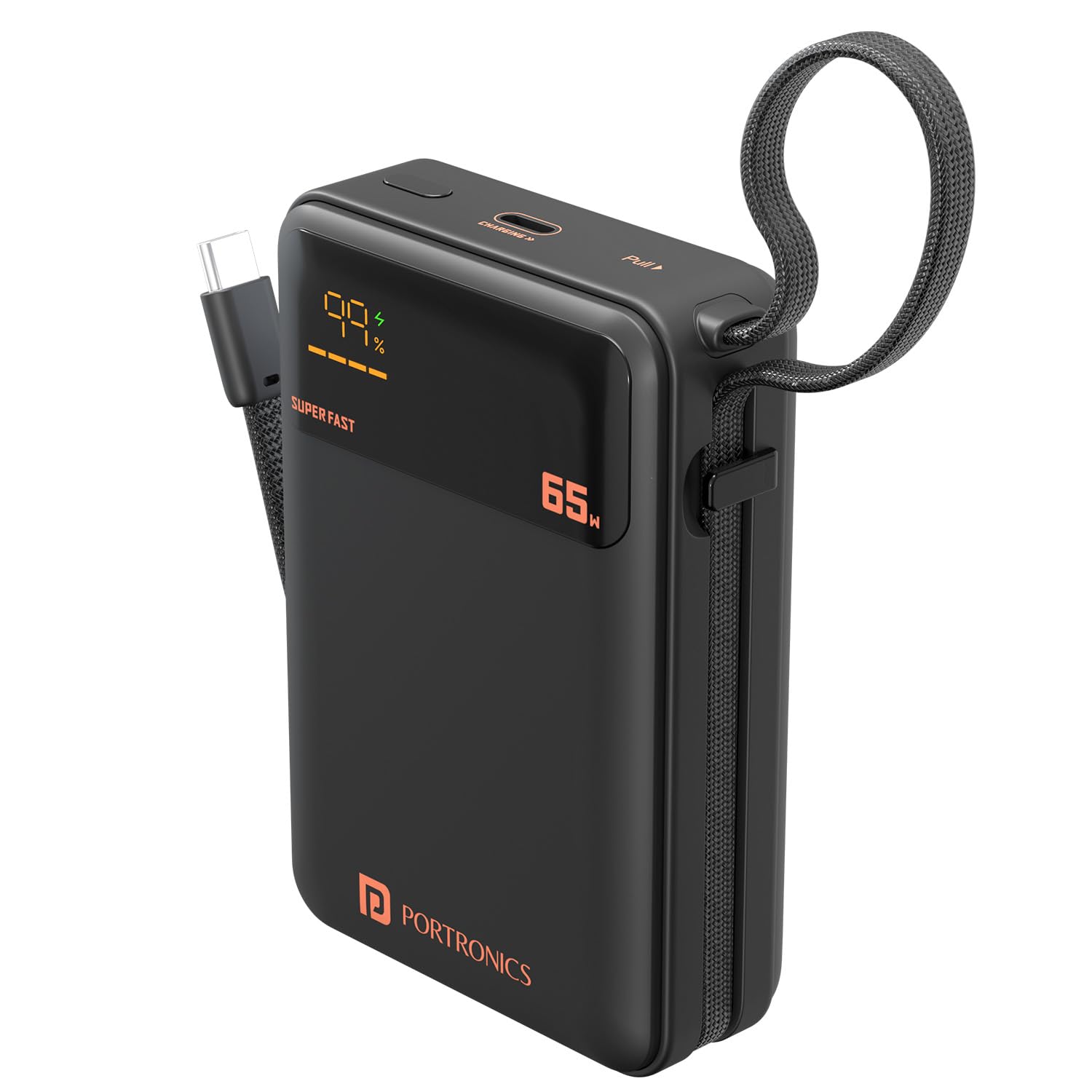
Image: The Portronics Ignis 65 Power Bank, showcasing its 20000mAh capacity while charging a smartphone via its integrated Type-C cable.
2. Varnostne informacije
To ensure safe operation and prolong the lifespan of your Portronics Ignis 65 Power Bank, please adhere to the following safety guidelines:
- Prenosne baterije ne izpostavljajte ekstremnim temperaturam (nad 60 °C ali pod 0 °C), neposredni sončni svetlobi ali ognju.
- Avoid dropping, puncturing, or subjecting the power bank to strong impacts.
- Keep the power bank away from water, moisture, and corrosive liquids.
- Do not attempt to disassemble, repair, or modify the power bank. This will void the warranty and may cause safety hazards.
- Uporabljajte samo certificirane in združljive polnilne kable in adapterje.
- Hraniti izven dosega otrok.
- Powerbank odvrzite odgovorno v skladu z lokalnimi predpisi.

Image: The Portronics Ignis 65 Power Bank with icons illustrating its built-in safety protections: overcharge protection, short circuit protection, fireproof casing, and advanced temperature control.
3. Začetna nastavitev
Before using your Portronics Ignis 65 Power Bank for the first time, it is recommended to fully charge it.
3.1 Polnjenje prenosne baterije
- Connect a compatible USB Type-C charging cable to the power bank's Type-C PD input/output port.
- Connect the other end of the cable to a power adapter (preferably a 65W PD adapter for fastest charging) and plug it into a wall outlet.
- The LED digital display will show the charging status and current battery percentage. The display will indicate "SUPER FAST" if a high-wattage PD charger is used.
- The power bank is fully charged when the LED display shows 100%.

Image: The Portronics Ignis 65 Power Bank highlighting its 65W maximum output and the dual functionality of its Type-C port and integrated Type-C cable for both input and output.
4. Navodila za uporabo
4.1 Polnjenje vaših naprav
The Portronics Ignis 65 offers two methods for charging your devices:
- Using the Built-In Type-C Cable:
- Unfold the integrated flat braided Type-C cable from its storage slot.
- Connect the Type-C end of the cable directly to your compatible device's charging port.
- Prenosna baterija bo samodejno začela polniti vašo napravo. LED-zaslon bo prikazoval preostalo napolnjenost prenosne baterije.
- Using the Type-C PD Port:
- Connect a compatible USB Type-C charging cable to the power bank's Type-C PD input/output port.
- Drugi konec kabla priključite na napravo.
- Prenosna baterija bo samodejno začela polniti vašo napravo.
Opomba: For optimal fast charging, ensure your device and cable support Power Delivery (PD) protocols. The power bank's LED display will show "SUPER FAST" when delivering high-wattage polnjenje.
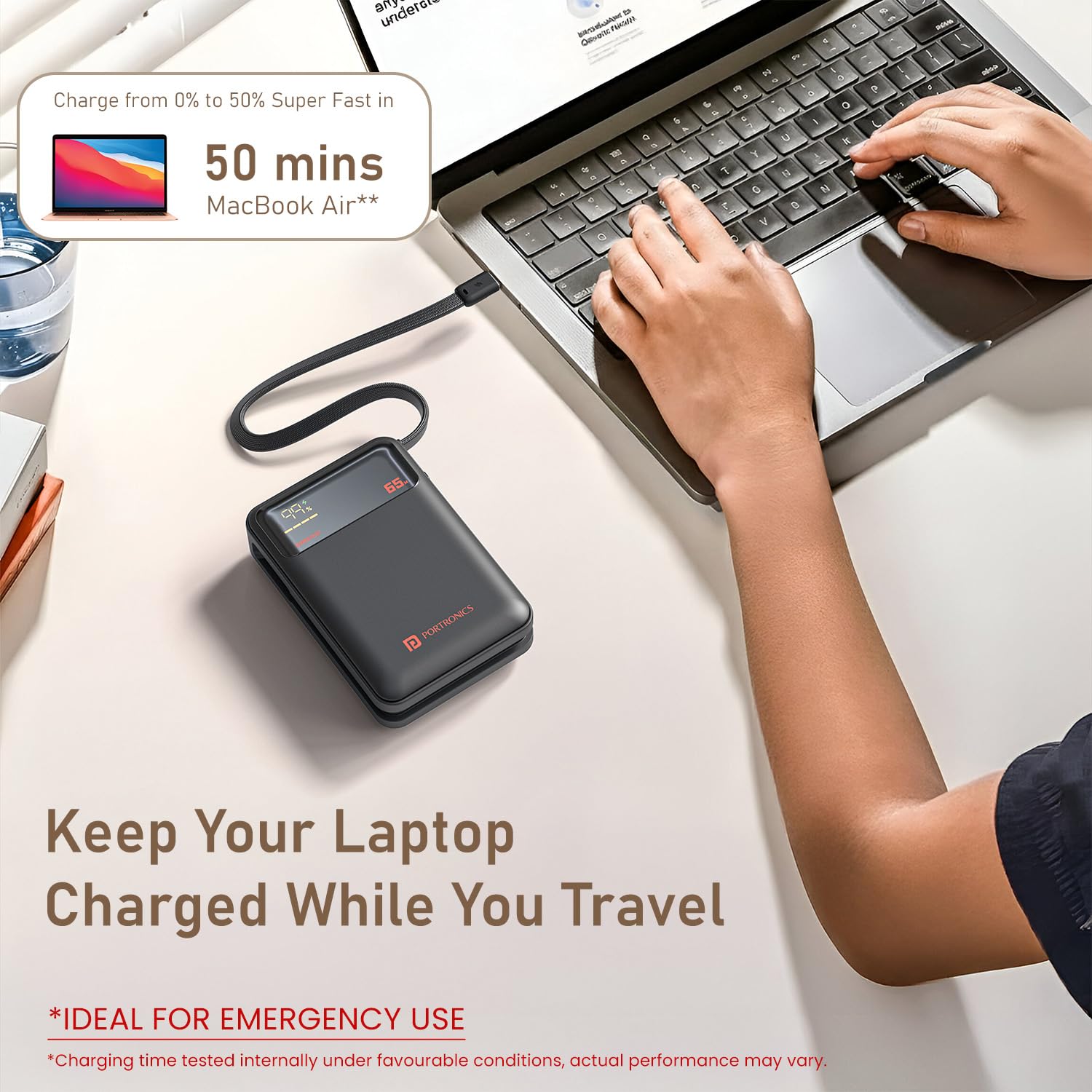
Image: The Portronics Ignis 65 Power Bank connected and charging a MacBook Air, demonstrating its capability to charge laptops.

Image: The Portronics Ignis 65 Power Bank illustrating its universal compatibility with Android smartphones, iPhones, tablets, iPads, MacBooks, smartwatches, earphones, and other laptops.
4.2 LED digitalni zaslon
The integrated LED display provides real-time information:
- Odstotek baterijetage: Shows the remaining charge level of the power bank (0-100%).
- Stanje polnjenja: Indicates when the power bank is being charged or is charging a device.
- "SUPER FAST" Indicator: Lights up when the power bank is engaged in high-speed 65W Power Delivery charging.
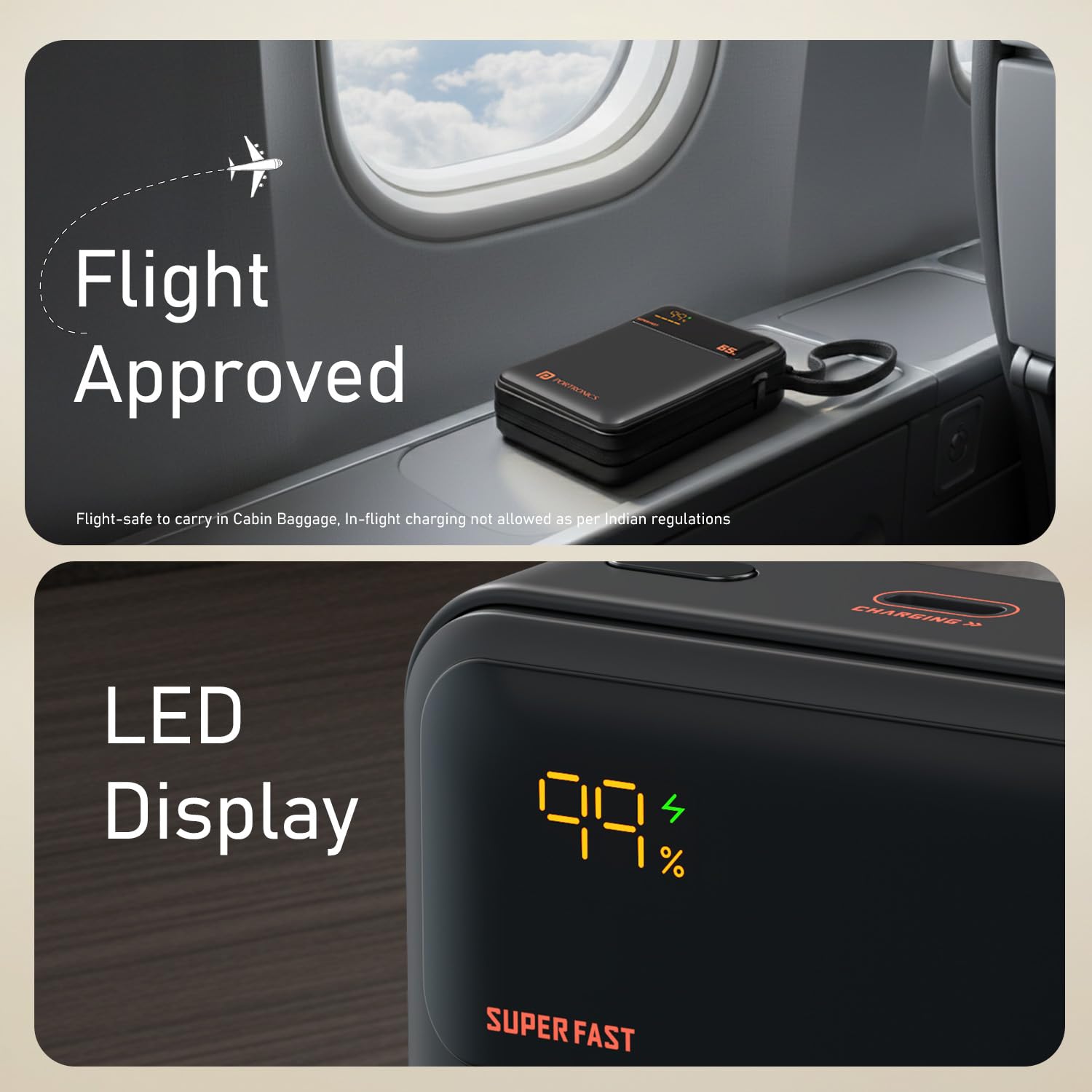
Image: A close-up of the Portronics Ignis 65 Power Bank's LED display, showing a 99% charge level and the 'SUPER FAST' indicator, alongside a 'Flight Approved' graphic.
5. Vzdrževanje
Proper care and maintenance will help ensure the longevity and optimal performance of your power bank.
- Čiščenje: Za čiščenje zunanjosti prenosne baterije uporabite mehko, suho krpo. Ne uporabljajte agresivnih kemikalij ali abrazivnih materialov.
- Shranjevanje: Prenosno baterijo shranjujte na hladnem in suhem mestu, stran od neposredne sončne svetlobe in ekstremnih temperatur. Če jo shranjujete dlje časa, jo napolnite na približno 50–75 % vsake 3–6 mesecev, da ohranite njeno zmogljivost.
- Vzdrževanje baterije: Izogibajte se pogostemu praznjenju prenosne baterije, saj lahko to skrajša življenjsko dobo baterije.
6. Odpravljanje težav
If you encounter issues with your Portronics Ignis 65 Power Bank, refer to the following common solutions:
| Težava | Možen vzrok | rešitev |
|---|---|---|
| Powerbank se ne polni | Loose cable connection, faulty adapter/cable, power outlet issue. | Ensure cables are securely connected. Try a different Type-C cable or power adapter. Test the power outlet with another device. |
| Naprava se ne polni iz power bank | Power bank is discharged, loose cable, incompatible device, faulty cable/port. | Check power bank's charge level on the LED display. Ensure cable is securely connected to both devices. Try a different cable or the other Type-C port/cable. Ensure your device is compatible. |
| Slow charging or not reaching 65W | Device/cable not PD compatible, power bank charge level low, multiple devices charging, thermal throttling. | Ensure your device and cable support 65W PD. Fully charge the power bank. Avoid charging multiple devices simultaneously if high power is needed for one. Allow the power bank to cool if it feels warm. |
| LED zaslon ne deluje | Notranja okvara. | Za pomoč se obrnite na podporo strankam. |
7. Specifikacije izdelka
| Funkcija | Podrobnost |
|---|---|
| Ime modela | Ignis |
| Številka modela | POR-3019 |
| Kapaciteta baterije | 20000 milliamp Ure (mAh) |
| Tip baterije | Litijev polimer |
| Največja izhodna moč | 65 W |
| Vrsta priključka | USB Type C (Built-in cable and port) |
| Število vrat | 1 (Type-C PD input/output) + 1 (Built-in Type-C cable output) |
| Združljive naprave | Smartphones, Tablets, Laptops (Type-C PD enabled) |
| barva | Črna |
| Teža predmeta | 380 gramov |
| Mere predmeta (D x Š x debelina) | 13.2D x 10.7Š x 3.6 centimetrov |
| Vir napajanja | Napajanje na baterije |
| Država izvora | Indija |
8. Garancija in podpora
8.1 Informacije o garanciji
The Portronics Ignis 65 Power Bank comes with a 1-letna garancija od datuma nakupa. Ta garancija krije proizvodne napake. Za uveljavljanje garancije shranite račun.
8.2 Podpora strankam
For any assistance, technical support, or warranty-related queries, please contact Portronics customer service:
- Telefon/WhatsApp: +91 9555-245-245
- Podpora po e-pošti: help@portronics.com
- Spletni portal za podporo: https://support.portronics.com
- Delovni čas: 10am - 6pm (IST)
Manufacturer Contact Information: Portronics Digital Pvt. Ltd., First Floor Property No D 8 Upper Basement Sector 8 Noida Uttar Pradesh 201301