
1. Uvod
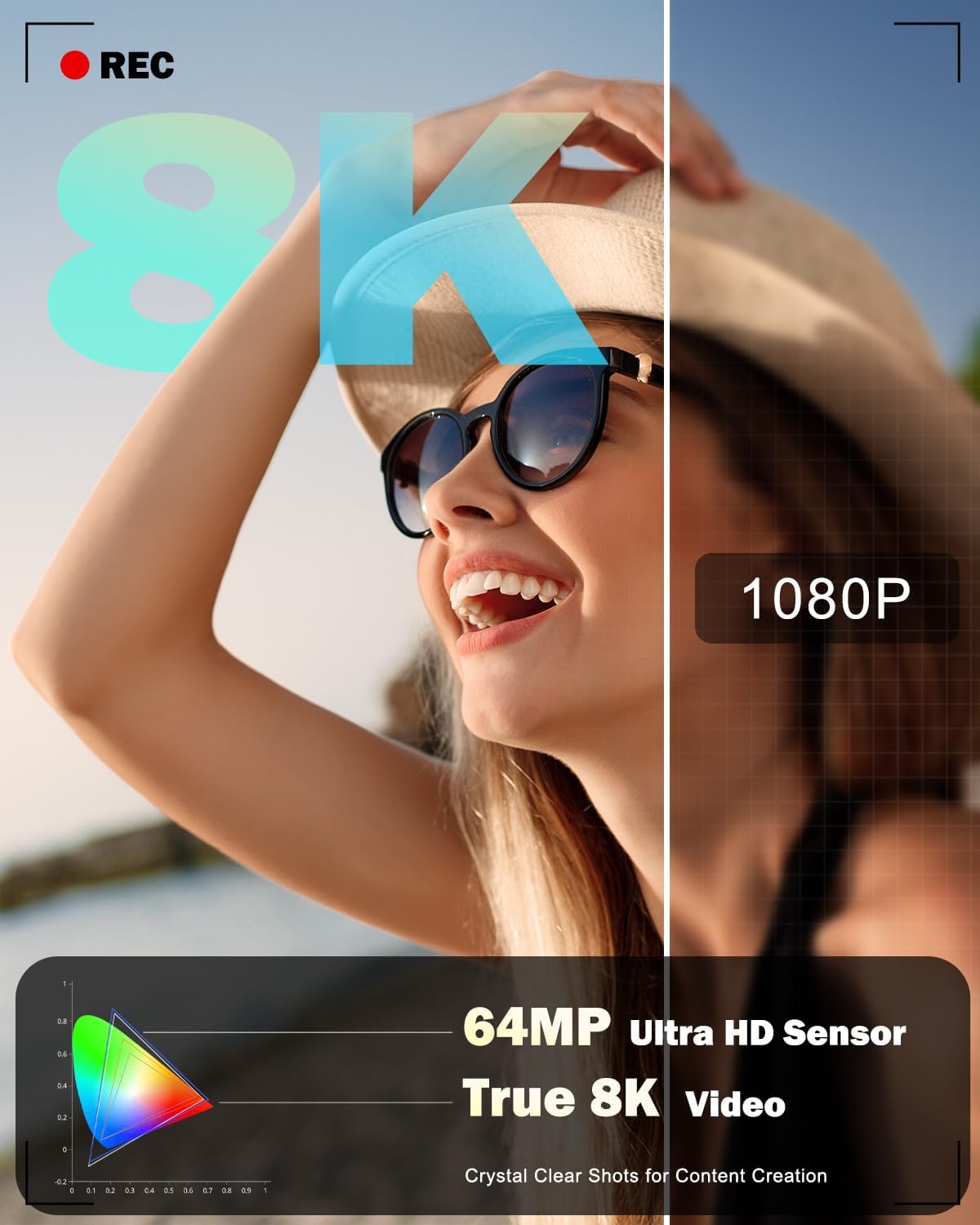
This manual provides essential information for the safe and effective use of your NBD 8K 64MP Digital Camera. Please read this manual thoroughly before using the camera and retain it for future reference. This camera is designed for capturing high-resolution photos and videos, featuring an 8K video recording capability, 64MP still image resolution, 16X digital zoom, and a 180-degree flip screen for versatile shooting.
2. Varnostne informacije
- Do not expose the camera to water or moisture. This device is not water-resistant.
- Pazite, da vam fotoaparat ne pade na tla ali da ga ne izpostavljate močnim udarcem.
- Fotoaparat hranite stran od močnih magnetnih polj.
- Do not attempt to disassemble or modify the camera. Repairs should only be performed by authorized service personnel.
- Use only NBD-approved batteries and chargers.
- Ko fotoaparata ne uporabljate, ga hranite na hladnem in suhem mestu.
- Hraniti izven dosega otrok.
3. Vsebina paketa
Preverite, ali so v vašem paketu priloženi vsi spodaj navedeni elementi:
- NBD S100F 8K Camera
- 52 mm širokokotni objektiv
- 52 mm makro objektiv
- Polnilne litij-ionske baterije (x2)
- Polnilec baterij
- Vrv za vrat kamere (trak)
- Black Leather Bag (Pouch)
- 64GB Memory Card (TF Card)
- USB kabel
- Čitalec kartic
- Navodila za uporabo
- Krpa za čiščenje leč

Slika 3.1: Priložena dodatna oprema
4. Komponente kamere
Familiarize yourself with the main parts and controls of your NBD 8K 64MP Digital Camera.
4.1 Spredaj View
Slika 4.1: Spredaj View kamere
This image displays the front of the camera, highlighting the main lens, built-in flash, and the NBD branding.
4.2 zadaj View and Flip Screen

Slika 4.2: Zadaj View with Flip Screen
Zadnji del view shows the 3-inch IPS 180-degree flip screen, which can be rotated for selfies or vlogging, along with various control buttons for menu navigation and settings adjustment.
4.3 vrh View

Slika 4.3: Zgornji del View kamere
The top of the camera features the mode dial for selecting different capture modes, the shutter button, and the zoom control lever.
4.4 Mere

Slika 4.4: Dimenzije kamere
The camera is designed to be compact and portable, with approximate dimensions of 4.5 inches by 2.7 inches, making it easy to carry.
5. Nastavitev
5.1 Namestitev in polnjenje baterije
- Odprite pokrov predalčka za baterije, ki se nahaja na spodnji strani fotoaparata.
- Vstavite popolnoma napolnjeno litij-ionsko baterijo in pri tem pazite na pravilno orientacijo, kot je označeno v notranjosti predala.
- Trdno zaprite pokrov prostora za baterije.
- To charge the battery, insert it into the provided charger and connect the charger to a power source. The indicator light on the charger will show the charging status.
5.2 Namestitev pomnilniške kartice
- Locate the memory card slot, typically near the battery compartment or on the side of the camera.
- Insert the 64GB microSD card (TF card) into the slot with the contacts facing the correct direction until it clicks into place.
- Če želite kartico odstraniti, jo nežno potisnite navznoter, dokler ne izskoči.
5.3 Pritrjevanje objektivov
The camera comes with a 52mm Macro Lens and a detachable wide-angle lens. To attach:
- Align the threads of the desired lens (macro or wide-angle) with the threads on the camera's main lens.
- Gently screw the lens clockwise until it is securely fastened. Do not overtighten.
- Za odstranitev odvijte v nasprotni smeri urinega kazalca.
5.4 Začetni vklop in osnovne nastavitve
- Pritisnite in držite gumb za vklop, da vklopite fotoaparat.
- Upon first use, you may be prompted to set the date, time, and language. Follow the on-screen instructions using the navigation buttons and the 'OK' button.
- Format the memory card before first use to ensure optimal performance. Navigate to the 'Settings' menu, find 'Format Card', and confirm.
6. Upravljanje kamere
6.1 Vklop/izklop
Press the power button to turn the camera on or off. The camera will automatically power off after a period of inactivity to conserve battery life.
6.2 Osnove fotografiranja (fotografije)
- Turn the mode dial to the 'Photo' icon.
- Frame your shot using the 3-inch flip screen.
- Press the shutter button halfway down to activate autofocus. The focus frame will appear on the screen.
- Once focus is achieved, press the shutter button fully to capture the image.
6.3 Video snemanje
- Turn the mode dial to the 'Video' icon.
- Press the shutter button to start recording. A 'REC' indicator will appear on the screen.
- Ponovno pritisnite sprožilec, da ustavite snemanje.
6.4 Using Capture Modes
The camera offers various capture modes accessible via the mode dial:

Figure 6.1: Camera Capture Modes
- Foto način: Standardno zajemanje fotografij.
- Intervalna fotografija: Captures a series of photos at set intervals.
- Video način: Standard video recording (up to 8K resolution).
- Počasni video: Records video for slow-motion playback.
- Interval Video: Records video clips at set intervals for time-lapse effects.
- Način predvajanja: Review posnetih fotografij in video posnetkov.
6.5 Delovanje samodejnega ostrenja
The camera features an autofocus system. Half-pressing the shutter button will engage the autofocus, indicated by a green frame on the screen when focus is achieved. The camera also supports face detection for improved portrait photography.

Figure 6.2: Autofocus in Action

Figure 6.3: Face Detection Autofocus
6.6 Digitalni zoom
The camera features 16X digital zoom. Use the zoom lever (typically around the shutter button) to zoom in or out. Note that digital zoom magnifies the image electronically and may result in some loss of image quality compared to optical zoom.

Figure 6.4: Digital Zoom Levels
6.7 Uporaba preklopnega zaslona
The 180-degree flip screen allows for flexible viewing angles. Rotate the screen to face forward for self-portraits or vlogging. The camera can also function as a PC webcam when connected via USB, utilizing the flip screen for monitoring.

Figure 6.5: Camera as PC Webcam
6.8 Delovanje bliskavice
The camera includes a built-in flash for illuminating subjects in low-light conditions. The flash can be set to automatic or forced-on modes via the camera's menu settings.

Figure 6.6: Built-in Flash Effect
6.9 Povezava WiFi in upravljanje z aplikacijo
The camera supports WiFi connectivity for remote control and image transfer to smartphones or computers.
- Enable WiFi on the camera via the settings menu.
- Download the dedicated NBD camera app on your smartphone.
- Pametni telefon povežite z omrežjem WiFi kamere.
- Use the app for remote framing, transferring photos and videos, and sharing content to social media platforms.

Figure 6.7: WiFi and USB Connectivity
7. Vzdrževanje
7.1 Cleaning the Camera and Lenses
- Use the provided lens cleaning cloth or a soft, lint-free cloth to gently wipe the camera body and screen.
- For lenses, use a lens brush to remove dust, then gently wipe with a lens cleaning cloth. Do not use abrasive materials or harsh chemicals.
7.2 Skrb za baterije
- Charge batteries fully before use.
- Če fotoaparata ne boste uporabljali dlje časa, odstranite baterije iz njega.
- Baterije hranite na hladnem in suhem mestu.
7.3 Shranjevanje
When storing the camera, ensure it is turned off, and the lens cap is attached. Place it in the provided pouch or a camera bag to protect it from dust and scratches.
8. Odpravljanje težav
Če imate težave s fotoaparatom, si oglejte naslednje pogoste težave in rešitve:
| Težava | Možen vzrok | rešitev |
|---|---|---|
| Kamera se ne vklopi. | Baterija je prazna ali nepravilno vstavljena. | Baterijo popolnoma napolnite in se prepričajte, da je pravilno vstavljena. |
| Fotografiranje/snemanje videoposnetkov ni mogoče. | Pomnilniška kartica je polna, ni vstavljena ali je poškodovana. | Vstavite pomnilniško kartico in izbrišite nepotrebne files, or format the card (backup data first). |
| Slike so zamegljene. | Samodejno ostrenje ni uspelo, tresenje fotoaparata ali umazan objektiv. | Ensure autofocus locks before shooting, hold camera steady, or clean the lens. |
| Težave z brezžično povezavo. | Incorrect password, camera WiFi not enabled, or app issues. | Verify WiFi password, enable WiFi on camera, restart app/camera. |
| No sound in recorded videos. | Microphone settings, or external microphone not connected properly. | Check camera audio settings. Ensure any external microphone is securely connected and functional. |
If the problem persists, please contact NBD customer support.
9. Specifikacije
| Funkcija | Specifikacija |
|---|---|
| Ime modela | NBD-8K64MP |
| Tehnologija foto senzorja | CMOS |
| Učinkovita še vedno ločljivost | 64 MP |
| Video ločljivost | 8K (7680x4320), 5K (5120x2880 @ 25 FPS) |
| Digitalni zoom | 16X |
| Vrsta objektiva | 52mm Macro Lens, Detachable Wide-Angle Lens |
| Zaslon | 3-inch IPS 180° Flip LCD Screen |
| Samodejno ostrenje | Yes (Hybrid Auto Focus) |
| Razpon ISO | 100-3200 |
| Mediji za shranjevanje | microSD (64GB card included) |
| Povezljivost | USB, Wi-Fi |
| Vrsta baterije | Litij-ionska baterija (x2 priložena) |
| Podprto File Formati | JPEG, MP4 |
| Načini fotografiranja | Easy, Landscape, Movie, Portrait, Sports, Interval Photo, Interval Video, Slow Motion |
| Vrsta pritrditve | Stativ |
| Stopnja vodoodpornosti | Ni vodoodporen |
10. Garancija in podpora
Your NBD 8K 64MP Digital Camera is covered by a manufacturer's warranty. Please refer to the warranty card included in your package for specific terms and conditions. For technical support, troubleshooting assistance, or warranty claims, please visit the official NBD website or contact NBD customer service through the contact information provided in your product documentation.
No official product videos from the seller were found to embed in this manual.