
1. Uvod
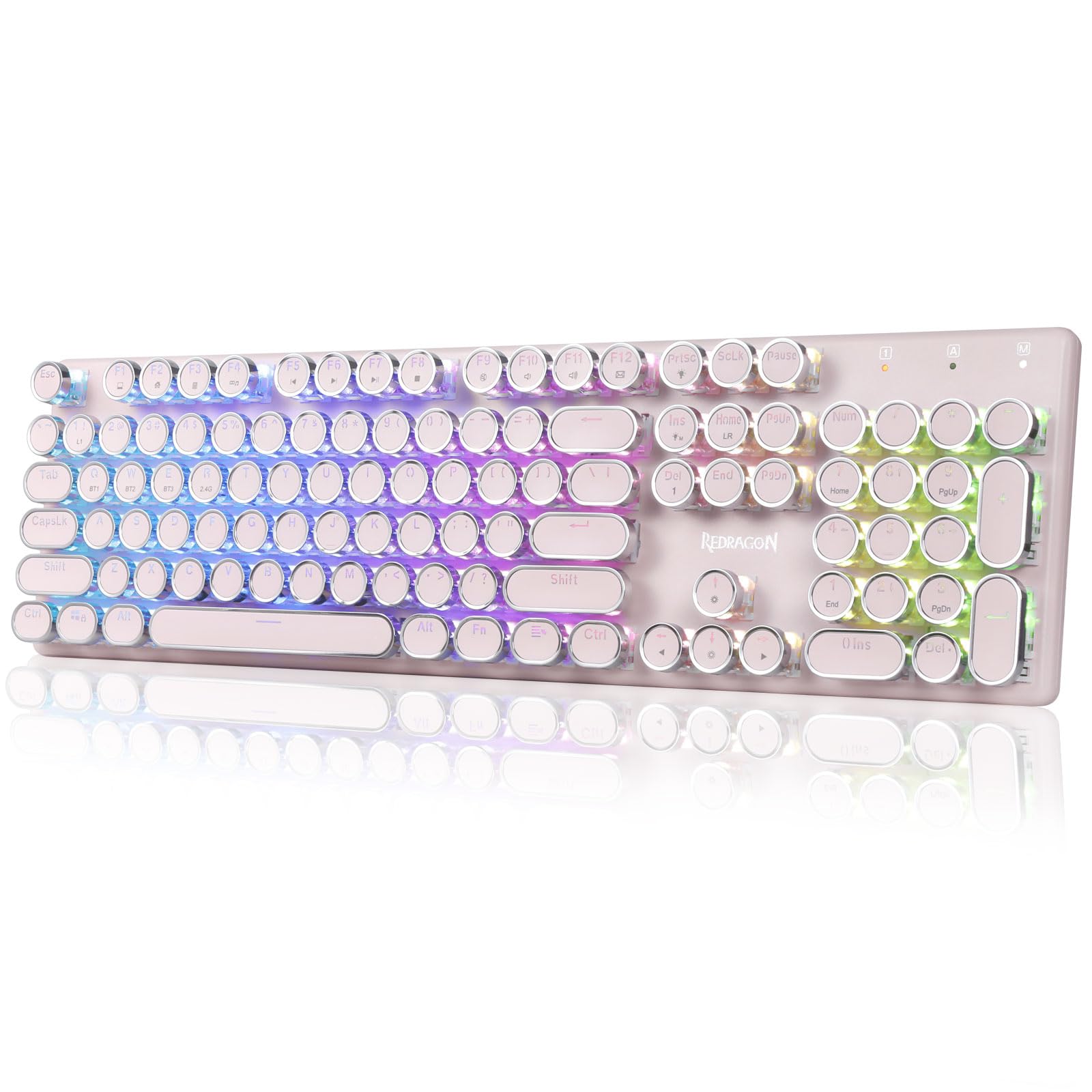
The Redragon K710 is a versatile mechanical gaming keyboard designed for a superior typing and gaming experience. It features a retro typewriter style with round keycaps and offers multiple connectivity options, vibrant RGB backlighting, and durable construction. This manual provides detailed instructions for setup, operation, maintenance, and troubleshooting.

2. Nastavitev
2.1 Vsebina paketa
Preden začnete, se prepričajte, da so v paketu vsi elementi:
- Brezžična mehanska igralna tipkovnica Redragon K710
- USB-C kabel
- 2.4Ghz Wireless Dongle
- Snemalec ključev (če je priložen)
- Uporabniški priročnik
2.2 Začetno polnjenje
For optimal performance, fully charge the keyboard before first use. Connect the provided USB-C cable to the keyboard's port and to a USB power source (e.g., computer, wall adapter). The LED indicator will show charging status.
2.3 Načini povezljivosti
The Redragon K710 supports three connection modes: 2.4Ghz Wireless, Bluetooth 3.0/5.0, and USB-C Wired.


2.3.1 2.4Ghz Wireless Mode
- Locate the 2.4Ghz wireless dongle, usually stored in a compartment on the back of the keyboard.
- Priključek priključite na razpoložljiva vrata USB na vašem računalniku.
- Switch the mode selector on the back of the keyboard to "2.4G".
- Pritisnite in držite FN + R on the keyboard to enter 2.4G pairing mode. The indicator light will flash.
- Tipkovnica bi se morala povezati samodejno.
2.3.2 Način Bluetooth
- Switch the mode selector on the back of the keyboard to "BT".
- Pritisnite in držite FN + Q, FN + W, oz FN + E for 3 seconds to select a Bluetooth channel (BT1, BT2, or BT3). The indicator light for the selected channel will flash rapidly, indicating pairing mode.
- On your device (PC, laptop, tablet, phone), open Bluetooth settings and search for new devices.
- Select "Redragon K710" from the list of available devices to pair.
- Ko je povezava vzpostavljena, indikatorska lučka preneha utripati.
2.3.3 Žični način USB-C
- Connect the provided USB-C cable to the keyboard and to a USB port on your computer.
- Tipkovnica bo samodejno preklopila v žično delovanje in se začela polniti.
3. Navodila za uporabo
3.1 Nadzor osvetlitve ozadja RGB
The K710 keyboard features 16.8 million RGB backlighting with various modes and customization options.

- FN + INS: Switch between 16 different RGB lighting modes and effects.
- FN + ↑ / ↓: Prilagodite svetlost osvetlitve ozadja (5 stopenj).
- FN + DEL: Cycle through 7 solid colors (Red, Green, Blue, Yellow, Purple, Cyan, White).
- FN + PrtSc: Toggle backlight on/off.
3.2 Custom Backlighting
You can customize individual key backlighting:
- Pritisnite FN + 1 to enter game mode.
- Pritisnite FN + Domov to enter custom recording state.
- Press desired keys continuously to set their color.
- Pritisnite FN + Domov again to save the custom lighting.
3.3 Večpredstavnostne bližnjice
Access various functions using FN key combinations:

- FN + F1: Moj računalnik
- FN + F2: Domača stran
- FN + F3: Kalkulator
- FN + F4: igralec
- FN + F5: Prejšnja skladba
- FN + F6: Naslednja skladba
- FN + F7: Predvajaj/Premor
- FN + F8: Nehaj
- FN + F9: Nemo
- FN + F10: Volume -
- FN + F11: glasnost +
- FN + F12Pošta
- FN + ZMAGA: Lock/Unlock Windows Key
- FN + ESC (drži 5 s): Obnovi tovarniške nastavitve
3.4 Upravljanje baterije
The keyboard is equipped with a durable 4000mAh battery.

- Življenjska doba baterije: Up to 70 hours with RGB lights on, and over 300 hours with lights off.
- Polnjenje: A fast charge can provide enough power for a full day's use.
- Preverite nivo baterije: Pritisnite FN + Enter to check the current battery level via the LED indicators.

3.5 Auto Power Saving
To conserve battery, the keyboard's backlight will automatically turn off after 3 minutes of inactivity in wireless mode. Press any key to wake up the keyboard.
3.6 Programska podpora
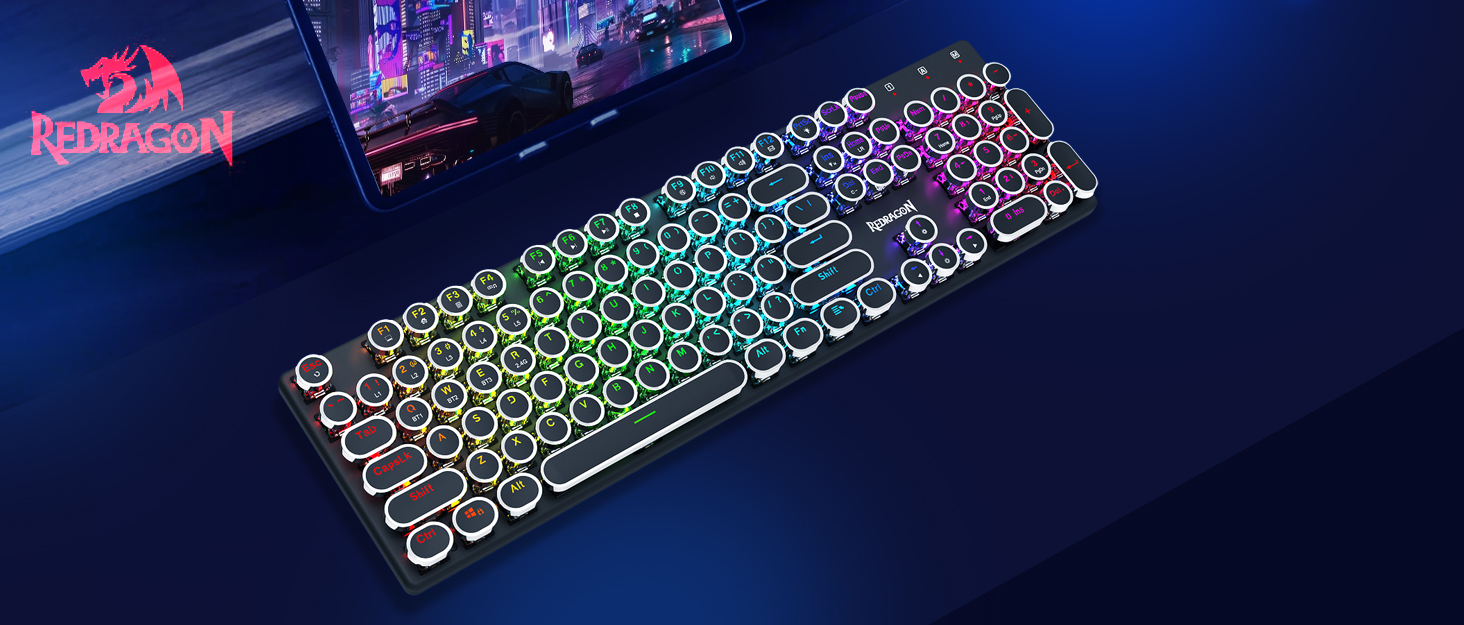
The Redragon K710 is compatible with dedicated software for advanced customization, including macro recording, key remapping, and detailed lighting effects.

To download the driver software, visit the official Redragon webspletno mesto: redragonzone.com/software.html. Navigate to "KEYBOARDS", search for model "K710", and download the appropriate software.
4. Vzdrževanje
4.1 Čiščenje
- Pred čiščenjem tipkovnico izključite iz vseh virov napajanja.
- Za brisanje površine tipkovnice uporabite mehko, suho krpo.
- Za prah in umazanijo med tipkami uporabite stisnjen zrak.
- The included keycap puller can be used to carefully remove keycaps for deeper cleaning of the switches.
4.2 Shranjevanje
Store the keyboard in a cool, dry place away from direct sunlight and extreme temperatures. Avoid placing heavy objects on the keyboard.
5. Odpravljanje težav
- Tipkovnica se ne odziva: Ensure the keyboard is charged. Check the connection mode (wired, 2.4G, Bluetooth) and ensure it matches your device. Try reconnecting the USB cable or re-pairing the wireless connection.
- Tipke se ne registrirajo ali tipkajo dvakrat: Clean under the keycaps. If using wireless, ensure the dongle is securely plugged in or Bluetooth connection is stable. Try updating the keyboard firmware via the Redragon software.
- RGB luči ne delujejo: Check if the backlight is turned off (FN + PrtSc). Adjust brightness (FN + ↑/↓). If issues persist, perform a factory reset (FN + ESC for 5 seconds).
- Težave s povezavo Bluetooth: Ensure your device's Bluetooth is enabled. Remove the keyboard from your device's paired list and re-pair it. Try a different Bluetooth channel (FN + Q/W/E).
- Software download link not working: Ensure you are visiting the official Redragon webspletno mesto (redragonzone.com/software.html) and searching for the correct model (K710).
6. Specifikacije
| Funkcija | Podrobnost |
|---|---|
| Znamka | Reddragon |
| Številka modela | K710P-RGB |
| Povezljivost | 2.4Ghz Wireless, Bluetooth 3.0/5.0, USB-C Wired |
| Vrsta tipkovnice | Mehanski |
| Tip stikala | Blue Switch (Clicky, Tactile) |
| Tipkovnice | Round, Electroplated, Double Shot |
| Osvetlitev ozadja | RGB (16.8 Million Colors, 16+ Modes) |
| Anti-Ghosting | 104-tipkovna zaščita pred ignoriranjem |
| Kapaciteta baterije | 4000 mAh |
| Material | Metal (Panel), Plastic |
| Teža predmeta | 950 gramov |
| Združljive naprave | Igralna konzola, prenosnik, računalnik, tablica |


7. Garancija in podpora
Za informacije o garanciji, tehnično podporo ali dodatno pomoč obiščite uradno spletno stran Redragon. website or contact their customer service. The latest drivers and software can be found at redragonzone.com/software.html.