
Uvod
Thank you for choosing the HOUSBAY GS1 Alarm Clock Sound Machine. This device combines an alarm clock, a sound machine with 25 natural sounds, and a powerful Bluetooth speaker into one compact unit. Designed for improved sleep, gentle wake-ups, and versatile audio entertainment, it features a built-in rechargeable battery for cord-free use. Please read this manual carefully to ensure proper operation and to fully utilize all features.
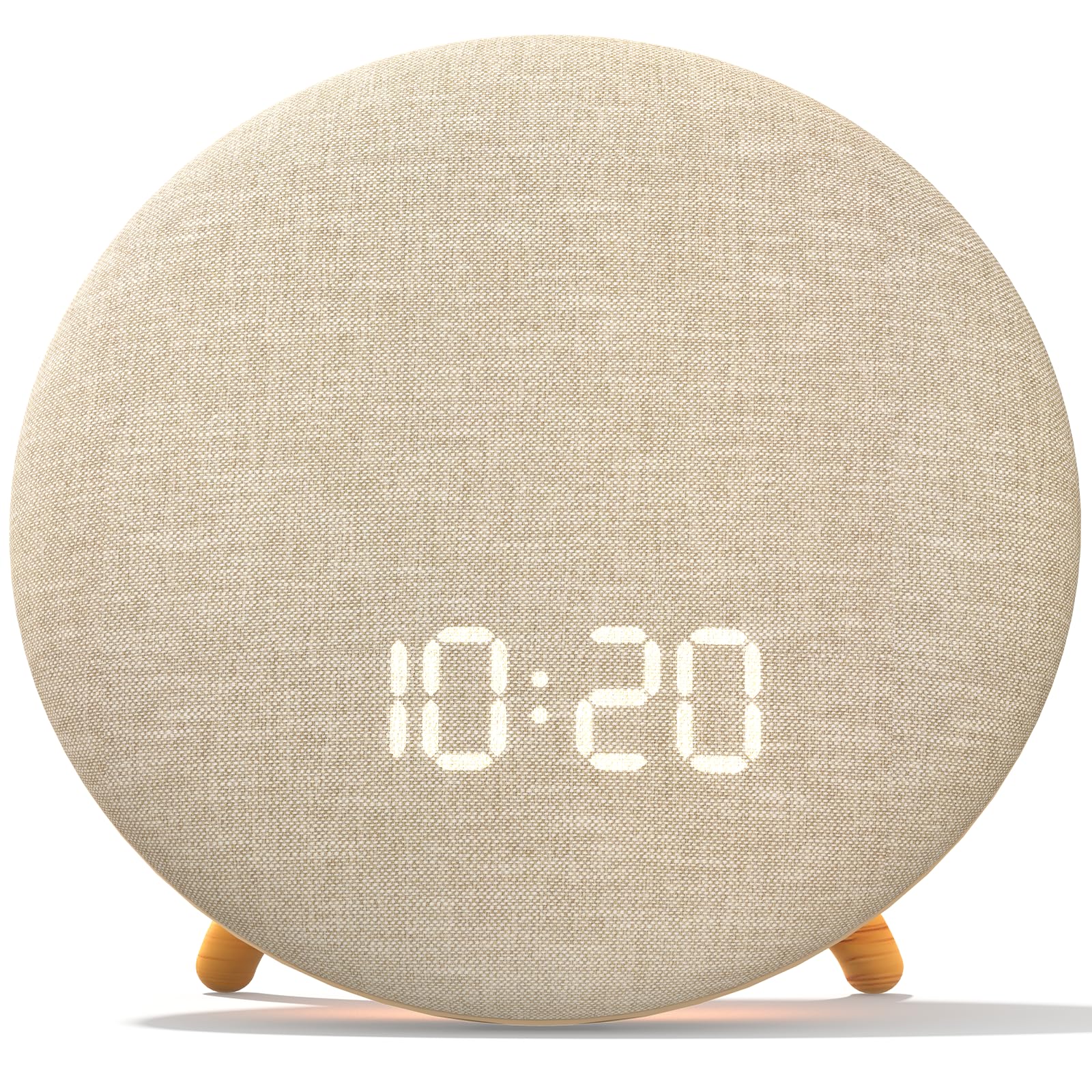
Figure 1: The HOUSBAY GS1 Alarm Clock Sound Machine, showcasinzaradi svoje kompaktne zasnove in digitalnega zaslona.
Vsebina paketa
- HOUSBAY GS1 Alarm Clock Sound Machine
- USB polnilni kabel tipa C
- Uporabniški priročnik
Konec izdelkaview
The HOUSBAY GS1 features a minimalist design with intuitive controls. The front panel displays the time, while the top surface typically houses touch-sensitive buttons for various functions. The device is equipped with a 3-speaker system for enhanced sound quality.

Figure 2: Internal speaker configuration of the HOUSBAY GS1, highlighting the three-speaker design for rich sound.
Nastavitev
1. Polnjenje naprave
Before first use, fully charge the device using the provided USB Type-C cable. Connect the cable to the USB-C port on the back of the unit and plug the other end into a compatible USB power adapter (not included). The charging indicator will show the charging status.

Figure 3: Illustration of the USB Type-C charging port and battery level display.
2. Vklop/izklop
Press and hold the Power button (usually located on the top or back) for a few seconds to turn the device on or off.
3. Nastavitev časa
Refer to the specific button layout in your quick start guide for exact time setting instructions. Typically, a 'Time Set' button or a combination of 'Mode' and 'Up/Down' buttons is used to adjust hours and minutes.
Upravljanje budilke
The HOUSBAY GS1 offers a gentle wake-up experience with customizable alarm sounds and gradual volume increase.
1. Nastavitev alarma
- Press the 'Alarm' button to enter alarm setting mode.
- Use the 'Up' and 'Down' buttons to adjust the hour and minute.
- Press the 'Alarm' button again to confirm and move to the next setting (e.g., alarm sound, volume).
- Select from 10 gentle wake-up sounds, such as birdsong or soft melodies.
- Confirm your settings to activate the alarm.
2. Funkcija dremeža
When the alarm sounds, press the 'Snooze' button (often a large central button) to temporarily pause the alarm. The alarm will sound again after a set interval (e.g., 9 minutes).
3. Disabling an Alarm
To turn off a sounding alarm, press any button other than 'Snooze'. To disable an alarm permanently, navigate to the alarm setting mode and toggle the alarm off.

Figure 4: The HOUSBAY GS1 providing a gentle wake-up experience in a bedroom setting.
Using the Sound Machine
The sound machine offers 25 natural sounds to help you relax, focus, or fall asleep.
1. Selecting Sounds
Press the 'Sound' button to cycle through the available soundscapes. These include nature sounds (ocean waves, rainfall, thunderstorm, birds chirping), yoga/meditation sounds, and various white noises/fan sounds.

Slika 5: Konecview of the 25 available soundscapes for relaxation and sleep.
2. Časovnik samodejnega izklopa
Activate the auto-off timer to have the sound fade out after a set duration (e.g., 30, 60, or 120 minutes), or choose to play sounds all night. Press the 'Timer' button to select your preferred duration.

Figure 6: Using the sound machine with an auto-off timer for undisturbed sleep.
Bluetooth Speaker Functionality
Povežite pametni telefon ali druge naprave s podporo za Bluetooth za brezžično pretakanje zvoka.
1. Pairing Your Device
- Press the 'Bluetooth' button on the HOUSBAY GS1 to enter pairing mode. The display or an indicator light will show it's ready to pair.
- On your device, go to Bluetooth settings and select "HOUSBAY GS1" from the list of available devices.
- Once paired, you will hear a confirmation sound, and the device will be ready to play audio.
2. Predvajanje zvoka
After successful pairing, play music or other audio from your connected device. Use the volume controls on the HOUSBAY GS1 or your connected device to adjust the playback volume.
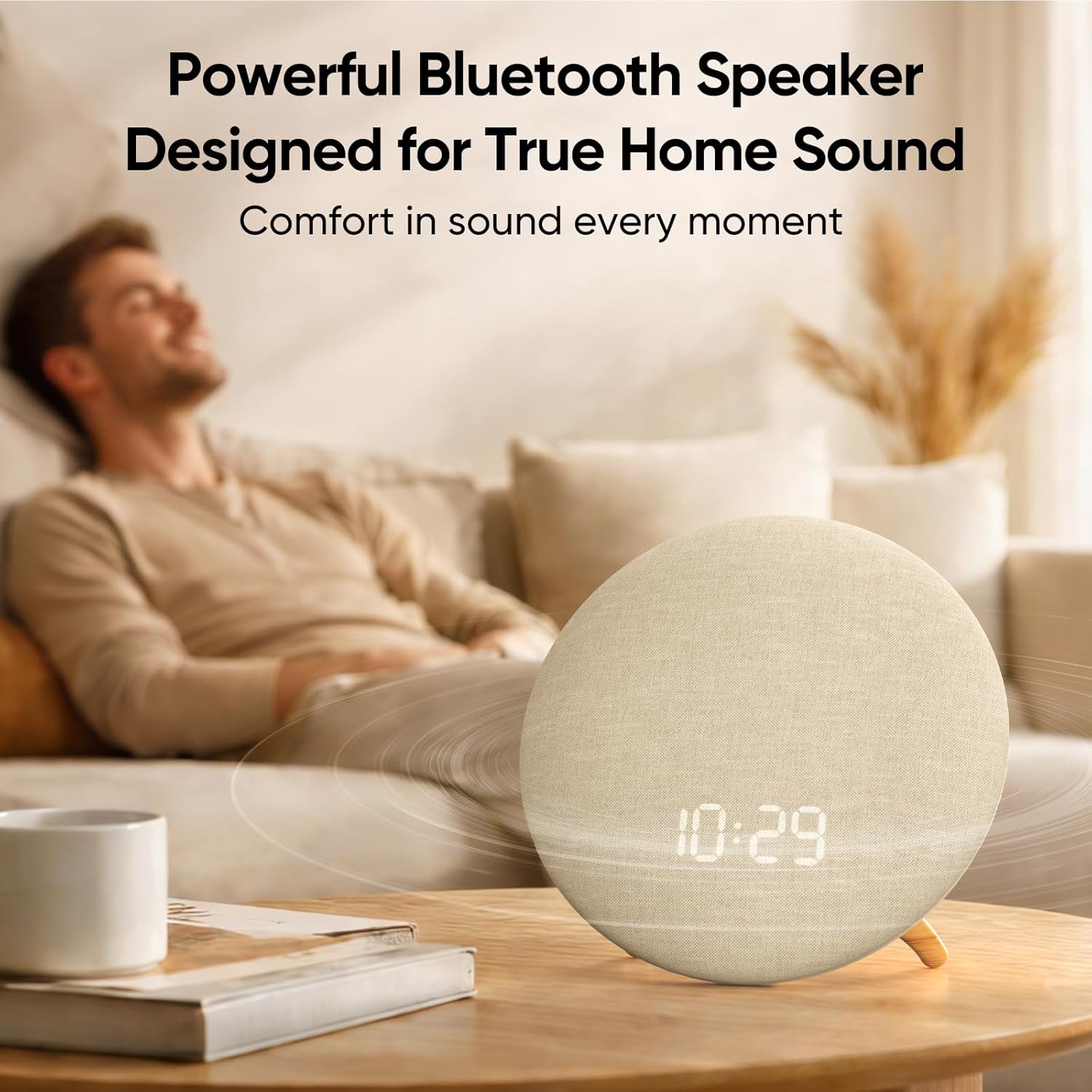
Figure 7: The HOUSBAY GS1 functioning as a powerful Bluetooth speaker for home entertainment.
Funkcija nočne luči
The HOUSBAY GS1 includes a 7-color nightlight to create a soothing ambiance.
1. Activating the Nightlight
Press the 'Light' button to turn on the nightlight. Subsequent presses will cycle through the 7 available colors or adjust brightness levels, depending on the model's specific controls.

Figure 8: The 7-color nightlight feature providing a gentle glow for unwinding before sleep.
Delovanje brez kabla
With its built-in rechargeable battery, the HOUSBAY GS1 offers portability, allowing you to move it between rooms without being tethered to an outlet.
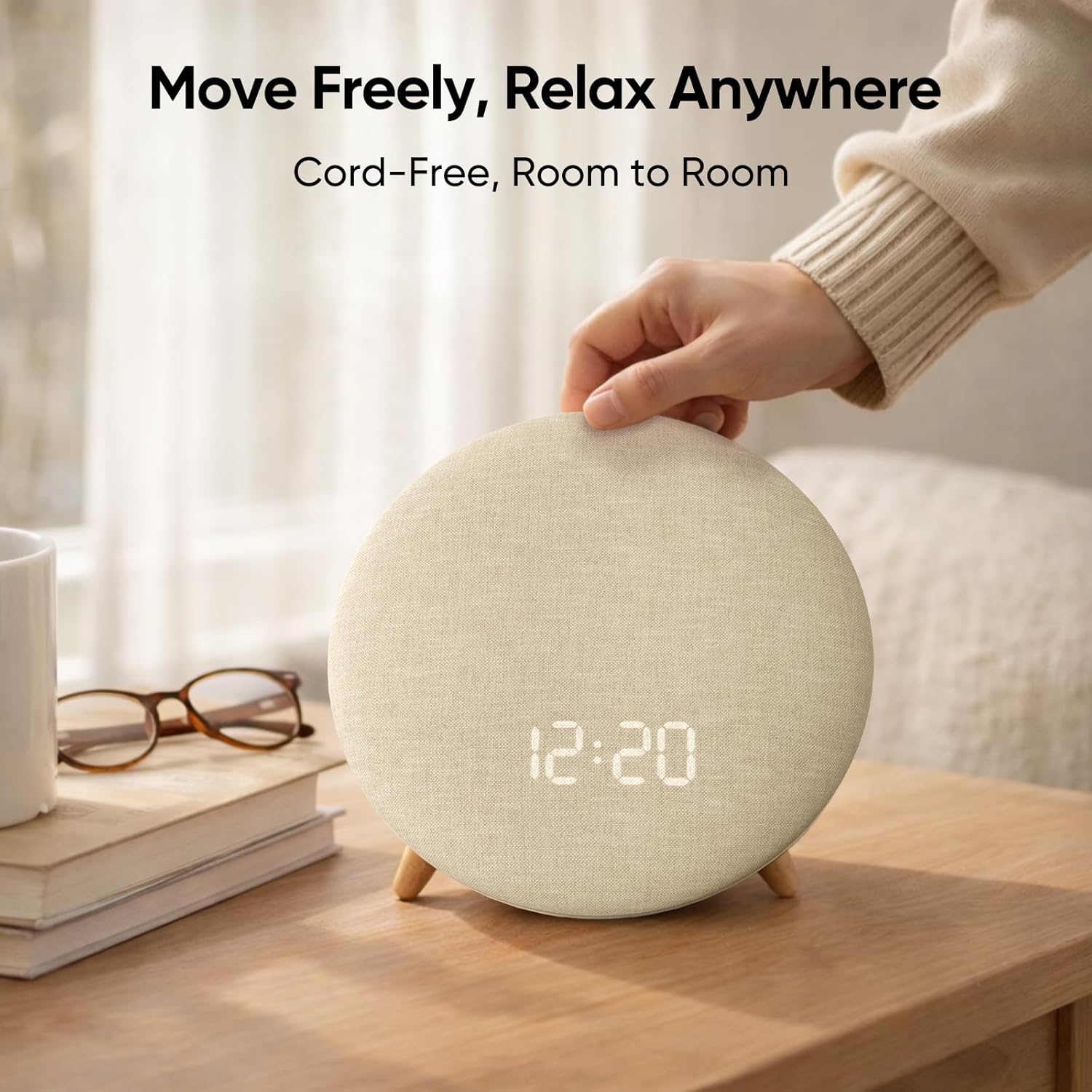
Figure 9: The HOUSBAY GS1 being moved, highlighting its cord-free design for use anywhere.
Vzdrževanje
Čiščenje
To clean the device, gently wipe the exterior with a soft, dry cloth. Do not use abrasive cleaners, solvents, or immerse the device in water. Ensure the device is powered off and unplugged before cleaning.
Odpravljanje težav
| Težava | Možen vzrok | rešitev |
|---|---|---|
| Naprava se ne vklopi. | Baterija je skoraj prazna ali ni napolnjena. | Napravo priključite na vir napajanja s kablom USB Type-C in jo pustite polniti vsaj 30 minut, preden jo poskusite znova vklopiti. |
| Ni zvoka iz zvočnikov. | Volume is too low or muted. Device not properly connected (Bluetooth). | Increase the volume on both the device and the connected Bluetooth source. Ensure Bluetooth is correctly paired. |
| Bluetooth seznanjanje ne uspe. | Device is not in pairing mode or too far from the source. | Ensure the HOUSBAY GS1 is in Bluetooth pairing mode. Move the devices closer together. Try unpairing and re-pairing. |
| Alarm se ne oglasi. | Alarm ni nastavljen ali pa je glasnost prenizka. | Verify that the alarm is set correctly and enabled. Check the alarm volume setting. |
Specifikacije
| Funkcija | Podrobnost |
|---|---|
| Znamka | HOUSBAY |
| Številka modela | GS1 |
| barva | Oat Beige |
| Vrsta zaslona | Digitalno |
| Posebne lastnosti | Alarm, Bluetooth, Noise Machine, 7-Color Nightlight |
| Dimenzije izdelka | 7.88 cm Š x 7.29 cm V |
| Vir napajanja | Napajanje na baterije (vgrajena polnilna baterija) |
| Vrsta sobe | Spalnica |
| oblika | Okrogla |
| Notranja/zunanja uporaba | Notranja |
| Teža predmeta | 1.1 kilogramov |
| Material okvirja | Les |
Garancija in podpora
For warranty information and customer support, please refer to the contact details provided on the product packaging or visit the official HOUSBAY webmesto. Shranite račun za garancijske zahtevke.