
Uvod
This instruction manual provides detailed guidance for setting up and operating your LOUTOC Universal TV Remote Control, Model SRP9232D. This remote is designed to control a wide range of electronic devices, including televisions, DVD/Blu-ray players, soundbars, and streaming media players. Please read this manual thoroughly to ensure proper use and to maximize your remote control's functionality.
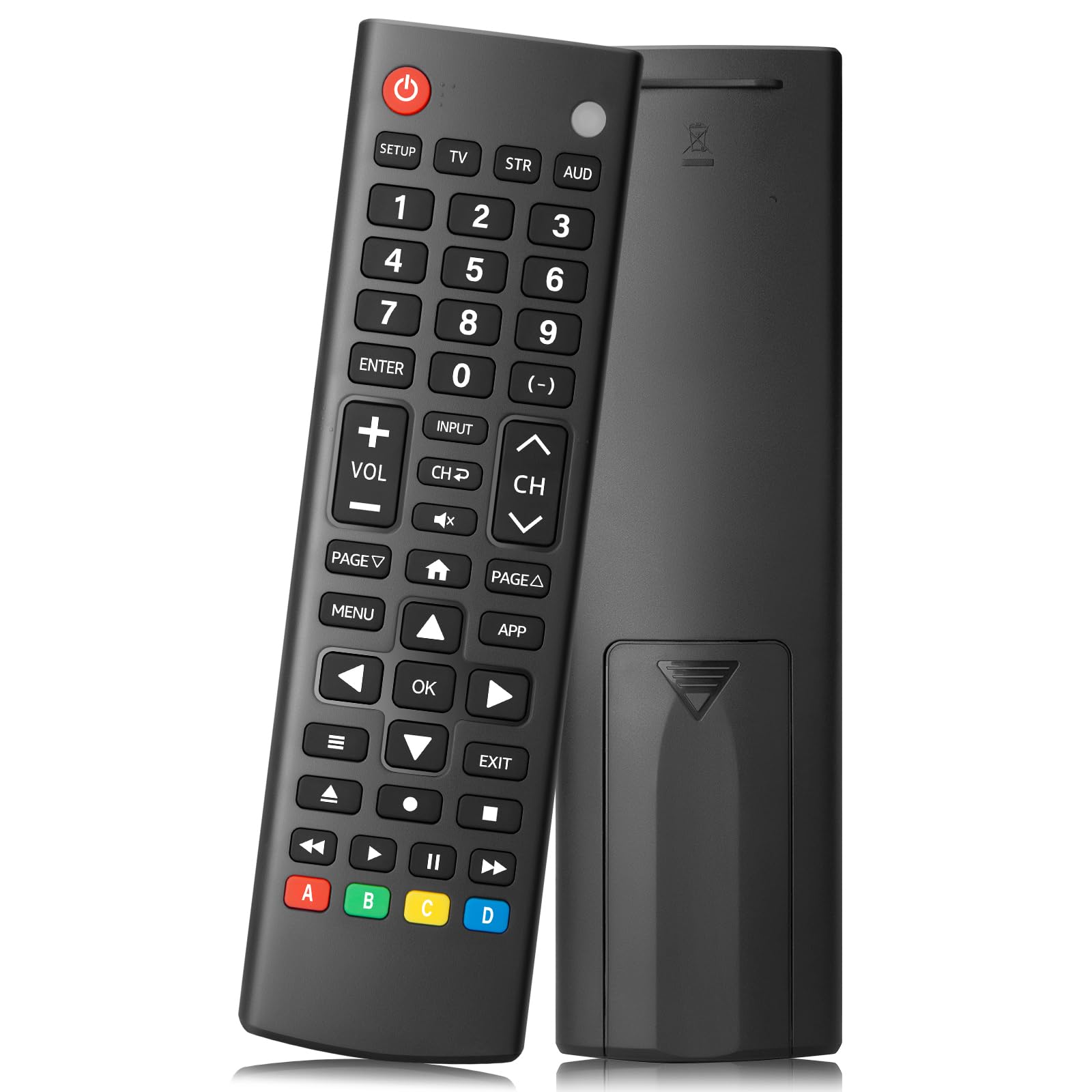
Image: The LOUTOC Universal TV Remote Control, Model SRP9232D.
Lastnosti izdelka
- Univerzalna združljivost: Controls over 5 types of devices, including TVs, DVD/Blu-ray players, soundbars, streaming media players, and set-top boxes.
- Wide Brand Support: Compatible with major TV brands such as Samsung, LG, Hisense, TCL, Vizio, Sony, Onn, Toshiba, Philips, Element, Westinghouse, Sharp, Emerson, Sanyo, RCA, and more. Also supports audio/video brands like Sony, LG, Panasonic, Samsung, Bose, Vizio.
- Razširjen obseg: Operates effectively up to 26 feet (approximately 8 meters).
- Hiter odziv: Features a 0.2-second fast response time for immediate command execution.
- Trajna zasnova: Tested for over 50,000 presses, ensuring long-lasting durability.
- vir energije: Potrebuje 2 bateriji AAA (nista vključeni).
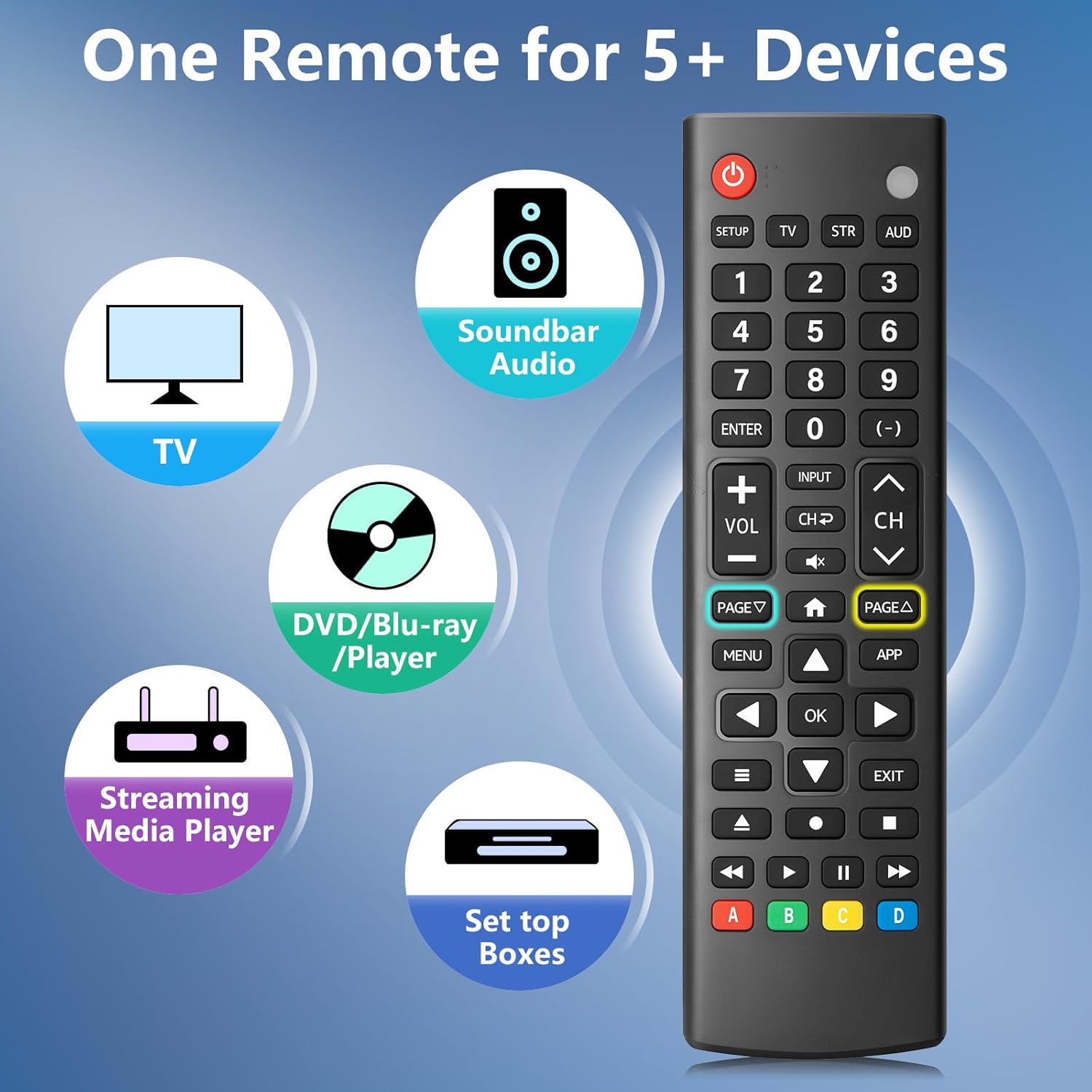
Image: The remote control is capable of operating multiple device types, including TV, Soundbar Audio, DVD/Blu-ray Player, Streaming Media Player, and Set Top Boxes.
Navodila za namestitev
1. Namestitev baterije
Before using the remote control, install two new 1.5V AAA batteries. Ensure correct polarity (+/-) when inserting the batteries. Do not mix old and new batteries or different battery brands.
2. Metode seznanjanja
The remote control offers two methods for pairing with your devices:
Method 1: Manual Code Entry
- Locate your device's specific 4-digit code in the provided CODE LIST.
- Pritisnite in držite NASTAVITEV button on the remote until the remote's red indicator light turns on.
- Press and release the corresponding device button (e.g., TV, STR, AUD) for the device you wish to control.
- Enter the 4-digit code for your device using the number buttons. The red light will turn off after the code is entered.
- Point the remote at the device and test the buttons. If the buttons do not function as expected, repeat steps 2-5 using the next code listed for your device until proper functionality is achieved.
Method 2: Automatic Pairing
For automatic pairing, please refer to pages 8-9 of the physical user manual included with your product for detailed instructions. This method automatically scans for compatible codes.

Image: Visual guide for Method 1 (Manual Code Entry) and a reference to Method 2 (Automatic Pairing) in the manual.
Navodila za uporabo
Once paired, your LOUTOC Universal TV Remote Control can operate your devices using its various buttons. Below is a general overview pogoste funkcije gumbov:

Image: Labeled diagram of the remote control, highlighting each button and its corresponding function.
- Gumb za vklop: Vklopi/izklopi naprave.
- Številski gumbi (0-9): Enter numbers for direct channel selection or code entry.
- Gumb V redu: Potrdi izbire ali odpre menije.
- Smerna tipkovnica (gor/dol/levo/desno): Navigates on-screen menus and selections.
- Povečanje/zmanjšanje glasnosti: Prilagodi raven glasnosti.
- Kanal gor/dol: Menjava televizijskih kanalov.
- Gumb za izklop zvoka: Utiša ali vklopi zvok.
- Gumb za vnos: Selects video input sources.
- Gumb menija: Prikaže meni na zaslonu.
- APP Button: Quick access to popular streaming applications (e.g., Netflix, YouTube).
- Kontrole predvajanja (predvajanje, premor, ustavitev, previjanje nazaj, hitro previjanje naprej): Nadzira predvajanje medijev na združljivih napravah.
- Barvni gumbi (A, B, C, D): Provide additional features for DVRs, cable, and satellite receivers, depending on the device.
Združljivost
The LOUTOC Universal TV Remote Control is designed for broad compatibility:
Compatible TV Brands:
- Samsung, LG, Hisense, TCL, Vizio, Sony, Onn, Toshiba, Philips, Element, Westinghouse, Sharp, Emerson, Sanyo, RCA, and others.
Compatible Other Devices:
- DVD Players, Blu-ray Players, Soundbars, Streaming Media Players, Set Top Boxes, DVRs, VCRs, Audio Devices.
- Supported brands include Sony, LG, Panasonic, Samsung, Bose, Vizio, and others.

Image: The remote control is compatible with numerous TV brands, including Samsung, LG, Hisense, TCL, Sony, Vizio, Onn, Toshiba, and Philips.
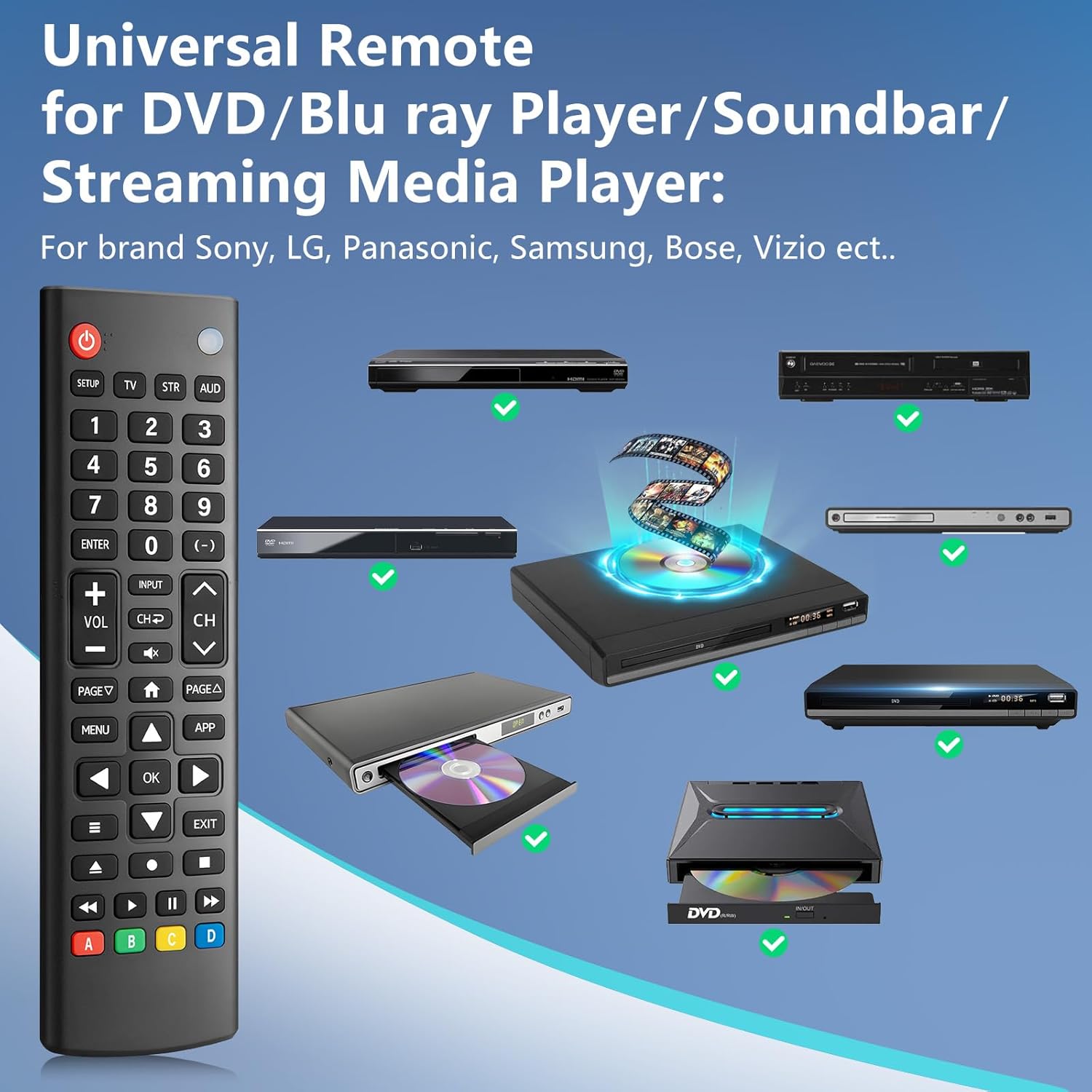
Image: The remote control is compatible with various DVD/Blu-ray players, soundbars, and streaming media players from brands like Sony, LG, Panasonic, Samsung, Bose, and Vizio.
Odpravljanje težav
If you encounter issues with your LOUTOC Universal TV Remote Control, try the following steps:
- Daljinski upravljalnik se ne odziva: Ensure fresh AAA batteries are correctly installed. Check if the remote's red indicator light flashes when a button is pressed.
- Naprava se ne odziva: Verify that the remote is pointed directly at the device's IR receiver. Ensure there are no obstructions between the remote and the device.
- Nepravilna funkcionalnost: If buttons perform incorrect actions, re-attempt the pairing process (Method 1 or Method 2) using a different code from the CODE LIST for your specific device.
- Omejena funkcionalnost: Some advanced or brand-specific functions may not be supported by a universal remote.
- Motnje: Prepričajte se, da nobena druga naprava ne povzroča motenj infrardečega sevanja.
Specifikacije
| Dimenzije izdelka | 6.7 x 1.8 x 0.7 palcev |
| Teža predmeta | 2.08 unč |
| Številka modela | SRP9232D |
| Znamka | LOUTOC |
| Posebna funkcija | Ergonomski, lahek, univerzalen |
| Največje število podprtih naprav | 1 (at a time, configured for specific device type) |
| Združljive naprave | DVD/Blu-ray Player, Set Top Box, Television |
Uradni videoposnetek izdelka
Video: Prekoračitevview of the LOUTOC Universal TV Remote Control, highlighting its compatibility with various brands like Samsung, LG, Hisense, and TCL.
Garancija in podpora
For warranty information or technical support, please refer to the contact details provided with your product packaging or visit the official LOUTOC webmesto. Shranite račun za garancijske zahtevke.