
1. Uvod
The xTool P3 is an advanced 80W CO2 laser cutter and engraver designed for precision and efficiency. Featuring intelligent automation, a dual HD camera system, and a large working area, it is suitable for a wide range of materials and projects. This manual provides essential information for the safe and effective operation and maintenance of your xTool P3.

Figure 1.1: The xTool P3 80W CO2 Laser Cutter and Engraver.
Video 1.1: Overview of the xTool P3 80W Flagship CO2 Laser Cutter, highlighting its key features and capabilities.
2. Varnostne informacije
The xTool P3 is a Class 1 laser engraver, designed with multi-layered safety features to ensure user protection. Adherence to all safety guidelines is crucial for safe operation.
2.1 Splošni varnostni ukrepi
- Napravo uporabljajte v dobro prezračenem prostoru.
- Ensure the lid is closed and interlocks are engaged during operation.
- Do not leave the device unattended while it is working.
- Vnetljive materiale hranite stran od delovnega območja.
2.2 Integrirani varnostni sistemi
The xTool P3 incorporates several safety mechanisms:
- Lid Interlocks: Prevents laser operation if the lid is open.
- Active Detection and Suppression System: Utilizes multi-sensors and dual cameras for flame detection.
- Built-in CO2 Cylinder: Automatically suppresses flames if detected.
- Scrap Buildup Alerts: Notifies users of excessive debris accumulation.
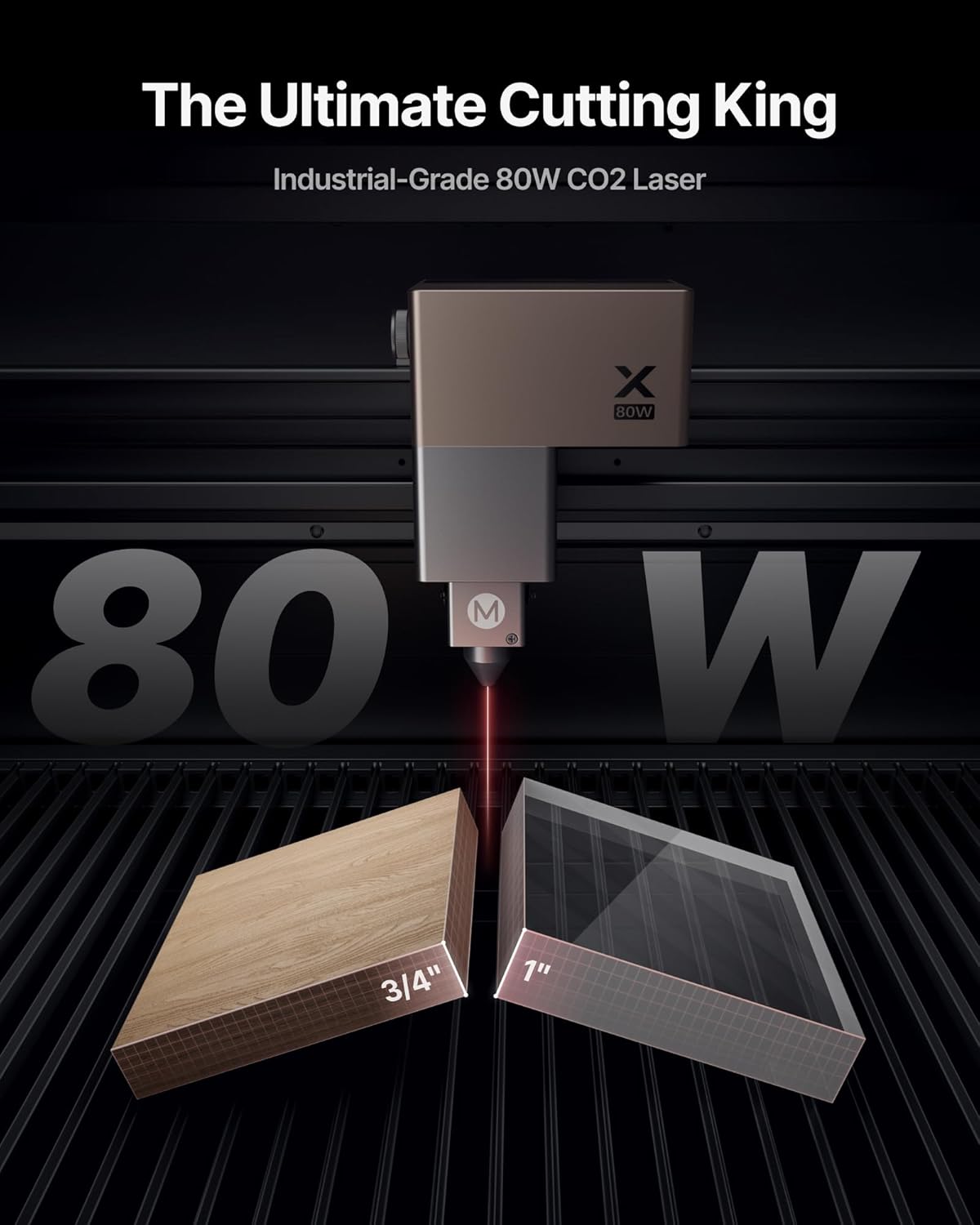
Figure 2.1: Diagram illustrating the multi-layered safety features of the xTool P3, including sensors and cameras.

Figure 2.2: Visual representation of the xTool P3's flame detection system in action, showing sensors and laser head.
3. Nastavitev in začetna konfiguracija
The xTool P3 features an Automated Creation System (ACS) for simplified setup and operation.
3.1 Automated Creation System (ACS)
The ACS integrates several intelligent features for a 'Place & Go' workflow:
- Auto-Positioning: Automatically detects and positions the material.
- LiDAR Ranging: Precisely measures material height for accurate focus.
- Auto-Lifting Focus: Adjusts the laser head height automatically for optimal focus.

Figure 3.1: Illustration of the xTool P3's Automated Creation System, showing auto-positioning, LiDAR ranging, and auto-lifting focus.
Video 3.1: Demonstration of the xTool P3's exclusive ACS Smart Workflow, showcasing automated setup processes.
3.2 Sistem dvojnih HD kamer
The device features an Evolved Dual HD Camera system (16MP SkyView + close-range detail cam) for distortion-free previews and microscopic 0.0079" alignment accuracy.

Slika 3.2: Bližnji posnetek view of the xTool P3's dual camera system, including the SkyView Panoramic Camera and Close-Range Camera.
3.3 AutoLift Base
The AutoLift Base automatically adjusts the height for superior focusing precision on objects up to 8.7 inches tall, eliminating the need for manual risers.

Figure 3.3: The AutoLift Base of the xTool P3, demonstrating its capability to adjust for various material heights up to 8.7 inches.
3.4 Intelligent Conveyor Feeder (Optional)
For large-scale projects of unlimited length, the optional Intelligent Conveyor Feeder provides seamless processing with auto-clamping and AI seamless tiling preview.
4. Navodila za uporabo
The xTool P3 offers powerful cutting and engraving capabilities across a wide range of materials.
4.1 Material Processing
- 80W CO2 Laser: Capable of cutting 20mm wood and 25mm acrylic. Ideal for materials like glass, acrylic, leather, and wood.
- 5W IR Laser Module (Optional): For precision engraving on metal, plastic, and other materials not suitable for CO2 lasers.

Figure 4.1: The xTool P3 demonstrating its cutting power on 20mm wood and 25mm acrylic.

Slika 4.2: Npramples of materials processed by the xTool P3, including wood, acrylic, glass, and metal with the optional IR laser.
4.2 Focal Lenses
The xTool P3 supports three interchangeable focal lenses (S, M, L) to adapt to different project requirements:
- S (1.5" Focal Length): For ultimate precision.
- M (2.0" Focal Length): The versatile all-rounder (included).
- L (2.5" Focal Length): The powerhouse for cutting.

Figure 4.3: The three interchangeable focal lenses for the xTool P3, designed for different levels of precision and cutting power.
4.3 Funkcije programske opreme
- Smart Nesting: AI-powered feature to achieve up to 98.7% material utilization by intelligently arranging designs.
- Variable Batch Fill: Allows for mass customization by importing data from spreadsheets for batch processing.
- 3D Modeling Preview: Zagotavlja predview of rotary engraving projects before execution.
4.4 Rotary Engraving (MagSwap RA3 LiDAR Mapping)
The optional MagSwap RA3 LiDAR Mapping enables 360° flawless rotary engraving on cylindrical objects, ensuring precise alignment and results.
Video 4.1: A demonstration of the xTool P3's creative applications, including various cutting and engraving projects.
5. Vzdrževanje
Regular maintenance ensures the longevity and optimal performance of your xTool P3.
5.1 Čiščenje
- Regularly clean the working area to prevent scrap buildup.
- Follow the manufacturer's guidelines for cleaning optical components.
5.2 AP2 Max Air Purifier (Optional)
For heavy-duty laser cutting, the optional AP2 Max Air Purifier provides strong, 7-layer filtration with 700m³/h airflow, ensuring a smoke-free and odor-free environment. Replace filters as recommended by the manufacturer.

Figure 5.1: The xTool AP2 Max Air Purifier, designed for robust air filtration during laser operations.
6. Odpravljanje težav
If you encounter issues with your xTool P3, consider the following general troubleshooting steps:
- Težave s programsko opremo: Ensure your xTool Creative Space (XCS) software is up to date. Restart the software and the device.
- Težave s povezavo: Verify all cables are securely connected. Check Wi-Fi or USB connections.
- Material Recognition/Focus: Ensure the material is placed correctly and the lid is fully closed for the ACS to function. Clean camera lenses if necessary.
- Cutting/Engraving Quality: Check focal lens selection, laser power, and speed settings for the specific material. Ensure the material is flat and properly secured.
- Varnostna opozorila: If a safety alert is triggered, follow on-screen instructions. Inspect the working area for flames or excessive smoke.
For detailed troubleshooting guides and specific error codes, please refer to the official xTool support webspletno mesto ali se obrnite na službo za stranke.
7. Specifikacije
| Funkcija | Specifikacija |
|---|---|
| Številka modela | MXP-K015-001 |
| Vrsta laserja | CO2 laser |
| Laserska izhodna moč | 80 W (80000 mW) |
| Max Engraving Speed | 1200 mm/s |
| Delovno območje | 36 cm x 18 cm |
| Dimenzije izdelka | 53.15 x 36.22 x 27.56 palcev |
| Teža predmeta | 334 funtov |
| Auto-Focus System | ACS (LiDAR Ranging, AutoLift Base) |
| Sistem kamer | Dual HD Camera (16MP SkyView + Close-Range) |
| Varnostni razred | 1. razred |
8. Garancija in podpora
For warranty information, technical assistance, or customer support, please utilize the following resources:
- Multi-Channel Service: Contact xTool via Email, Live Chat, Phone Call, or their official Facebook group.
- Ekipa tehnične službe: A dedicated team is available to assist with technical inquiries.
Please refer to the official xTool webZa najnovejše garancijske pogoje in kontaktne podatke obiščite spletno mesto.