
1. Izdelek je končanview
The Kuephom Portable CD Player PM21 is a versatile audio device designed for personal and portable use. It features built-in stereo speakers, Bluetooth transmission capabilities, anti-skip protection, and supports various disc formats including CD, MP3, CD-R, and CD-RW. It also includes a USB port for MP3 playback and an AUX output for car or external speaker connection.

Image: The Kuephom Portable CD Player, showcasing its compact design and built-in stereo speakers.
Vsebina paketa:
- CD predvajalnik x 1
- Slušalke x 1
- Avdio kabel x 1
- Polnilni kabel x 1
- Torbica x 1
2. Nastavitev
Polnjenje naprave:
The CD player is equipped with a built-in rechargeable Lithium Ion battery. Before first use, fully charge the device.
- Connect the provided charging cable to the player's charging port.
- Connect the other end of the charging cable to a compatible USB power source (e.g., wall charger, car charger, power bank, or computer USB port). Note that chargers are not included.
- The charging indicator on the LCD screen will show charging status. A full charge typically takes 3-4 hours and provides 5-8 hours of playback time.

Image: The CD player connected to a power source via its charging cable, illustrating the rechargeable feature.

Image: Visual representation highlighting the rechargeable nature of the device, eliminating the need for disposable batteries.
3. Navodila za uporabo
Basic CD Playback:
- Odprite pokrov predala za CD-je.
- Insert a compatible disc (CD, MP3, CD-R, CD-RW) with the label side facing up.
- Pokrov predala za CD-je trdno zaprite.
- Press the 'Play/Pause' button to begin playback.
- Adjust volume using the 'Vol+' and 'Vol-' buttons.
- Use the 'Previous' and 'Next' buttons to skip tracks.
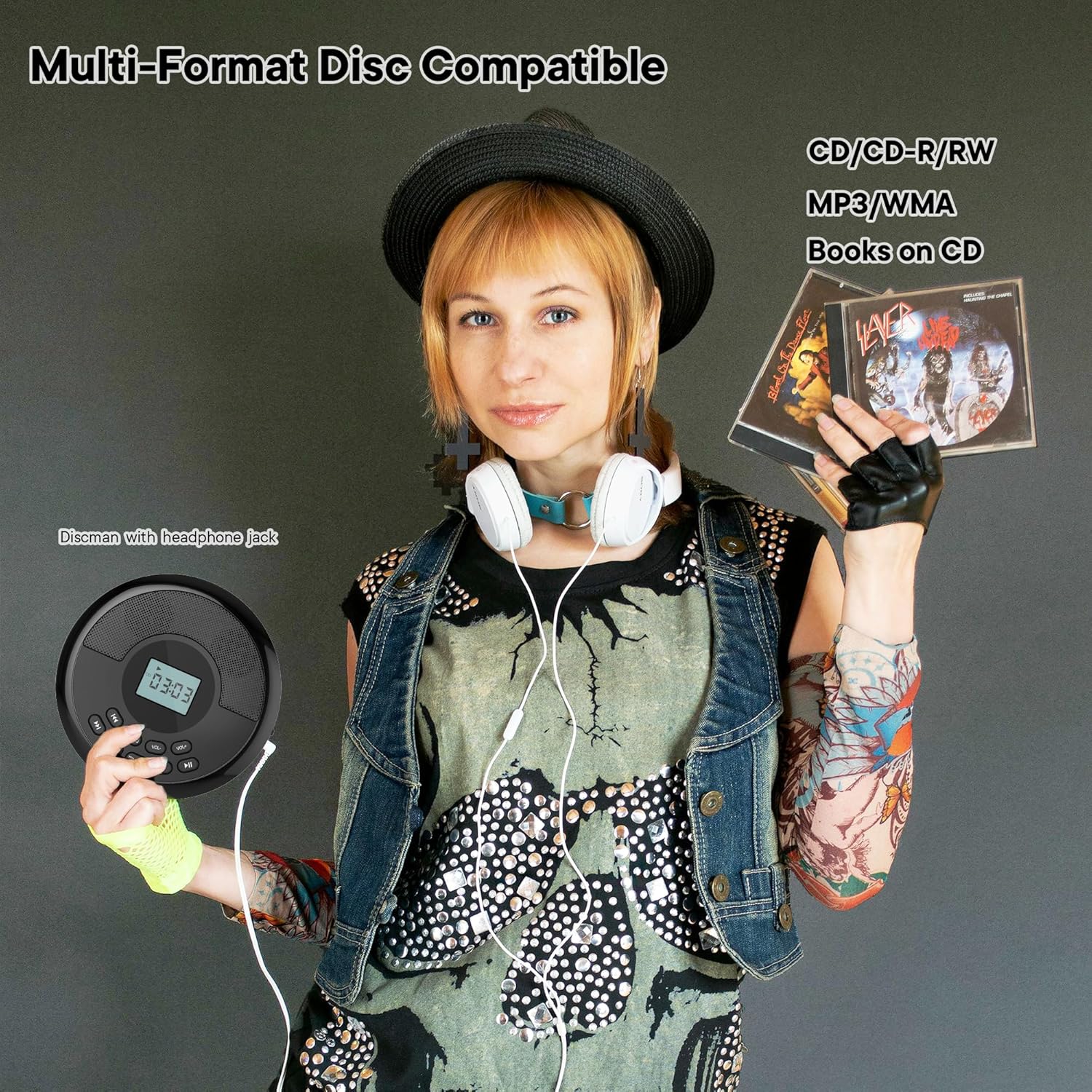
Image: The CD player demonstrating its compatibility with various disc formats including CD, CD-R/RW, MP3/WMA, and audiobooks on CD.
Bluetooth prenos:
The player can transmit audio to Bluetooth headphones or speakers.
- Prepričajte se, da so vaše slušalke ali zvočnik Bluetooth v načinu seznanjanja.
- On the CD player, press the 'TRANSMIT' button. The Bluetooth indicator will flash.
- The CD player will search for and connect to the nearest discoverable Bluetooth device.
- Once connected, the Bluetooth indicator will become solid, and audio will play through the connected device.

Image: The CD player actively transmitting audio to Bluetooth headphones, illustrating its wireless capability.

Image: A four-step guide demonstrating how to pair the CD player with a Bluetooth speaker for audio output.
AUX Car Connection:
Connect the CD player to your car's audio system or other external devices via the 3.5mm AUX jack.
- Insert one end of the provided audio cable into the CD player's AUX output jack.
- Insert the other end of the audio cable into your car's AUX input jack.
- Set your car's audio system to AUX mode.
- Adjust the volume on both the CD player and your car's audio system for optimal sound.

Image: A step-by-step visual guide showing how to connect the portable CD player to a car's audio system using an AUX cable.
USB predvajanje:
The player supports MP3 playback from a USB drive.
- Vstavite pogon USB, ki vsebuje MP3 files v vrata USB.
- The player will automatically switch to USB mode and begin playing MP3 files.
- Use the 'Previous', 'Next', and 'Play/Pause' buttons to control playback.
Zaščita proti preskoku:
The advanced anti-slip and anti-vibration technology ensures uninterrupted playback, even during movement or on bumpy surfaces.

Image: A person walking with the CD player in a backpack, illustrating the effectiveness of the anti-shock protection for continuous audio.
Last Playback Memory:
The device automatically recalls the position of the last played track, allowing you to resume listening from where you left off.
4. Vzdrževanje
To ensure the longevity and optimal performance of your Kuephom Portable CD Player, follow these maintenance guidelines:
- Čiščenje: Use a soft, dry cloth to clean the exterior of the player. For the lens, use a specialized CD lens cleaner if necessary. Avoid using abrasive cleaners or solvents.
- Ravnanje z diski: Always handle discs by their edges. Keep discs clean and free from scratches, dust, and fingerprints. Store discs in their cases when not in use.
- Shranjevanje: Store the player in a cool, dry place away from direct sunlight, extreme temperatures, and high humidity. Use the provided pouch for protection during travel.
- Vzdrževanje baterije: Za optimalno življenjsko dobo baterije se izogibajte pogostemu popolnemu praznjenju baterije. Če jo shranjujete dlje časa, jo napolnite do približno 50 % vsakih nekaj mesecev.
5. Odpravljanje težav
If you encounter issues with your CD player, refer to the following common solutions:
- Player does not turn on:
- Ensure the battery is charged. Connect the player to a power source using the charging cable.
- Preverite, ali je stikalo za vklop v položaju »VKLOP«.
- Disc does not play or skips frequently:
- Verify the disc is clean and free of scratches or smudges. Clean with a soft, lint-free cloth if needed.
- Prepričajte se, da je disk pravilno vstavljen z nalepljeno stranjo navzgor.
- Check if the disc format (CD, MP3, CD-R, CD-RW) is supported.
- For MP3 discs, ensure files are in a compatible format and not corrupted.
- Ni zvoka ali nizka glasnost:
- Increase the volume on the CD player using the 'Vol+' button.
- If using headphones, ensure they are properly plugged into the headphone jack.
- If using Bluetooth, ensure the player is successfully paired and connected to your Bluetooth device, and the volume on the Bluetooth device is also adjusted.
- If using AUX, ensure the audio cable is securely connected to both the player and the external device, and the external device is set to the correct input.
- Težave s povezavo Bluetooth:
- Ensure the Bluetooth device (headphones/speaker) is in pairing mode.
- Make sure the CD player's 'TRANSMIT' button has been pressed to initiate pairing.
- Ensure the Bluetooth devices are within close proximity (typically within 10 meters or 33 feet) and free from obstructions.
- Try turning both devices off and on again, then re-attempt pairing.
Če težava po poskusu teh rešitev še vedno obstaja, se obrnite na podporo strankam.
6. Specifikacije
| Funkcija | Podrobnost |
|---|---|
| Znamka | Kuephom |
| Številka modela | PM21 |
| Dimenzije izdelka | 6 x 5 x 1 palcev |
| Teža predmeta | 1.06 funtov |
| Baterije | 1 litij-ionska baterija (priložena) |
| Tehnologija povezljivosti | Bluetooth, USB, AUX |
| Podprti formati diskov | CD, MP3, CD-R, CD-RW |
| Posebne lastnosti | Anti-Skip Protection, Battery Level Indicator, Bluetooth Transmission, Rechargeable, Built-in Speakers |
| Proizvajalec | Kuephom |
7. Garancija in podpora
Kuephom is committed to providing quality products. While specific warranty details are not provided in this manual, we encourage you to retain your proof of purchase for any warranty claims. For any operational issues, technical support, or inquiries, please contact Kuephom customer service. We are dedicated to assisting you with any problems you may encounter during use.