
Uvod
Thank you for choosing the OnePlus Nord Buds 3r TWS Earbuds. This manual provides essential information to help you get started, operate, and maintain your earbuds for optimal performance. Please read this manual thoroughly before using the product.

Image: OnePlus Nord Buds 3r TWS Earbuds in Aura Blue, shown in their open charging case with both earbuds inserted. A small green LED indicator is visible on the front of the case.
Vsebina paketa
Prepričajte se, da so v vašem paketu prisotni vsi predmeti:
- OnePlus Nord Buds 3r TWS Earbuds (with charging case)
- 3N Eartips (various sizes)
- Uporabniški priročnik
- Safety & Warranty Card
- Opomba: Polnilni kabel ni priložen.

Image: The complete package contents for the OnePlus Nord Buds 3r, laid out on a white surface. This includes the Aura Blue charging case with earbuds, a box for the earbuds, a user guide, a safety and warranty card, and three pairs of blue eartips.
Nastavitev
1. Začetno polnjenje
Before first use, fully charge your OnePlus Nord Buds 3r. The charging case and earbuds are charged via a USB-C port (cable not included).
- Obe slušalki vstavite v ohišje za polnjenje.
- Connect a USB-C charging cable to the port on the charging case and to a power source.
- The LED indicator on the case will show charging status. A full charge provides up to 54 hours of music playback with the case. A 10-minute charge can provide up to 8 hours of music playback.
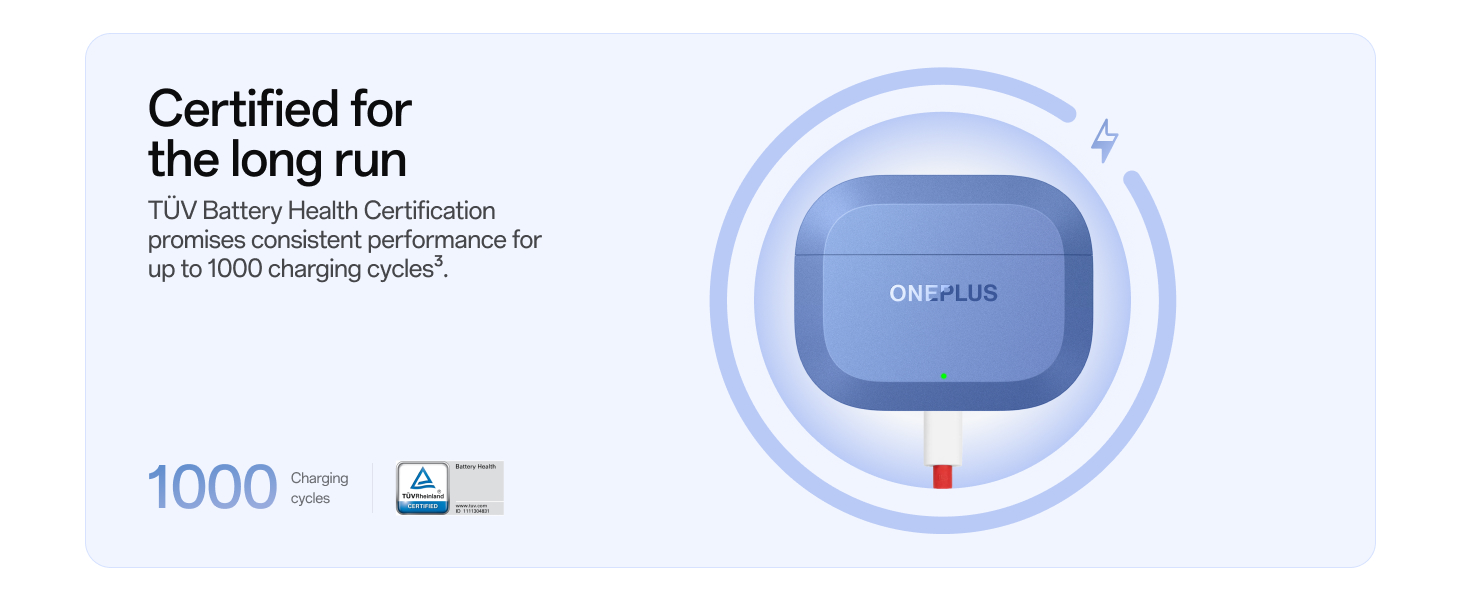
Image: The Aura Blue OnePlus Nord Buds 3r charging case is shown connected to a red USB-C charging cable, highlighting its fast charging capability. Text indicates "10 min charge" and "8 hrs playback".
2. Seznanjanje z napravo
The Nord Buds 3r support Google Fast Pair for quick connection with Android devices and dual-device connectivity.
- Prepričajte se, da so slušalke v polnilnem ohišju in da je pokrov odprt.
- For first-time pairing, the earbuds will automatically enter pairing mode. The indicator light on the case will flash white.
- On your smartphone or device, enable Bluetooth and search for "OnePlus Nord Buds 3r".
- Select the earbuds from the list of available devices to connect.
- For Google Fast Pair, simply open the case near an Android device, and a pop-up will appear for quick pairing.
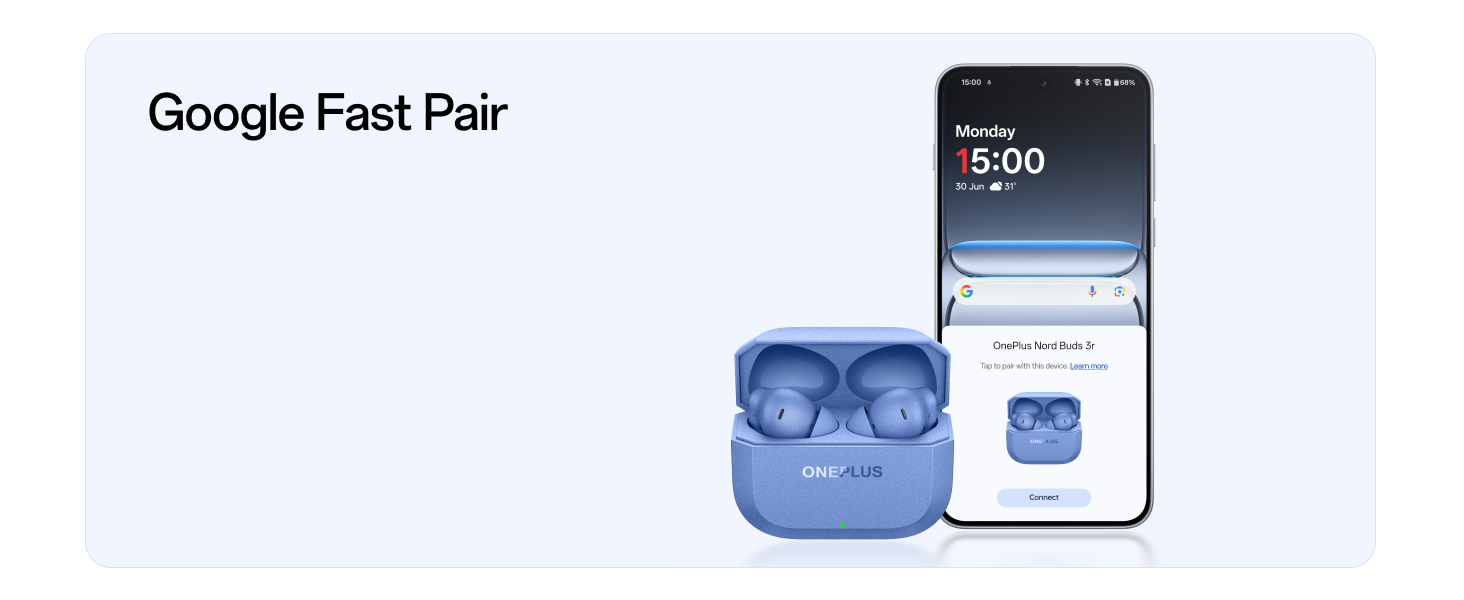
Image: The Aura Blue OnePlus Nord Buds 3r charging case is positioned next to a smartphone screen, which shows a Google Fast Pair notification for quick and easy device connection.
3. Povezava z dvema napravama
The earbuds can connect to two devices simultaneously, allowing for seamless switching between them.
- After pairing with the first device, put the earbuds back in the case and keep the lid open.
- Press and hold the function button on the charging case for 2 seconds to enter pairing mode for the second device.
- Connect to the earbuds on your second device.
- The earbuds will intelligently switch audio between the two connected devices.
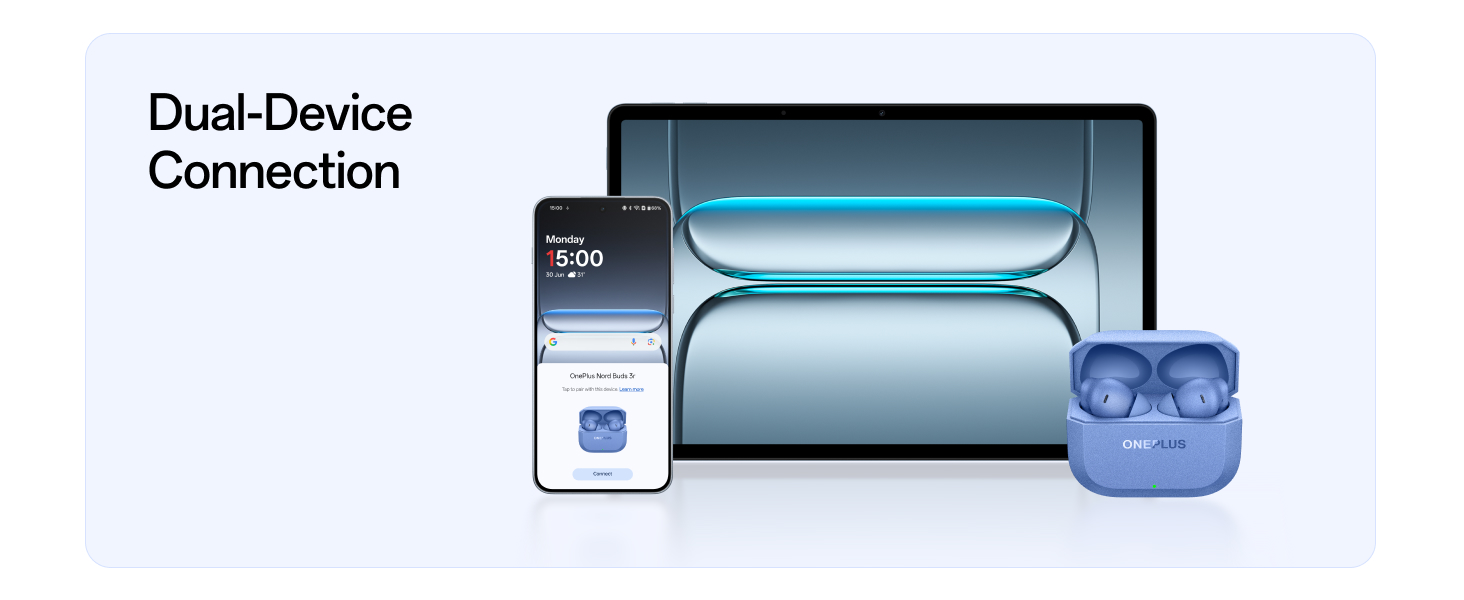
Image: The Aura Blue OnePlus Nord Buds 3r are shown connected to both a smartphone and a tablet, illustrating the dual-device connection feature for seamless audio switching.
Navodila za uporabo
1. Dotaknite se Controls
The OnePlus Nord Buds 3r feature intuitive touch controls on each earbud:
- Enkratni dotik: Play/Pause music, Answer/End call. (May need activation in phone settings for OnePlus devices with OxygenOS 12+ or HeyMelody App for other devices).
- Dvojni dotik: Preskoči na naslednjo pesem.
- Trojni dotik: Switch to the previous song.
- Long Touch and Hold: Povečanje ali zmanjšanje glasnosti.
- Voice Assistant Shortcut: Aktivirajte glasovnega pomočnika v napravi.
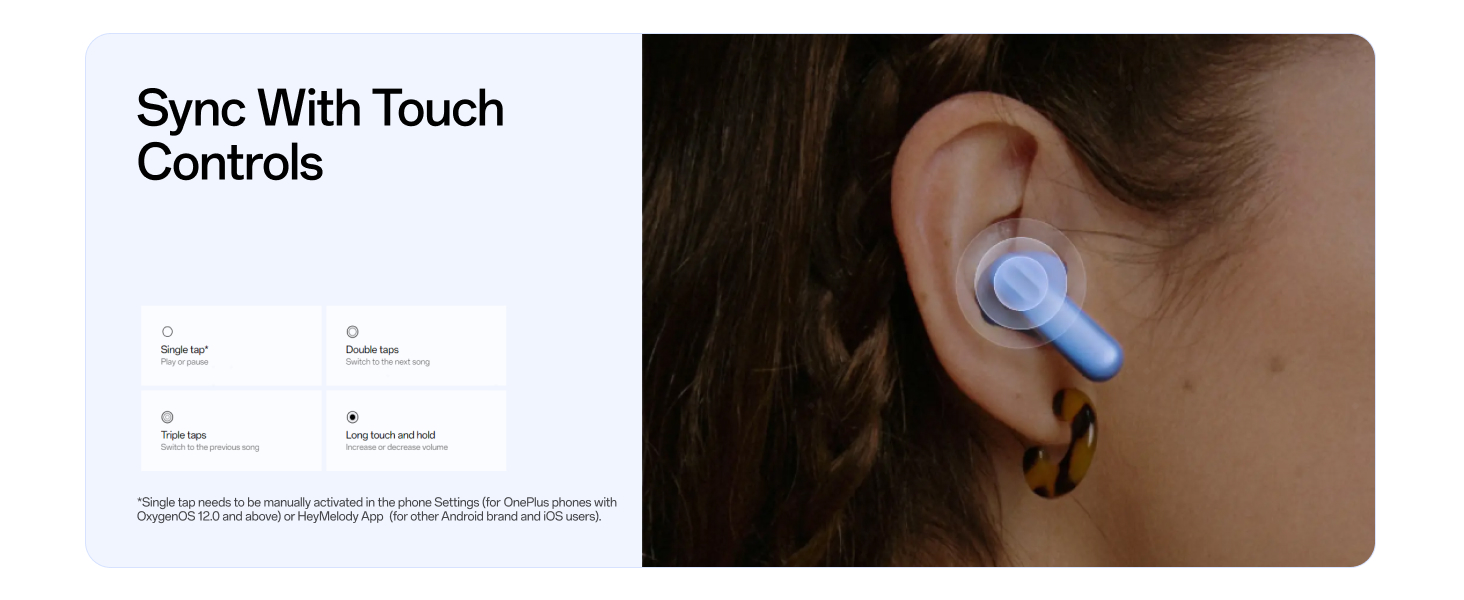
Image: A visual representation of the touch control gestures on the OnePlus Nord Buds 3r, detailing actions for single tap, double tap, triple tap, and long touch and hold.
2. Zvočne funkcije
- 12.4mm Titanium-coated Drivers: Experience deep bass and clear audio details.
- 3D prostorski zvok: Enjoy an immersive sound experience with precise directional audio positioning. This feature is available on select OnePlus devices (OnePlus 11, 11R, 12, 12R, Nord 4, Nord 13, 13R, 13s, Nord 5, Nord CE5, Open, and tablets with OxygenOS 12 and above).
- Izenačevalnik zvoka: Personalize your listening with 3 EQ presets, fine-tuned by OnePlus' acoustic team. Accessible via the HeyMelody App.
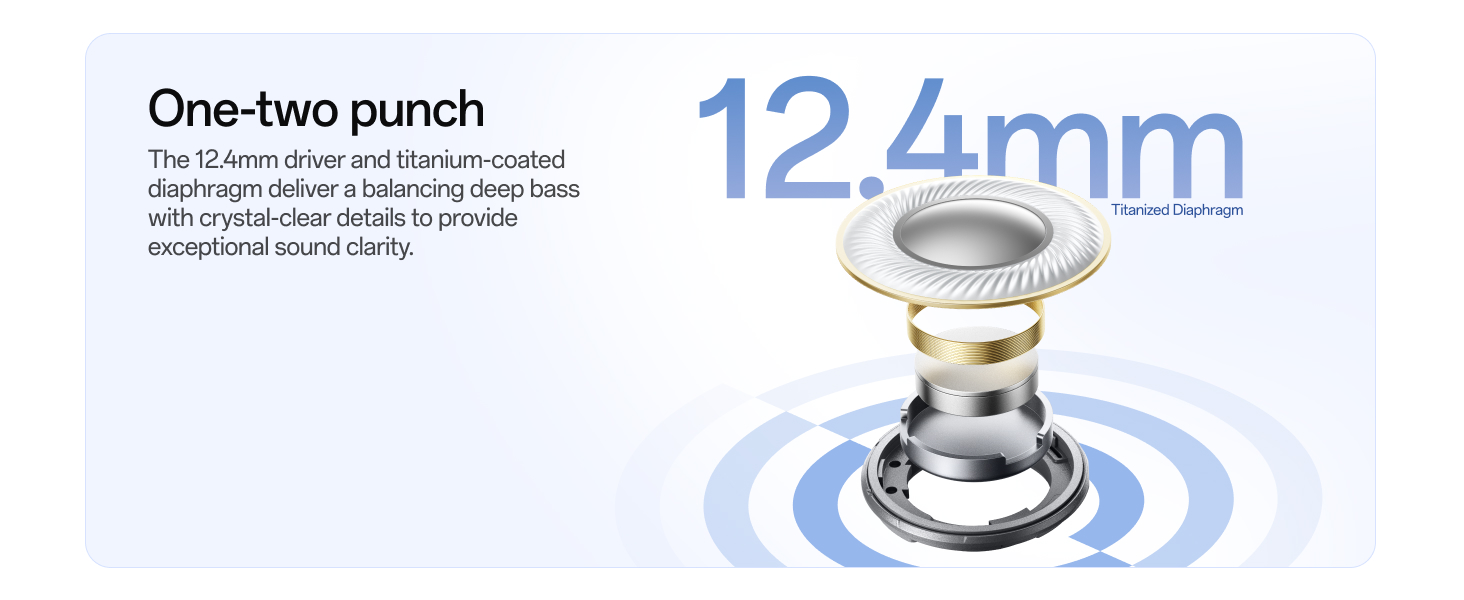
Image: An exploded diagram illustrating the internal components of a 12.4mm titanium-coated driver, emphasizing its role in delivering high-quality audio.
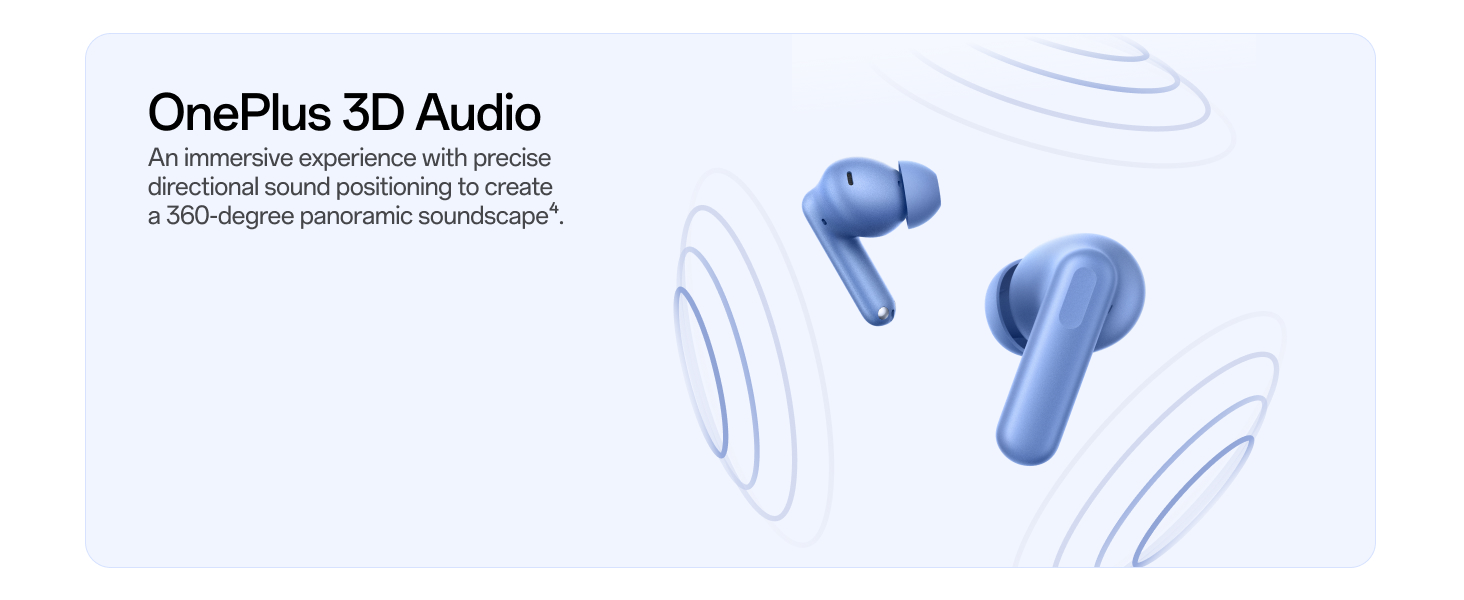
Image: The OnePlus Nord Buds 3r earbuds are depicted with concentric circles emanating from them, visually representing the immersive 3D Spatial Audio experience.
3. Funkcije klica
- 2-mikrofonsko odpravljanje šuma pri klicih z umetno inteligenco: Dual microphones combined with an AI algorithm and anti-wind design ensure clear voice transmission by suppressing background noise and wind interference during calls.
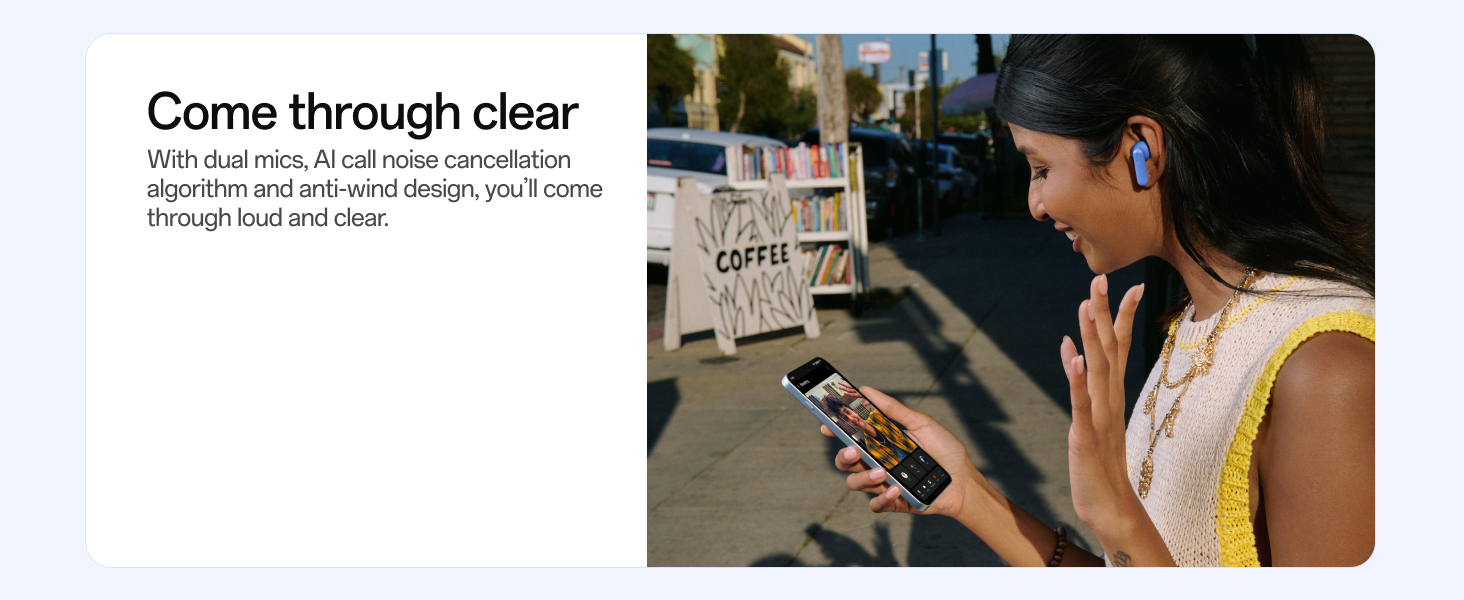
Image: A person is shown using the OnePlus Nord Buds 3r in an outdoor setting, illustrating the clear call quality provided by the dual mics and AI call noise cancellation.
4. Posebne lastnosti
- Prevajanje z umetno inteligenco: Activate AI Translation via your OnePlus phone with a simple tap on the earbuds to facilitate communication across language barriers. (Available on select OnePlus devices with OxygenOS 15.0.1 and above. Refer to the app for supported languages).
- 47 ms nizka zakasnitev: Enjoy real-time, lag-free performance for gaming and seamless Bluetooth 5.4 connectivity.
- Tap 2 Take: Double tap either earbud to start a 3-second countdown and remotely capture photos with your OnePlus phone. (Feature needs to be manually enabled in phone settings and is supported when the camera is active).
- Poišči moje slušalke: Use the HeyMelody App to locate misplaced earbuds.
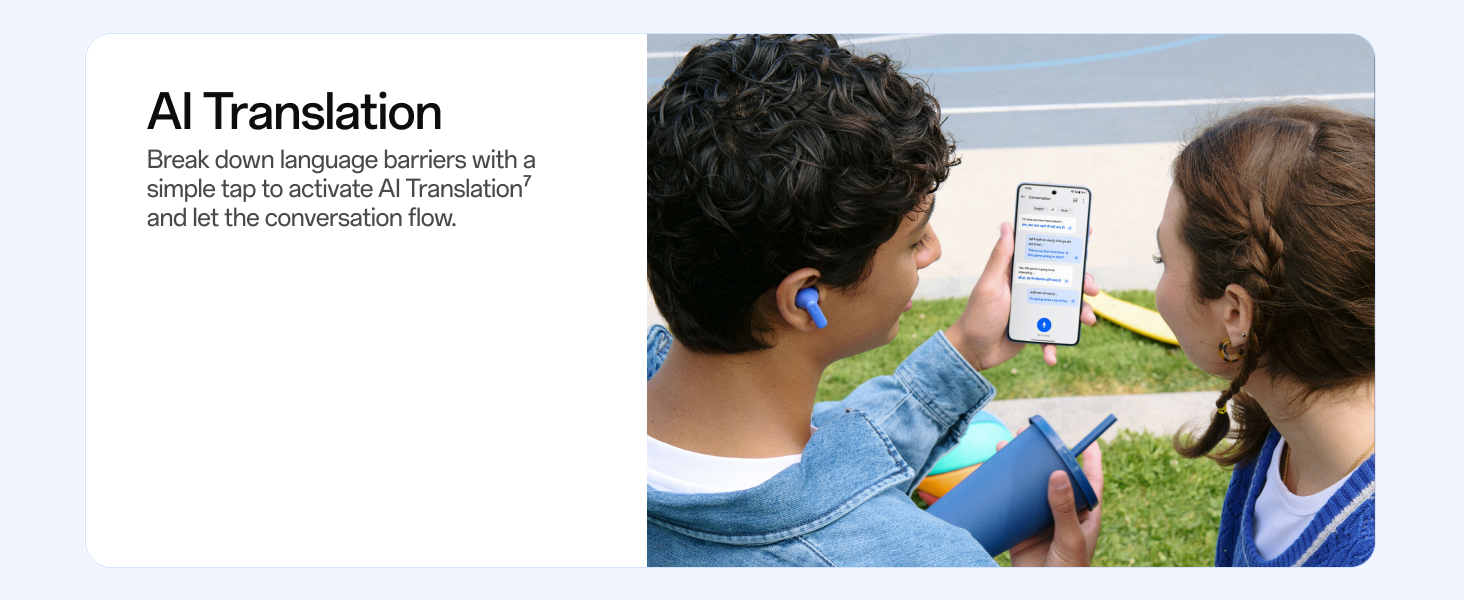
Image: A person is shown using the OnePlus Nord Buds 3r with a smartphone displaying an AI Translation interface, demonstrating the real-time language translation capability.
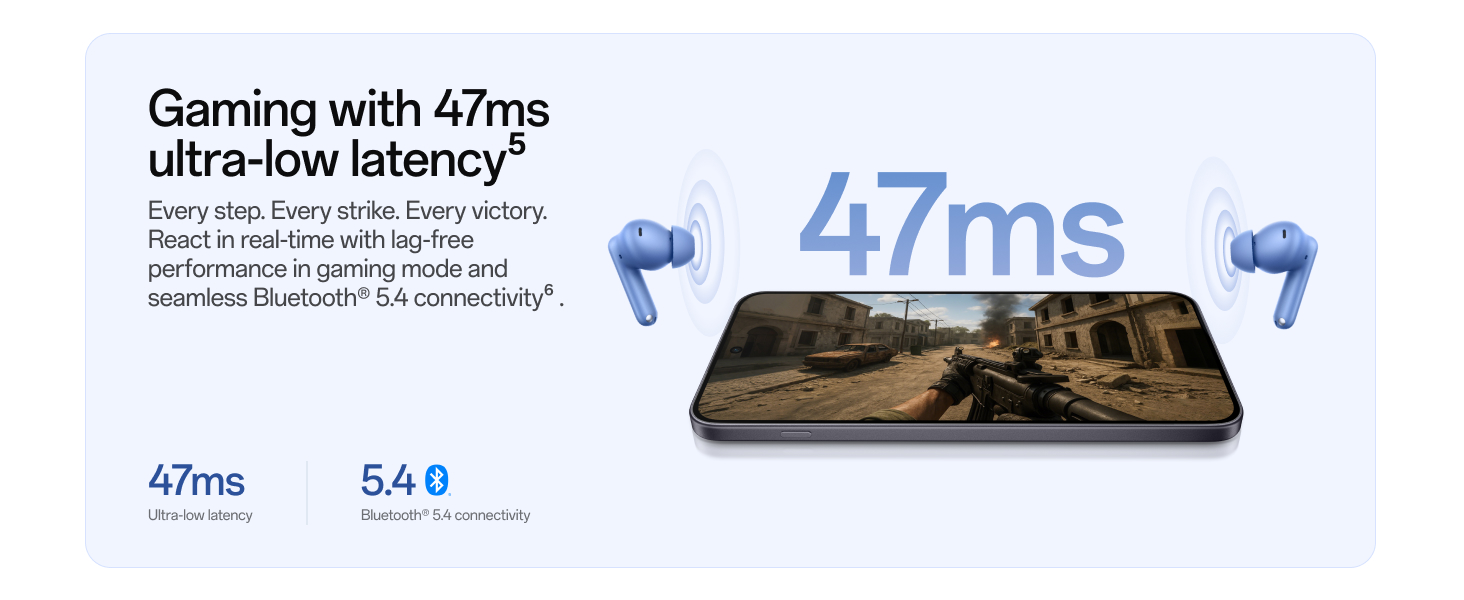
Image: The OnePlus Nord Buds 3r are paired with a smartphone displaying a video game, highlighting the 47ms ultra-low latency for an enhanced gaming experience.
Vzdrževanje
1. Čiščenje
- Slušalke in polnilno ohišje redno čistite z mehko, suho krpo, ki ne pušča vlaken.
- Odstranite ušesne nastavke in z majhno krtačko ali vatirano palčko očistite ušesno maslo ali ostanke iz šob ušesnih čepkov.
- Prepričajte se, da so polnilni kontakti na slušalkah in etuiju čisti in suhi, da preprečite težave s polnjenjem.
2. Odpornost na vodo in prah
The earbuds feature an IP55 rating for dust and water resistance (charging case not included). This means they are protected against limited dust ingress and low-pressure water jets from any direction. However, this resistance is not permanent and may diminish with device aging. Liquid and dust damage are not covered under warranty.
- Slušalk ne potapljajte v vodo.
- Avoid using the earbuds in saunas, steam rooms, or during water sports.
- Če se slušalke zmočijo, jih temeljito obrišite do suhega, preden jih vstavite nazaj v polnilno ohišje.
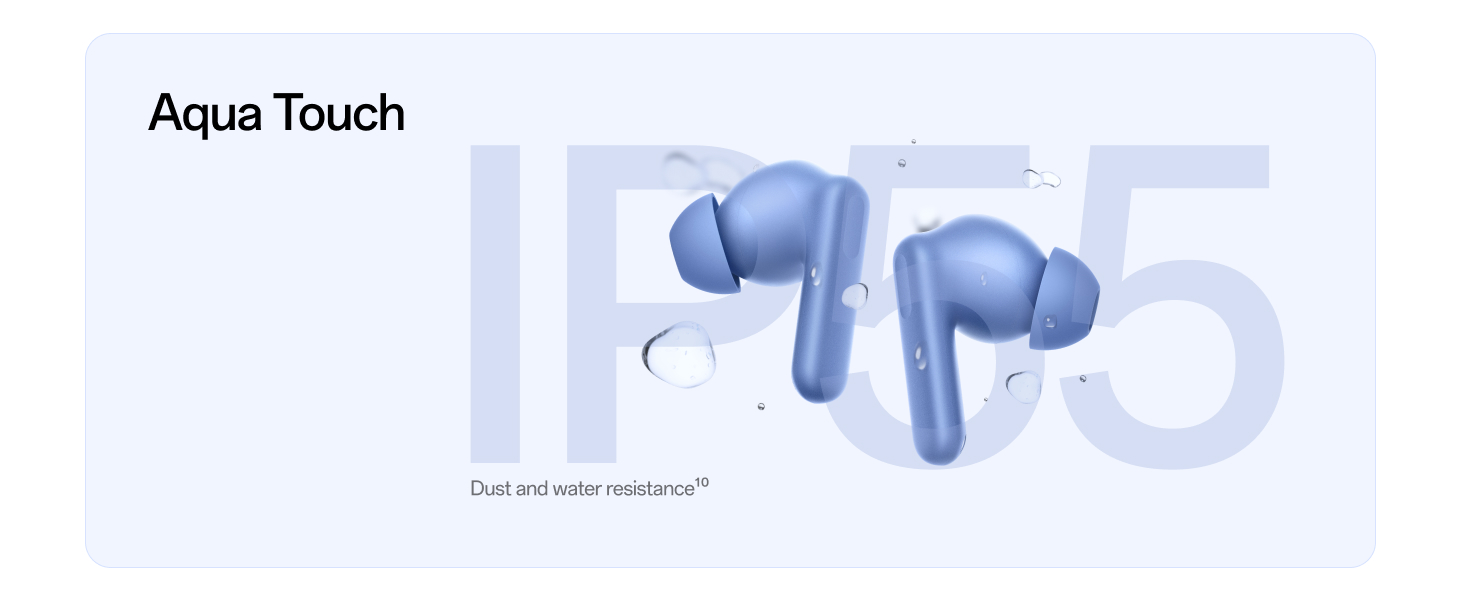
Image: The Aura Blue OnePlus Nord Buds 3r earbuds are shown with water droplets on them, signifying their IP55 dust and water resistance rating.
Odpravljanje težav
1. Težave s povezljivostjo
- Slušalke se ne povezujejo: Ensure Bluetooth is enabled on your device. Place earbuds back in the case, close the lid, then open it again to re-initiate pairing mode.
- Prekinjena povezava: Move closer to your device. Ensure there are no major obstructions between the earbuds and your device. Avoid environments with strong electromagnetic interference.
- Unable to pair with a new device: Ensure the earbuds are not already connected to another device. Disconnect from previous devices or perform a factory reset if necessary.
2. Težave s polnjenjem
- Slušalke se ne polnijo v primeru: Ensure the earbuds are correctly seated in the charging slots. Clean the charging contacts on both the earbuds and the case.
- Ovitek se ne polni: Verify the USB-C cable and power adapter are working correctly. Ensure the charging port on the case is free of debris.
3. Težave s kakovostjo zvoka
- Nizka glasnost ali slab zvok: Adjust the volume on your connected device. Ensure eartips are properly fitted and the earbud nozzles are clean. Try different eartip sizes for a better seal.
- Težave s kakovostjo klicev: Ensure the microphones are not obstructed. In noisy environments, AI Call Noise Cancellation should help, but extreme noise may still affect clarity.
4. Tovarniška ponastavitev
If you encounter persistent issues, a factory reset may resolve them:
- Place both earbuds into the charging case and keep the lid open.
- Press and hold the function button on the charging case for 10-15 seconds until the indicator light flashes red three times, then white.
- The earbuds are now reset and ready for re-pairing.
Specifikacije
| Funkcija | Podrobnost |
|---|---|
| Ime modela | OnePlus Nord Buds 3r (E517A) |
| Znamka | OnePlus |
| barva | Aura modra |
| Tehnologija povezljivosti | Brezžično (Bluetooth 5.4) |
| Vrsta zvočnega gonilnika | 12.4 mm dinamični gonilnik s titanovo prevleko |
| Življenjska doba baterije | Do 54 ur (s polnilno škatlico) |
| Hitro polnjenje | 10 minut polnjenja za 8 ure predvajanja |
| Odpravljanje šuma pri klicih | 2-mic AI Call Noise Cancellation |
| Posebne lastnosti | AI Translation, 3D Spatial Audio, 47ms Low Latency, Dual-Device Connectivity, Google Fast Pair, Touch Control, Find My Earbuds |
| Odpornost na vodo in prah | IP55 (samo slušalke) |
| Nadzorna metoda | Dotik |
| Združljive naprave | Android, iOS, Windows smartphones, tablets, computers, OnePlus smartphones |
| Teža predmeta | 82 gramov |
| Dimenzije izdelka | 6 x 4.8 x 2.4 cm |
Garancija in podpora
Your OnePlus Nord Buds 3r come with a 1-letna garancija proizvajalca. Please refer to the included Safety & Warranty Card for detailed terms and conditions.
For technical support, service, or warranty claims, please contact OnePlus customer service or visit the official OnePlus support webspletno mesto. Za potrditev garancije shranite dokazilo o nakupu.
Opomba: Liquid and dust damage are not covered under the warranty, as per the IP55 rating limitations.