
Uvod
Thank you for choosing the Earbay BT786CD Wireless Headset. This manual provides essential information for setting up, operating, and maintaining your headset to ensure optimal performance and longevity. Please read these instructions carefully before use.
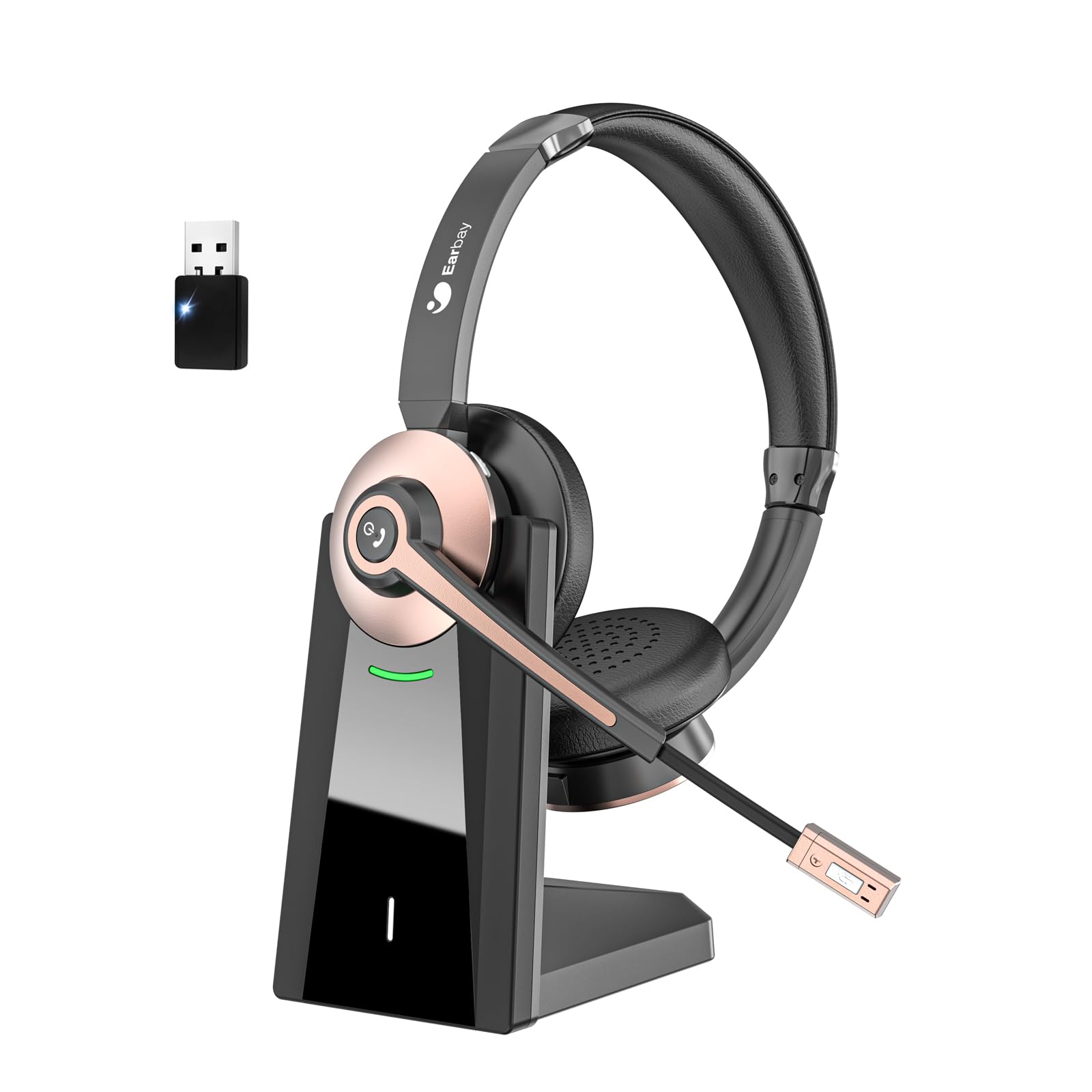
The Earbay BT786CD Wireless Headset is designed for comfort and clear communication during extended use.
Kaj je v škatli
- 1 × Wireless Headset with Mic
- 1 × USB Charging Cable (USB-C)
- 1 × USB Dongle
- 1 × polnilna baza
- 1 × uporabniški priročnik
The package includes the headset, charging base, USB dongle, and necessary cables for charging and connection.
Konec izdelkaview
Komponente in krmilniki
Familiarize yourself with the key components and controls of your Earbay BT786CD headset:
- Nastavljiv naglavni trak: Za udobno in varno prileganje.
- Soft Leather Ear Pads: Zasnovano za dolgotrajno udobje nošenja.
- Prilagodljiv mikrofon: 270° rotatable with noise-cancelling technology.
- Nadzor glasnosti: Integrated buttons for easy audio adjustment.
- Gumb za vklop: For turning the headset on/off.
- Večfunkcijski gumb (MFB): For call management and other functions.
- Gumb za izklop zvoka: Located on the microphone for quick muting.
- Vrata za polnjenje USB-C: Za neposredno polnjenje.

Podrobno view of the headset's controls and adjustable microphone.

The headset features an adjustable headband and a flexible microphone for personalized comfort and clear audio.
Vzpostaviti povezavo
Bluetooth Connection (for Mobile Devices/Tablets)
- Prepričajte se, da so slušalke napolnjene in izklopljene.
- Pritisnite in držite gumb za vklop, dokler LED indikator ne utripa modro in rdeče, kar označuje način seznanjanja.
- On your device (phone/tablet), go to Bluetooth settings and search for "BT786CD".
- Select "BT786CD" to connect. The LED will turn solid blue once connected.
USB Dongle Connection (for PC/Laptop)
- Plug the USB dongle into an available USB port on your PC/laptop.
- The dongle's LED indicator will flash blue.
- Power on your headset. It will automatically pair with the dongle. The LED on the dongle will turn solid blue once connected.
- On your PC, navigate to Sound Settings and set "BT786CD" as the default input and output device.

Visual guide for connecting the headset to a PC using either Bluetooth or the USB dongle.
Uradni videoposnetek izdelka: Nastavitev in funkcije
This video from Earbay-Direct provides a visual guide to the headset's features and setup process, including Bluetooth connectivity.
Navodila za uporabo
Vklop/izklop
- Vklop: Pritisnite in držite gumb za vklop 3 sekunde, dokler LED indikator ne utripa modro.
- Ugasniti: Pritisnite in držite gumb za vklop 3 sekunde, dokler LED indikator ne utripa rdeče in se nato izklopi.
Nadzor glasnosti
- Povečajte glasnost: Pritisnite gumb za povečanje glasnosti.
- Zmanjšaj glasnost: Pritisnite gumb za zmanjšanje glasnosti.
Izklop mikrofona
- Press the Mute Button on the microphone to mute or unmute your voice during calls.

The microphone features a convenient one-key mute button for quick control during calls.
Polnjenje
Charge your headset using the provided USB-C cable and charging base:
- Connect the USB-C cable to the charging base and a power source.
- Place the headset on the charging base, ensuring the charging contacts align.
- Alternatively, plug the USB-C cable directly into the headset's charging port.
- LED indikator bo prikazoval stanje polnjenja (npr. rdeča za polnjenje, modra za polno napolnjenost).
- Popolna napolnjenost traja približno 2 ure.

The headset can be charged conveniently using the included charging base or directly via the USB-C cable.
Značilnosti in prednosti
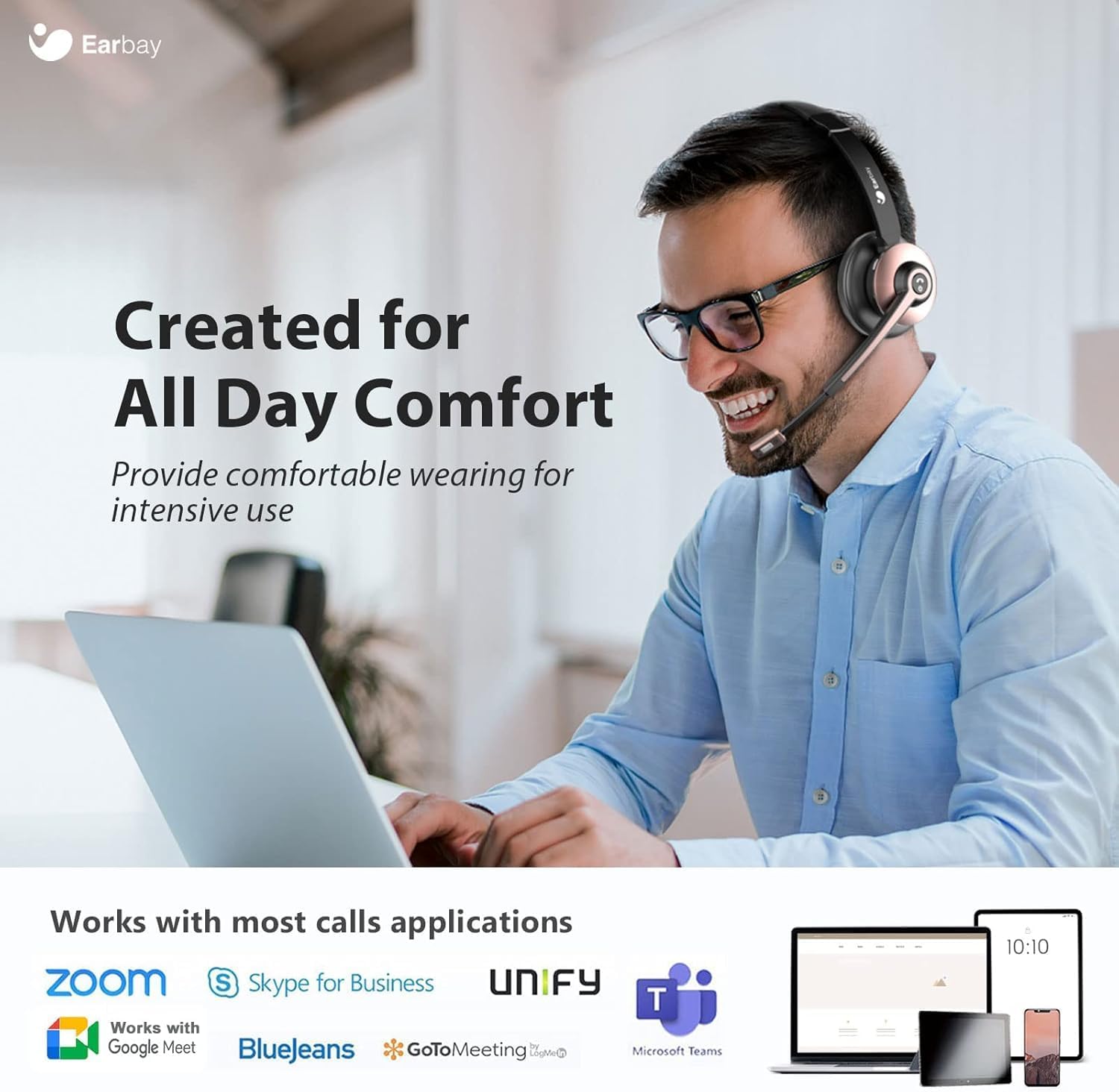
- Celodnevno udobje: Designed with soft leatherette ear cushions and an adjustable headband for comfortable wearing during intensive use.
- Odpravljanje šumov z umetno inteligenco: Blocks out up to 99% of ambient noise on calls, ensuring crystal-clear communication.
- Povezava dvojne naprave: Connects to two devices simultaneously for seamless switching between calls and media.
- Dolgotrajna baterija: Offers up to 26 hours of talk time and 200 hours of standby time on a single 1.5-hour charge.
- Široka združljivost: Works with various devices including computers, PCs, laptops, mobile phones, tablets, VoIP, and desktops. Compatible with popular meeting apps like Zoom, Skype for Business, Unify, Microsoft Teams, Google Meet, Bluejeans, GoToMeeting, 3CX, FaceTime, WhatsApp, and Slack.
- Kontrole, enostavne za uporabo: Intuitive volume control, power button, and microphone mute for convenient operation.

The headset is engineered for all-day comfort, making it ideal for prolonged use in various work environments.

AI Noise Cancellation ensures clear audio by blocking out ambient sounds, as depicted in the 'Before' and 'After' sound wave comparison.

Enjoy extended usage with up to 26 hours of talk time and 200 hours of standby time on a single charge.
Vzdrževanje
- Slušalke redno čistite z mehko, suho krpo.
- Slušalke ne izpostavljajte ekstremnim temperaturam, vlagi ali korozivnim snovem.
- Store the headset in its soft storage pouch when not in use to protect it from dust and damage.
- Do not attempt to disassemble or repair the headset yourself. Contact customer support for assistance.
Odpravljanje težav
Ni zvoka/slaba kakovost zvoka
- Ensure the headset is powered on and properly connected (Bluetooth or USB dongle).
- Preverite glasnost tako na slušalkah kot na povezani napravi.
- Verify that the headset is selected as the default audio input/output device in your computer's sound settings.
- Move closer to your connected device to ensure you are within the 15-meter Bluetooth range.
- Če uporabljate USB-ključek, ga poskusite priključiti v drug USB-vhod.
Mikrofon ne deluje
- Ensure the microphone is not muted (check the mute button on the mic).
- Verify that the headset's microphone is selected as the default input device in your computer's sound settings or meeting application settings.
- Adjust the microphone's position closer to your mouth for better pickup.
Headset Not Pairing
- Prepričajte se, da so slušalke v načinu seznanjanja (LED utripa modro in rdeče).
- Izklopite in vklopite Bluetooth na napravi ter poskusite znova vzpostaviti povezavo.
- If using a PC, ensure your Bluetooth drivers are up to date or use the provided USB dongle.
Specifikacije
| Ime modela | BT786CD |
| Tehnologija povezljivosti | Brezžično (Bluetooth 6.0) |
| Bluetooth obseg | 15 metrov |
| Nadzor hrupa | Passive Noise Cancellation, Active Noise Control |
| Življenjska doba baterije (čas pogovora) | 26 ur |
| Čas polnjenja | 2 ur |
| Priključek za slušalke | USB-C |
| Oblika slušalke | Na uho |
| Material | Aluminij |
| Teža predmeta | 1.06 funtov |
Garancija in podpora
For warranty information or technical support, please refer to the contact details provided with your purchase or visit the official Earbay website. If you have any questions or concerns, please contact customer service for prompt assistance.