
1. Uvod
Thank you for choosing the Earbay BT681CD-2025 Wireless Headset. This headset is designed for clear communication in various environments, featuring Bluetooth 5.2 connectivity, a noise-canceling microphone, and a comfortable design. This manual provides detailed instructions for setup, operation, and maintenance to ensure optimal performance.
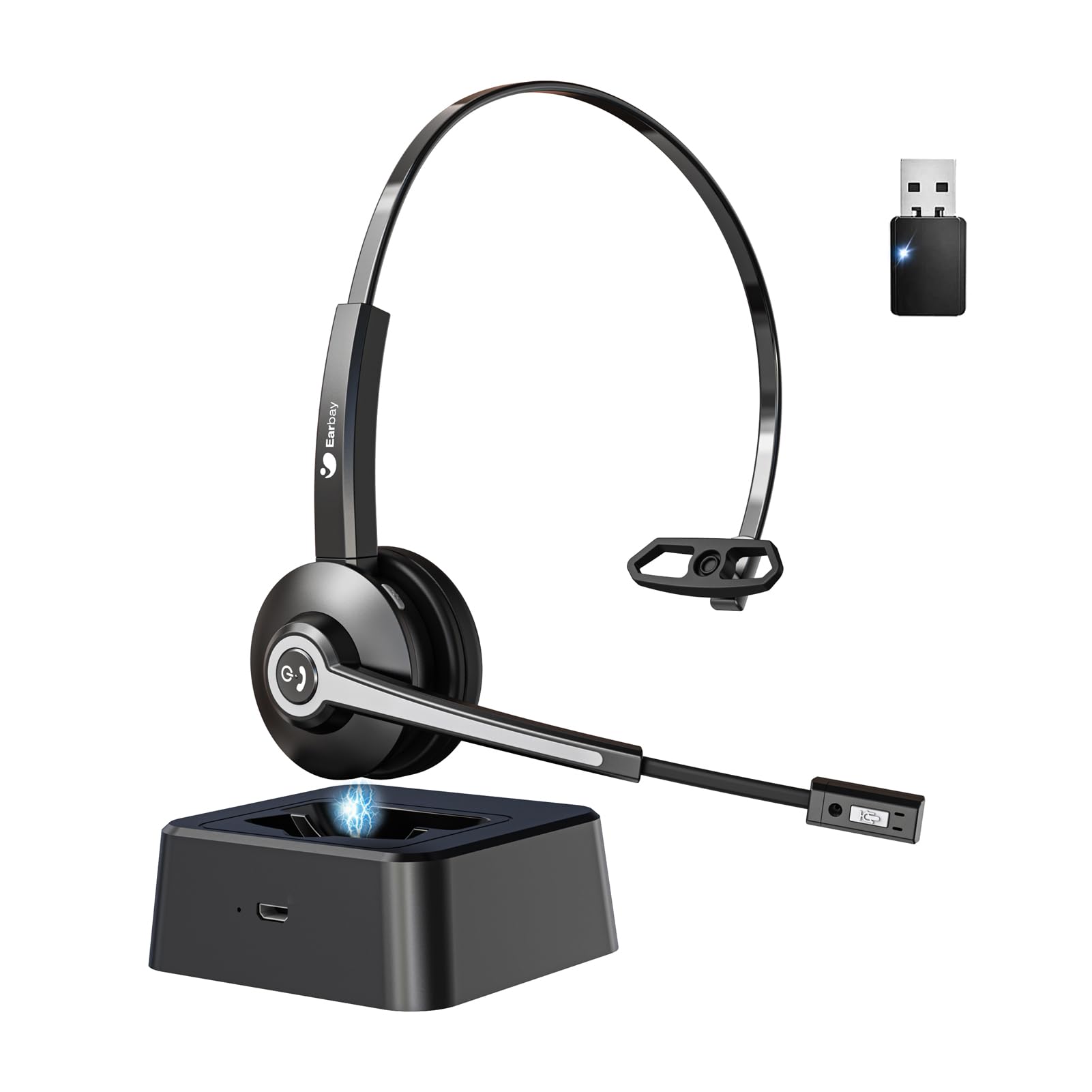
Image 1.1: Earbay BT681CD-2025 Wireless Headset with charging base and USB dongle.
2. Vsebina paketa
Prosimo, preverite paket za naslednje artikle:
- Earbay BT681CD-2025 Wireless Headset
- Polnilna baza
- USB ključ
- Polnilni kabel USB-C
- Uporabniški priročnik
3. Navodila za nastavitev
3.1. Polnjenje slušalk
Before first use, fully charge the headset. The headset can be charged using the included USB-C cable or by placing it on the charging base.
- Uporaba kabla USB-C: Connect the USB-C cable to the headset's charging port and the other end to a USB power source (e.g., computer, wall adapter).
- Uporaba polnilne baze: Place the headset onto the charging base. Ensure the charging contacts align.
A full charge takes approximately 1.5 to 2 hours. The LED indicator on the headset will show charging status (e.g., red for charging, blue for fully charged).

Image 3.1: Headset charging options: USB-C cable and charging base.
3.2. Connecting via USB Dongle
For optimal compatibility and stable connection with computers, use the provided USB dongle.
- Vstavite USB ključek v prosta USB vrata na računalniku.
- Vklopite slušalke. Samodejno se bodo poskušale povezati s ključkom.
- Once connected, the LED indicator on both the headset and dongle will show a stable blue light.
- Ensure the headset is selected as the default audio input and output device in your computer's sound settings.
3.3. Povezava prek Bluetooth
The headset can connect to two devices simultaneously (e.g., computer via dongle and phone via Bluetooth).
- Power on the headset. It will enter pairing mode if not already connected to a device. The LED will flash blue and red.
- V svoji napravi (npr. pametnem telefonu, tablici) omogočite Bluetooth in poiščite razpoložljive naprave.
- Select "Earbay BT681CD-2025" from the list of devices.
- Ko je seznanjena, bo indikator LED na slušalkah svetil modro.
Image 3.2: The headset supports two connection methods: Bluetooth 5.2 and USB Dongle, allowing connection to two devices simultaneously.
4. Navodila za uporabo
4.1. Vklop/izklop
- Vklop: Press and hold the Multi-function Button (MFB) for 3 seconds until the LED flashes blue.
- Ugasniti: Press and hold the MFB for 5 seconds until the LED flashes red and then turns off.
4.2. Upravljanje klicev
- Sprejmi/končaj klic: Enkrat pritisnite MFB.
- Zavrni klic: Pritisnite in držite MFB 2 sekunde.
- Izklop mikrofona: Press the dedicated mute button on the microphone arm. The LED on the microphone will indicate mute status.
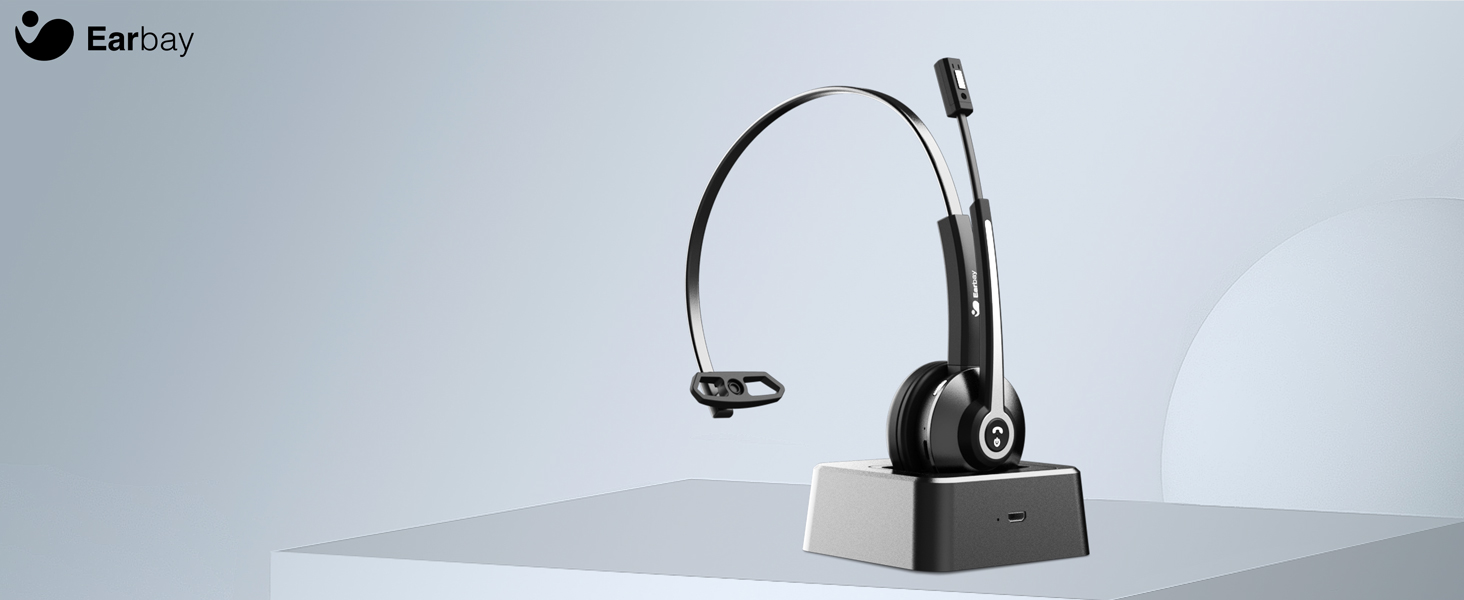
Image 4.1: The microphone arm features a dedicated mute button for privacy during calls.
4.3. Nadzor glasnosti
- Povečaj glasnost: Pritisnite gumb za povečanje glasnosti.
- Znižaj glasnost: Pritisnite gumb za zmanjšanje glasnosti.
4.4. Nošenje slušalk
The headset is designed for comfort during extended use.
- Nastavljiv naglavni trak: Podaljšajte ali umaknite naglavni trak, da se prilega vaši velikosti glave.
- Rotatable Ear Cups: The ear cups can rotate 180 degrees for a comfortable fit and easy storage.
- Flexible Mic Arm: The microphone arm can be rotated 270 degrees to position the microphone optimally for your voice.
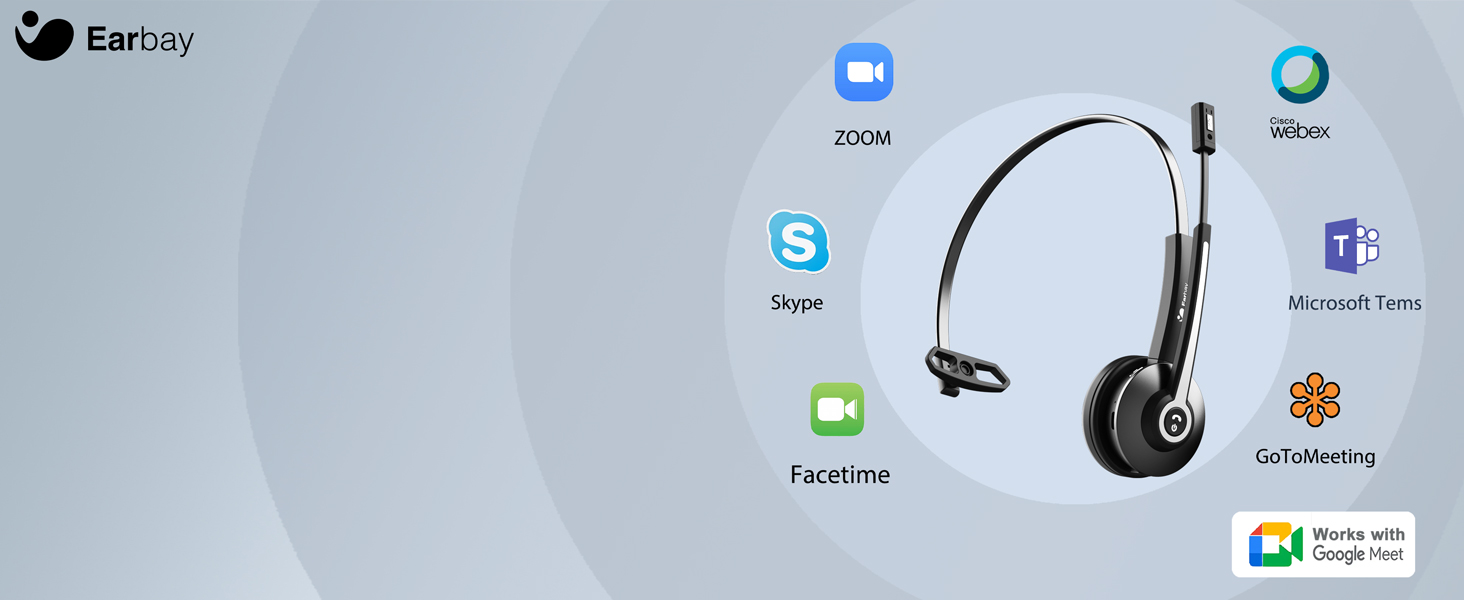
Image 4.2: The headset features memory foam earcups and a lightweight design for all-day comfort.
5. Vzdrževanje
To ensure the longevity and performance of your headset, follow these maintenance guidelines:
- Čiščenje: Za čiščenje slušalk uporabljajte mehko, suho krpo. Izogibajte se uporabi agresivnih kemikalij ali abrazivnih materialov.
- Shranjevanje: Slušalke shranjujte na hladnem in suhem mestu, stran od neposredne sončne svetlobe in ekstremnih temperatur.
- Vzdrževanje baterije: Avoid fully discharging the battery frequently. Charge the headset regularly, even if not in use, to maintain battery health.
- Izogibajte se vlagi: Slušalk ne izpostavljajte vodi ali prekomerni vlagi.
6. Odpravljanje težav
If you encounter issues with your Earbay BT681CD-2025 headset, refer to the following common problems and solutions:
| Težava | Možen vzrok | rešitev |
|---|---|---|
| Slušalke se ne vklopijo | Nizka baterija | Slušalke popolnoma napolnite. |
| Cannot connect to device | Not in pairing mode, Bluetooth off, or device too far | Ensure headset is in pairing mode (flashing blue/red LED). Turn on Bluetooth on your device. Move headset closer to the device. Re-pair the headset. |
| Ni zvoka ali je zvok slabe kakovosti | Incorrect audio output selected, low volume, or interference | Check your device's sound settings to ensure the headset is selected as the output. Increase headset and device volume. Move away from sources of interference. |
| Mikrofon ne deluje | Microphone muted, incorrect input selected, or mic arm not positioned correctly | Unmute the microphone. Check your device's sound settings to ensure the headset is selected as the input. Adjust the microphone arm closer to your mouth. |
| Povezava pogosto prekinja | Out of range, interference, or low battery | Stay within the operating range (up to 33 feet/10 meters). Reduce interference from other wireless devices. Charge the headset. |
7. Specifikacije
- Številka modela: BT681CD-2025
- Znamka: Earbay
- Brezžična komunikacijska tehnologija: Bluetooth 5.2
- Vmesnik vhodne naprave: Bluetooth, USB
- Funkcije za nadzor hrupa: Noise Cancellation (Microphone)
- Baterija: 1 nestandardna baterija (priložena)
- Čas polnjenja: Približno 1.5 ur
- Čas pogovora: Do 28 ur
- Čas pripravljenosti: Do 400 ur
- Območje delovanja: Do 33 čevljev (10 metrov)
- Teža artikla: 12 unč
- barva: Črna
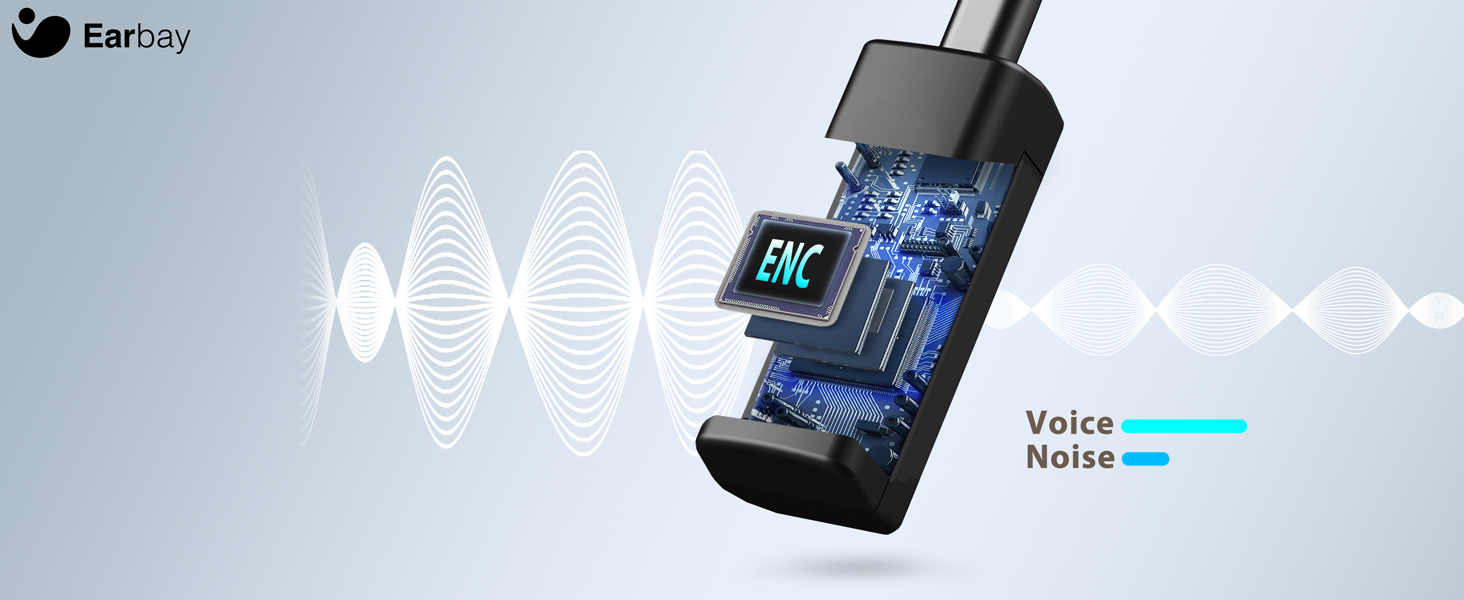
Image 7.1: The headset features a Bluetooth 5.2 chip for stable and clear connections.
8. Izdelek je končanview Video
Za vizualni pregled si oglejte ta videoposnetekview of the Earbay Wireless Headset features and design.
Video 8.1: Uradni videoposnetek izdelkaasing the Earbay Wireless Headset's design and key functionalities.
9. Garancija in podpora
Earbay products come with a standard manufacturer's warranty. For detailed warranty information, product support, or technical assistance, please refer to the contact information provided on the product packaging or visit the official Earbay webspletnega mesta. Prosimo, shranite dokazilo o nakupu za uveljavljanje garancije.