
Uvod
Thank you for choosing the monTEK Ultra Slim Fixed TV Wall Mount. This manual provides essential instructions for safe and proper installation, operation, and maintenance of your TV wall mount. Please read all instructions carefully before beginning installation to ensure a secure and successful setup.
Safety First: Improper installation can lead to serious injury or damage. If you are unsure about any part of the installation process, please consult a qualified professional.
Vsebina paketa
Verify that all components are present before installation. If any parts are missing or damaged, do not proceed with installation and contact customer support.
- Sestavljanje stenske plošče
- TV nosilci (2)
- Hardware Kit (various screws, washers, spacers, anchors)
- Nivo mehurčkov
- Navodila za uporabo
Slika 1: Vključene komponente
Kontrolni seznam pred namestitvijo
Before proceeding with installation, confirm the following:
- Velikost in teža televizorja: Ensure your TV is between 43 and 95 inches and weighs no more than 150 lbs.
- Vzorec VESA: Verify your TV's VESA mounting pattern is compatible (200x200mm to 800x400mm).
- Vrsta stene: Identify your wall type (wood studs, concrete, or brick). This mount is compatible with 16", 18", and 24" wood studs (including dual- or triple-stud setups up to 32" apart), concrete, or brick walls.
- Cable Outlet Placement: Check the location of your TV's cable outlets to ensure they will not be obstructed by the mount. Consider using right-angle adapters if space is limited.
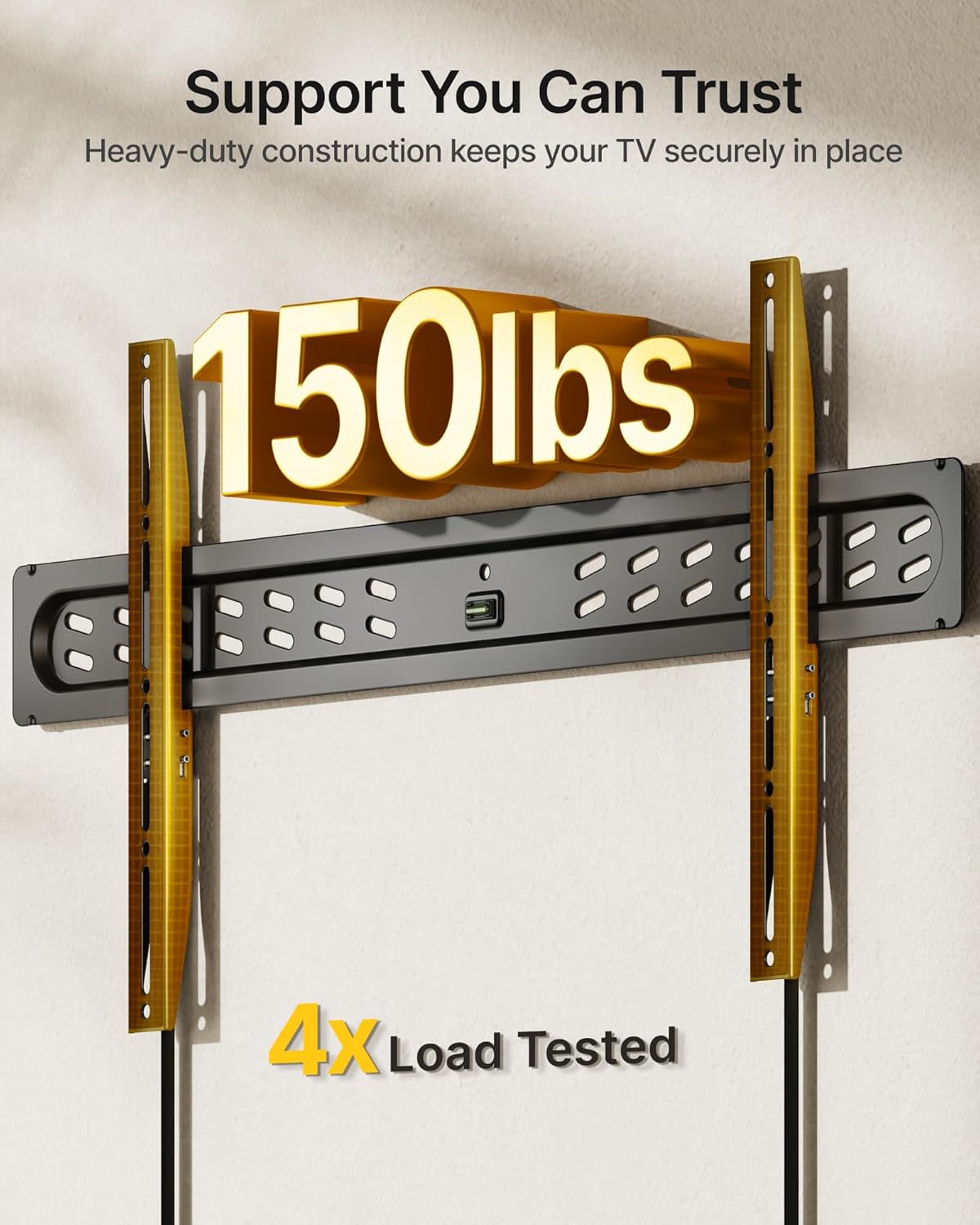
Figure 2: VESA Compatibility Diagram
Navodila za namestitev in postavitev
Za varno namestitev natančno sledite tem korakom.
1. korak: pritrdite TV nosilce na TV
- Televizor previdno položite z zaslonom navzdol na mehko, čisto površino, da preprečite praske.
- Align the TV brackets with the mounting holes on the back of your TV. Ensure the quick-release straps are accessible from the bottom of the TV.
- Select the appropriate screws, washers, and spacers from the hardware kit that fit your TV's VESA holes. Use spacers if the TV back is uneven or if cables need more clearance.
- Securely fasten the brackets to the TV using a screwdriver. Do not overtighten.
Korak 2: Namestitev stenske plošče na steno
- Določite želeno višino televizorja. Označite sredino mesta, kjer bo televizor stal.
- Use a stud finder to locate wood studs if installing on a wood stud wall. Mark the edges of the studs. For concrete/brick walls, proceed to drill pilot holes directly.
- Position the wall plate against the wall at the marked height, ensuring it is level using the included bubble level. Mark the drilling locations.
- Drill pilot holes at the marked locations. For wood studs, drill 7/32" (5.5mm) holes. For concrete/brick, drill 3/8" (10mm) holes and insert concrete anchors.
- Attach the wall plate to the wall using the lag bolts and washers. Tighten all bolts securely.

Figure 3: Wall Plate Installation
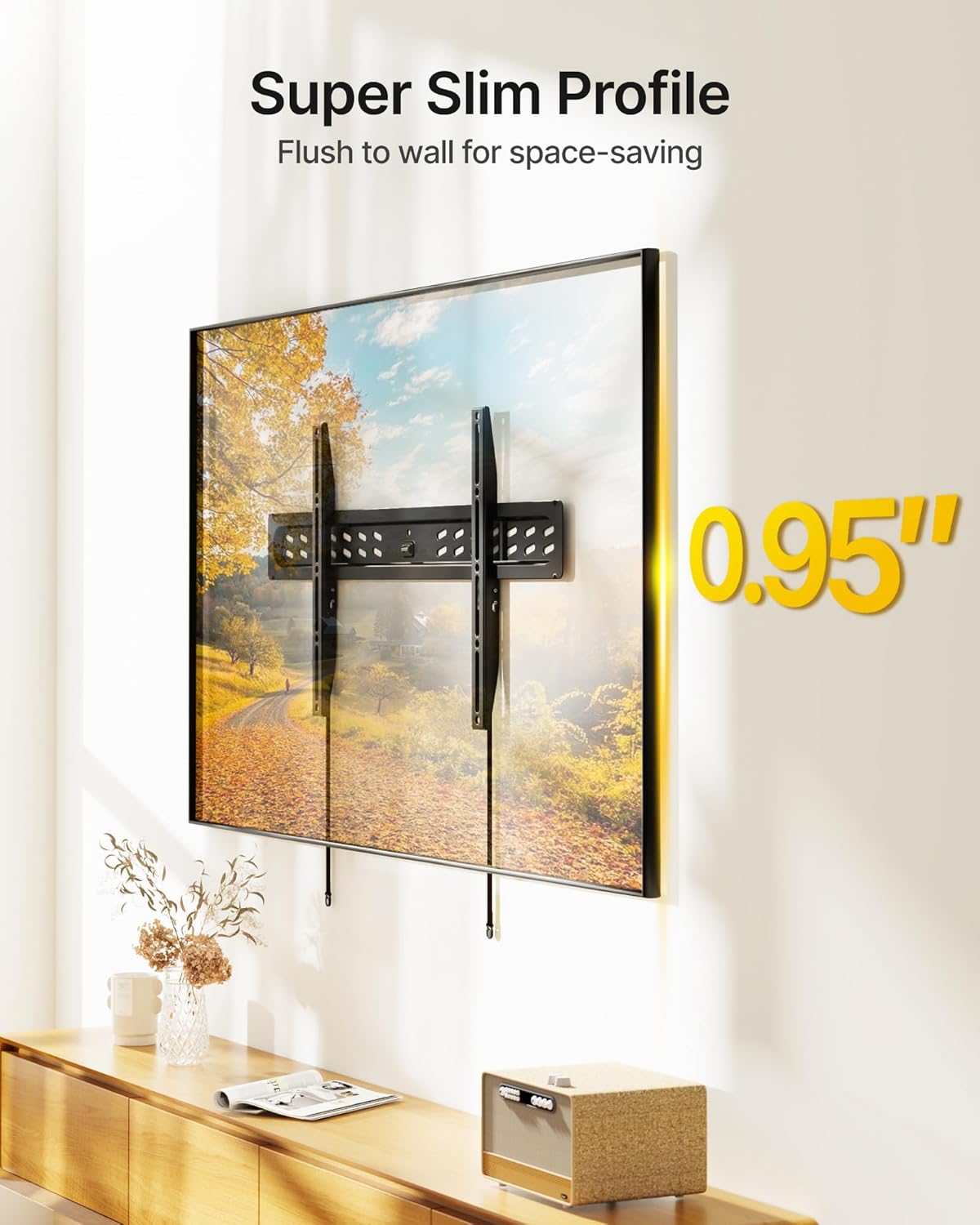
Figure 4: Stud Spacing Compatibility
3. korak: Obesite televizor na stensko ploščo
- S pomočjo previdno dvignite televizor in pritrdite nosilce televizorja na zgornji rob stenske plošče.
- Gently lower the TV until the brackets engage with the bottom of the wall plate. You should hear a click as the safety locks engage.
- Pull the quick-release straps to ensure the TV is securely locked onto the wall plate.
- Connect all necessary cables to your TV. Due to the ultra-slim profile, it is recommended to connect cables before hanging the TV if possible, or use right-angle connectors.
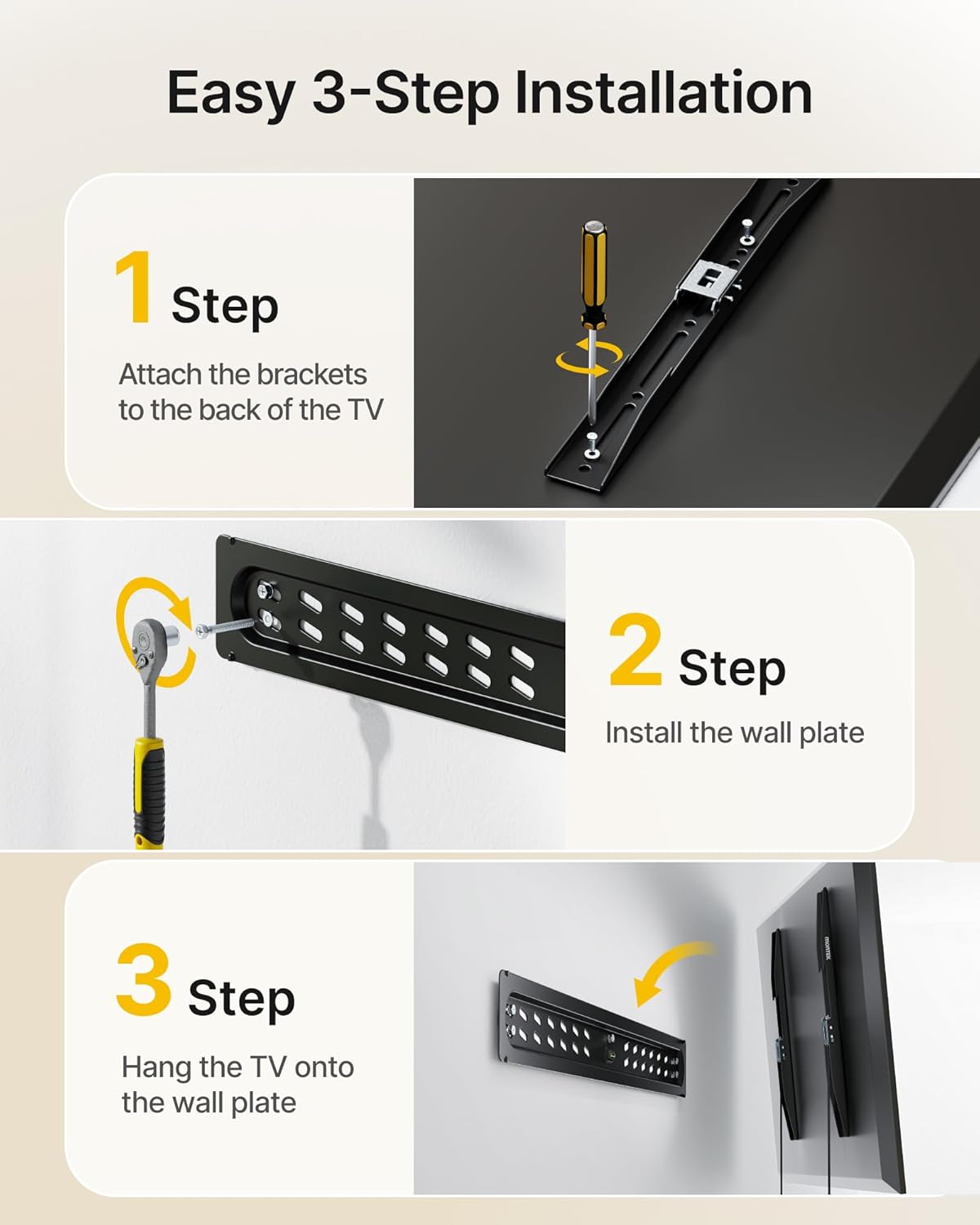
Figure 5: TV Mounted on Wall

Figure 6: Ultra-Slim Profile
Videoposnetek namestitve
Video 1: Official monTEK Ultra Slim Fixed TV Wall Mount Installation Guide. This video demonstrates the installation process for the monTEK Ultra Slim Fixed TV Wall Mount, covering key steps from attaching brackets to mounting the TV on the wall.
Navodila za uporabo
Once installed, the monTEK Ultra Slim Fixed TV Wall Mount requires minimal operation. The primary operational feature is the quick-release mechanism for detaching the TV from the wall.
Odstranjevanje televizorja s stenskega nosilca
- Locate the quick-release pull straps hanging below the TV.
- Gently pull both straps downwards to disengage the safety locks.
- With assistance, carefully lift the TV upwards and away from the wall plate.

Figure 7: Quick-Release Pull Straps
Vodoravna prilagoditev
The mount allows for a ±1° horizontal adjustment to ensure perfect TV alignment after installation.

Figure 8: Horizontal Adjustment
Vzdrževanje
The monTEK TV wall mount is designed for durability and requires minimal maintenance.
- Periodični pregledi: Annually, inspect all mounting screws and bolts to ensure they remain tight. Do not overtighten.
- Čiščenje: Nosilec obrišite z mehko, suho krpo. Izogibajte se abrazivnim čistilom ali topilom.
- Poškodbe: If any part of the mount appears damaged or worn, discontinue use and contact customer support for assistance.
Odpravljanje težav
Glejte naslednje pogoste težave in rešitve:
| Težava | Možen vzrok | rešitev |
|---|---|---|
| TV not level after installation | Wall plate not perfectly level; minor adjustments needed. | Utilize the ±1° horizontal adjustment feature. Loosen the adjustment screws slightly, level the TV, and retighten. |
| TV does not sit flush against the wall (too tight) | TV cables/plugs are protruding too far. | Use included spacers between the TV and brackets to create more clearance. Consider using right-angle HDMI/power adapters or an in-wall power receptacle. |
| Quick-release straps are difficult to pull or do not release | Mehanizem je morda tog ali napačno poravnan. | Ensure the TV is lifted slightly to relieve pressure on the locks. Apply gentle, firm pressure to the straps. If issues persist, contact support. |
| Nosilec se zdi nestabilen | Screws not fully tightened; incorrect wall anchors used; wall not suitable. | Re-check all mounting hardware for tightness. Ensure correct anchors were used for your wall type. If unsure, consult a professional. |
Specifikacije
| Funkcija | Podrobnost |
|---|---|
| Številka modela | TM1006W-LF |
| Vrsta namestitve | Fiksni stenski nosilec |
| Vrsta gibanja | Popravljeno |
| Material | Težko jeklo |
| barva | Črna |
| Združljive velikosti televizorjev | 43 - 95 palcev |
| Največja nosilnost | 150 lbs (68 kg) |
| Združljivost VESA | 200x200 mm do 800x400 mm |
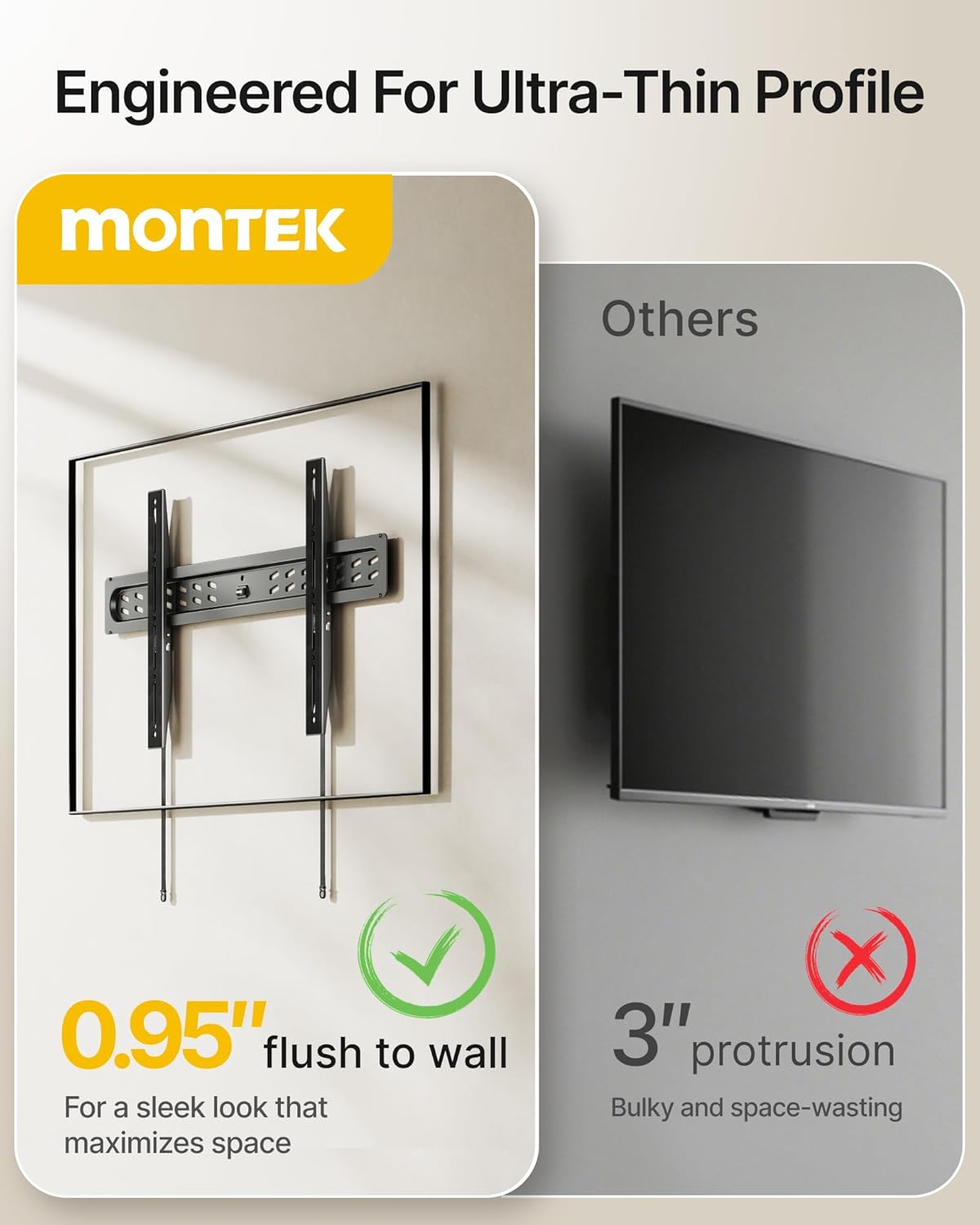
| Profile iz zidu | 0.95 palcev (2.4 cm) |
| Vodoravna prilagoditev | ±1° |
| Združljive vrste sten | Wood Studs (16", 18", 24" spacing), Concrete, Brick |
| Teža predmeta | 3.4 funtov (1.54 kg) |
Informacije o garanciji
This monTEK TV Wall Mount (Model TM1006W-LF) comes with a 2-letna garancija proizvajalca od datuma nakupa. Ta garancija krije napake v materialu in izdelavi pri normalni uporabi. Ne krije škode, ki jo povzroči nepravilna namestitev, zloraba, nesreče ali nepooblaščene spremembe.
To make a warranty claim, please retain your proof of purchase and contact monTEK customer support.
Podpora uporabnikom
For technical assistance, missing parts, or warranty inquiries, please contact monTEK customer support through the following channels:
- Webspletno mesto: Visit the official monTEK webspletno mesto za pogosta vprašanja in vire za podporo.
- E-pošta: Refer to your product packaging or the monTEK webspletno mesto za e-pošto za pomoč strankam.
- telefon: Refer to your product packaging or the monTEK webspletno mesto za telefonsko številko službe za stranke.
Please have your model number (TM1006W-LF) and proof of purchase ready when contacting support.