
Uvod
This manual provides detailed instructions for the setup, operation, and maintenance of your Ratakee Digital Alarm Clock Radio H249. Please read this manual thoroughly before using the device to ensure proper functionality and to maximize your user experience. This device features a large LED display, dual alarms, AM/FM radio with presets, adjustable alarm volume, sleep timer, and display dimmer.

Slika: spredaj view of the Ratakee Digital Alarm Clock Radio H249, displaying the time 12:00 PM in blue LED digits.
Lastnosti izdelka Konecview
- Velik LED zaslon: 6.6-inch screen with 1.6-inch blue LED numbers for clear visibility.
- Dvojni alarmi: Set two independent alarms with options for beep or radio wake-up.
- AM/FM radio: Digital tuning with frequency ranges FM 87.5-108MHz and AM 520-1710KHz.
- Prednastavitve postaj: Za hiter dostop shranite do 20 AM in 20 FM postaj.
- Nastavljiva glasnost alarma: Alarm volume can be set from levels 5 to 15.
- Časovnik spanja: Program the radio to turn off automatically after 10-90 minutes.
- Zatemnitev zaslona: Four brightness levels for the LED display.
- Funkcija dremeža: Provides an extra 9 minutes of sleep.
- Varnostno kopiranje baterije: 2 AAA batteries (not included) preserve time and alarm settings during power outages.
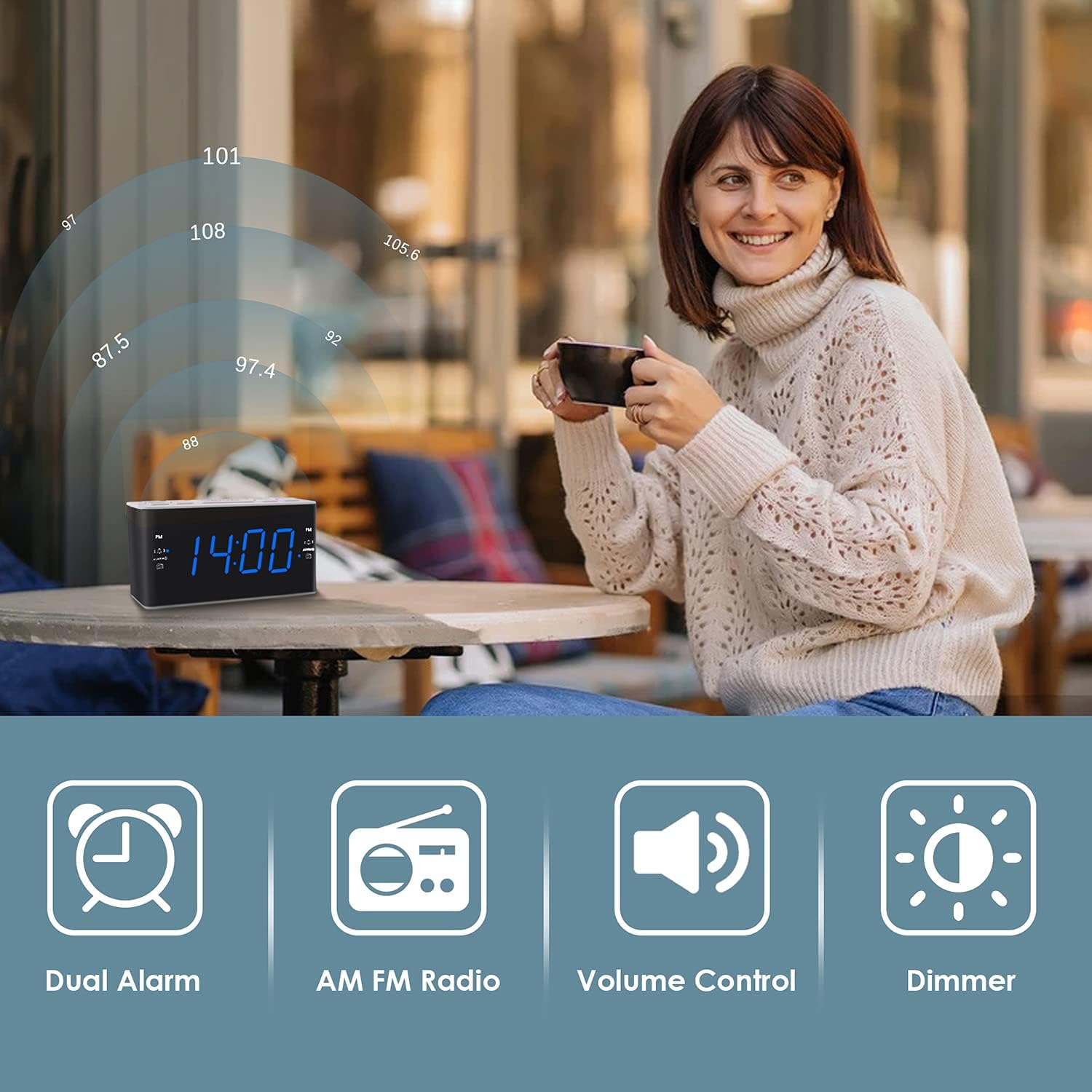
Image: Visual representation of the alarm clock's main features: Dual Alarm, AM FM Radio, Volume Control, and Dimmer, with a woman enjoying music in the background.
Nastavitev
1. Napajalni priključek
The Ratakee H249 operates on AC power. Connect the provided power cord to the clock radio and then plug it into a standard AC 120V 60Hz wall outlet. The display will illuminate once power is supplied.
2. Namestitev rezervne baterije
For battery backup, insert two (2) AAA batteries (not included) into the battery compartment located on the bottom of the unit. The battery backup maintains time and alarm settings during a power interruption but does not power the clock display or radio functions.
3. Začetna nastavitev časa
- Pritisnite in držite NASTAVI ČAS gumb. Številke za uro bodo začele utripati.
- Uporabite GLASNOST+ or ZV.- gumbe za nastavitev ure. Če nastavljate popoldanski čas, bodite pozorni na indikator PM.
- Pritisnite NASTAVI ČAS ponovno pritisnite gumb. Številke minut bodo utripale.
- Uporabite GLASNOST+ or ZV.- gumbe za nastavitev minut.
- Pritisnite NASTAVI ČAS še enkrat pritisnite gumb za potrditev in izhod iz načina nastavitve časa.
Navodila za uporabo
1. Nastavitev alarmov (Alarm 1 in Alarm 2)
The clock radio features two independent alarms. The process is identical for both.
- Pritisnite in držite ALARM1 (oz ALARM2) button. The alarm hour digits will flash.
- Uporabite GLASNOST+ or ZV.- buttons to set the desired alarm hour. Observe the PM indicator.
- Pritisnite ALARM1 (oz ALARM2) button again. The alarm minute digits will flash.
- Uporabite GLASNOST+ or ZV.- gumbe za nastavitev želenih minut alarma.
- Pritisnite ALARM1 (oz ALARM2) button again to select the alarm source:
- Pisk: A standard alarm tone.
- Radio: Zbudi vas z zadnjo nastavljeno radijsko postajo.
- Pritisnite ALARM1 (oz ALARM2) button one more time to confirm and activate the alarm. An alarm icon will appear on the display.
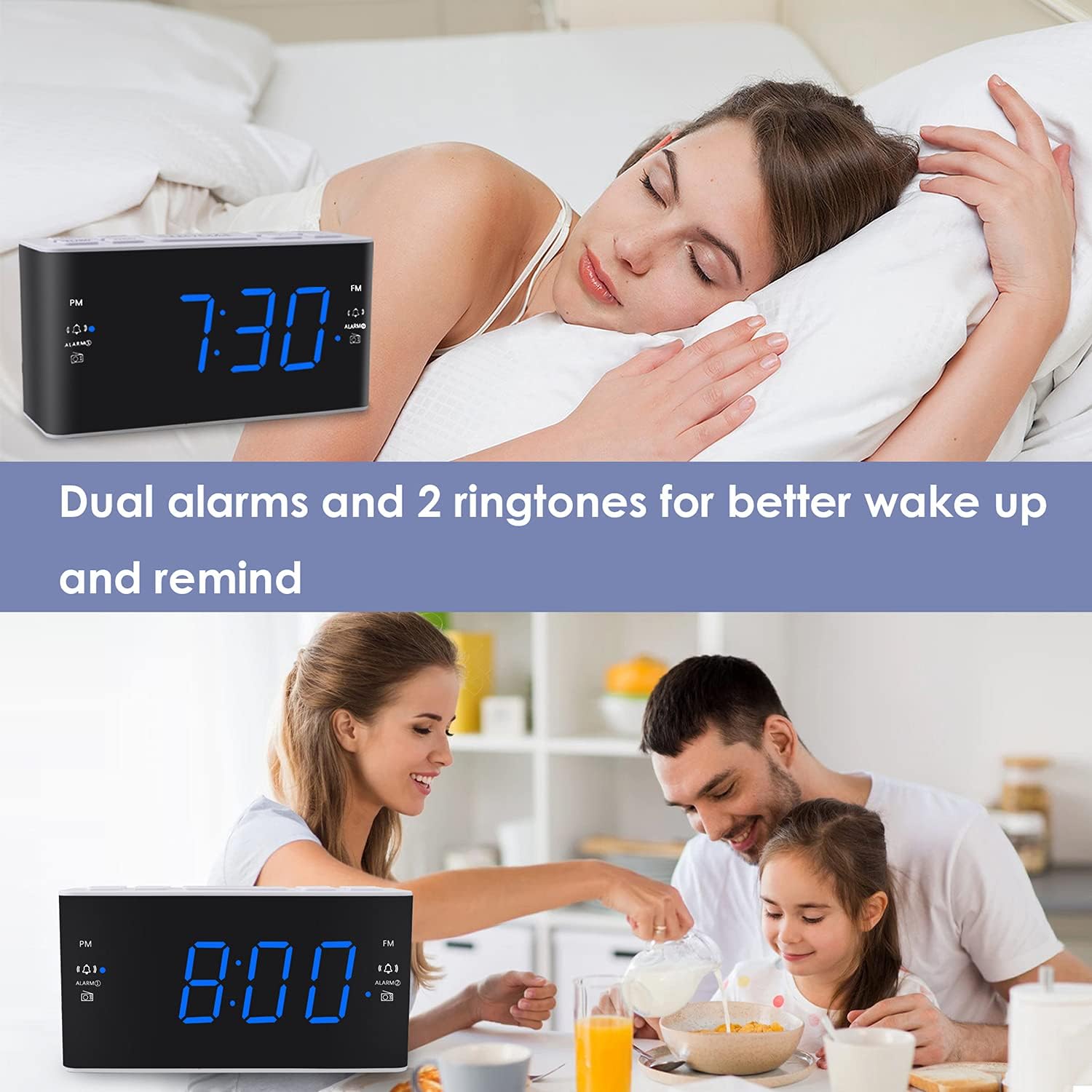
Image: The alarm clock displaying 7:30, with icons indicating dual alarms are set, positioned on a bedside table next to a person waking up.
2. Prilagajanje glasnosti alarma
When an alarm is sounding, use the GLASNOST+ or ZV.- buttons to adjust the alarm volume between levels 5 and 15.
3. Funkcija dremeža
Ko se oglasi alarm, pritisnite veliko DREMŽAJ/ZATEMNILO button to temporarily silence the alarm for 9 minutes. The alarm will sound again after 9 minutes. This can be repeated up to 5 times. To cancel the alarm completely, press any other button (e.g., ALARM1, ALARM2, RADIO).
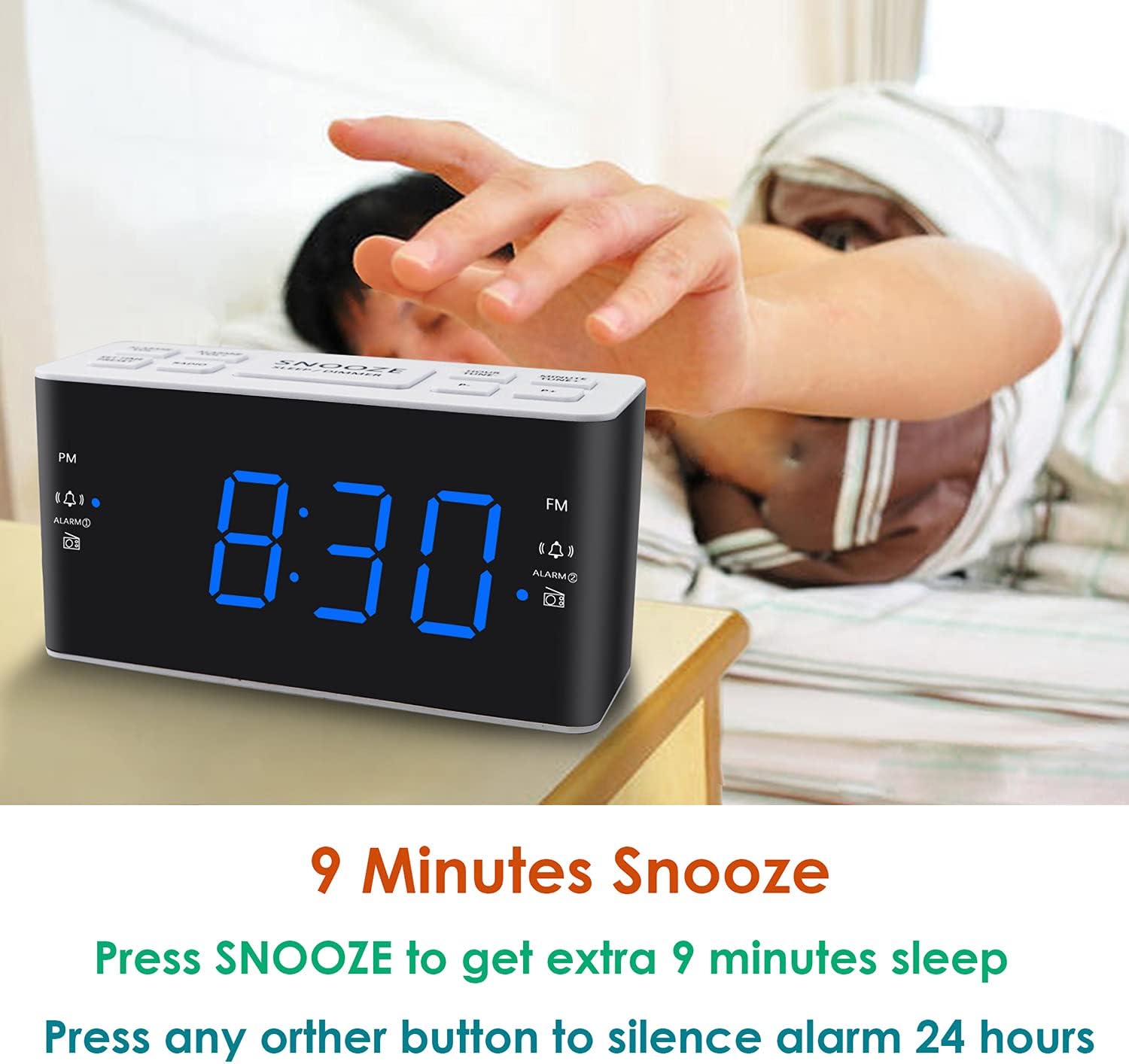
Image: A hand reaching to press the SNOOZE button on the alarm clock, which shows 8:30, illustrating the snooze function.
4. Delovanje AM/FM radia
- Pritisnite RADIO gumb za vklop ali izklop radia.
- To tune, press the GLASNOST+ or ZV.- buttons to manually adjust the frequency. Press and hold these buttons for automatic scanning to the next available station.
- Nastavitev prednastavitev: While listening to a desired station, press and hold the PREDNASTAVITEV button. The preset number will flash. Use GLASNOST+ or ZV.- to select a preset slot (P01-P20 for AM/FM). Press PREDNASTAVITEV spet shraniti.
- Priklic prednastavitev: Na kratko pritisnite PREDNASTAVITEV za preklapljanje med shranjenimi postajami.
- Adjusting Radio Volume: Uporabite GLASNOST+ or ZV.- buttons when the radio is on to adjust the listening volume.
5. Časovnik za spanje
Časovnik za spanje omogoča, da radio predvaja določen čas, preden se samodejno izklopi.
- Medtem ko se predvaja radio, pritisnite SPANJE button (if available, otherwise use a combination like SNOOZE + RADIO, or refer to specific button if different).
- Večkrat pritisnite SPANJE button to cycle through available sleep times (e.g., 10, 20, 30, 60, 90 minutes).
- The radio will turn off automatically after the selected time.
6. Zatemnilnik zaslona
Za nastavitev svetlosti LED-zaslona pritisnite DREMŽAJ/ZATEMNILO button (when the alarm is not sounding). Each press will cycle through the four available brightness levels (High, Medium, Low, Off).

Image: The alarm clock displaying 20:00 (8 PM) with a dimmed blue LED display, illustrating the dimmer function for nighttime use.
Vzdrževanje
1. Čiščenje
To clean the clock radio, gently wipe the surface with a soft, dry cloth. Do not use abrasive cleaners, waxes, or solvents as these can damage the finish. Ensure the device is unplugged before cleaning.
2. Zamenjava baterije (rezervna)
Če se nastavitve časa in alarma ne ohranijo med izpadom električne energijetage, the AAA backup batteries may need to be replaced. Open the battery compartment, remove the old batteries, and insert two new AAA batteries, observing the correct polarity (+/-). Close the compartment securely.
Odpravljanje težav
| Težava | Možen vzrok | rešitev |
|---|---|---|
| Prikaz ure je izklopljen ali ne deluje. | Ni izmeničnega napajanja; izklopljeno napajanjetage; display dimmer set to 'Off'. | Ensure the power cord is securely plugged into a live outlet. Check for power outagPritisnite DREMŽAJ/ZATEMNILO button to adjust display brightness. |
| Time/Alarm settings are lost after a power outage. | Rezervne baterije so prazne ali niso nameščene. | Install two fresh AAA batteries or replace existing ones in the battery compartment. |
| Alarm se ne oglasi. | Alarm is not activated; alarm volume is too low; incorrect alarm time. | Ensure the alarm icon is visible on the display. Re-check alarm time and source. Adjust alarm volume (levels 5-15). |
| Slab radijski sprejem. | Antena ni iztegnjena; motnje; šibek signal. | Fully extend the FM wire antenna. Reposition the clock radio to improve reception. Avoid placing near electronic devices that may cause interference. |
| Radio presets are not saved. | Incorrect saving procedure; power interruption without backup. | Prepričajte se, da pritisnete in držite PREDNASTAVITEV button to save, then press again to confirm. Ensure backup batteries are installed and functional to retain settings during power loss. |
Specifikacije
| Funkcija | Podrobnost |
|---|---|
| Znamka | Ratakee |
| Številka modela | H249 |
| Vrsta zaslona | Digitalna LED (modra) |
| Vir napajanja | Corded Electric (AC 120V 60Hz) |
| Rezervna baterija | 2 AAA batteries (not included) for settings retention |
| Dimenzije izdelka | 6.14 cm Š x 3.15 cm V x 2.17 cm G |
| Teža predmeta | 4 unče (0.25 funta) |
| Radijska frekvenca (FM) | 87.5-108 MHz |
| Radio Frequency (AM) | 520-1710 KHz |
| Posebne lastnosti | Adjustable Brightness, Adjustable Volume, Dual Alarms, Radio, Sleep Timer |
| Material | Plastika |

Image: Dimensional drawing of the alarm clock, indicating its width (6.14in), height (3.15in), and depth (2.17in).
Garancija in podpora
Informacije o garanciji
This Ratakee Digital Alarm Clock Radio H249 comes with a 1-letna omejena garancija od datuma nakupa. Poleg tega 90-dnevna garancija vračila denarja is offered. This warranty covers manufacturing defects and malfunctions under normal use. It does not cover damage caused by misuse, accidents, unauthorized modifications, or external factors.
Podpora uporabnikom
For technical assistance, troubleshooting not covered in this manual, or warranty claims, please contact Ratakee customer support through the retailer's platform or the contact information provided with your purchase. Please have your model number (H249) and purchase date available when contacting support.