
1. Uvod
Thank you for choosing the Gtheos Captain 370 Wireless Gaming Headset. This manual provides essential information for setting up, operating, and maintaining your new headset. Designed for an immersive audio experience, the Captain 370 offers versatile connectivity and comfortable wear for extended gaming sessions and communication.
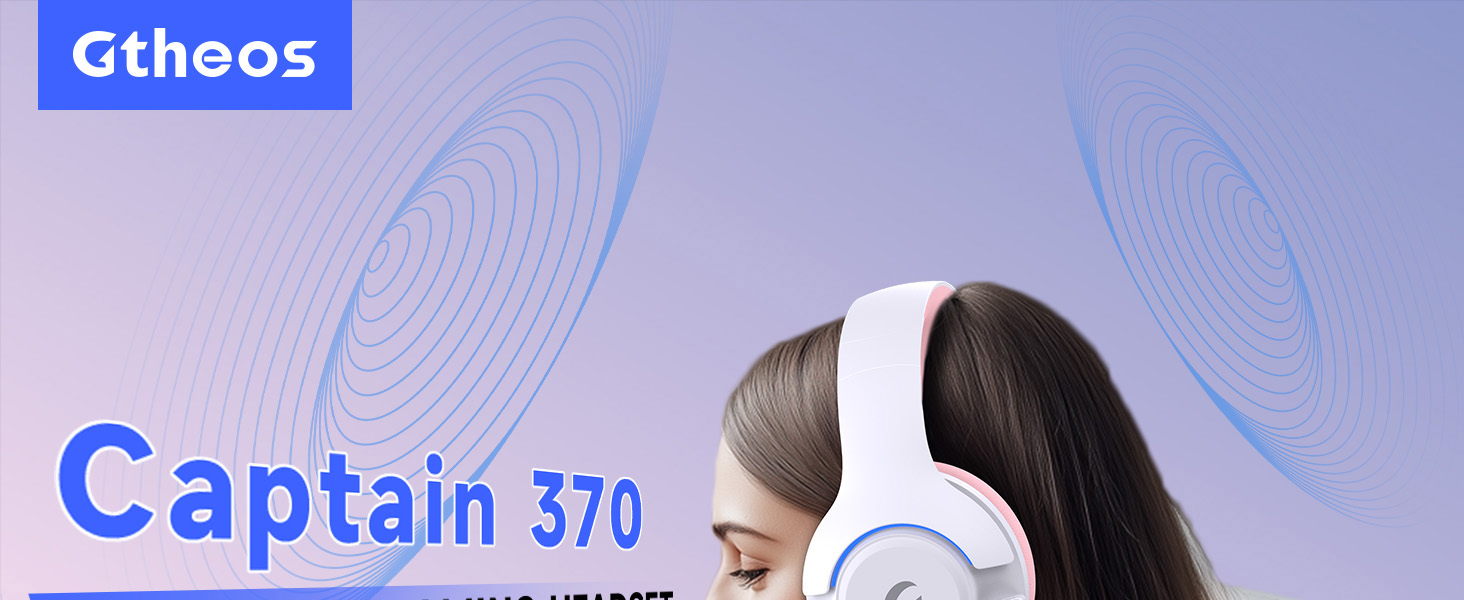
Image 1: The Gtheos Captain 370 Wireless Gaming Headset, showcasinzaradi elegantne oblike in udobnih ušesnih školjk.
Ključne značilnosti:
- 4-v-1 povezljivost: Seamlessly switch between 2.4GHz wireless, Bluetooth 5.3, and 3.5mm wired modes for broad device compatibility.
- 50 mm dinamični gonilniki: Experience realistic and immersive sound quality for gaming and multimedia.
- Mikrofon za odpravljanje hrupa: Detachable microphone designed to reduce background noise for clear communication.
- Podaljšana življenjska doba baterije: Uživajte do 45 ur neprekinjene uporabe z enim polnjenjem.
- Udoben dizajn: Ergonomically designed earcups and headband for prolonged comfort during use.
- RGB osvetlitev: Customizable LED lighting effects on the earcups.
2. Nastavitev
2.1 Kaj je v škatli
- 1 x Gtheos Captain 370 Gaming Headset
- 1 x Detachable Noise Cancelling Microphone
- 1 x polnilni kabel Type-C
- 1 x USB Transmitter (2.4GHz dongle)
- 1 x 3.5 mm avdio kabel
- 1 x uporabniški priročnik
2.2 Polnjenje slušalk
Before first use, fully charge the headset. Connect the Type-C charging cable to the headset's charging port and the other end to a USB power source (e.g., computer USB port, USB wall adapter). The LED indicator will show charging status and turn off when fully charged.

Image 2: Headset highlighting the 45-hour battery life and charging port.
2.3 Pritrditev mikrofona
The Captain 370 comes with a detachable noise-canceling microphone. Insert the microphone into the dedicated port on the left earcup until it clicks into place. Ensure it is securely connected for optimal voice pickup.

Image 3: Close-up of the headset showing the detachable noise-canceling microphone.
3. Navodila za uporabo
3.1 Vklop/izklop
To power on the headset, press and hold the Power button located on the earcup until the LED indicator lights up. To power off, press and hold the Power button again until the LED indicator turns off.
3.2 Načini povezljivosti
The Gtheos Captain 370 supports four connectivity modes:
- 2.4 GHz brezžični način: For PS4, PS5, PC, Mac, Nintendo Switch (via Type-C), and Phones/Pads (via Type-C). Insert the USB transmitter into your device. The headset will automatically connect.
- Način Bluetooth 5.3: For Phones, Pads, and Notebooks. Enable Bluetooth on your device, put the headset into pairing mode (refer to device-specific instructions if needed), and select "Gtheos Captain 370" from the available devices.
- 3.5 mm žični način: For PS4, PS5, Xbox, PC, Mac, and Laptops/Tablets with a 3.5mm jack. Connect the included 3.5mm audio cable to the headset and your device.
Image 4: Visual representation of the four connectivity modes and compatible devices.

Image 5: Detailed compatibility matrix for voice and microphone functions across 2.4G, Bluetooth, and 3.5mm wired modes.
3.3 Nadzor glasnosti
Adjust the volume using the dedicated volume roller or buttons on the headset's earcup. For optimal sound, also check the volume settings on your connected device.
3.4 Izklop mikrofona
Press the Microphone Mute button on the headset to toggle the microphone on or off. An indicator light (often red) will typically show when the microphone is muted.
3.5 Krmiljenje LED osvetlitve
The headset features customizable RGB lighting. Press the dedicated LED control button (often integrated with the mic mute button or a separate button) to cycle through different lighting effects or turn them off. A quick press may change colors, while a long press might toggle the lights on/off.
4. Vzdrževanje
To ensure the longevity and performance of your Gtheos Captain 370 headset, follow these maintenance guidelines:
- Čiščenje: Use a soft, dry cloth to clean the headset. Avoid using harsh chemicals or abrasive materials. For earcups, gently wipe with a damp krpo in pustite, da se popolnoma posuši na zraku.
- Shranjevanje: Slušalke shranjujte na hladnem in suhem mestu, stran od neposredne sončne svetlobe in ekstremnih temperatur.
- Ravnanje: Avoid dropping the headset or exposing it to excessive force. Do not pull on cables forcefully.
- Vzdrževanje baterije: Za optimalno življenjsko dobo baterije se izogibajte pogostemu popolnemu praznjenju slušalk. Redno jih polnite, tudi če jih ne uporabljate nenehno.
5. Odpravljanje težav
5.1 Ni zvoka ali nizka glasnost
- Prepričajte se, da so slušalke vklopljene in popolnoma napolnjene.
- Preverite glasnost tako na slušalkah kot na povezani napravi.
- Preverite, ali je v nastavitvah zvoka vaše naprave izbrana pravilna izhodna zvočna naprava.
- If using 2.4GHz wireless, ensure the USB transmitter is securely plugged in and recognized by your device.
- Če uporabljate Bluetooth, se prepričajte, da so slušalke pravilno seznanjene in povezane.
- If using 3.5mm wired, ensure the cable is fully inserted into both the headset and the device.
5.2 Mikrofon ne deluje
- Prepričajte se, da je mikrofon varno pritrjen na slušalke.
- Check if the microphone is muted using the headset's mute button.
- Preverite, ali je v nastavitvah zvoka vaše naprave izbrana pravilna vhodna naprava za mikrofon.
- Test the microphone in different applications or with another device.
5.3 Težave s povezljivostjo
- 2.4 GHz: Try unplugging and re-plugging the USB transmitter. Ensure no other 2.4GHz devices are causing interference.
- Bluetooth: Unpair and re-pair the headset with your device. Ensure the headset is within the Bluetooth range (10 meters).
- Splošno: Znova zaženite slušalke in povezano napravo.
6. Specifikacije
| Funkcija | Podrobnost |
|---|---|
| Ime modela | Kapitan 370 |
| Znamka | Gtheos |
| Tehnologija povezljivosti | 2.4 GHz brezžično, Bluetooth 5.3, 3.5 mm žično |
| Velikost zvočnega gonilnika | 50 milimetrov |
| Vrsta zvočnega gonilnika | Dinamični gonilnik |
| Frekvenčni odziv | 20 KHz |
| Impedanca | 32 Ohmov |
| Nadzor hrupa | Sound Isolation, Noise Cancellation (Microphone) |
| Življenjska doba baterije | Do 45 uri |
| Različica Bluetooth | 5.3 |
| Bluetooth obseg | 10 metrov |
| Zvočna zakasnitev | 20 milisekund |
| Združljive naprave | PS5, PS4, PC, Mac, Laptop, Tablets, Phones, Nintendo Switch, Xbox (wired) |
| Material | ABS, usnje, PC |
| Teža predmeta | 0.51 kilograma (1.12 funta) |
| barva | Temno roza |
7. Garancija in podpora
7.1 Informacije o garanciji
The Gtheos Captain 370 Wireless Gaming Headset comes with a standard manufacturer's warranty. Please refer to the warranty card included in your product packaging for specific terms and conditions, including warranty period and coverage details.
7.2 Podpora strankam
For technical assistance, troubleshooting, or any questions regarding your Gtheos Captain 370 headset, please contact Gtheos customer support. You can find contact information on the official Gtheos webspletnem mestu ali prek prodajalca, kjer ste izdelek kupili.
Obiščite Gtheos Store on Amazon za več informacij in posodobitve izdelkov.