
1. Izdelek je končanview
The wegear MW16-MS is a 2.4GHz wireless optical mouse designed for laptops, PCs, and Macs. It features 6 buttons, adjustable DPI settings, and an ergonomic design for comfortable use.
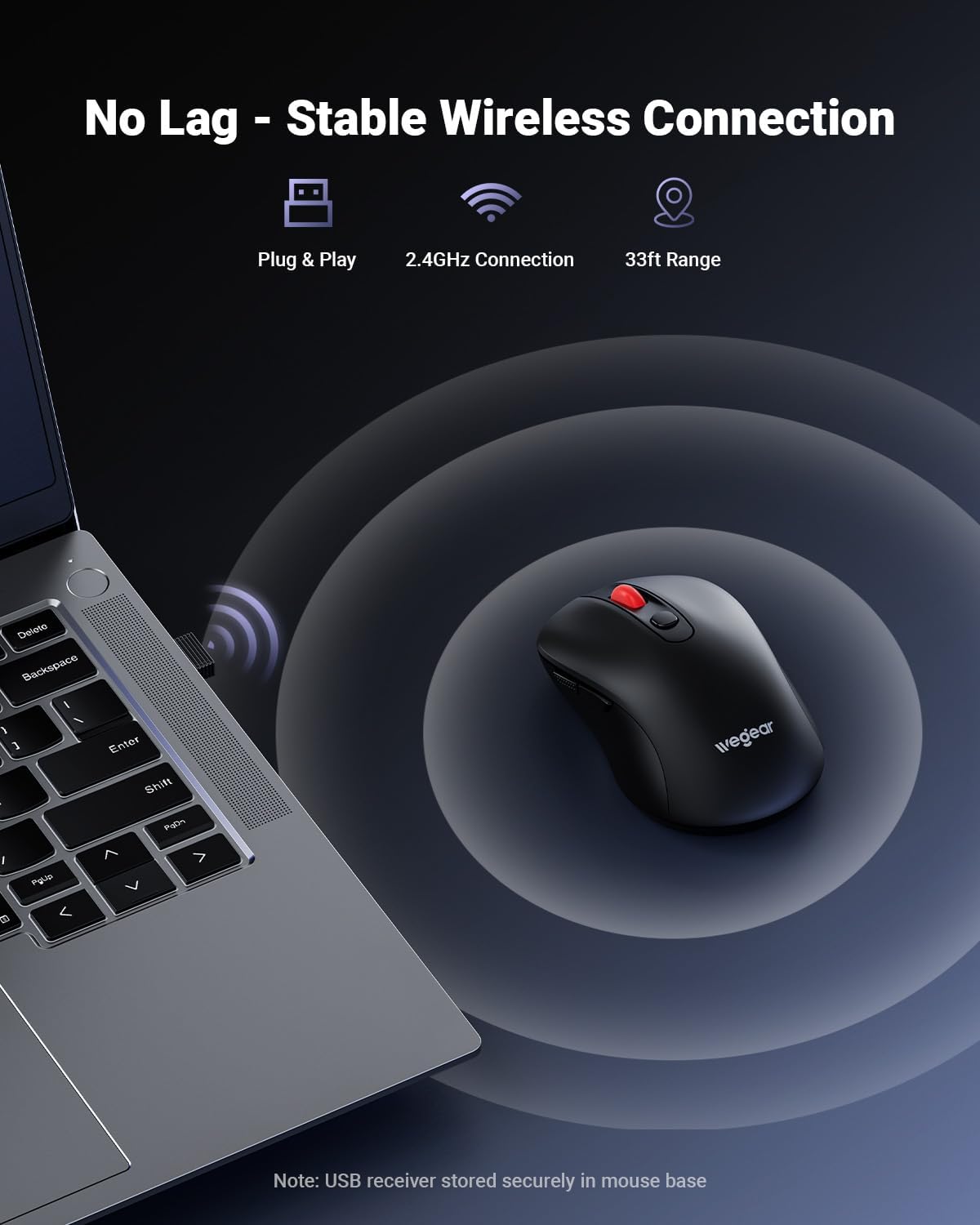
Image 1.1: The wegear MW16-MS wireless mouse shown with its USB receiver.
2. Vsebina paketa
- wegear MW16-MS Wireless Mouse
- USB Receiver (stored at the bottom of the mouse)
- Navodila za uporabo
3. Navodila za nastavitev
3.1. Namestitev baterije
- Poiščite predal za baterije na spodnji strani miške.
- Odprite pokrov prostora za baterije.
- Insert one AA battery (not included) into the compartment, ensuring correct polarity (+/-).
- Trdno zaprite pokrov prostora za baterije.

Image 3.1: Illustration of the battery compartment and battery installation.
3.2. Priključitev USB-sprejemnika
- Remove the USB receiver from its storage slot at the bottom of the mouse.
- Plug the USB receiver into an available USB-A port on your computer (laptop, PC, or Mac).
- The mouse will automatically connect to your computer. No drivers are required.
- For iPads or Macs without a USB-A port, a USB-C to USB-A adapter (not included) may be required.

Image 3.2: The USB receiver plugged into a laptop, establishing a wireless connection with the mouse.
4. Navodila za uporabo
4.1. Upravljanje porabe
The mouse features an automatic sleep mode to conserve battery life. After 8 minutes of inactivity, the mouse will enter sleep mode. To reactivate, simply click any button.
4.2. Prilagoditev DPI
The mouse offers 5 adjustable DPI (Dots Per Inch) levels to control cursor speed and sensitivity. Press the DPI button located behind the scroll wheel to cycle through the settings: 800, 1200, 1600, 2400, and 4000 DPI.

Image 4.1: The DPI button on the mouse, used to adjust cursor sensitivity.
4.3. Funkcije gumbov
The mouse is equipped with 6 buttons for enhanced productivity:
- Levi gumb: Standardna funkcija klika.
- Desni gumb: Standardna funkcija klika z desno miškino tipko.
- Kolesce za pomikanje: Pomikanje gor/dol in funkcija klika s srednjim gumbom miške.
- Gumb DPI: Adjusts cursor sensitivity (DPI levels).
- Gumb za naprej: Navigacija naprej v web brskalniki oz file explorers. (Note: Not recognized on Mac operating systems.)
- Gumb za nazaj: Navigacija nazaj v web brskalniki oz file explorers. (Note: Not recognized on Mac operating systems.)
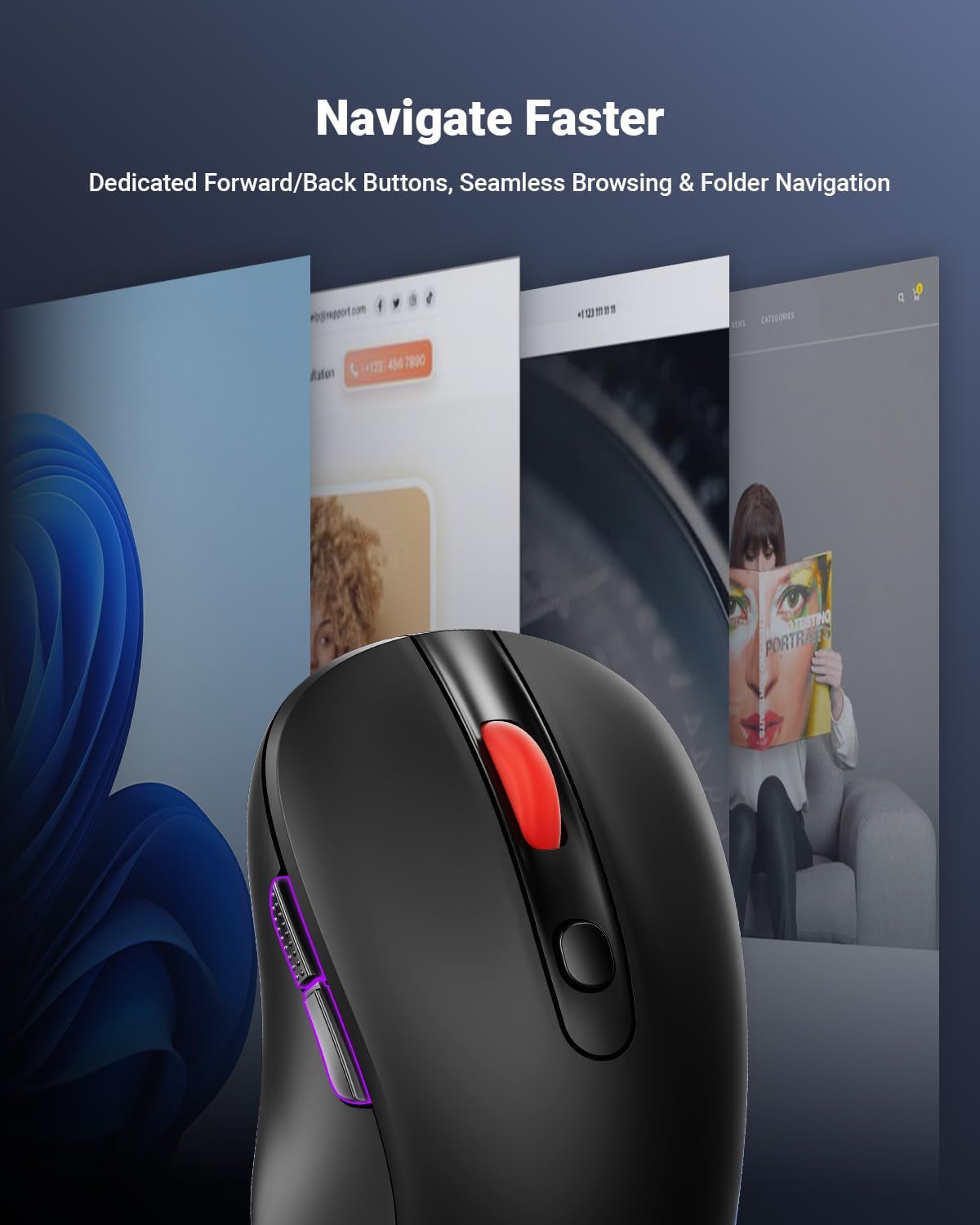
Image 4.2: The forward and back buttons located on the side of the mouse for quick navigation.
5. Vzdrževanje
5.1. Zamenjava baterije
The mouse operates on a single AA battery, providing up to 24 months of battery life. A red LED indicator will alert you when the battery is low and requires replacement. Follow the steps in Section 3.1 to replace the battery.
5.2. Čiščenje
To clean the mouse, use a soft, dry cloth. Avoid using harsh chemicals or abrasive materials, as these may damage the surface or internal components.
6. Odpravljanje težav
- No Cursor Movement or Lag:
Ensure the USB receiver is securely plugged into a working USB port. Check the mouse battery level and replace if necessary. Ensure the mouse is within the 33ft (10m) operating range of the receiver. Avoid using the mouse on highly reflective or transparent surfaces. - Gumbi se ne odzivajo:
Check the battery level. Re-plug the USB receiver into a different USB port. - Cursor Movement is Too Fast or Too Slow:
Adjust the DPI setting using the DPI button on the mouse (refer to Section 4.2). - Forward/Back Buttons Not Working on Mac:
These buttons are not supported by macOS. This is expected behavior.
7. Specifikacije
| Funkcija | Podrobnost |
|---|---|
| Znamka | wegear |
| Številka modela | MW16-MS |
| Tehnologija povezljivosti | 2.4 GHz brezžično (USB sprejemnik) |
| Tehnologija zaznavanja gibanja | Optični |
| DPI ravni | 800/1200/1600/2400/4000 (Adjustable) |
| Število gumbov | 6 (levo, desno, kolesce za pomikanje, DPI, naprej, nazaj) |
| Vrsta baterije | 1 x AA baterija (ni priložena) |
| Življenjska doba baterije | Do 24 mesecev |
| Brezžično Domet | Do 33 čevljev (10 metrov) |
| Združljivi operacijski sistemi | Windows 98SE/ME/2000/XP/Vista/7/10/11, macOS 10.x |
| Ergonomsko oblikovanje | ja |
| Vzdržljivost | 5,000,000 click testing |
8. Garancija in podpora
8.1. Informacije o garanciji
This wegear product comes with a 1-year warranty from the date of purchase. Please retain your proof of purchase for warranty claims. The warranty covers manufacturing defects but does not cover damage caused by misuse, accidents, or unauthorized modifications.
8.2. Podpora strankam
For technical assistance, troubleshooting, or warranty inquiries, please contact wegear customer service through the official webspletno mesto ali kanale za podporo vašega prodajalca.
9. Videoposnetek izdelka
Video 9.1: Uradna video predstavitevasing the wegear MW16 Series Mice, including various color options and features.