
LeapFrog 80-621200
LeapFrog Preschool Game and Go Handheld Video Game Toy Instruction Manual
Model: 80-621200
Blagovna znamka: LeapFrog
Uvod
The LeapFrog Preschool Game and Go is a handheld video game toy designed to introduce young children to fundamental concepts such as numbers, letters, and shapes through engaging mini-games and music. This device offers a portable and interactive learning experience for children aged 2 years and older.
Kaj je v škatli
- LeapFrog Preschool Game and Go Handheld Toy
- Vodnik za hiter začetek
Note: 3 AAA batteries are included for demo purposes only. New batteries are recommended for regular use.
Nastavitev
Namestitev baterije
- Poiščite predal za baterije na zadnji strani naprave.
- Z izvijačem odprite pokrov predalčka za baterije.
- Vstavite 3 novi bateriji AAA in pazite na pravilno polarnost (+/-).
- Ponovno namestite pokrov prostora za baterije in ga pritrdite z vijakom.
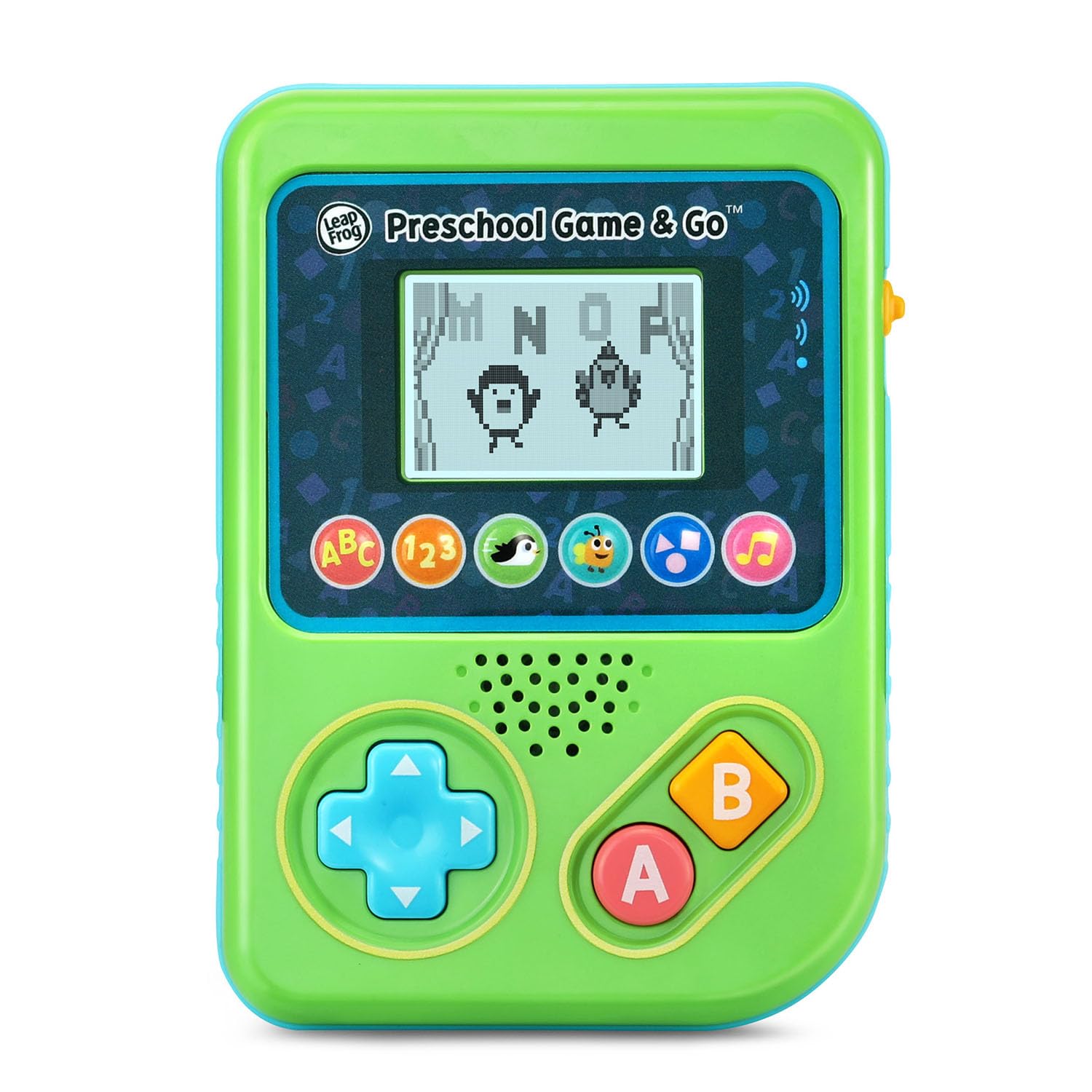
Slika 1: Spredaj view of the LeapFrog Preschool Game and Go.
Vklop/izklop
- To power on the device, slide the orange power switch located on the right side of the unit upwards.
- To power off the device, slide the orange power switch downwards.
Nadzor glasnosti
- The device features two volume settings.
- Adjust the volume using the dedicated switch or button, typically located near the power switch, to select between a lower or higher sound output.
Navodila za uporabo
Kontrole
- Smerna ploščica (D-Pad): Located on the left side, use this to navigate menus and control characters within games.
- Gumb A: Typically used for selection or action within games.
- Gumb B: Typically used for secondary actions or going back in menus.
Izbira igre
The device features six distinct game icons below the screen. Press the corresponding icon to select a game:
- ABC Icon: Activates the ABC Swim game.
- 123 Icon: Activates the 123 Treasure game.
- Penguin Icon: Activates the Letter Slide game.
- Bug Icon: Activates the Snack Track game.
- Shapes Icon: Activates the Shape Ape game.
- Ikona glasbene note: Activates the Song Shuffle feature.
Personalizing Game Play
You can personalize the experience by adding a child's name (up to 10 characters). The child's name will appear in certain games, such as the Letter Slide game, where they collect letters to spell their name.
Učne igre
The LeapFrog Preschool Game and Go includes six exciting learning games:
- ABC Swim: Pop bubbles to explore letter sounds.
- 123 Treasure: Collect coins and count hearts to introduce numbers.
- Letter Slide: Help a penguin slide and jump to collect letters, including those in the child's personalized name.
- Snack Track: Feed a hungry bug by eating and counting snacks.
- Shape Ape: Catch various shapes as they fall from trees.
- Song Shuffle: Dance along to three engaging learning songs.
Video 1: Uradni videoposnetek izdelkaasing the LeapFrog Preschool Game & Go features and gameplay.
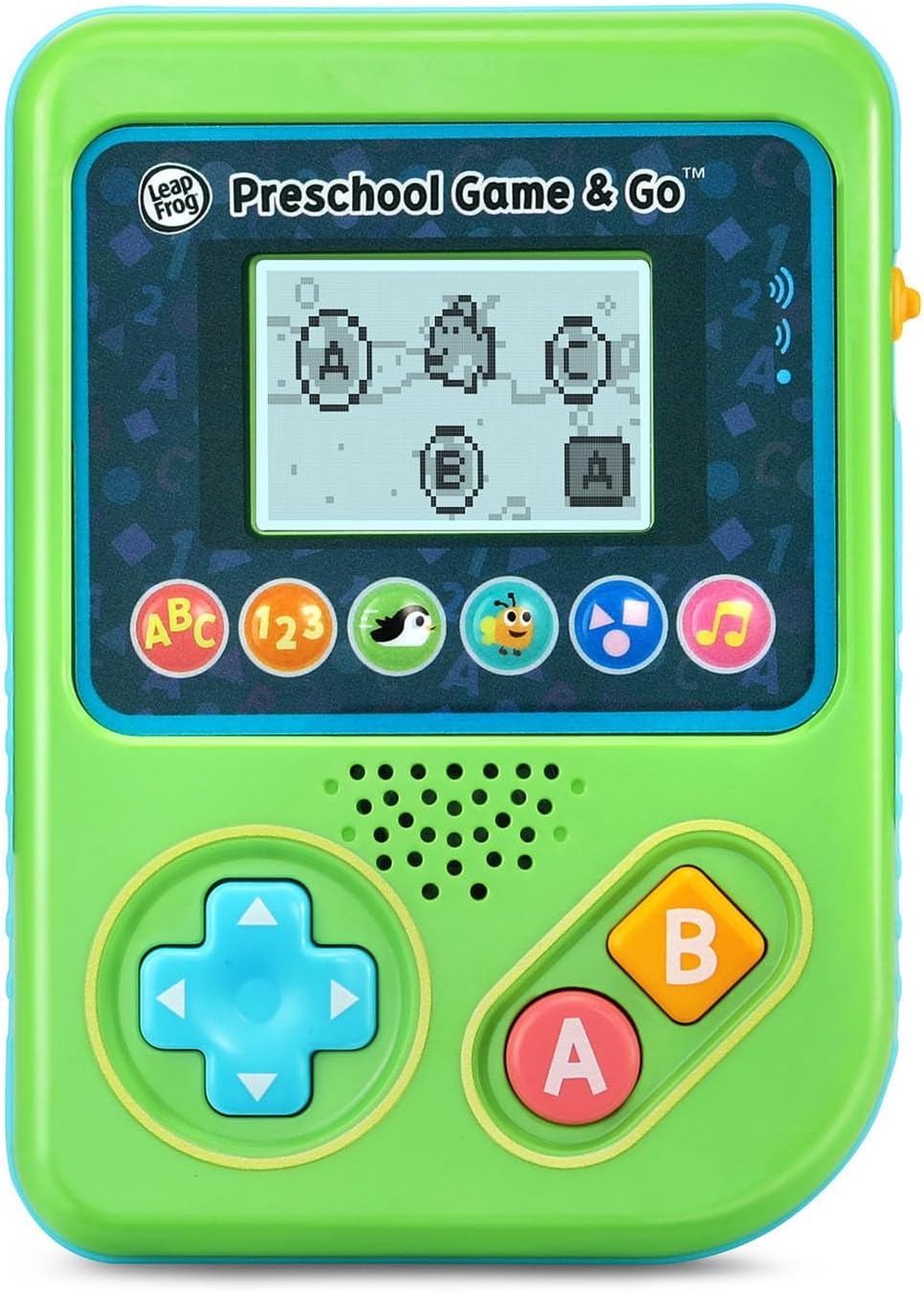
Figure 2: The ABC Swim game interface on the device screen.
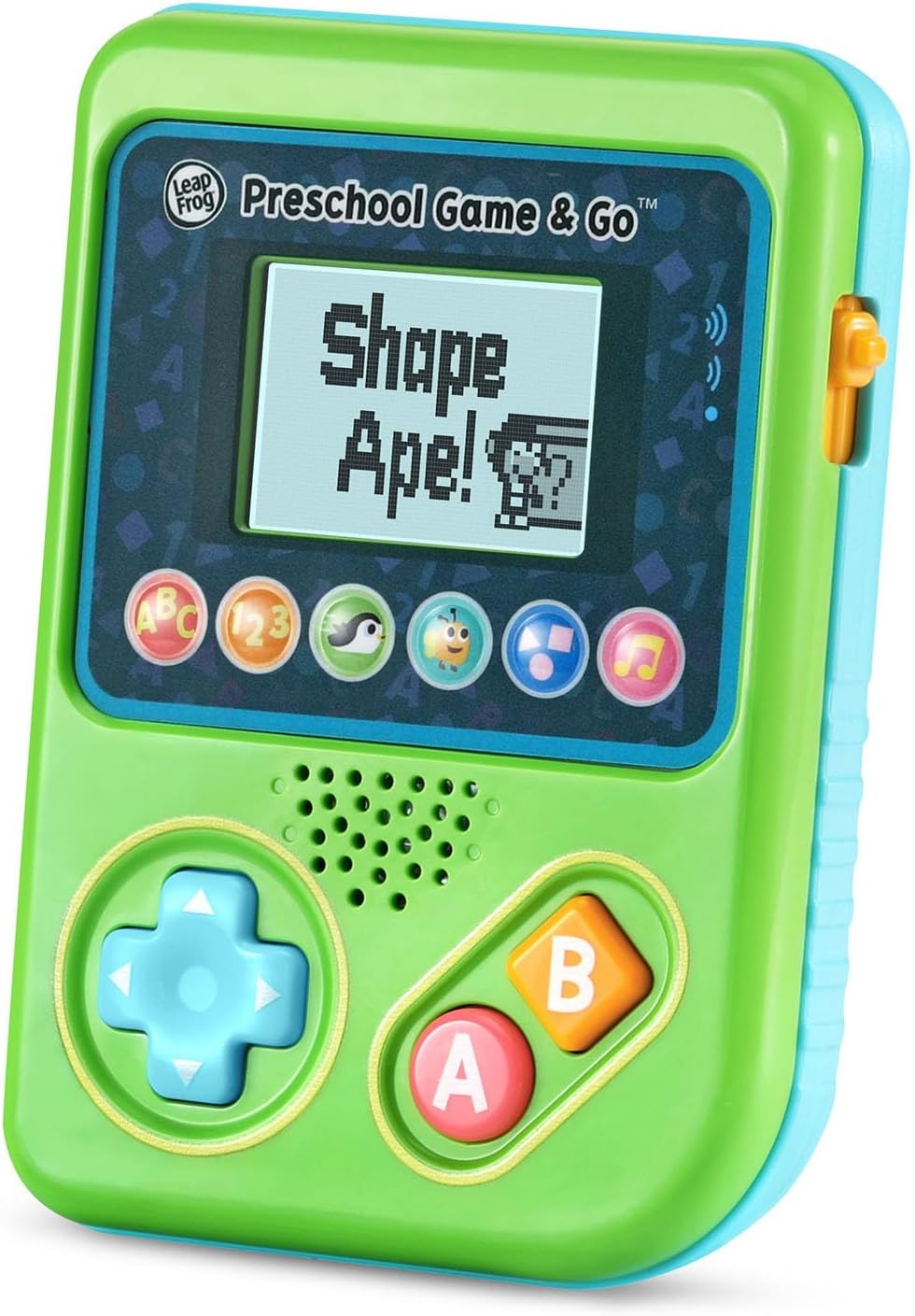
Figure 3: The Shape Ape game interface on the device screen.
Vzdrževanje
- Za čiščenje naprave jo obrišite z rahlo vlažno krpoamp krpo. Ne potapljajte v vodo.
- Naprave ne izpostavljajte ekstremnim temperaturam ali neposredni sončni svetlobi.
- Če naprave ne boste uporabljali dlje časa, odstranite baterije, da preprečite puščanje.
Odpravljanje težav
- Naprava se ne vklopi: Ensure fresh batteries are correctly installed. Check the power switch position.
- Ni zvoka ali tih zvok: Adjust the volume switch. Replace batteries if sound is distorted or very low.
- Težave z zaslonom: If the screen is blank or flickering, try turning the device off and on again. Replace batteries if the issue persists.
- Neodzivni gumbi: Ensure the device is powered on. If a specific button is unresponsive, try cleaning around it. If the issue continues, replace batteries.
Specifikacije
| Funkcija | Podrobnost |
|---|---|
| Številka modela | 80-621200 |
| Starostni razpon | 2+ leta |
| Vir napajanja | Napajanje na baterije |
| Potrebne baterije | 3 AAA baterije (priložene za predstavitev) |
| Vrsta krmilnika | Nadzor gumbov |
| Vrsta zaslona | Digitalno |
| Material | Plastika |
| Dimenzije izdelka | 1.3 x 4.1 x 5.6 palcev |
| Teža predmeta | 6.4 unč |
Garancija in podpora
For warranty information, product registration, or additional support, please refer to the contact information provided in the Quick Start Guide included with your product or visit the official LeapFrog webmesto. Shranite račun za garancijske zahtevke.
Ask a question about this manual
Ask about setup, troubleshooting, compatibility, parts, safety, or missing instructions. Manuals+ will review the question and use this page’s manual context to help answer it.