
PNZEO W8
PNZEO W8 Compact Indoor Smart Home Security Camera User Manual
Model: W8
Brand: PNZEO
1. Uvod
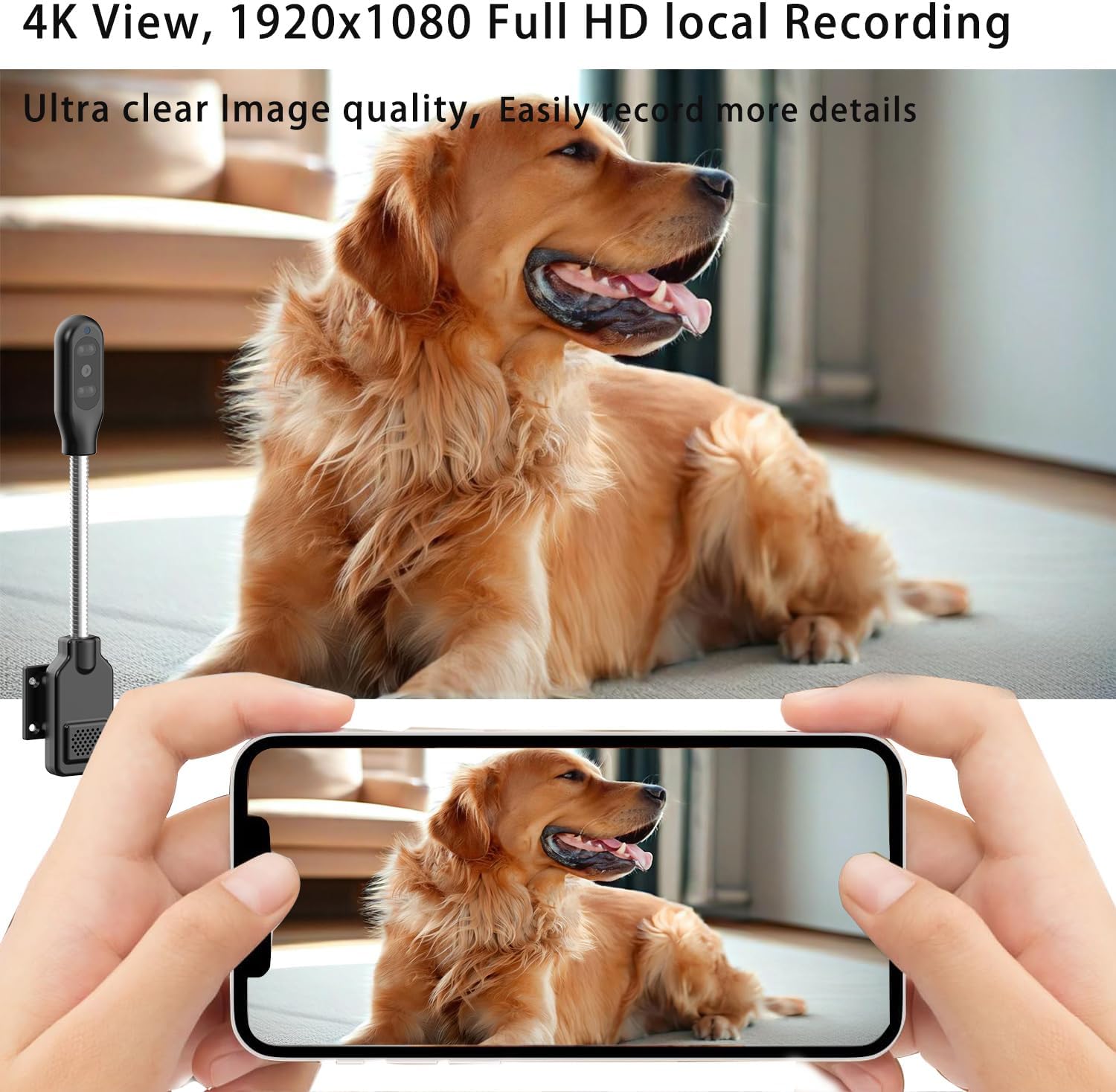
Thank you for choosing the PNZEO W8 Compact Indoor Smart Home Security Camera. This manual provides detailed instructions for setting up, operating, and maintaining your camera to ensure optimal performance and security for your home, pets, or loved ones. The W8 camera features 4K Ultra HD resolution, enhanced night vision, two-way audio, smart motion detection, and supports both 5GHz and 2.4GHz dual-band Wi-Fi connectivity.
2. Varnostne informacije
Pred uporabo tega izdelka preberite in razumite vsa varnostna navodila. Neupoštevanje teh navodil lahko povzroči električni udar, požar ali druge nevarnosti.
- This device is designed for indoor use only. Avoid exposure to water, moisture, or extreme temperatures.
- Prepričajte se, da je vir napajanja stabilen in znotraj navedene glasnostitage (DC=5V/1A).
- Do not attempt to disassemble, repair, or modify the camera. Refer all servicing to qualified personnel.
- Fotoaparat in njegovo dodatno opremo hranite izven dosega otrok in hišnih ljubljenčkov.
- Unplug the camera during lightning storms or when unused for long periods.
- The camera requires continuous power via a USB-C cable. It does not have an internal battery.
3. Izdelek je končanview
The PNZEO W8 camera is designed for discreet and flexible placement. Its unique gooseneck design allows for easy adjustment and positioning.

Slika 3.1: Product Parameter Diagram showing Light sensitive LED, IR LED, HD lens, Micro SD card slot, Reset button, Fixed base, Loudspeaker, and Power interface.

Slika 3.2: Dimensions of the PNZEO W8 camera and its flexible gooseneck, illustrating its compact size and bendable design.
Vsebina paketa:
- PNZEO W8 Camera Body
- Fiksna podlaga
- Napajalni kabel USB-C
- Uporabniški priročnik
Opomba: A Micro SD card (up to 256GB) and a power adapter are not included and must be purchased separately.
4. Nastavitev
4.1 Namestitev aplikacije
To control and monitor your PNZEO W8 camera, you need to download the companion application.
- Scan the QR code provided in the included user manual or search for "MTCam" or "iWFcam" in your mobile device's app store (available on iOS and Android).
- Prenesite in namestite aplikacijo.
- Registrirajte nov račun ali se prijavite, če ga že imate.
4.2 Vklop kamere
- Connect the provided USB-C power cable to the camera's power interface.
- Plug the other end of the USB-C cable into a 5V/1A USB power adapter (not included) and then into a wall outlet.
- The camera will power on and indicate its status via an LED light.
4.3 Povezava Wi-Fi
The PNZEO W8 supports both 5GHz and 2.4GHz Wi-Fi networks for flexible connectivity.

Slika 4.1: The PNZEO W8 camera supports both 5GHz and 2.4GHz Wi-Fi bands, offering faster transmission speeds and wider range.
- Open the installed app on your smartphone.
- Follow the in-app instructions to add a new device. This typically involves selecting your Wi-Fi network and entering the password.
- Ensure your phone is connected to the same Wi-Fi network you intend to connect the camera to during the setup process.
- The camera's LED indicator will change once successfully connected to Wi-Fi.
4.4 Namestitev kartice Micro SD (izbirno)
For local storage and continuous recording, insert a Micro SD card (up to 256GB, not included).

Slika 4.2: The camera supports local loop storage via a Micro SD card (up to 256GB, not included) for 24/7 continuous recording or motion detection recording.
- Locate the Micro SD card slot on the camera body (refer to Figure 3.1).
- Gently insert the Micro SD card into the slot until it clicks into place. Ensure the correct orientation.
- The app will prompt you to format the SD card if it's new or not formatted for the camera. Follow the instructions to format it within the app.
5. Navodila za uporabo
5.1 Oddaljeno spremljanje
Ko ste povezani, lahko view v živo footage from your camera anytime, anywhere via the app.
Slika 5.1: The camera's app interface showing live view, sound, talkback, record video, and snapshot options.

Slika 5.2: Illustrates remote viewing capabilities for various scenarios such as home, baby and pet monitoring, and office surveillance.
5.2 Dvosmerni zvok
Kamera ima vgrajen mikrofon in zvočnik, kar omogoča dvosmerno komunikacijo.
- V živo view vmesniku tapnite ikono mikrofona, da govorite prek zvočnika kamere.
- Dotaknite se ikone zvočnika, da poslušate zvok iz okolice kamere.
5.3 Zaznavanje gibanja in opozorila
The camera utilizes smart perceive technology to detect motion and send real-time alerts to your phone.

Slika 5.3: Example of a motion detection alarm notification received on a smartphone.
- Omogočite zaznavanje gibanja v nastavitvah aplikacije.
- Adjust sensitivity levels as needed to minimize false alarms.
- When motion is detected, you will receive an instant notification on your phone, and the camera can automatically record video to the Micro SD card.
5.4 Nočni vid
Equipped with infrared lights and smart light sensors, the camera provides clear night vision.

Slika 5.4: Comparison of day and night vision, showing the camera's ability to capture clear images in low light conditions using IR night vision.
- Nočni vid se samodejno aktivira v slabih svetlobnih pogojih.
- The camera provides a night vision range of up to 8 meters.
5.5 Snemanje in predvajanje
The camera supports 24/7 continuous recording and motion-triggered recording to a Micro SD card.
- Ensure a Micro SD card is properly installed and formatted.
- Access recorded videos through the app's playback feature.
- Videos are encrypted for privacy and security.
6. Vzdrževanje
- Čiščenje: Za čiščenje objektiva in ohišja fotoaparata uporabite mehko, suho krpo. Ne uporabljajte tekočih čistil ali aerosolov.
- Umestitev: Place the camera in a location where it is protected from direct sunlight, rain, and extreme temperatures.
- Posodobitve vdelane programske opreme: Redno preverjajte aplikacijo za posodobitve vdelane programske opreme, da zagotovite optimalno delovanje in varnost.
- Upravljanje SD kartice: Občasno ponovnoview and back up important recordings from your Micro SD card. The card will loop record, overwriting older footage when full.
7. Odpravljanje težav
| Težava | Možen vzrok | rešitev |
|---|---|---|
| Kamera se ne vklopi. | Ni napajalnika ali pa je kabel/adapter pokvarjen. | Ensure the USB-C cable is securely connected to a 5V/1A power adapter and a working outlet. Try a different power adapter or USB port. |
| Ni mogoče vzpostaviti povezave z Wi-Fi. | Incorrect Wi-Fi password, camera too far from router, or network interference. | Double-check Wi-Fi password. Move camera closer to the router. Ensure your router supports 2.4GHz or 5GHz and that the camera is connecting to the correct band. Reset the camera and try again. |
| Poor audio quality (muffled/tinny). | Environmental noise, microphone/speaker obstruction, or software issue. | Ensure no obstructions near the microphone/speaker. Reduce background noise. Check for app updates. |
| Camera gets hot during operation. | Normal operation for compact electronics, but excessive heat can indicate an issue. | Ensure adequate ventilation around the camera. If it becomes excessively hot to touch or malfunctions, discontinue use and contact support. |
| SD card not recognized or recording. | SD card not inserted correctly, not formatted, or faulty. | Reinsert the SD card. Format the SD card via the app. Try a different, compatible Micro SD card (up to 256GB). |
| Motion alerts are too sensitive/frequent. | Sensitivity settings are too high, or environmental factors (e.g., shadows, moving curtains). | Adjust motion detection sensitivity in the app settings. Reposition the camera to avoid areas with frequent non-threatening movement. |
8. Specifikacije
| Funkcija | Podrobnost |
|---|---|
| Ime modela | W8 |
| Znamka | PNZEO |
| Tehnologija povezljivosti | Brezžično (Wi-Fi) |
| Podpora za Wi-Fi | 5 GHz in 2.4 GHz dvopasovni |
| Ločljivost zajema videa | 1080p, 4K |
| Hitrost sličic | 30 sličic na sekundo |
| Območje nočnega vida | 8 metrov |
| Posebne lastnosti | Local Recording, HD Resolution, Night Vision, 2-Way Audio, Motion Sensor |
| Shranjevanje | Micro SD kartica (do 256 GB, ni priložena) |
| Vir napajanja | Corded Electric (DC=5V/1A) |
| Vrsta krmilnika | iOS, Android (prek aplikacije) |
| Dimenzije (D x Š x V) | 9.25 x 1.18 x 0.59 palcev |
| Teža predmeta | 6.7 unč |
| Material | Akrilonitril butadien stiren (ABS) |
| Notranja/zunanja uporaba | Na prostem, v zaprtih prostorih |
9. Garancija in podpora
For warranty information and technical support, please refer to the contact details provided with your product packaging or visit the official PNZEO webspletnega mesta. Račun shranite kot dokazilo o nakupu za uveljavljanje garancije.