
1. Uvod
This manual provides essential information for the safe and efficient operation of your Optoma GT4000UHD Ultra-Short Throw 4K UHD Home Cinema Laser Projector. Please read it thoroughly before using the product and retain it for future reference.
The Optoma GT4000UHD is designed to deliver high-quality 4K UHD visuals for various entertainment purposes, including console gaming, PC gaming, and streaming video content. Its ultra-short throw capability allows for large images from a minimal distance.
2. Varnostne informacije
Za preprečitev poškodb projektorja in zagotovitev varnosti uporabnika upoštevajte naslednje varnostne ukrepe:
- Ne blokirajte prezračevalnih odprtin. Zagotovite zadosten pretok zraka okoli projektorja.
- Ne glejte neposredno v lečo projektorja, ko jeamp je vklopljena. Svetla svetloba lahko povzroči poškodbe oči.
- Avoid placing the projector in direct sunlight, near heat sources, or in environments with high humidity or dust.
- Uporabljajte samo napajalnik, ki je priložen projektorju.
- Med nevihtami ali če naprave dalj časa ne uporabljate, izključite napajalni kabel.
- Projektorja ne poskušajte odpirati ali servisirati sami. Vsa servisna dela prepustite usposobljenemu osebju.
3. Vsebina paketa
Preverite, ali so v paketu prisotni vsi elementi:
- Optoma GT4000UHD Projector
- Napajalni kabel
- Daljinski upravljalnik
- Uporabniški priročnik (ta dokument)
4. Izdelek je končanview
4.1 Projector Front and Top View
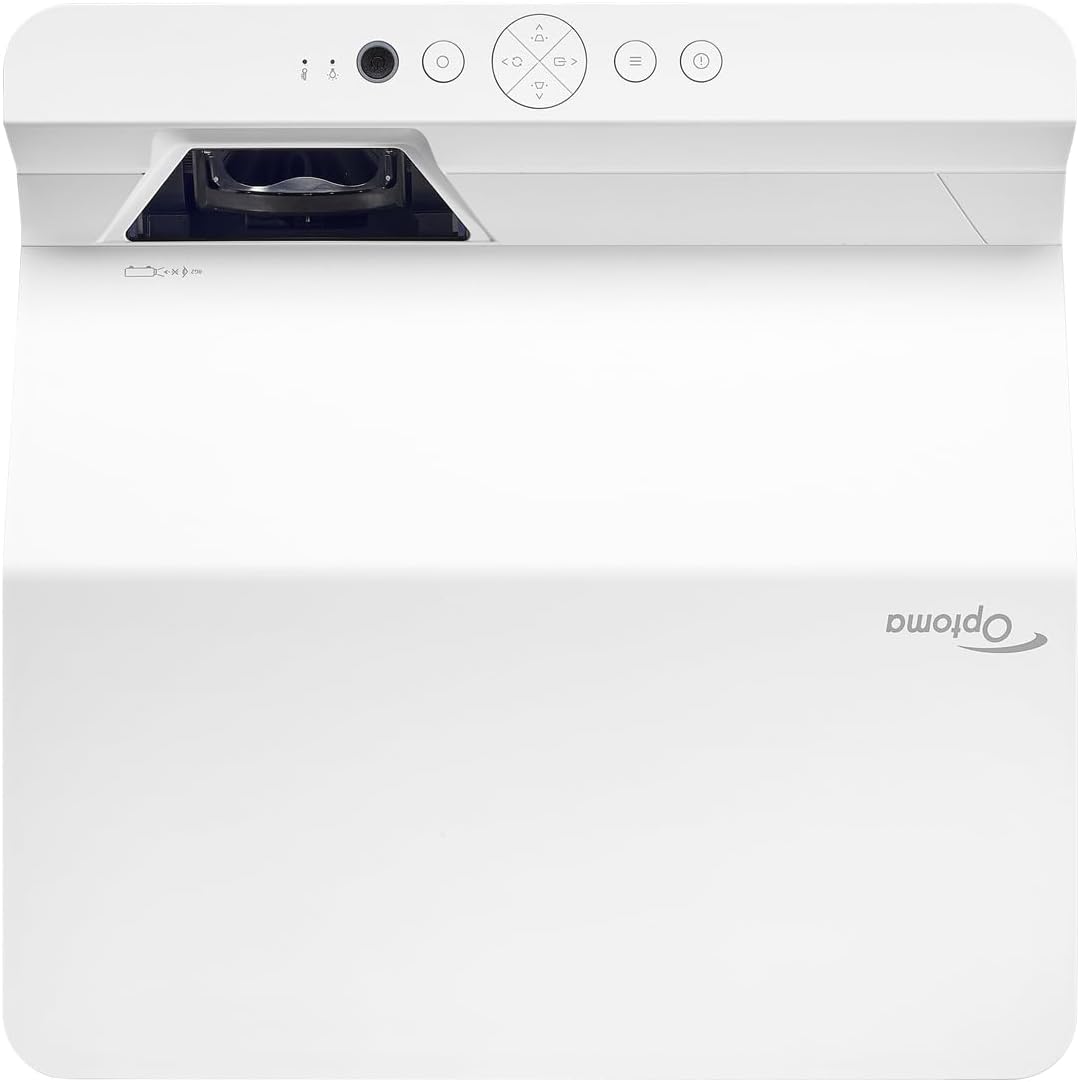
Opis: Ta slika prikazuje zgornji in sprednji del view of the Optoma GT4000UHD projector. The ultra-short throw lens is visible at the front, along with basic control buttons on the top panel. The Optoma logo is prominently displayed.
4.2 Zadnja plošča in povezljivost
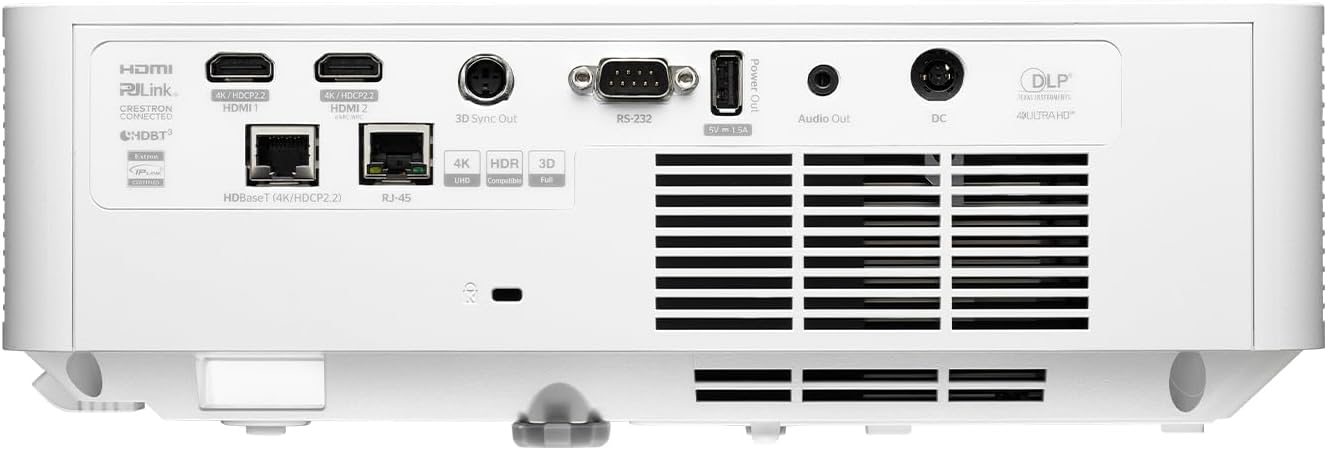
Opis: This image shows the rear panel of the Optoma GT4000UHD projector, highlighting its connectivity options. Ports include HDMI, HDBaseT, RJ-45, 3D Sync Out, RS232, Audio Out, and DC power input.
4.3 Daljinski upravljalnik
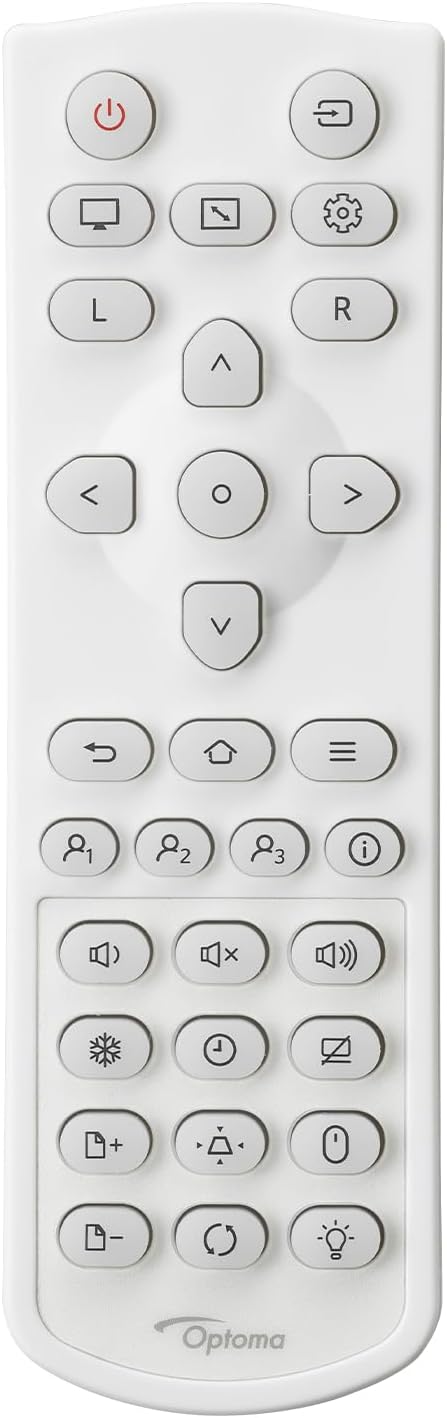
Opis: This image displays the remote control for the Optoma GT4000UHD projector. It features buttons for power, source selection, menu navigation, volume control, and other functions.
5. Nastavitev
5.1 Postavitev projektorja
The GT4000UHD is an ultra-short throw projector, capable of producing large images from a very short distance. Place the projector on a stable, flat surface directly in front of your screen or wall.
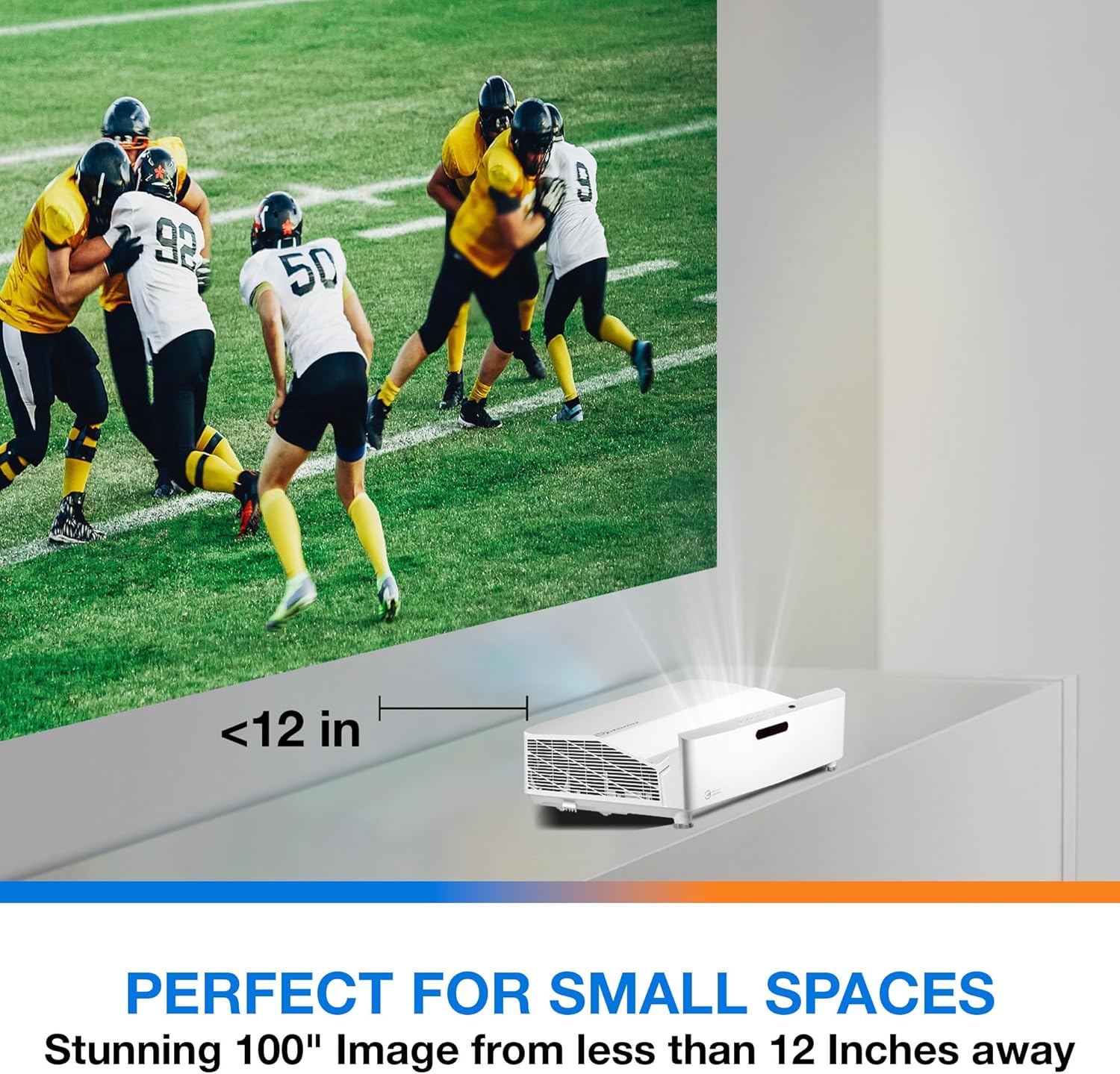
Opis: This image illustrates the ultra-short throw capability of the GT4000UHD, showing it projecting a 100-inch image from less than 12 inches away from the projection surface. This allows for flexible placement in small spaces.
- For a 100-inch image, position the projector approximately 10-12 inches (25-30 cm) from the projection surface.
- Ensure the projector is level to avoid image distortion. Use the adjustable feet if necessary.
5.2 Povezovanje naprav
Connect your video sources (e.g., gaming console, Blu-ray player, streaming device) to the projector's HDMI ports. For network control or HDBaseT connectivity, use the respective ports on the rear panel.
- HDMI: Connect HDMI cables from your source devices to the HDMI 1 or HDMI 2 ports.
- Zvočni izhod: For external audio systems, connect an audio cable from the Audio Out port to your sound system.
- moč: Connect the power cord to the DC input on the projector and then to a power outlet.
5.3 Vklop/izklop
- Vklop: Press the power button on the projector or the remote control. The power indicator light will turn on.
- Ugasniti: Press the power button again. A confirmation message may appear; confirm to shut down the projector.
6. Navodila za uporabo
6.1 Osnovna operacija
- Izbira vira: Use the 'Source' button on the remote control to cycle through available input sources (HDMI 1, HDMI 2, etc.).
- Krmarjenje po meniju: Use the 'Menu' button to access settings. Use the arrow keys and 'OK' button to navigate and select options.
- Nadzor glasnosti: Adjust the volume using the dedicated volume buttons on the remote control.
6.2 Image Adjustment (4-Corner Geometric Correction)
The GT4000UHD features 4-Corner Adjustment for precise image alignment, especially useful when the projector is not perfectly perpendicular to the screen.
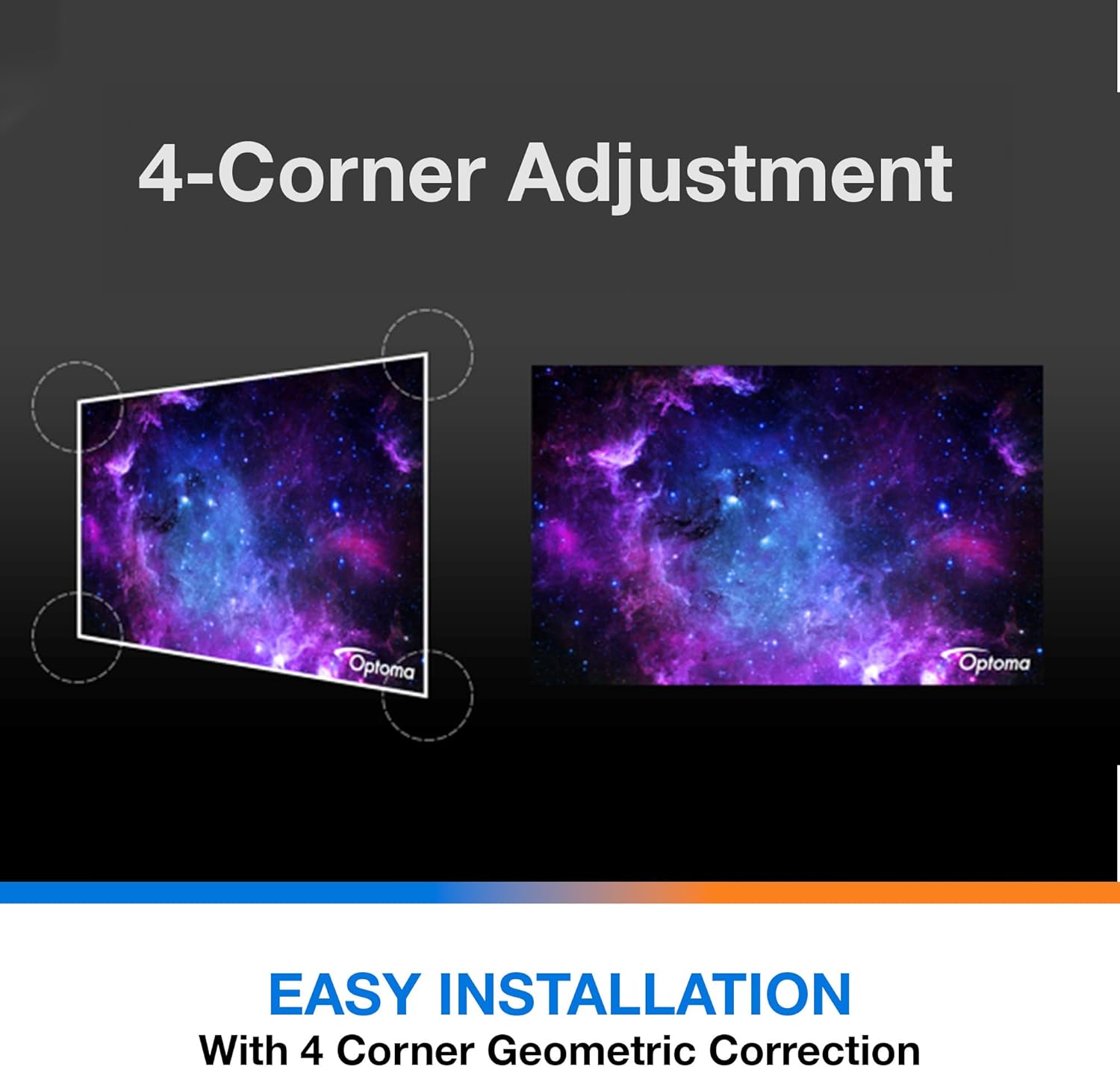
Opis: This diagram illustrates the function of 4-Corner Adjustment. It shows a trapezoidal, distorted image being geometrically corrected to form a perfect rectangular projection, ensuring easy installation and optimal viewing.
- Access the 'Image' or 'Geometric Correction' menu.
- Select '4-Corner Adjustment' and use the arrow keys to individually adjust each corner of the projected image until it forms a perfect rectangle.
6.3 Enhanced Gaming Mode
The projector includes an Enhanced Gaming Mode to minimize input lag, providing a more responsive gaming experience.
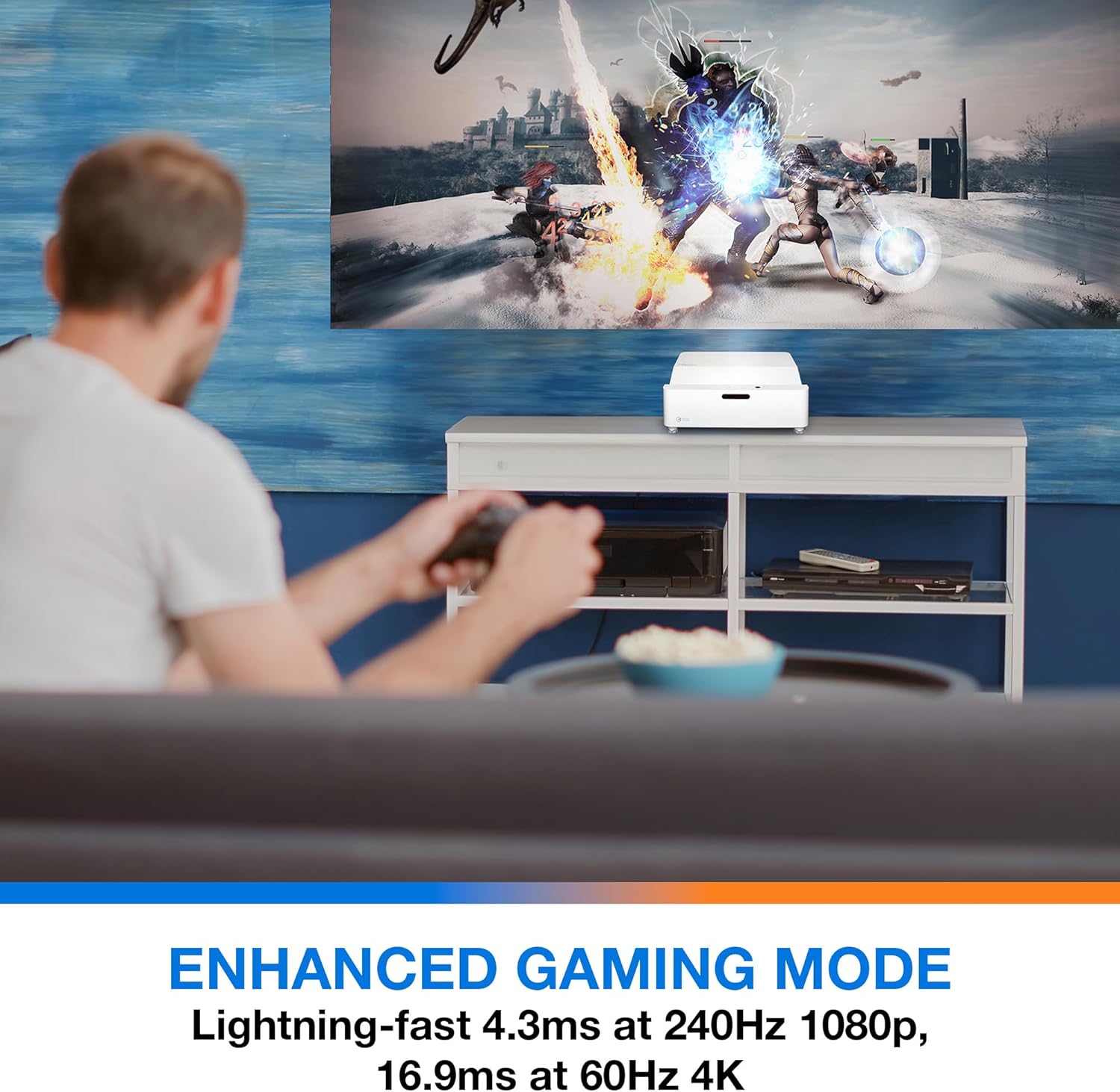
Opis: This image shows a user engaged in gaming with the Optoma GT4000UHD projector, highlighting the Enhanced Gaming Mode. This mode offers low input lag for a responsive gaming experience.
- To activate, navigate to the 'Display' or 'Picture Mode' settings in the menu and select 'Gaming Mode'.
- This mode optimizes the projector for fast-paced action, reducing input latency to as low as 4.3ms at 240Hz 1080p, or 16.9ms at 60Hz 4K.
6.4 Firmware Updates (FOTA Integration)
The projector supports Firmware Over-The-Air (FOTA) updates, allowing for convenient software enhancements.
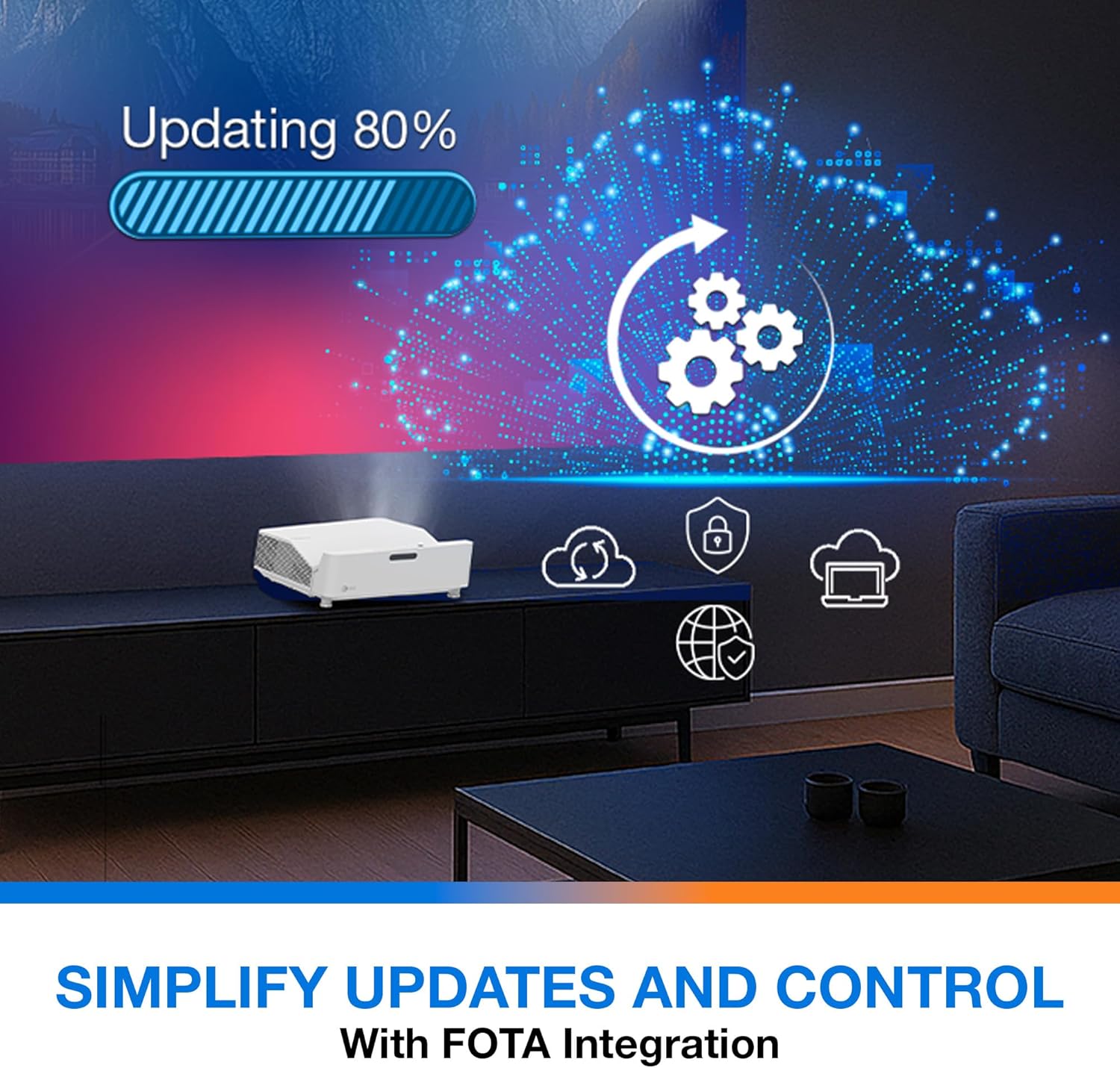
Opis: This image depicts the FOTA (Firmware Over-The-Air) integration feature, showing a progress bar for an update and cloud icons representing simplified updates and control for the projector.
- Ensure the projector is connected to the internet via its network port.
- Check for updates in the 'System' or 'About' menu. Follow on-screen prompts to download and install any available firmware updates.
7. Vzdrževanje
- Čiščenje leč: Lečo nežno obrišite z mehko krpo, ki ne pušča vlaken in je posebej zasnovana za optične površine. Ne uporabljajte abrazivnih čistil.
- Prezračevanje: Regularly check and clean the air vents to prevent dust buildup, which can affect performance and lifespan.
- Shranjevanje: Ko projektorja dalj časa ne uporabljate, ga shranite na hladnem in suhem mestu, zaščitenem pred prahom.
8. Odpravljanje težav
Če naletite na težave, si oglejte naslednje pogoste rešitve:
| Težava | Možen vzrok | rešitev |
|---|---|---|
| Nobena slika ni prikazana | Napajalni kabel je ohlapno priklopljen, napačen vhodni vir, izvorna naprava je izklopljena | Preverite napajalne povezave, izberite pravilen vhodni vir in se prepričajte, da je izvorna naprava vklopljena. |
| Image distorted/not rectangular | Projector not level, keystone/corner adjustment needed | Adjust projector position, use 4-Corner Adjustment feature. |
| Brez zvoka | Volume too low, external audio system not connected/selected | Increase volume, check external audio connections and settings. |
| Daljinski upravljalnik ne deluje | Prazne baterije, ovira med daljinskim upravljalnikom in projektorjem | Replace batteries, remove obstructions, ensure line of sight. |
If the problem persists, contact Optoma customer support.
9. Specifikacije
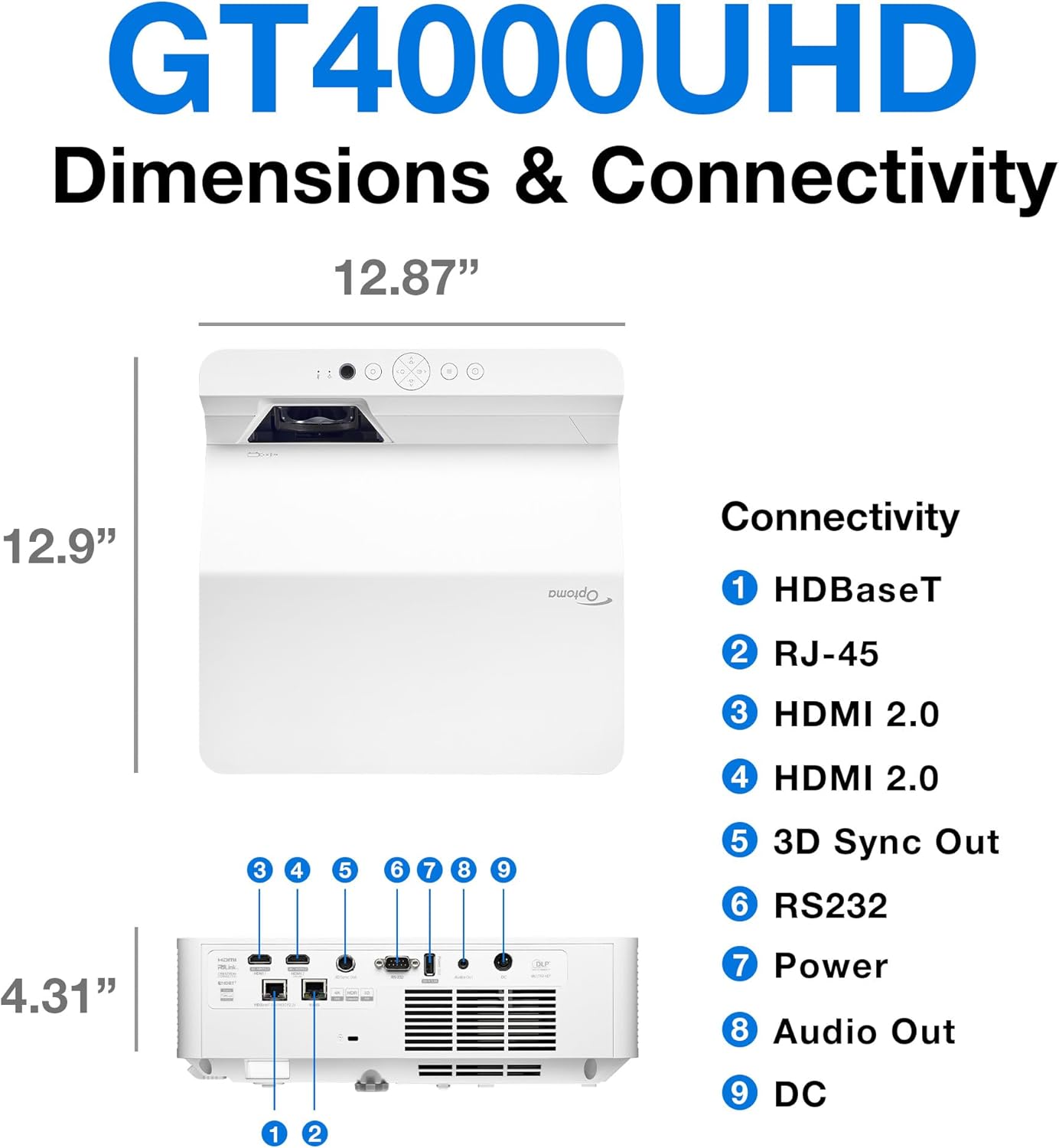
Opis: This image provides a detailed diagram of the Optoma GT4000UHD projector, including its dimensions (12.87" x 12.9" x 4.31") and a labeled overview of its connectivity ports such as HDBaseT, RJ-45, HDMI 2.0, 3D Sync Out, RS232, Power, Audio Out, and DC.
| Funkcija | Specifikacija |
|---|---|
| Ime modela | GT4000UHD |
| Znamka | Optoma |
| Ločljivost zaslona | 3840 x 2160 (4K UHD) |
| Svetlost | 4,000 lumnov |
| Tehnologija povezljivosti | HDMI, RCA |
| Posebna funkcija | Ultra kratek domet |
| Priporočene uporabe | Igre, domači kino |
| Največja velikost slike | 100 palcev |
| Najmanjša dometna razdalja | 0.28 metrov |
| Največja dometna razdalja | 0.56 metrov |
| Teža predmeta | 9.8 funta |
| Vrsta namestitve | Namizni nosilec |
10. Garancija in podpora
10.1 Informacije o garanciji
The Optoma GT4000UHD projector comes with a 1 Year Projector Parts and Labor Manufacturer’s WarrantyProsimo, shranite dokazilo o nakupu za uveljavljanje garancije.
10.2 Podpora strankam
For technical assistance, troubleshooting beyond this manual, or warranty inquiries, please visit the official Optoma support website or contact their customer service department. Contact information can typically be found on the Optoma webmestu ali v embalaži izdelka.