
KOORUI S2721XO 27-Inch QD-OLED Gaming Monitor User Manual
Model: S2721XO
1. Uvod
This manual provides instructions for the setup, operation, maintenance, and troubleshooting of your KOORUI S2721XO 27-inch QD-OLED Gaming Monitor. Please read this manual thoroughly before using the product to ensure proper function and safety.
The KOORUI S2721XO monitor features a 27-inch QD-OLED panel with QHD (2560x1440) resolution, a 240Hz refresh rate, and a 0.03ms (GtG) response time. It supports HDR True Black 400 and AdaptiveSync technology for a smooth visual experience. Connectivity options include HDMI 2.1 and DisplayPort 1.4.
2. Varnostne informacije
- Monitor postavite na stabilno, ravno površino, da preprečite nenamerne padce.
- Monitorja ne izpostavljajte dežju ali vlagi, da preprečite električni udar.
- Prezračevalne odprtine naj bodo proste, da preprečite pregrevanje.
- Use only the power adapter provided with the monitor.
- Izogibajte se dotikanju zaslona z ostrimi predmeti.
- Disconnect the power cable from the outlet before cleaning or if the monitor will be unused for an extended period.
3. Nastavitev
3.1 Vsebina paketa
Preverite, ali so v paketu prisotne vse komponente:
- KOORUI S2721XO Monitor
- Stojalo za monitor (podstavek in vrat)
- Napajalni kabel
- Kabel DisplayPort (1.8 m)
- Uporabniški priročnik (ta dokument)
3.2 Sestavljanje stojala
- Pritrdite vrat stojala na ploščo monitorja. Prepričajte se, da se varno zaskoči.
- Attach the stand base to the stand neck. Tighten any screws as necessary.
Alternatively, the monitor supports VESA 100x100mm mounting for compatible wall mounts or monitor arms.
Slika 3.2.1: Zadaj view of the monitor with VESA mount and stand attachment.

Slika 3.2.2: Zadaj view monitorja z sestavljenim stojalom.
3.3 Povezovanje z napravo
Monitor ponuja več možnosti vnosa:
- HDMI 2.1: Connect to a PC or gaming console using an HDMI 2.1 cable. The monitor has two HDMI 2.1 ports.
- DisplayPort 1.4: Connect to a PC using a DisplayPort 1.4 cable. A DisplayPort cable is included.
- Avdio izhod: Connect external speakers or headphones to the 3.5mm audio jack.

Figure 3.3.1: Monitor input ports.
After connecting the video cable, connect the power cable to the monitor and then to a power outlet.
4. Delovanje
4.1 Vklop/izklop
Press the power button (usually located on the back or bottom of the monitor) to turn the monitor on or off. The power indicator light will illuminate when the monitor is on.
4.2 Zaslonski meni (OSD)
The monitor features a joystick controller for navigating the OSD menu. This allows for easy adjustment of various settings.
- Pritisnite igralno palico: Odpre OSD meni.
- Move joystick Up/Down: Navigacija po možnostih menija.
- Move joystick Left/Right: Prilagodi vrednosti ali odpre podmenije.
- Ponovno pritisnite: Confirms selection or exits a sub-menu.
4.3 Nastavitve zaslona
Adjust the following settings via the OSD menu for optimal performance:
- Resolucija: Set to 2560x1440 (QHD) for the native display resolution.
- Hitrost osveževanja: Select 240Hz for the smoothest motion.
- AdaptiveSync: Enable AdaptiveSync (FreeSync compatible) to eliminate screen tearing and stuttering during gaming.
- HDR True Black 400: Activate HDR for enhanced contrast and color depth in compatible content.
- Barvna lestvica: Adjust color settings, including DCI-P3 99% and sRGB 100% modes, for accurate color reproduction.
- Svetlost/kontrast: Fine-tune display brightness (average 280 nits) and contrast levels.
- Image Retention Refresh: This feature helps prevent burn-in on the OLED panel. It is recommended to keep this enabled.
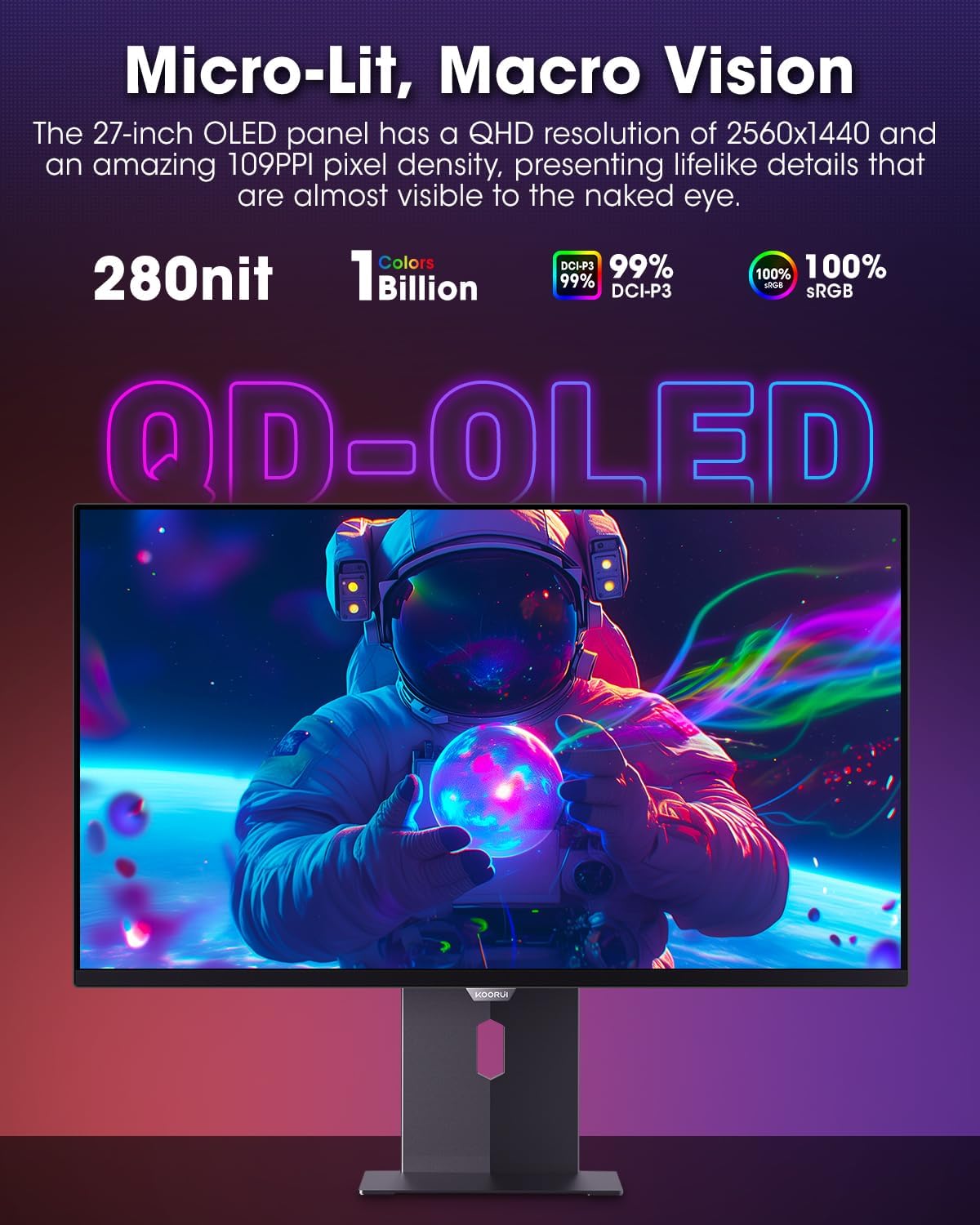
Figure 4.3.1: The QD-OLED panel delivers vivid colors and deep blacks.

Figure 4.3.2: High refresh rate and low response time for smooth gaming.
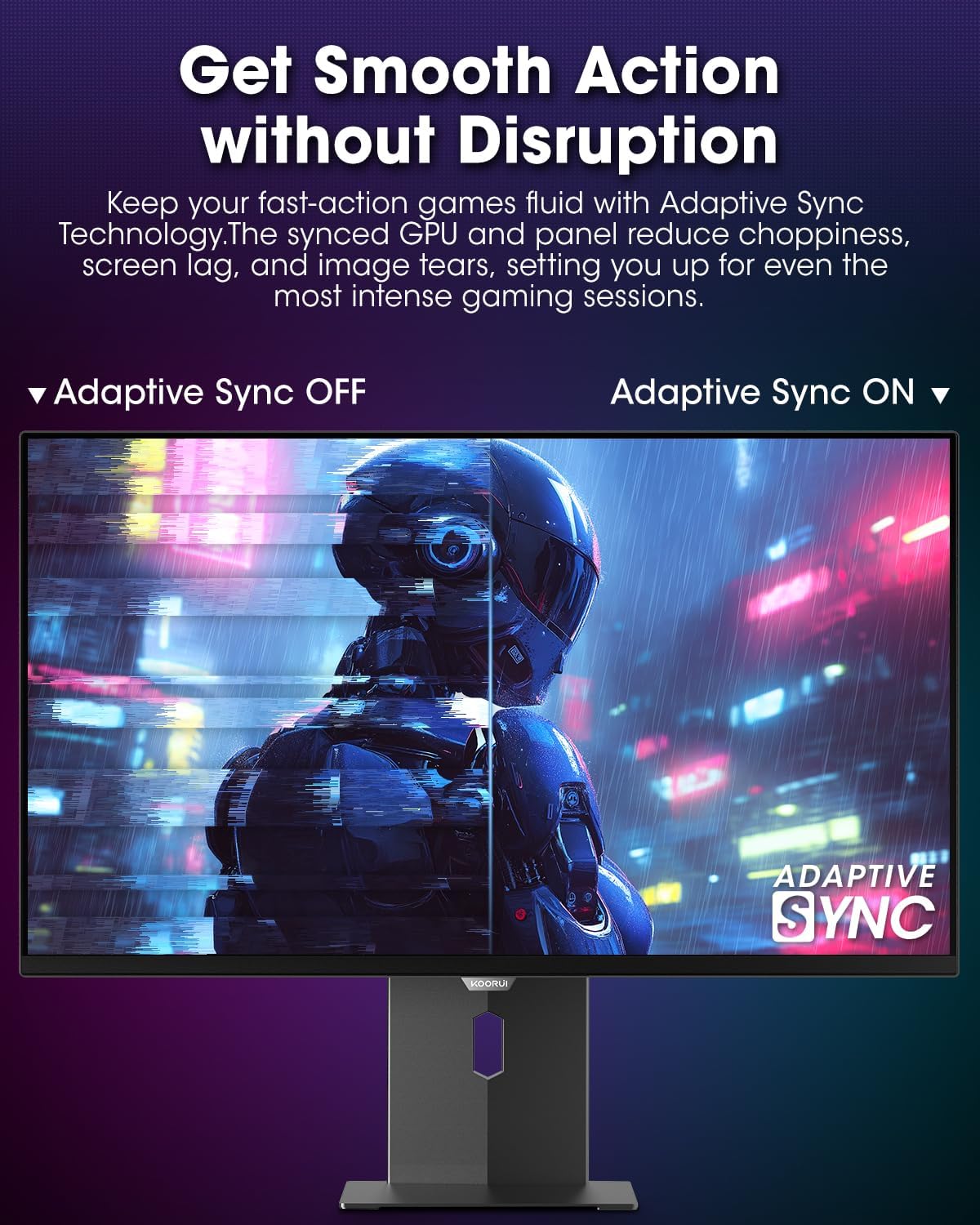
Figure 4.3.3: AdaptiveSync technology prevents screen tearing.
4.4 Ergonomske prilagoditve
The monitor stand allows for various adjustments to enhance viewudobje:
- Nastavitev višine: Dvignite ali spustite monitor v višino oči.
- Nagib: Prilagodite kot zaslona naprej ali nazaj.
- Vrtljiva: Monitor zavrtite vodoravno.
- Vrtenje: Rotate the monitor vertically (portrait mode).

Slika 4.4.1: Nastavitev nagiba monitorja.

Figure 4.4.2: Monitor pivot adjustment to portrait mode.
5. Vzdrževanje
- Čiščenje zaslona: Narahlo uporabite mehko krpo, ki ne pušča vlaken dampz vodo ali čistilom za zaslone. Čistila ne pršite neposredno na zaslon.
- Čiščenje C-jaasing: Obrišite monitor casinz mehko, suho krpo. Izogibajte se abrazivnim čistilom.
- Prezračevanje: Ensure the monitor's ventilation holes are not blocked to prevent overheating.
- Ugasniti: Always turn off and unplug the monitor before cleaning.
6. Odpravljanje težav
| Težava | Možen vzrok | rešitev |
|---|---|---|
| Na zaslonu ni slike | Napajalni kabel odklopljen; video kabel odklopljen; izbran napačen vhodni vir. | Preverite povezave napajalnih in video kablov; v zaslonskem meniju izberite pravilen vhodni vir. |
| Utripanje ali trganje slike | AdaptiveSync not enabled; Graphics card driver issues. | Enable AdaptiveSync in OSD menu; Update graphics card drivers. |
| Barve so videti napačne | Color settings misconfigured; Faulty video cable. | Reset color settings in OSD menu; Try a different video cable. |
| Monitor se ne vklopi | Napajalni kabel ni priključen; vtičnica ne deluje. | Ensure power cable is securely connected; Test power outlet with another device. |
7. Specifikacije
| Funkcija | Podrobnost |
|---|---|
| Znamka | KOORUI |
| Številka modela | S2721XO |
| Velikost zaslona | 27 palcev |
| Vrsta zaslona | QD-OLED |
| Resolucija | QHD Wide 1440p (2560 x 1440 Pixels) |
| Hitrost osveževanja | 240 Hz |
| Odzivni čas | 0.03 Milliseconds (GtG) |
| Kontrastno razmerje | 20,000,000:1 |
| Svetlost | 350 candela_per_square_meter (average 280 nits) |
| Barvna lestvica | 99 % DCI-P3 |
| Podpora za HDR | HDR True Black 400 |
| Prilagodljiva sinhronizacija | Združljivo s FreeSync |
| Povezljivost | 2x HDMI 2.1, 1x DisplayPort 1.4, 1x avdio izhod |
| Ergonomija | Tilt, Height, Swivel, Pivot Adjustment |
| VESA nosilec | 100x100 mm |
| Dimenzije izdelka | 21.58 x 61 x 51.2 cm; 8.96 kg |

Slika 7.1: Dimenzije monitorja.
8. Garancija in podpora
8.1 Informacije o garanciji
The KOORUI S2721XO monitor comes with a 1-letna omejena garancija. Please retain your proof of purchase for warranty claims. For detailed warranty terms and conditions, refer to the official KOORUI webspletno mesto ali se obrnite na podporo strankam.
8.2 Podpora strankam
For technical assistance, troubleshooting, or warranty inquiries, please contact KOORUI customer support. Refer to the contact information provided on the official KOORUI webspletno mesto ali dokumentacijo o nakupu.
You can also find additional support resources and FAQs on the KOORUI brand store on Amazon: KOORUI Amazon Store
9. Videoposnetki izdelkov
KOORUI 4K OLED Gaming Monitor 240Hz (Seller Video)
Ta videoposnetek ponuja konecview of the KOORUI OLED Gaming Monitor, highlighting its key features such as high refresh rate and OLED display technology. While the title mentions "4K", the video content is generally applicable to high-performance OLED gaming monitors from KOORUI, including the S2721XO model's features like 240Hz refresh rate and fast response time.