
FLEXISPOT 60x24" White Top + White Frame
FLEXISPOT One-Piece Electric Standing Desk Instruction Manual
Model: 60x24" White Top + White Frame
Blagovna znamka: FLEXISPOT
Uvod
This manual provides comprehensive instructions for the assembly, operation, maintenance, and troubleshooting of your FLEXISPOT One-Piece Electric Standing Desk. Please read this manual thoroughly before assembly and use to ensure proper function and safety.
Postavitev in montaža
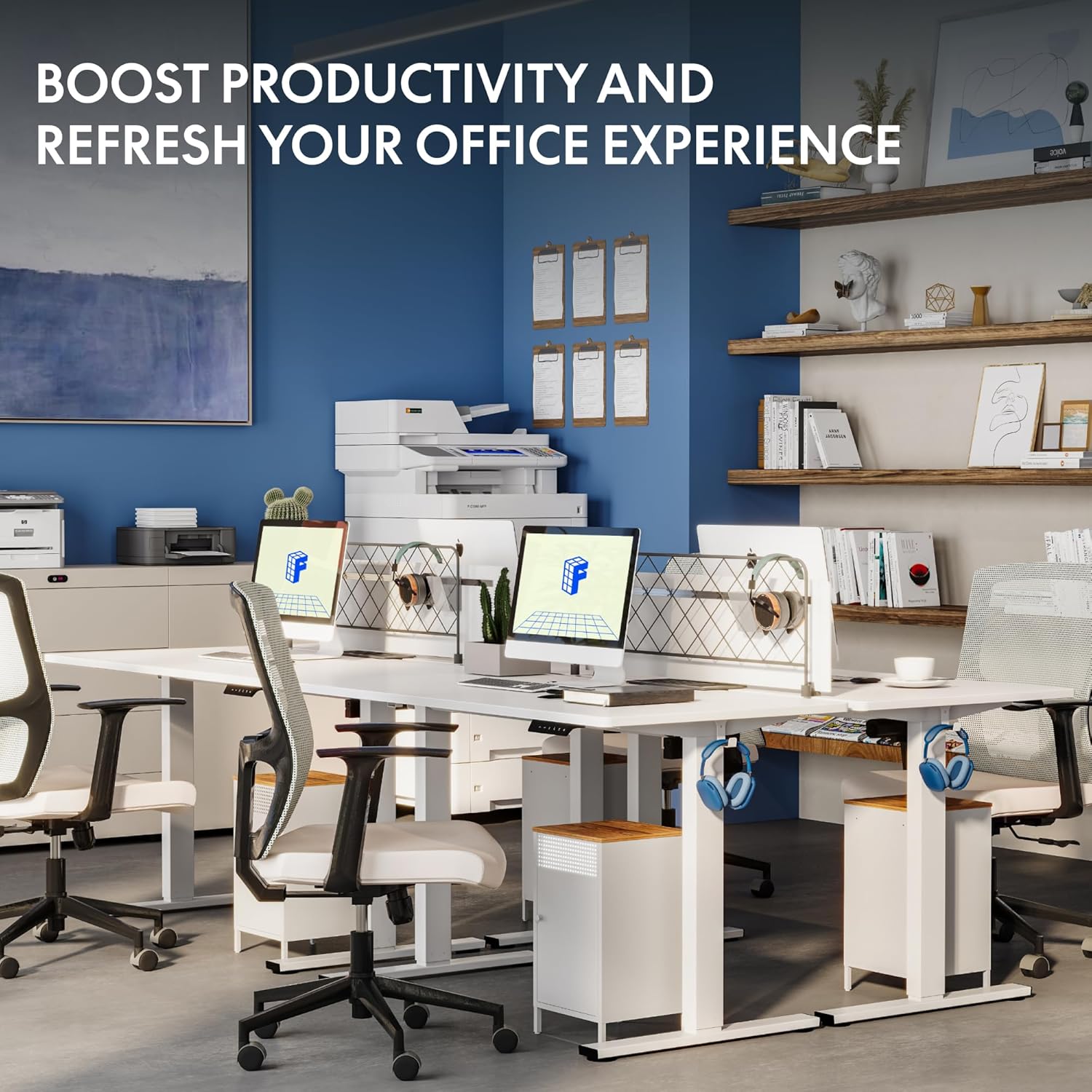
Your FLEXISPOT electric standing desk is designed for straightforward assembly. The desk ships in two separate boxes, which may arrive at different times. The main bracket and motor come pre-attached, simplifying the process. An electric drill may be required for some steps during assembly.
Navodila za uporabo
The FLEXISPOT electric standing desk offers effortless height adjustment to suit your ergonomic needs throughout the day.
Nastavitev višine
The desk's height can be adjusted electrically from a minimum of 28.1 inches to a maximum of 45.7 inches. Use the up and down arrows on the control panel for precise adjustments.
Pametna nadzorna plošča
The integrated smart control panel allows for easy operation. It features an LED display showing the current desk height, along with up/down arrows for manual adjustments. Four memory presets (1, 2, 3, 4) enable you to save and recall your preferred sitting and standing heights with a single touch.
Tiho delovanje
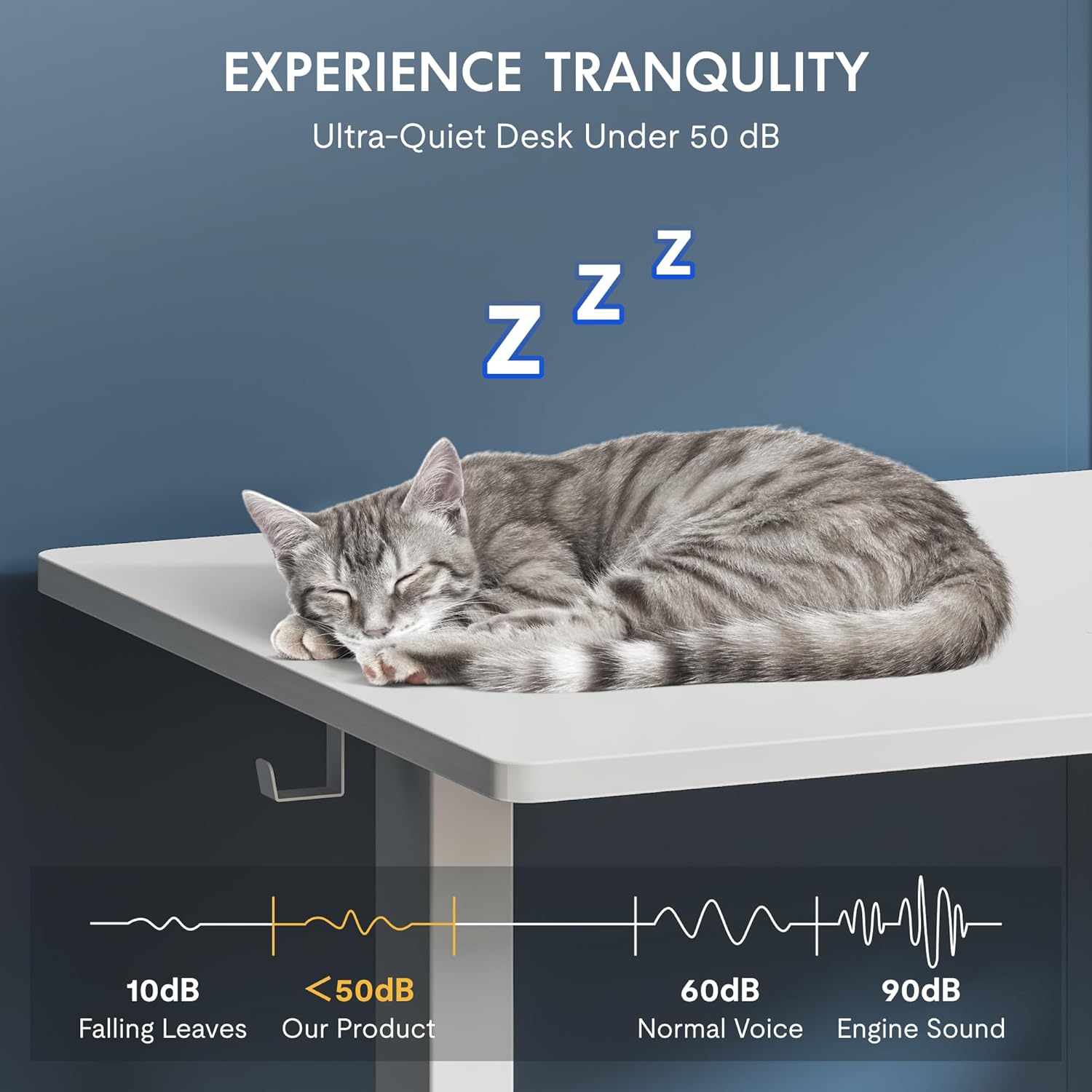
The desk's motor operates at a low noise level, under 50 dB, ensuring a quiet and undisturbed work environment.
Ključne značilnosti
The FLEXISPOT One-Piece Electric Standing Desk is designed with user convenience and durability in mind.
Seamless One-Piece Desktop
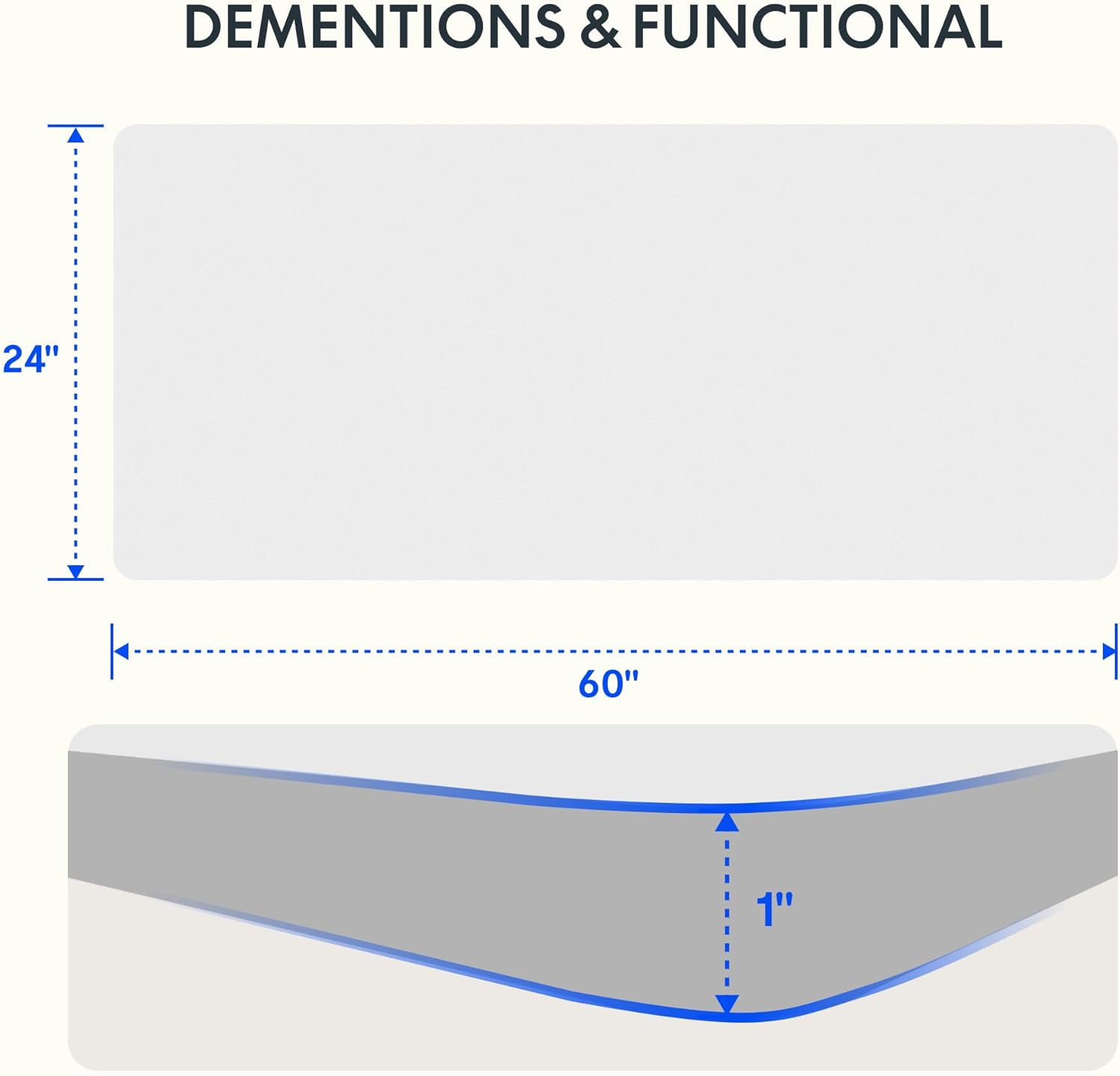
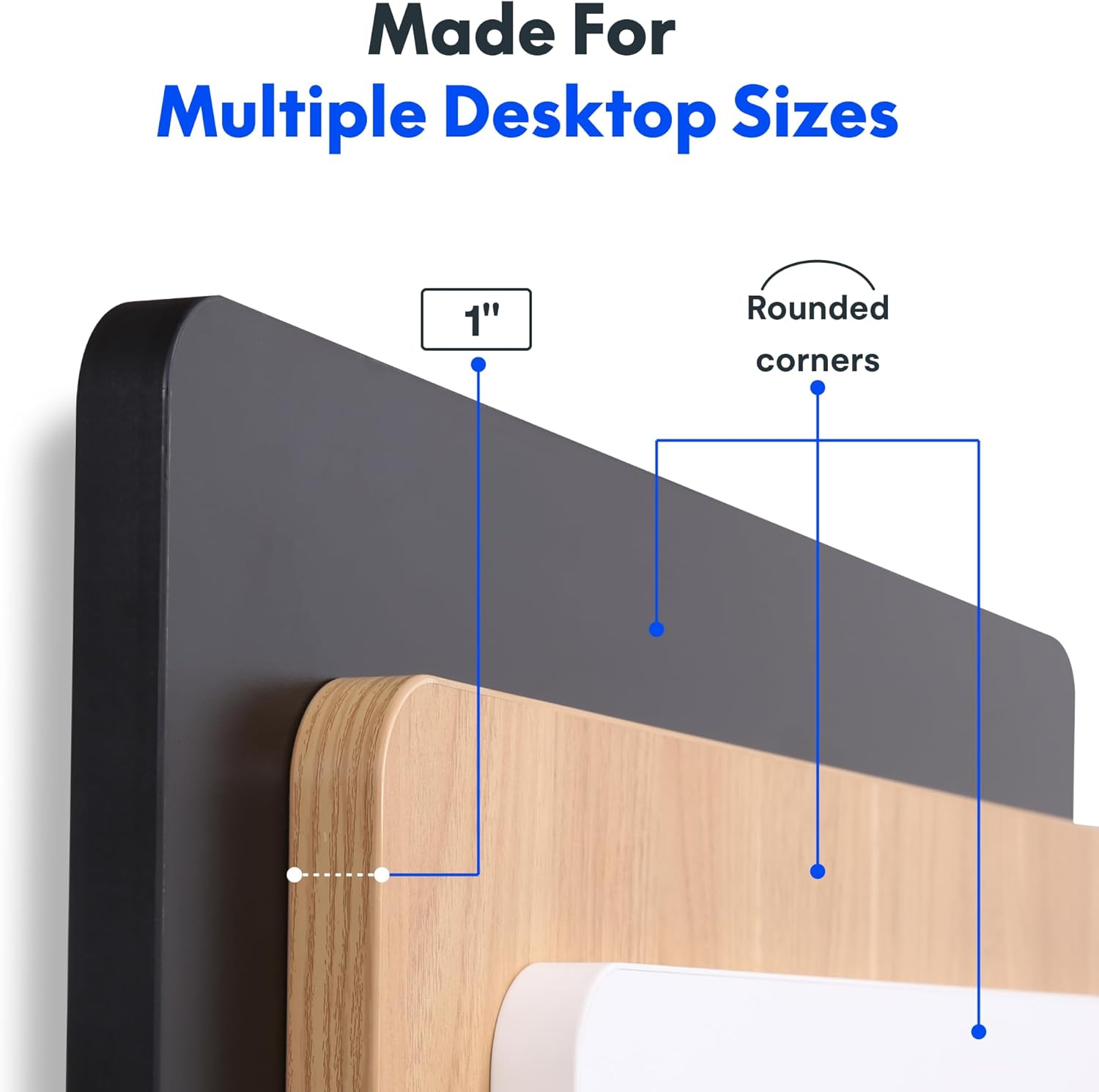
Enjoy a smooth, gap-free work surface. The 1-inch thick one-piece desktop is engineered for enhanced stability and durability compared to multi-piece alternatives.

Robustna konstrukcija
The desk features a solid steel frame and a thick tabletop, built to support up to 176 lbs. This robust construction ensures stability for dual monitors, laptops, and other office essentials.

Convenient Headphone Hooks
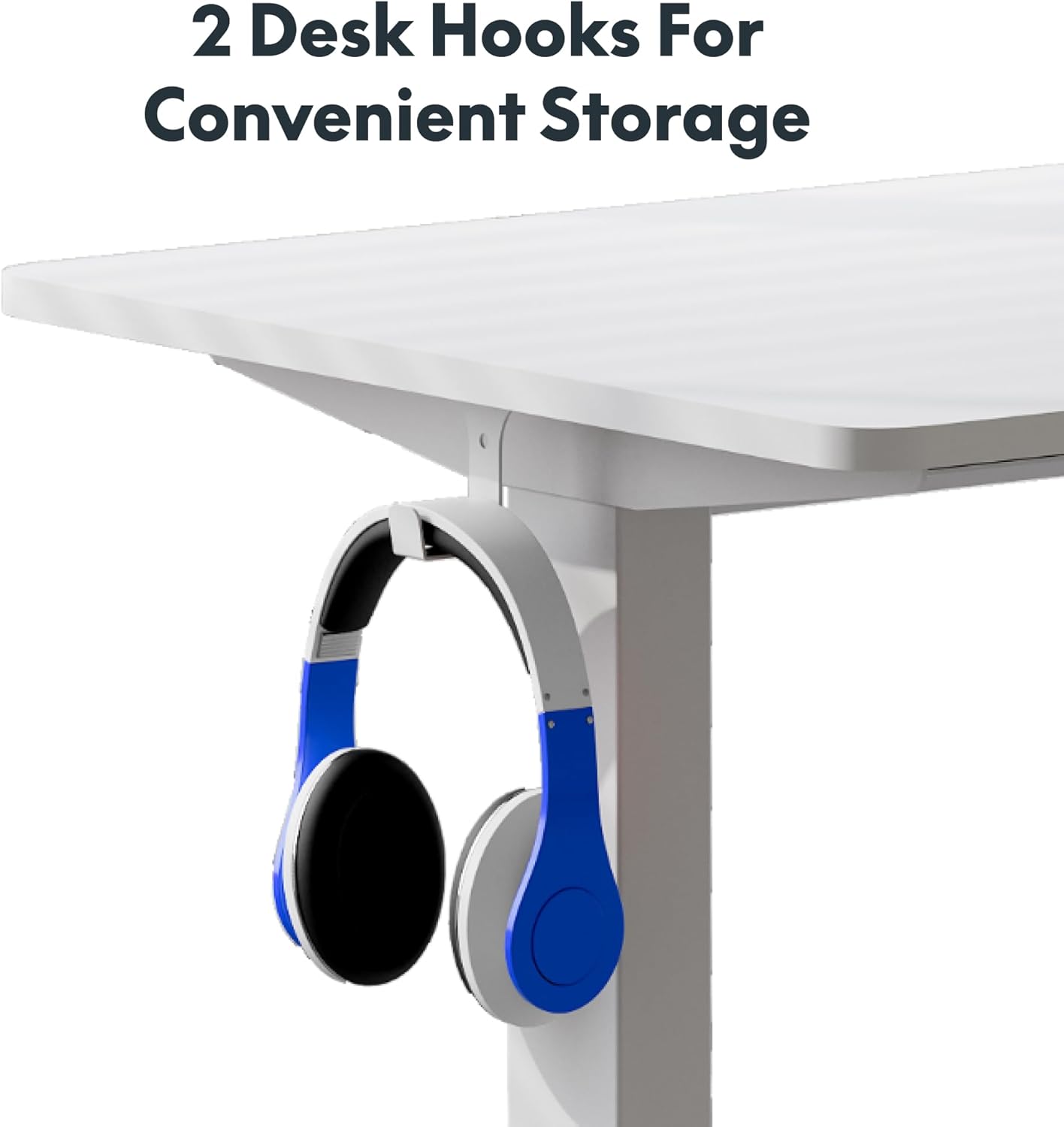
The desk includes two integrated hooks for convenient storage of headphones or other accessories, helping to keep your workspace tidy.

Debelina namizja
The desktop is 1 inch thick and features rounded corners for safety and aesthetics.
Vzdrževanje
To ensure the longevity and optimal performance of your FLEXISPOT standing desk, follow these maintenance guidelines:
- Regularly wipe the desktop surface with a soft, damp krpo. Izogibajte se uporabi agresivnih kemikalij ali abrazivnih čistil, ki bi lahko poškodovala površino.
- Periodically check all screws and connections to ensure they remain tight. Tighten any loose fasteners as needed.
- Keep the motor and moving parts free from dust and obstructions. Do not allow liquids to spill into the motor housing.
- Avoid placing excessively heavy items on the desk, ensuring the weight does not exceed the maximum capacity of 176 lbs.
Odpravljanje težav
If you encounter any issues with your FLEXISPOT electric standing desk, please refer to the following common troubleshooting steps:
- Desk Unresponsive: Check that the power cord is securely plugged into both the desk and a working electrical outlet.
- Kode napak: If the LED display shows an error code, consult the full product manual (if provided separately) for specific code meanings and solutions. A common first step is to unplug the desk for 30 seconds and then plug it back in to reset the system.
- Neenakomerno gibanje: Ensure the desk is placed on a flat, level surface. Check that no obstructions are impeding the legs' movement.
- Hrup med delovanjem: While the motor is designed to be quiet, unusual noises may indicate an issue. Ensure the weight on the desk is evenly distributed and within the specified limit.
For persistent issues or problems not covered here, please contact FLEXISPOT customer support.
Specifikacije
| Funkcija | Podrobnost |
|---|---|
| Znamka | FLEXISPOT |
| Dimenzije izdelka | 24"D x 60"Š x 29"V |
| barva | White Top + White Frame |
| Osnovni material | Legirano jeklo |
| Vrsta zgornjega materiala | Konstruiran les |
| Največja priporočena teža | 176 funta |
| Najmanjša višina | 28 palcev |
| Največja višina | 45.7 palcev |
| Debelina mizne plošče | 1 palcev |
| Posebna funkcija | 1-inch Thick Standing Desk, 60x24" One-Piece Desktop, Headphone Hook |
| UPC | 840460459228 |
Garancija in podpora
The FLEXISPOT One-Piece Electric Standing Desk is backed by a comprehensive warranty:
- 5-letna garancija: Covers the frame, motor, and mechanical parts.
- 2-letna garancija: Covers electronic components.
For warranty claims, technical assistance, or any product-related inquiries, please visit the official FLEXISPOT website or contact their customer service department directly. Please have your purchase information and model details ready when contacting support.
Pomembne varnostne informacije
Please observe the following important safety information:
- This desk requires careful assembly, which may involve using an electric drill.
- Do not exceed the maximum weight limit of 176 pounds on the desktop.
- Be cautious when handling the desk as it ships in two separate boxes, which can be heavy.
- Ensure all cables are properly managed and secured to prevent tripping hazards or damage during height adjustments.
Ask a question about this manual
Ask about setup, troubleshooting, compatibility, parts, safety, or missing instructions. Manuals+ will review the question and use this page’s manual context to help answer it.