
1. Uvod
This manual provides detailed instructions for the installation, operation, and maintenance of your Alomejor Electric Scooter Controller Kit. This kit is specifically designed for the MI4 electric scooter model, enhancing its performance with a 36V 350W motor controller and a clear LCD display dashboard.
The kit includes essential components for upgrading or replacing your scooter's control system, ensuring seamless integration and optimal functionality.
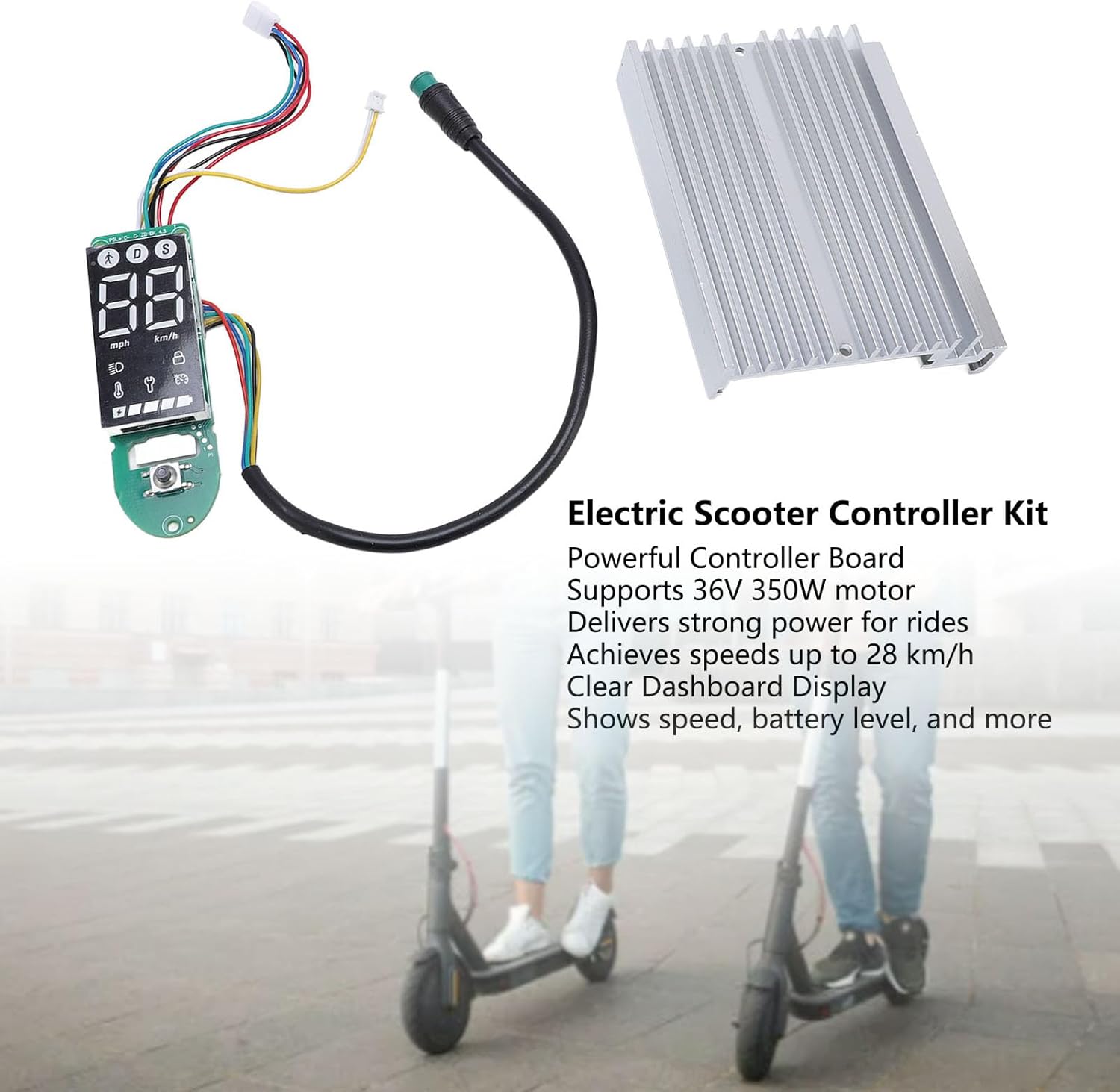
Slika 1.1: konecview of the Alomejor Electric Scooter Controller Kit, including the controller board, LCD display, and heat sink, shown with electric scooters in the background.
Vsebina paketa:
- 1 x Electric Scooter Controller
- 1 x LCD Display Dashboard
2. Varnostne informacije
Before proceeding with installation or operation, please read and understand all safety instructions. Failure to follow these instructions may result in injury, damage to the product, or damage to your electric scooter.
- Priporočena profesionalna namestitev: If you are not familiar with electric scooter electronics, it is highly recommended to seek professional assistance for installation.
- Odklop napajanja: Always ensure the electric scooter's power is completely off and the battery is disconnected before attempting any installation, removal, or maintenance.
- Pravilna voltage: This kit is designed for 36V systems. Do not use it with other voltage sistemi.
- Izogibajte se izpostavljenosti vodi: Keep the controller and display away from water and moisture to prevent electrical shorts and damage.
- Varne povezave: Prepričajte se, da so vse električne povezave varne in pravilno izolirane, da preprečite kratke stike.
3. Združljivost in namestitev
3.1 Združljivost
This Electric Scooter Controller Kit is precisely designed for the MI4 electric scooter model. Its components ensure a perfect fit and seamless integration with your scooter's existing system, providing optimal performance and reliability.

Slika 3.1: The controller kit components, highlighting their specific design for MI4 electric scooters to ensure compatibility.
3.2 Postopek namestitve
The installation of this electric scooter controller kit is designed to be straightforward, facilitating convenient replacements and maintenance. Follow these general steps for installation:
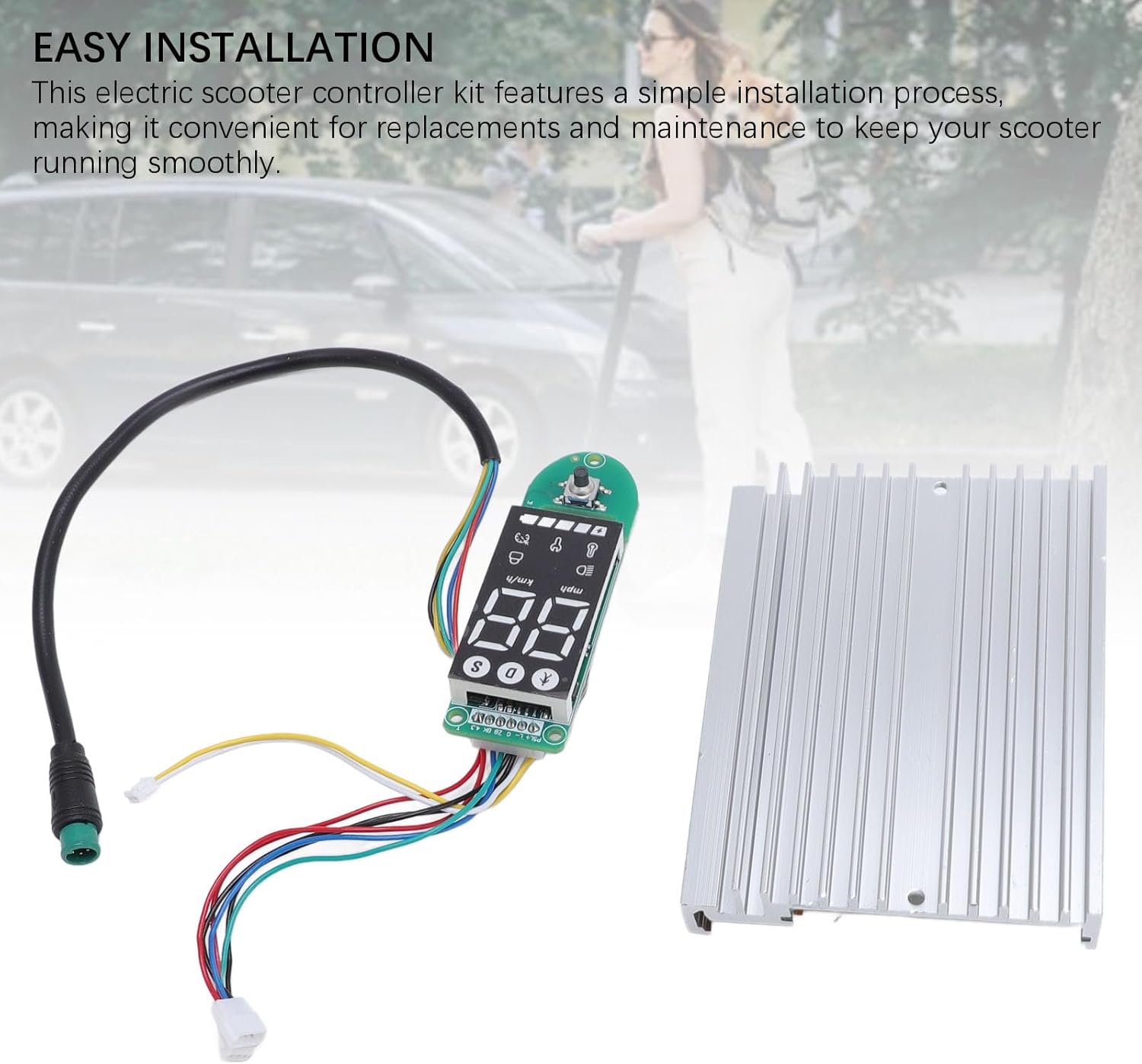
Slika 3.2: The controller and dashboard components, emphasizing the ease of installation for replacement or upgrade.
- Priprava skuterja: Ensure the electric scooter is powered off and the battery is disconnected. Remove any covers or panels necessary to access the existing controller and dashboard wiring.
- Remove Old Components (if replacing): Carefully disconnect all wires from the old controller and dashboard. Note the position and color of each wire for correct re-connection.
- Namestitev novega krmilnika: Mount the new controller board in the designated compartment. Connect the motor wires, battery wires, and other accessory wires (e.g., brake, throttle) to the new controller. Refer to your scooter's specific wiring diagram if available.
- Install New Dashboard: Connect the dashboard display to the controller using the provided cable. Secure the dashboard in its housing on the handlebars.
- Varno ožičenje: Ensure all connections are firm and wires are routed safely, away from moving parts or pinch points.
- Testna funkcionalnost: Reconnect the battery and power on the scooter. Verify that the display lights up, shows correct information, and the motor responds to throttle input.
- Ponovno sestavite: Once functionality is confirmed, reattach all covers and panels.
4. Navodila za uporabo
The LCD display dashboard provides real-time information about your scooter's status, allowing for effortless monitoring during operation.
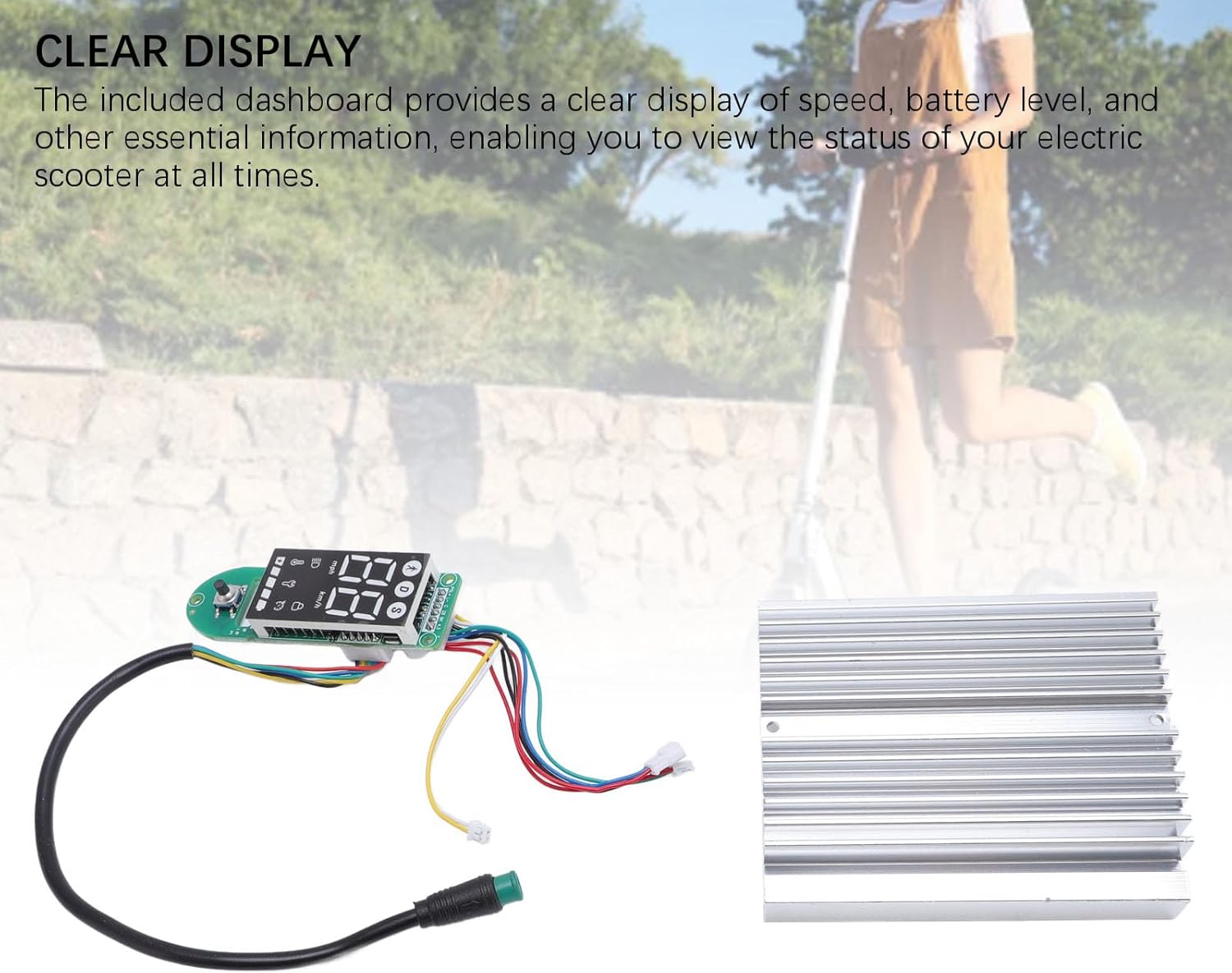
Slika 4.1: The LCD display dashboard, showing its clear interface for monitoring scooter status.
4.1 Vklop/izklop
- Za vklop: Press and hold the power button on the dashboard until the display illuminates.
- Za izklop: Ponovno pritisnite in držite gumb za vklop, dokler se zaslon ne izklopi.
4.2 Razumevanje zaslona
The LCD dashboard provides the following key information:
- Hitrost: Displays current riding speed (km/h or mph).
- Raven baterije: Prikazuje preostalo napolnjenost baterije.
- Način/oprema: Shows the current riding mode or speed gear.
- Indikator žarometov: Illuminates when the scooter's headlights are active.
- Bluetooth/Connectivity: May indicate connection status if applicable.
Refer to your MI4 scooter's specific user manual for detailed explanations of all dashboard icons and functions.
5. Vzdrževanje
Proper maintenance ensures the longevity and optimal performance of your electric scooter controller kit. The components are crafted from durable aluminum alloy and PCB, designed for robust performance.

Slika 5.1: The controller and dashboard, highlighting their construction from robust aluminum alloy and PCB for enhanced durability.
- Čiščenje: Use a soft, dry cloth to wipe down the display and controller housing. Avoid using harsh chemicals or abrasive materials.
- Pregled: Občasno preverite vse ožičene povezave, da se prepričate, da so varne in brez korozije ali poškodb.
- Varstvo okolja: Store your scooter in a dry environment, away from extreme temperatures and direct sunlight, to protect the electronic components.
- Izogibajte se udarcem: Protect the controller and display from physical impacts, which can damage internal components.
6. Odpravljanje težav
If you encounter issues with your controller kit, refer to the following common problems and solutions:
- Zaslon se ne vklopi:
- Preverite priklop baterije in raven napolnjenosti.
- Ensure the dashboard cable is securely connected to the controller.
- Scooter Not Responding to Throttle:
- Verify all motor and throttle connections to the controller.
- Check for any error codes displayed on the dashboard (refer to your scooter's manual for code meanings).
- Inaccurate Speed/Battery Reading:
- Ensure all sensor wires are correctly connected.
- A full power cycle (turn off, disconnect battery, reconnect, turn on) may resolve temporary glitches.
V primeru trajnih težav se obrnite na podporo strankam ali usposobljenega tehnika.
7. Specifikacije
The Alomejor Electric Scooter Controller Kit provides robust power and reliable performance for your MI4 electric scooter.
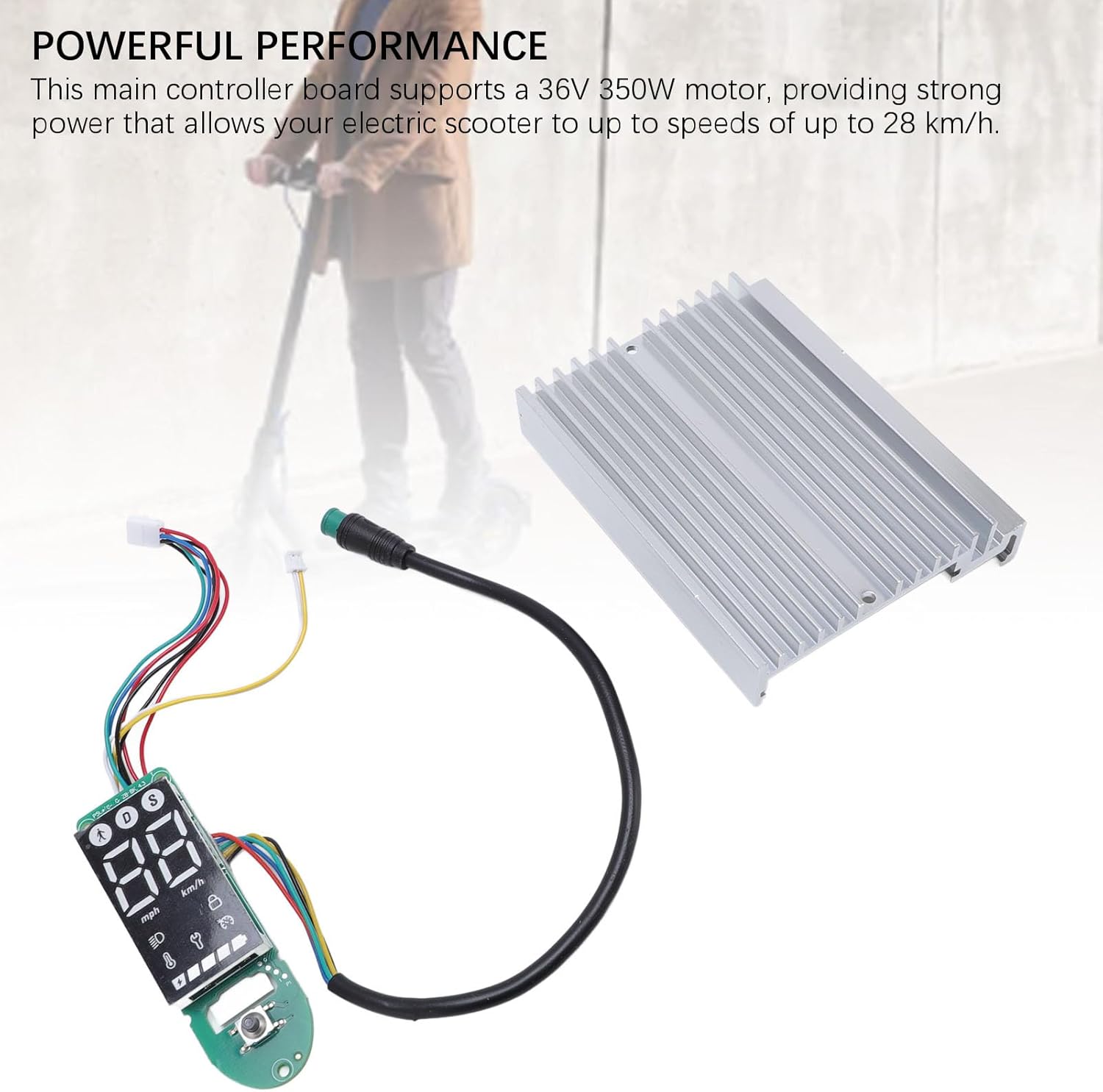
Slika 7.1: The controller kit, illustrating its capability to deliver powerful performance for electric scooters.
| Funkcija | Specifikacija |
|---|---|
| Vrsta predmeta | Electric Scooter Dashboard and Controller |
| Aplikacija | For MI4 electric scooter |
| Motorna podpora | 36V 350W |
| Največja hitrost | Do 28 km / h |
| Materiali | Aluminijeva zlitina + tiskano vezje |
| Dimenzije paketa (D x Š x V) | 7.09 x 5.12 x 1.57 palcev |
| Teža paketa | 167 gramov |
| Znamka | Alomejor |
| Model Name (Internal) | Alomejorzhvy51os3n |
8. Garancija in podpora
This product comes with a standard manufacturer's warranty. Please refer to the product packaging or the seller's terms and conditions for specific warranty details and duration.
For technical support, troubleshooting assistance, or warranty claims, please contact the seller or manufacturer directly. Keep your purchase receipt as proof of purchase.