
Cosmic Byte Nexus
Brezžični krmilnik Cosmic Byte Nexus za računalnik - navodila za uporabo
Model: Nexus
Uvod
This manual provides comprehensive instructions for the setup, operation, maintenance, and troubleshooting of your Cosmic Byte Nexus Wireless Controller. Please read this manual carefully before using the product to ensure optimal performance and longevity.

Slika: spredaj view of the Cosmic Byte Nexus Wireless Controller, showcasing njegovo ergonomsko obliko in razporeditev gumbov.
Vsebina paketa
Prepričajte se, da so v paketu prisotni vsi elementi:
- Cosmic Byte Nexus Wireless Controller
- USB brezžični sprejemnik
- Navodila za uporabo (ta dokument)
Note: 2x AAA batteries are required and are not included in the package.
Vodnik za namestitev
1. Namestitev baterije
- Poiščite predal za baterije na zadnji strani krmilnika.
- Odprite pokrov baterije.
- Vstavite dve (2) bateriji AAA in pazite na pravilno polarnost (+/-).
- Varno zaprite pokrov baterije.

Image: Illustration showing the battery compartment and the insertion of 2x AAA batteries into the controller.
2. Povezovanje z osebnim računalnikom
- Insert the USB Wireless Receiver into an available USB port on your PC.
- The PC will automatically detect and install the necessary drivers. This process may take a few moments.
- Once the drivers are installed, the controller is ready for use. No additional software is typically required for Windows PCs.
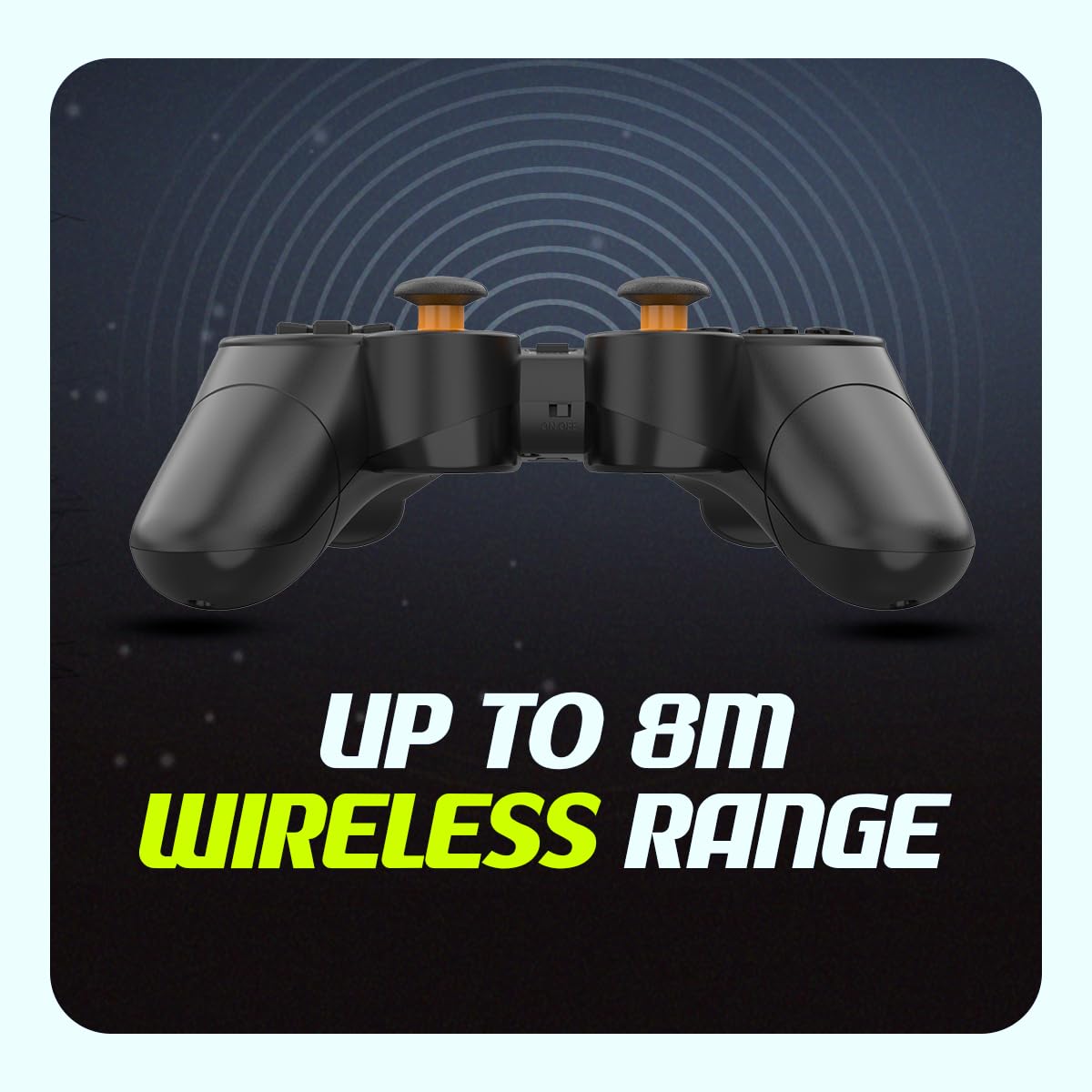
Image: The compact USB wireless receiver, ready to be plugged into a PC.
3. Vklop/izklop
- To power on the controller, ensure batteries are installed and slide the ON/OFF switch located on the top edge of the controller to the "ON" position.
- To power off the controller, slide the ON/OFF switch to the "OFF" position.
Slika: Bližnji posnetek view of the controller's top edge, highlighting the ON/OFF switch for easy power management.
Navodila za uporabo
Brezžična povezljivost
The Cosmic Byte Nexus controller utilizes 2.4GHz wireless technology, providing a stable connection with a range of up to 8 meters from the USB receiver. Ensure no significant obstructions are between the controller and the receiver for optimal performance.
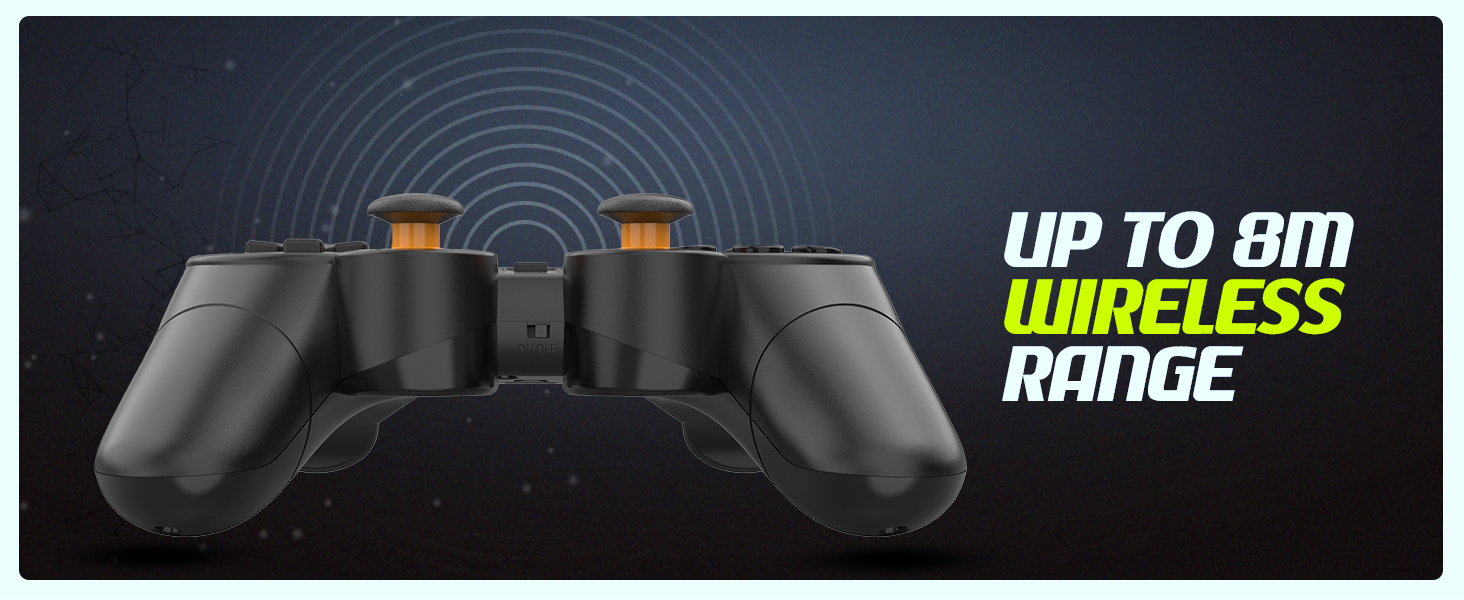
Image: Visual representation of the controller's wireless range, indicating connectivity up to 8 meters.
Razporeditev in funkcije krmilnika
The controller features a standard gamepad layout with responsive buttons and sensitive analog triggers for precise control.
- Smerna ploščica (D-Pad): Za smerni vnos.
- Leva/desna analogna palica: Za 360-stopinjsko gibanje in nadzor kamere.
- Gumbi za dejanja (A, B, X, Y): Za dejanja v igri.
- Ramenski gumbi (L1, R1) in sprožilci (L2, R2): For additional in-game functions. The triggers are designed for sensitive input.
- Gumb IZBERI/NAZAJ: Običajno se uporablja za navigacijo po menijih ali za določene funkcije igre.
- Gumb START: Običajno se uporablja za začasno ustavitev iger ali dostop do menijev.
- Gumb MODE: May switch between different input modes (e.g., X-Input/D-Input) if supported by the controller.

Slika: Podrobna view of the controller's front, highlighting the various buttons, D-pad, and analog sticks.
Dvojni vibracijski motorji
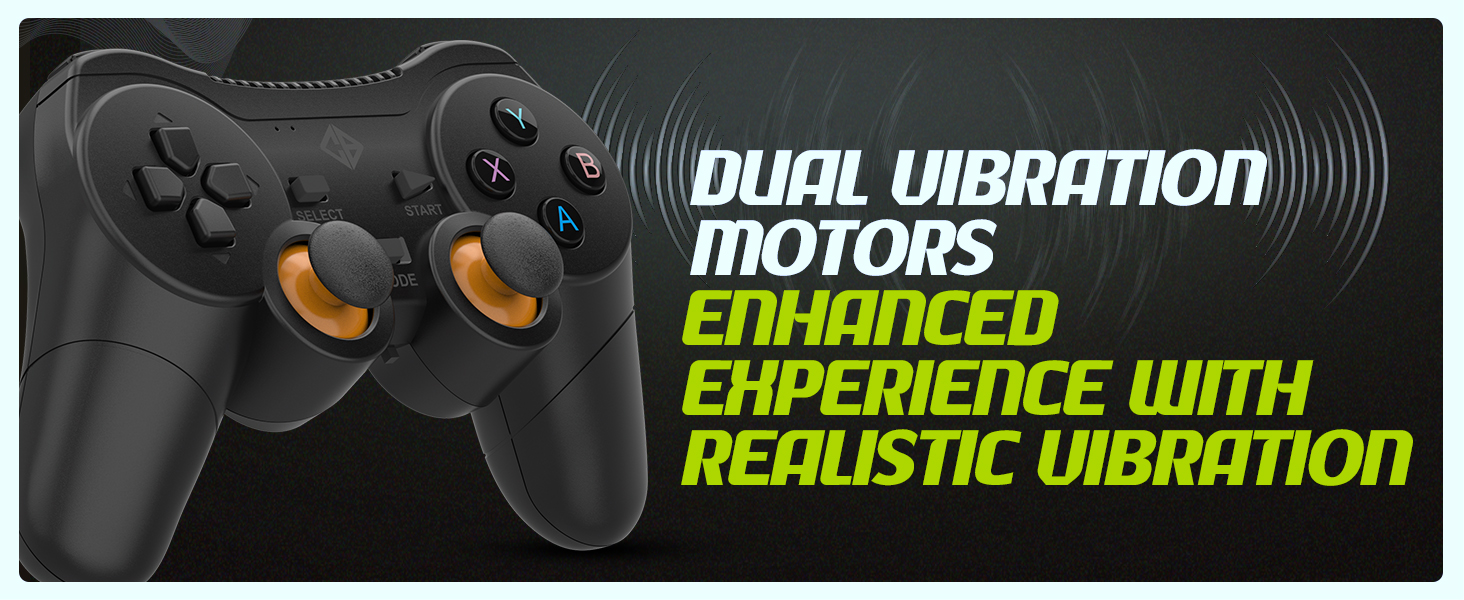
The controller is equipped with dual vibration motors that provide immersive feedback, enhancing your gaming experience by reacting to in-game events such as explosions, crashes, or impacts.
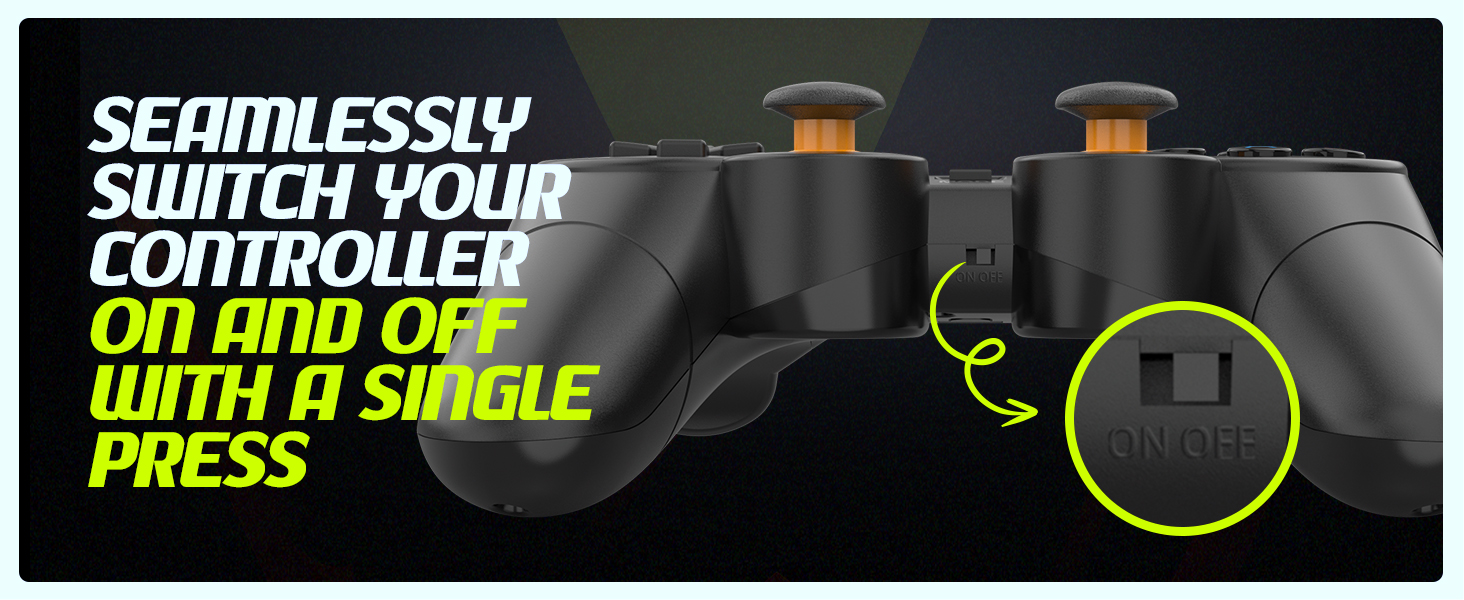
Image: Controller with visual cues indicating the presence and function of dual vibration motors.
X-Input and D-Input Support
The Cosmic Byte Nexus controller supports both X-Input and D-Input modes, ensuring broad compatibility with a wide range of PC games. X-Input is the standard for modern PC games, while D-Input provides compatibility with older titles.
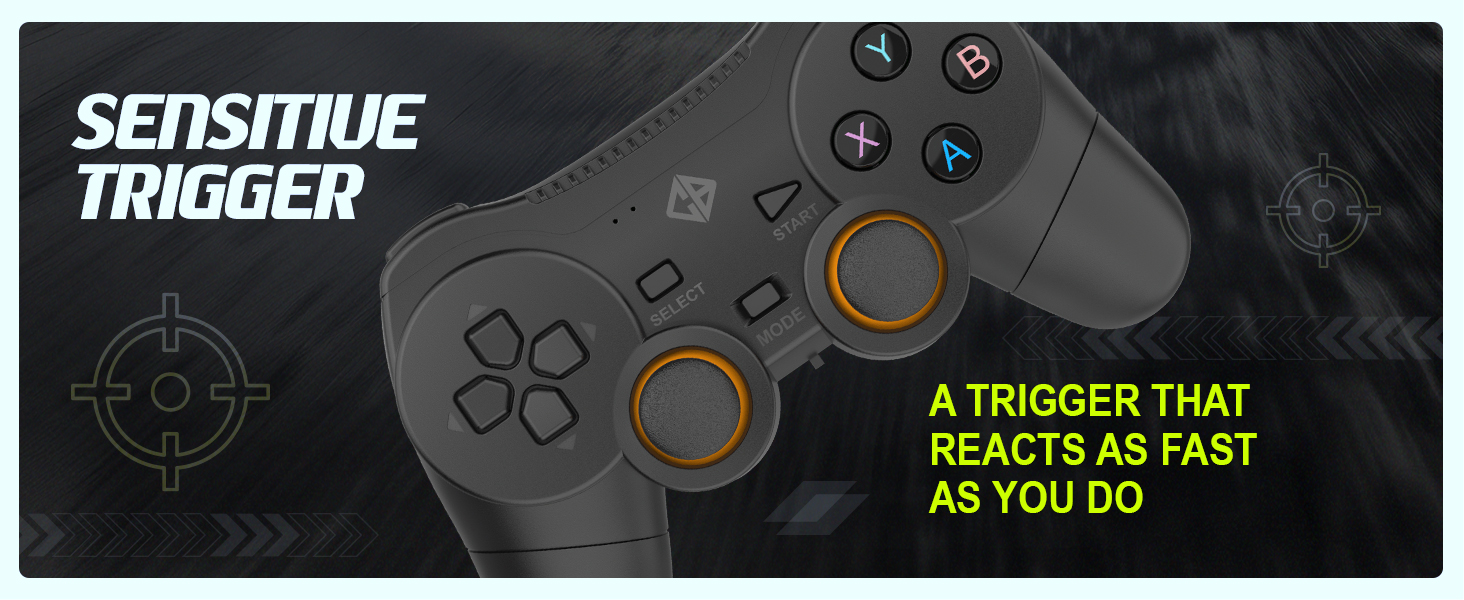
Image: Controller with text indicating support for X-Input and D-Input for seamless compatibility.
Vzdrževanje
Zamenjava baterije
When the controller's performance degrades or it fails to power on, it is time to replace the AAA batteries. Follow the battery installation steps outlined in the "Setup Guide" section.
Tip: Consider using rechargeable AAA batteries for an eco-friendly and cost-effective solution.
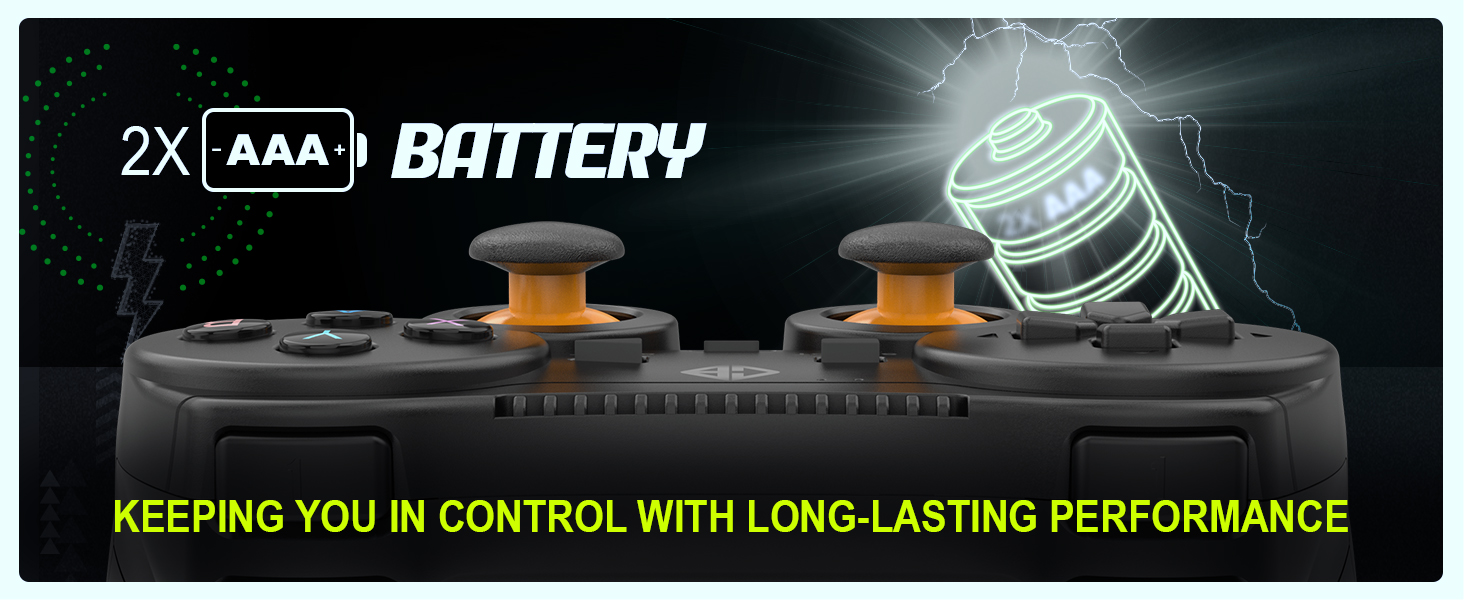
Image: Controller with an illustration of AAA batteries, emphasizing long-lasting performance.
Čiščenje
Za čiščenje krmilnika uporabite mehko, suho krpo. Za trdovratno umazanijo rahloamp cloth can be used, but ensure no moisture enters the device. Avoid using harsh chemicals or abrasive cleaners.
Odpravljanje težav
| Težava | Možen vzrok | rešitev |
|---|---|---|
| Krmilnik se ne vklopi. | Prazne ali nepravilno vstavljene baterije. | Replace batteries with fresh AAA batteries, ensuring correct polarity. Check the ON/OFF switch is in the "ON" position. |
| Controller not connecting to PC. | USB receiver not properly inserted or driver issue. | Ensure the USB receiver is fully inserted into a working USB port. Try a different USB port. Restart your PC. |
| Vhodna zakasnitev ali prekinjena povezava. | Interference or distance from receiver. | Reduce distance between controller and receiver. Remove any large metallic objects or other wireless devices that may cause interference. Ensure batteries are not low. |
| Vibracija ne deluje. | Game does not support vibration or feature is disabled. | Check in-game settings to ensure vibration feedback is enabled. Verify the game supports controller vibration. |
| Buttons or analog sticks unresponsive/inaccurate (e.g., "stick drift"). | Obraba ali proizvodna napaka. | Ensure the controller is clean. If issues persist, contact customer support for further assistance. |
Specifikacije
| Funkcija | Podrobnost |
|---|---|
| Znamka | Kozmični bajt |
| Ime modela | Nexus |
| Tehnologija povezljivosti | Brezžično (2.4 GHz) |
| Združljive naprave | Računalnik (Windows) |
| Vrsta krmilnika | Igralni plošček |
| Vir napajanja | 2 x AAA baterije (niso vključene) |
| Teža predmeta | 100 g |
| Dimenzije izdelka (DxŠxV) | 12 x 8 x 4 cm |
| Država izvora | Kitajska |
Garancija in podpora
For warranty information, technical support, or service inquiries, please refer to the contact details provided with your purchase documentation or visit the official Cosmic Byte webspletno mesto. Shranite račun kot dokazilo o nakupu.
Proizvajalec / uvoznik: Cosmic Byte, Prakash Warehousing, S. No.163, Hissa No 1-2-3-4-5A-5B/2/1, Phursungi, Pune 412308, Maharashtra, India
Ask a question about this manual
Ask about setup, troubleshooting, compatibility, parts, safety, or missing instructions. Manuals+ will review the question and use this page’s manual context to help answer it.