
1. Uvod
This manual provides essential information for setting up, operating, and maintaining your TCL 98Q7K 98-inch QLED 4K Google TV. This television features a stunning QLED 4K display with a 144 Hz panel for smooth motion, integrated Google TV for smart functionality, and advanced audio with Dolby Atmos. It also includes Google Assistant and Alexa compatibility for hands-free voice control, VisionHDR10+, and AiPQ™ processing for optimized picture quality.

2. Nastavitev
2.1 Razpakiranje in začetni pregled
Carefully remove the television from its packaging. Inspect the TV and all included accessories for any signs of damage. Keep the packaging materials for future transport or service needs.
2.2 Namestitev stojala
If you plan to use the TV with its included stand, follow these steps:
- Televizor postavite z zaslonom navzdol na mehko, ravno površino, da preprečite praske.
- Poravnajte komponente stojala z označenimi režami na spodnji strani televizorja.
- Secure the stand using the screws provided in the accessory kit. Ensure all screws are tightened firmly.

2.3 Stenska montaža (neobvezno)
For wall mounting, a compatible VESA wall mount (not included) is required. Due to the size and weight of the 98-inch television, professional installation is highly recommended to ensure safety and proper mounting. Refer to the wall mount manufacturer's instructions for specific installation details.
2.4 Priključitev zunanjih naprav
Connect your external devices such as Blu-ray players, gaming consoles, sound systems, and cable/satellite boxes to the appropriate ports on the TV. The TCL 98Q7K features 4 HDMI ports and 2 USB ports for versatile connectivity.
3. Navodila za uporabo
3.1 Vklop/izklop
Connect the power cord to the TV and a power outlet. Press the power button on the remote control or on the TV itself to turn the television on or off.
3.2 Initial Setup with Google TV
Upon first power-on, the TV will guide you through the initial setup process for Google TV. This includes selecting your language, connecting to a Wi-Fi network, signing in with your Google account, and configuring basic settings. Follow the on-screen prompts.

3.3 Funkcije daljinskega upravljalnika
The included remote control allows you to navigate the TV's interface, adjust volume, change channels, and access smart features. It supports voice control via Google Assistant and Alexa. Insert the provided batteries into the remote control before use.
3.4 Pametne funkcije in glasovno upravljanje
- Google TV: Access a wide range of streaming apps, movies, and shows.
- Google Pomočnik in Alexa: Use voice commands for hands-free control of your TV, search for content, get information, and control smart home devices.
- Vgrajen Chromecast: Predvajajte vsebino iz združljivih mobilnih naprav neposredno na televizor.
3.5 Igralne funkcije
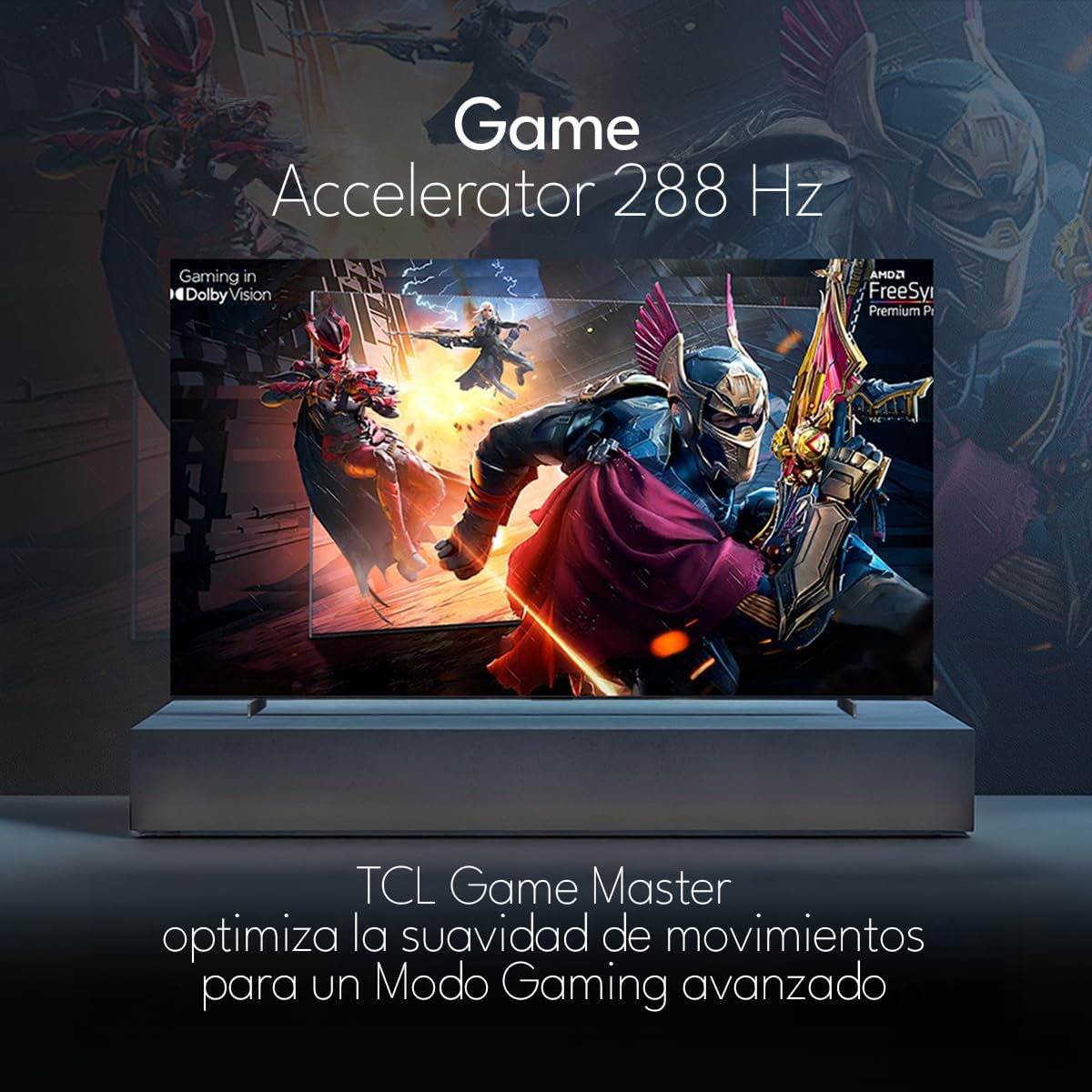
The TCL 98Q7K features a 144 Hz panel and Game Accelerator technology for an enhanced gaming experience with reduced latency and smoother motion.

3.6 Zvočne funkcije
Experience immersive sound with Dolby Atmos and the integrated ONKYO Hi-Fi System 2.1 Channels, providing clear vocals and deep bass.

3.7 izdelkov konecview Video
4. Vzdrževanje
4.1 Čiščenje zaslona
Za čiščenje zaslona ga nežno obrišite z mehko krpo, ki ne pušča vlaken. Za trdovratne madeže ga rahlo obrišite.ampKrpo obrišite z vodo ali specializiranim čistilom za zaslone. Izogibajte se uporabi agresivnih kemikalij, abrazivnih materialov ali neposrednemu pršenju tekočin na zaslon.
4.2 Čiščenje ohišja televizorja
Wipe the TV body with a soft, dry cloth. Do not use liquid cleaners directly on the TV body.
4.3 Posodobitve programske opreme
Your TCL Google TV may receive automatic software updates. To manually check for updates, navigate to the settings menu, then select System > About > System update. Ensure your TV is connected to the internet for updates.
5. Odpravljanje težav
Če imate težave s televizorjem, si oglejte naslednje pogoste rešitve:
- Brez napajanja:
Prepričajte se, da je napajalni kabel varno priključen tako v televizor kot v delujočo električno vtičnico. Poskusite priključiti drugo napravo v isto vtičnico, da preverite, ali je pod napetostjo. - Brez slike ali zvoka:
Verify that the correct input source is selected (e.g., HDMI 1, AV). Check all cable connections between the TV and external devices. Ensure the volume is not muted or set to minimum. - Daljinski upravljalnik ne deluje:
Zamenjajte baterije v daljinskem upravljalniku. Prepričajte se, da med daljinskim upravljalnikom in infrardečim senzorjem televizorja ni ovir. - Težave z omrežno povezavo:
Check your Wi-Fi router and ensure it is powered on and functioning correctly. Restart the TV and your router. In the TV settings, verify the Wi-Fi connection status. - Težave s kakovostjo slike (npr. zamegljena, popačena):
Check the resolution settings of your input source. Ensure the cables are not damaged. Adjust picture settings (brightness, contrast, sharpness) in the TV menu.
For persistent issues, consult the full electronic manual available through the TV's help menu or contact TCL customer support.
6. Specifikacije
| Funkcija | Specifikacija |
|---|---|
| Velikost zaslona | 98 palcev |
| Tehnologija zaslona | QLED |
| Resolucija | 4K (3840 x 2160) |
| Hitrost osveževanja | 144 Hz |
| Podpora za format HDR | Dolby Vision, HDR10, HDR10+, HLG |
| Največja svetlost | 450 NITS |
| Zvočni sistem | Dolby Atmos, Dolby Digital, ONKYO Hi-Fi System 2.1 Channels |
| Operacijski sistem | Google TV |
| Glasovni nadzor | Google Assistant, Alexa |
| Povezljivost | Wi-Fi, Ethernet, 4x HDMI, 2x USB |
| Mere (s stojalom) | 217.8 x 128.5 x 42 cm |
| Mere (brez stojala) | 0.06prof. x 2.18an. x 1.25alt. Meters (approx. 6 cm depth) |
| Modelno leto | 2025 |
| Vključene komponente | Priročnik, Daljinski upravljalnik, Baterije |
7. Garancija in podpora
7.1 Garancija izdelka
The TCL 98Q7K television comes with a 2-letna omejena garancija od datuma nakupa. Ta garancija krije proizvodne napake in okvare pri normalni uporabi. Za uveljavljanje garancije shranite dokazilo o nakupu.
7.2 Podpora strankam
For technical assistance, troubleshooting beyond this manual, or warranty inquiries, please contact TCL customer support. Refer to the contact information provided in the separate warranty card or visit the official TCL webspletno mesto za vašo regijo.