
1. Uvod
Welcome to the OUKITEL C59 Pro user manual. This guide provides detailed instructions on how to set up, operate, maintain, and troubleshoot your new Android 15 smartphone. Please read this manual thoroughly to ensure optimal performance and longevity of your device.
2. Varnostne informacije
To prevent injury to yourself or others, or damage to your device, read all safety information before using the device. Keep this manual for future reference.
- Naprave ne izpostavljajte ekstremnim temperaturam, neposredni sončni svetlobi ali visoki vlažnosti.
- Use only OUKITEL-approved chargers, batteries, and accessories.
- Izogibajte se padcem ali izpostavljanju naprave močnim udarcem.
- Naprave ne razstavljajte, spreminjajte ali popravljajte sami.
- Maintain a safe distance from medical devices to avoid interference.
- Napravo in njene komponente odvrzite odgovorno v skladu z lokalnimi predpisi.
3. Vsebina paketa
Preverite, ali so v škatli izdelka vsi elementi:
- Pametni telefon OUKITEL C59 Pro
- Ovitek za telefon
- Kabel USB (vrsta C)
- Orodje za izmet kartice SIM
- Napajalni adapter
4. Naprava je končanaview
Familiarize yourself with the physical features and components of your OUKITEL C59 Pro smartphone.

Slika: Splošno view pametnega telefona OUKITEL C59 Pro, razstavaasinz elegantno zasnovo in modulom zadnje kamere.
4.1 Fizični gumbi in vrata
- Gumb za vklop: Located on the side, used to power on/off the device or wake/sleep the screen. Integrates fingerprint recognition.
- Gumbi za glasnost: Located on the side, used to adjust media volume and ringtone volume.
- Vrata USB Type-C: Nahaja se na dnu, uporablja se za polnjenje in prenos podatkov.
- Reža za kartico SIM/MicroSD: Located on the side, for inserting Nano SIM cards and a MicroSD card.
- 110lm LED Flashlight: An exclusive physical flashlight located at the top of the device, activated by a dedicated button.
4.2 Zaslon
The OUKITEL C59 Pro features a large 6.88-inch HD+ display with a 90Hz refresh rate and 450 nits brightness, providing a clear and smooth visual experience.

Image: The OUKITEL C59 Pro's 6.88-inch HD+ display, highlighting its size and visual clarity.
4.3 Kamere
The device is equipped with a dual rear camera system, featuring a 13MP main camera, and a 5MP front camera for selfies and video calls.

Image: Close-up of the OUKITEL C59 Pro's rear camera module and examples of photos taken with the 13MP main camera and 5MP front camera.
4.4 Svetilka
The OUKITEL C59 Pro features a powerful 110 lumen LED flashlight at the top. This flashlight can be activated instantly by pressing a dedicated physical button on the side of the phone, even when the screen is locked.

Image: The OUKITEL C59 Pro's 110lm LED flashlight illuminating dark environments, demonstrating its brightness and utility in various scenarios.
5. Nastavitev
5.1 Vstavljanje kartic SIM in MicroSD
Your OUKITEL C59 Pro supports Dual Nano SIM cards and a MicroSD card for expandable storage up to 1TB.
- Poiščite pladenj za kartico SIM na strani naprave.
- Vstavite orodje za izmet SIM kartice v majhno luknjo poleg pladnja, da ga odprete.
- Place your Nano SIM cards and/or MicroSD card into the designated slots on the tray, ensuring correct orientation.
- Pladenj nežno potisnite nazaj v napravo, dokler se ne zaskoči.

Image: The SIM card tray of the OUKITEL C59 Pro, showing slots for two Nano SIM cards and one MicroSD card.
5.2 Polnjenje naprave
Before first use, fully charge your OUKITEL C59 Pro. The device supports 18W fast charging.
- Kabel USB Type-C priključite na polnilni priključek na spodnji strani telefona.
- Drugi konec kabla USB priključite na napajalnik.
- Priključite napajalnik v stensko vtičnico.
- A full charge typically takes approximately four hours.
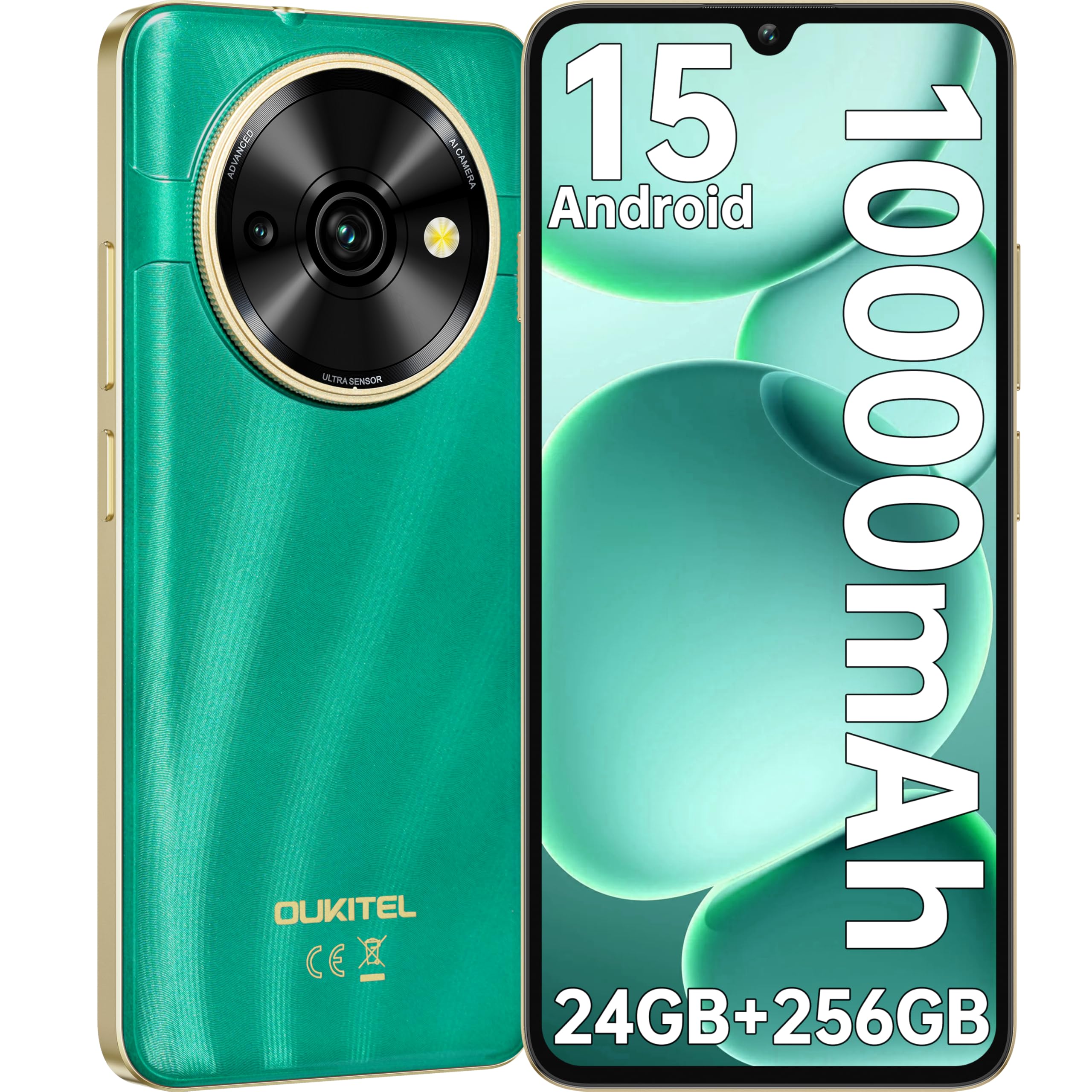
Image: Visual representation of the OUKITEL C59 Pro's 10000mAh battery capacity, indicating extended standby, talk, flashlight, and video playback times.
5.3 Vklop/izklop
- Za vklop: Pritisnite in držite gumb za vklop, dokler se ne prikaže logotip OUKITEL.
- Za izklop: Pritisnite in držite gumb za vklop, nato pa med možnostmi na zaslonu izberite »Izklopi«.
- Za ponovni zagon: Pritisnite in držite gumb za vklop, nato pa med možnostmi izberite »Ponovni zagon«.
6. Upravljanje pametnega telefona
6.1 Operacijski sistem Android 15
Your OUKITEL C59 Pro runs on the latest Android 15 operating system, offering enhanced energy efficiency, privacy protection, and multi-device integration capabilities optimized with artificial intelligence.

Image: A visual representation of the Android 15 operating system interface, showcasing its modern design and various application icons.
6.2 Biometric Security (Fingerprint & Face ID)
Unlock your device securely using the side-mounted fingerprint sensor or Face ID recognition.
- Prepoznavanje prstnih odtisov: Register your fingerprints in the Security settings. To unlock, simply place your registered finger on the side power button.
- ID obraza: Set up Face ID in the Security settings. To unlock, hold the phone in front of your face.
6.3 Connectivity Features (NFC, GPS)
The OUKITEL C59 Pro supports NFC for contactless payments and data transfer, and GPS for navigation and location services.
- NFC: Enable NFC in Settings > Connected devices > Connection preferences > NFC. Tap your phone to compatible devices for quick pairing or payments.
- GPS: Location services are enabled by default. You can manage them in Settings > Location.
6.4 Pomnilnik in shranjevanje
The device comes with 24GB RAM (8GB physical + 16GB virtual) and 256GB internal storage, expandable up to 1TB via MicroSD card.

Image: A graphical representation of the OUKITEL C59 Pro's memory configuration, showing 24GB RAM (8GB + 16GB expansion) and 256GB ROM (expandable to 1TB).
6.5 Funkcionalnost OTG
The OUKITEL C59 Pro supports OTG (On-The-Go) reverse charging, allowing you to transfer data to other devices or use your phone as an emergency power bank.
7. Vzdrževanje
Pravilno vzdrževanje zagotavlja dolgo življenjsko dobo in optimalno delovanje vašega pametnega telefona.
- Čiščenje: Za čiščenje zaslona in ohišja naprave uporabljajte mehko krpo, ki ne pušča vlaken. Izogibajte se uporabi agresivnih kemikalij ali abrazivnih materialov.
- Posodobitve programske opreme: Redno preverjajte in nameščajte posodobitve sistema, da zagotovite, da ima vaša naprava najnovejše funkcije in varnostne popravke. Pojdite v Nastavitve > Sistem > Posodobitev sistema.
- Vzdrževanje baterije: Izogibajte se pogostemu popolnemu praznjenju baterije. Za dolgotrajno shranjevanje baterijo napolnite do približno 50 %.
- Upravljanje shranjevanja: Občasno očistite nepotrebne files and apps to free up storage space and improve performance.
8. Odpravljanje težav
Če imate težave z napravo, poskusite naslednje rešitve:
- Naprava se ne odziva: Pritisnite in držite gumb za vklop približno 10-15 sekund, da prisilite ponovni zagon.
- Zrušitve aplikacij: Clear the cache and data of the problematic app in Settings > Apps > [App Name] > Storage. If the issue persists, uninstall and reinstall the app.
- Slaba življenjska doba baterije: Check battery usage in Settings > Battery to identify power-hungry apps. Reduce screen brightness, disable unnecessary features like GPS or Wi-Fi when not in use.
- Težave z omrežjem: Ensure SIM cards are correctly inserted. Try restarting the device. Check network settings or contact your service provider.
- Pregrevanje: Avoid using the device while charging or during prolonged heavy usage. Close background apps.
- Tovarniška ponastavitev: Če težave s programsko opremo vztrajajo, lahko v skrajnem primeru izvedete ponastavitev na tovarniške nastavitve. Opozorilo: S tem boste izbrisali vse podatke v vaši napravi. Pred nadaljevanjem varnostno kopirajte pomembne podatke. Pojdite v Nastavitve > Sistem > Možnosti ponastavitve > Izbriši vse podatke (ponastavitev na tovarniške nastavitve).
9. Specifikacije
Detailed technical specifications for the OUKITEL C59 Pro smartphone.
| Funkcija | Specifikacija |
|---|---|
| Znamka | OUKITEL |
| Ime modela | OUKITEL C59 Pro |
| Operacijski sistem | Android 15 |
| Velikost nameščenega RAM-a | 24 GB (8 GB fizičnega + 16 GB virtualnega) |
| Zmogljivost shranjevanja | 256 GB |
| Max Supported Flash Memory Size | 1024 GB (1 TB) |
| Velikost zaslona | 6.88 palcev |
| Resolucija | 1640 x 720 slikovnih pik |
| Hitrost osveževanja | 90 Hz |
| Vrsta zaslona | LCD |
| Celična tehnologija | 4G |
| Tehnologija povezljivosti | 4G |
| barva | ZELENA |
| Number of SIM Card Slots | Dvojna kartica SIM |
| Velikost kartice SIM | Nano |
| Vrsta priključka | USB tipa C |
| Faktor oblike | Bar |
| Biometrična varnostna funkcija | Fingerprint Recognition, Face ID |
| Stopnja vodoodpornosti | Ni vodoodporen |
| Priključek za slušalke | Noben |
| Ločljivost zadnje kamere | 13 MP |
| Number of Rear Cameras | 2 |
| Number of Front Cameras | 1 |
| Ločljivost zajema videa | 1080p |
| Hitrost sličic | 30fps, 60fps, 120fps |
| Kapaciteta baterije | 10000 mAh |
| Življenjska doba baterije | 50 ur (čas pogovora) |
| GPS | ja |
| Vključene komponente | Phone case, USB cable, SIM ejector tool, Power adapter |
| Posebne uporabe izdelka | Gaming, Photography, Streaming, Video Conferencing |
10. Garancija in podpora
10.1 Informacije o garanciji
The OUKITEL C59 Pro smartphone comes with a 2-letna garancija proizvajalca. This warranty covers defects in materials and workmanship under normal use. It does not cover damage caused by misuse, accidents, unauthorized repairs, or normal wear and tear. Please retain your proof of purchase for warranty claims.
10.2 Podpora strankam
For technical assistance, warranty claims, or any other inquiries regarding your OUKITEL C59 Pro, please contact OUKITEL customer support through their official website or the contact information provided with your purchase. Ensure you have your device model and purchase details ready when contacting support.