
1. Uvod in konecview
The TEEHO TE012W WiFi Smart Lock provides advanced security and convenient access for your home or office. Featuring built-in Wi-Fi, fingerprint recognition, a keyless entry keypad, and app remote control, this smart deadbolt offers multiple ways to secure and access your property. It is compatible with Alexa and Google Assistant for voice control and is designed for durability with IP55 waterproofing.
This manual provides detailed instructions for the installation, setup, operation, and maintenance of your TEEHO TE012W Smart Lock.
2. Kaj je v škatli
Pred začetkom namestitve preverite, ali so v paketu prisotne vse komponente:
- Exterior Assembly (with keypad and fingerprint sensor)
- Interior Assembly (with thumb turn and battery compartment)
- Zapah
- Udarna plošča
- Montažna plošča
- 2 rezervni ključi
- Orodje za ponastavitev
- Mounting Plate Screws (x2)
- Interior Assembly Screws (x3)
- Strike Screws (x2)
- Navodila za uporabo
- Uporabniški priročnik
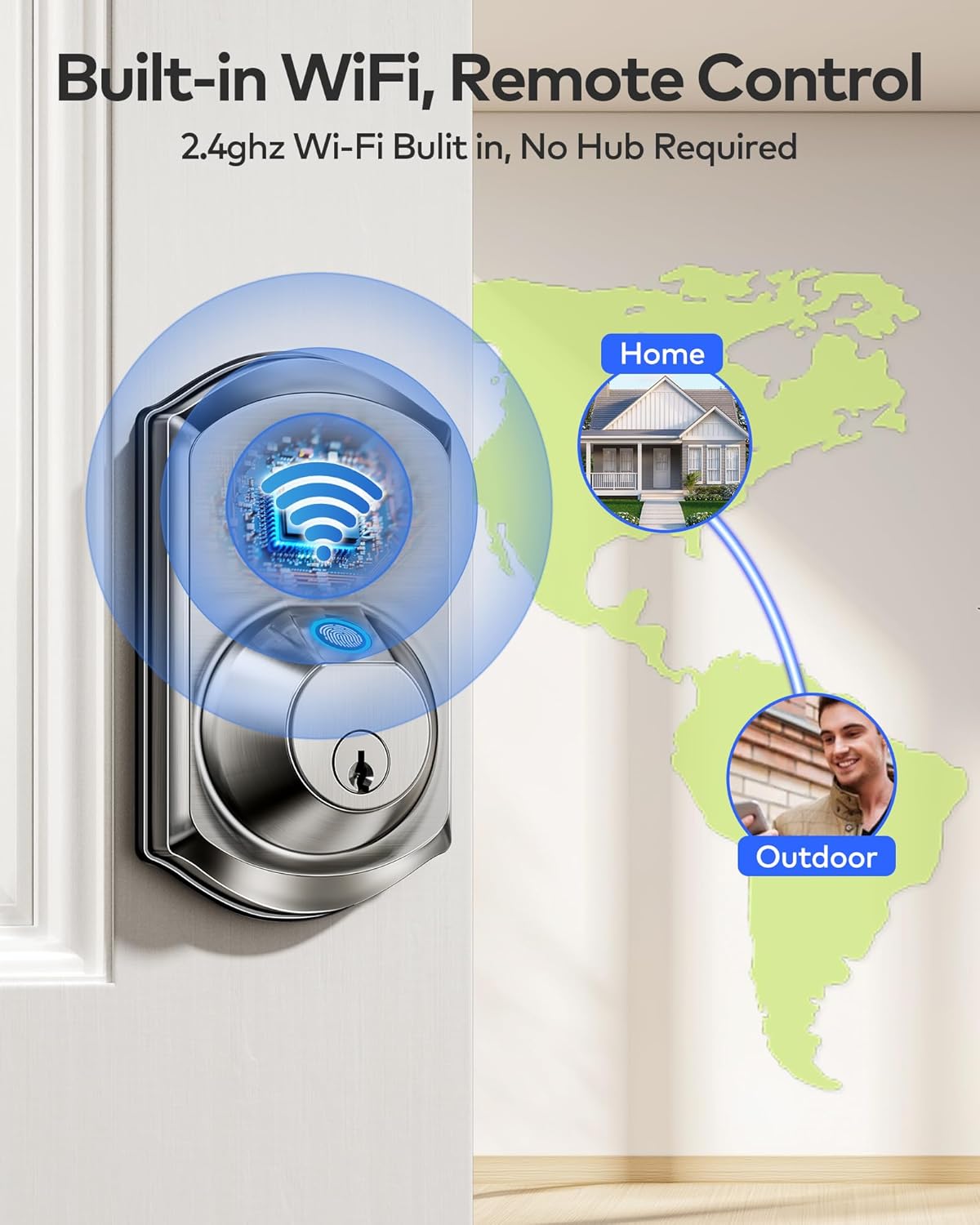
Image: All components of the TEEHO TE012W Smart Lock, including exterior and interior assemblies, latch, strike plate, mounting plate, keys, reset tool, and various screws.
3. Nastavitev in namestitev
The TEEHO TE012W Smart Lock is designed for easy installation, typically taking 10-15 minutes with a screwdriver. No drilling is required for standard door preparations.
3.1 Preverjanje združljivosti vrat
Prepričajte se, da vaša vrata izpolnjujejo naslednje specifikacije:
- Debelina vrat: 1-3/8″ – 2″ (35 mm – 50 mm)
- Nazaj: 2-3/8″ ali 2-3/4″ (60 mm ali 70 mm)
- Premer izvrtine: Standard 2-1/8″ (54mm) or 1-1/2″ (38mm)
- Supports both left- and right-handed doors.

Image: Visual guide for measuring door thickness, backset, and bore hole diameter to ensure compatibility with the smart lock.
3.2 Latch Installation
Install the latch into the door edge. Ensure the latch bolt is fully retracted (in the unlocked position) before proceeding. Adjust the backset if necessary to match your door's dimensions (60mm or 70mm).
Video: Official TEEHO installation guide demonstrating how to install the TE012W smart lock, including latch adjustment.
3.3 Exterior Assembly Installation
Place the exterior assembly onto the door, ensuring the torque blade passes through the center hole of the latch and the cable is routed below the latch. For 1-1/2" (38mm) bore holes, remove the fireproof cup from the exterior assembly.

Image: Close-up of the exterior assembly of the smart lock, showing the keypad and fingerprint sensor.
3.4 Mounting Plate and Interior Assembly
Secure the mounting plate to the door using the provided screws. Connect the cable from the exterior assembly to the interior assembly, ensuring correct orientation. Attach the interior assembly to the mounting plate and secure it with the three interior assembly screws. Ensure the thumb turn is vertical and the torque blade is horizontal before attaching the interior assembly.
3.5 Battery Installation and Reset
Insert 8 new, non-rechargeable AA alkaline batteries into the interior assembly. Use the reset tool to press and hold the reset button for 5 seconds until you hear a "BEEP," indicating a successful reset. The latch will extend automatically. After the reset, the lock automatically recognizes left and right doors. Replace the battery cover.

Image: The interior assembly of the smart lock with the battery cover removed, showing the 8 AA battery slots.
4. Navodila za uporabo
4.1 Metode odklepanja
- Aplikacija: Unlock remotely via the KK Home App.
- Prstni odtis: Use registered fingerprints (supports up to 20 users).
- Geslo: Enter a valid passcode on the keypad (up to 100 codes).
- Rezervni ključi: Use the physical backup keys for manual unlocking.
- Glasovni nadzor: Compatible with Alexa and Google Assistant for hands-free unlocking.

Image: Illustration of the five smart ways to unlock the TEEHO TE012W Smart Lock: App, Fingerprint, Passcode, Backup Keys, and Voice Control.
4.2 Metode zaklepanja
- Samodejno zaklepanje: Automatically locks 10-180 seconds after closing the door. This feature can be disabled for passage mode.
- Zaklepanje z enim dotikom: Press and hold any keypad button for 2 seconds for instant locking.
- Aplikacija: Lock remotely via the KK Home App.
- Rezervni ključi: Use the physical backup keys for manual locking.

Image: Illustration of the multiple ways to lock the TEEHO TE012W Smart Lock, including App, Fingerprint, One-Touch, Auto-Lock, and Keys.
5. Nadzor in funkcije aplikacije
The KK Home App provides full control over your TEEHO TE012W Smart Lock, allowing you to manage users, share codes, customize settings, and monitor access from anywhere.
5.1 Remote Control & Monitoring
- Remotely lock/unlock your door.
- Manage users and their access permissions.
- View access logs and real-time lock status.
- Receive instant alerts for break-ins or low battery.
Video: Official TEEHO guide on how to control your Wi-Fi smart lock via the KK Home App, demonstrating remote locking/unlocking and access management.
5.2 Povezava Wi-Fi
The TE012W connects directly to 2.4GHz Wi-Fi networks (no hub required). Ensure your router's 2.4GHz band is enabled and broadcasting for successful connection.
Video: Official TEEHO troubleshooting guide for TE012W Series Wi-Fi connection issues, explaining 2.4GHz network requirements.
5.3 Varnostne funkcije
- AES-128 Encryption: All data is protected and stored locally.
- Break-in Detection: Locks for 3 minutes after 10 incorrect PIN attempts and sends app alerts.
- Geslo proti kukanju: Enter random numbers before or after the correct code for added security.
- Način stran: Secure the lock and prevent unauthorized access when you're away.
- Tihi način: Adjust keypad sound settings for silent or audible operation.
6. Vzdrževanje
6.1 Upravljanje baterije
The lock is powered by 8 AA batteries (not included) and provides up to 8 months of battery life with normal use. The KK Home App sends low-battery alerts when power drops below 20% to prevent unexpected lockouts. Replace batteries promptly when alerted.
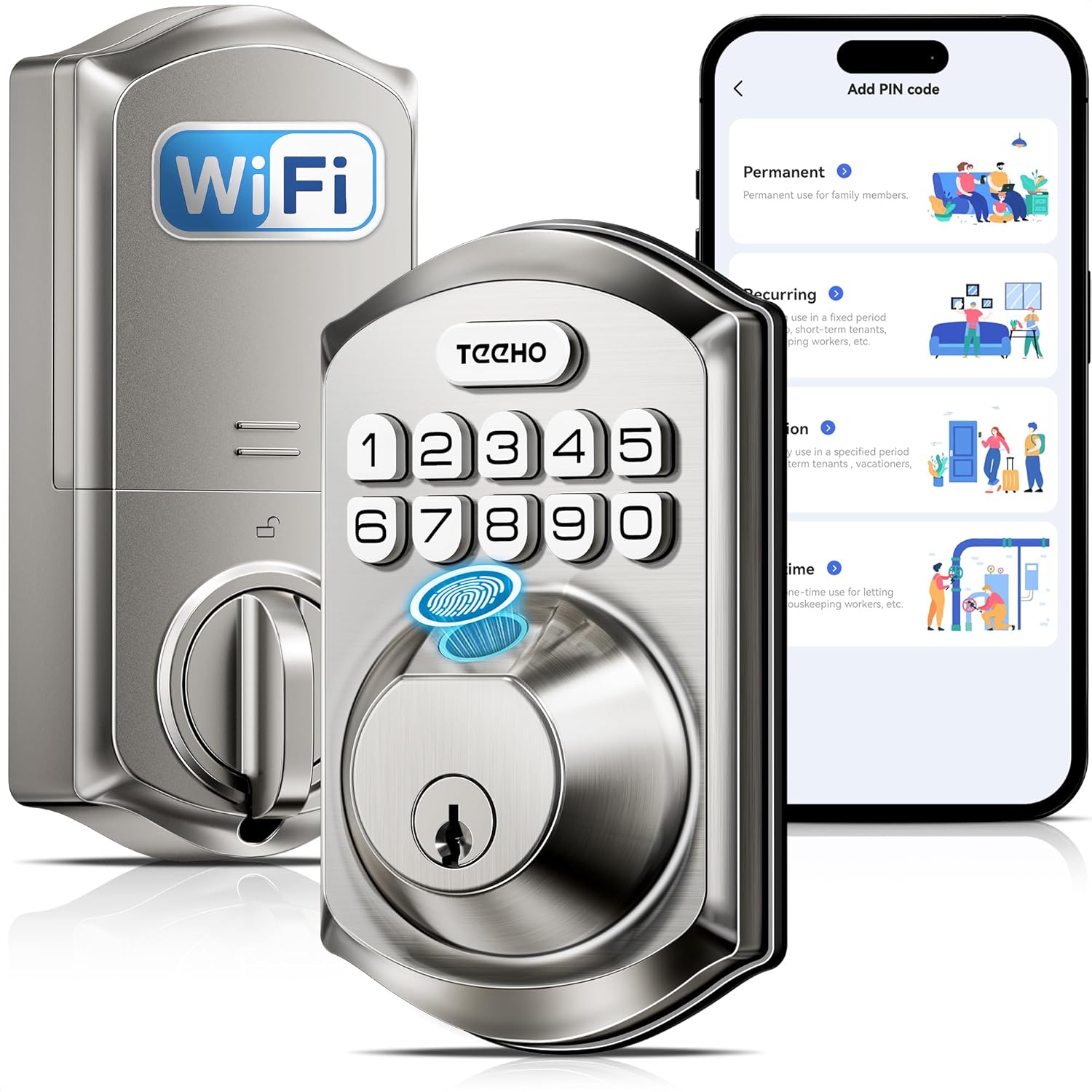
Image: The interior view of the TEEHO TE012W Smart Lock highlighting its 8 AA battery capacity for extended battery life.
6.2 Čiščenje in nega
Zunanjost ključavnice očistite z mehko krpoamp cloth. Avoid abrasive cleaners or solvents. The lock is IP55 waterproof, designed to perform reliably in various weather conditions.
7. Odpravljanje težav
If you encounter issues with your TEEHO TE012W Smart Lock, please refer to the following common solutions:
- Težave s povezavo Wi-Fi:
- Ensure your Wi-Fi signal is strong and stable.
- Keep the router and lock within 65 ft (20 m) and avoid interference from walls or electronics.
- Make sure your router's 2.4GHz band is enabled and broadcasting.
- Update both the App and lock firmware to the latest versions.
- Test if your phone can connect to Wi-Fi in the same location. If your phone works but the lock doesn't, contact support.
- Ključavnica se ne odziva:
- Preverite stanje baterije in jo zamenjajte, če je nizka.
- Perform a factory reset using the reset tool (refer to Section 3.5).
- Napačna namestitev:
- Confirm that the torque blade is horizontal and the thumb turn is vertical when installing the interior assembly.
- Ensure the latch is fully retracted during installation.
Video: Official TEEHO guide on how to reset the TE012W Series Smart Lock, useful for troubleshooting and initial setup.
8. Specifikacije
| Znamka | TEEHO |
| Ime modela | TE012W Wifi fingerprint smart lock |
| Vrsta ključavnice | Biometrični, zaklep, tipkovnica |
| Material | Aluminij |
| barva | Saten nikelj |
| Mere predmeta (D x Š x V) | 5.12 x 2.95 x 1.3 palcev |
| Teža predmeta | 2.03 funtov (0.92 kilograma) |
| Protokol povezljivosti | Wi-Fi (samo 2.4 GHz) |
| Vrsta krmilnika | Amazon Alexa, Android, Google Assistant, iOS |
| Vir napajanja | 8 AA baterij (niso priložene) |
| Posebne lastnosti | Auto-Lock, Back-Lit Keypad, Fingerprint, One-Touch Lock, Anti-Peeping Password, Alarm, Battery Indicator, Break-in Detection, Weather Resistant (IP55), APP Remote Control, Voice Control, View Access Logs, Instant Alerts, Passcode Unlock |
| Certifikati | BHMA Grade 3 certified |
9. Garancija in podpora
TEEHO offers a 2-year warranty and lifetime after-sales support for the TE012W Smart Lock. This includes:
- 24/7 email assistance.
- Weekday phone support (Mon–Fri, 9:00 am–5:00 pm PST).
For support, please contact TEEHO directly:
- Brezplačno: (833) 878-3346 (Mon-Fri, 9:00 am-5:00 pm PST)
- E-pošta: support@teeho.com (24/7)


