
Uvod
Hvala za nakupasing the EBTOOLS Portable AM FM SW Shortwave Radio. This device offers versatile listening options, including AM, FM, and Shortwave radio bands, Bluetooth connectivity, and playback from USB drives or storage cards. Designed for portability and clear sound, this radio is suitable for home, outdoor, and travel use. This manual provides detailed instructions for setup, operation, maintenance, and troubleshooting to ensure optimal performance and longevity of your radio.
Varnostne informacije
- Radia ne izpostavljajte dežju, vlagi ali ekstremnim temperaturam.
- Izogibajte se razstavljanju enote. Vsa servisna dela prepustite usposobljenemu osebju.
- Radio hranite stran od močnih magnetnih polj.
- Use only the provided charging cable or a compatible Type-C cable for charging.
- Ne blokirajte prezračevalnih odprtin.
Vsebina paketa
Prosimo, preverite paket za naslednje artikle:
- 1 x Portable Radio (Model MK-178BT)
- 1 x uporabniški priročnik
- 1 x vrvica
- 1 x polnilni kabel (tip C)

Image: The EBTOOLS Portable Radio shown with its included lanyard and Type-C charging cable.
Konec izdelkaview
Seznanite se z različnimi deli in upravljalnimi elementi vašega radia.
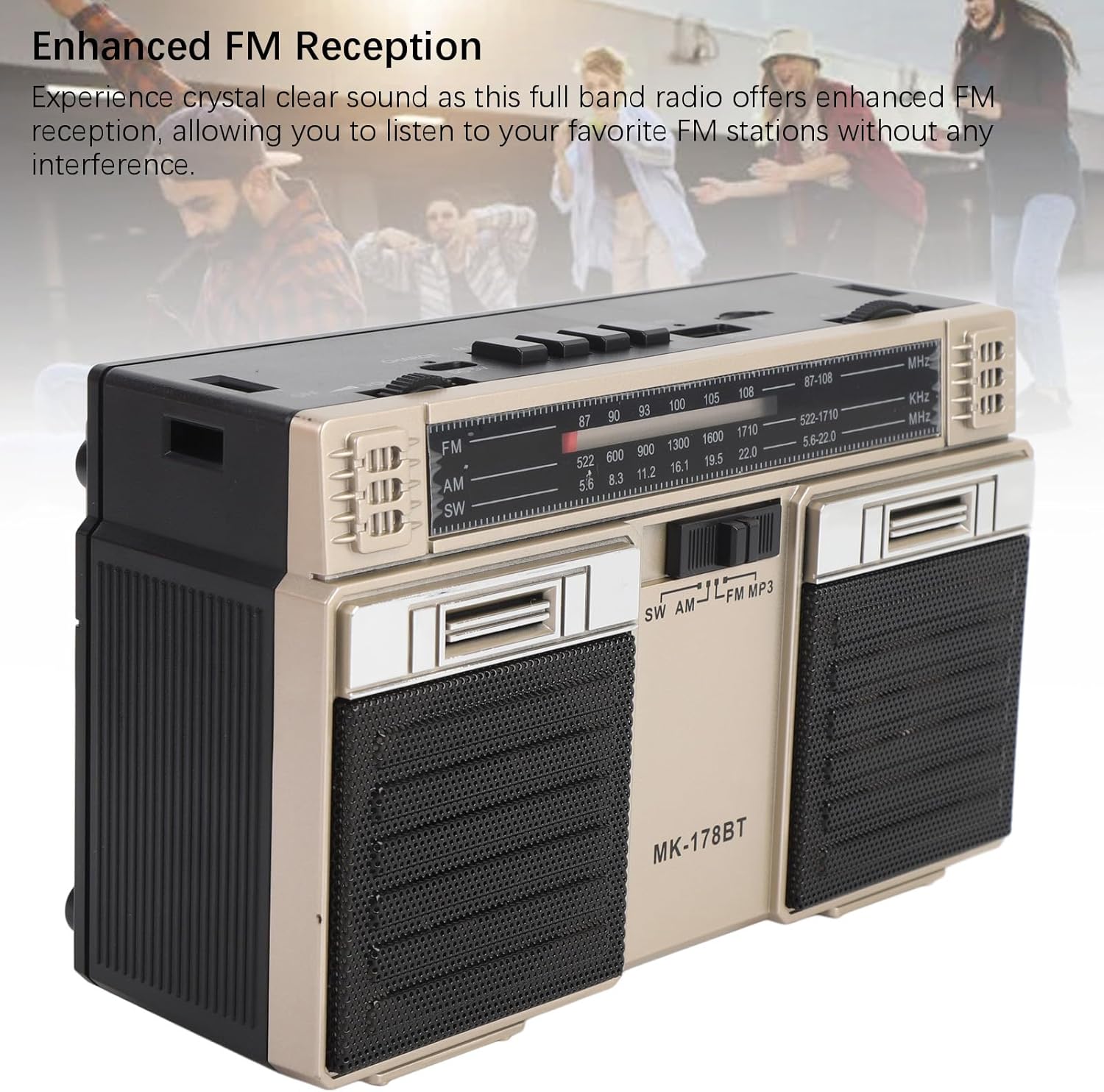
Slika: spredaj view of the radio, highlighting the dual speakers and the frequency display panel.
Slika: Zgoraj view of the radio, detailing the power switch, volume knob, mode/playback controls, charging port, LED indicator, USB port, and TF card slot.

Slika: Bližnji posnetek view of the tuning knob, USB port, and TF (Micro SD) card slot, located on the top panel of the radio.
Ključne kontrole:
- Stikalo za IZKLOP/VKLOP: Located on the top left, controls power.
- Gumb VOLUME: Prilagodi raven zvočnega izhoda.
- CHARGE (DC 5V) Port: Type-C port for battery charging.
- M/* Button: Mode selection / Bluetooth pairing.
- ◀◀ / ►► Buttons: Previous/Next track in media modes, or fine-tuning in radio modes.
- ►█ Button: Play/Pause for media playback.
- LED indikator: Shows charging status or mode.
- Reža TF: For Micro SD (storage) cards.
- USB reža: For USB drives.
- Gumb za uglaševanje: Prilagodi radijsko frekvenco.
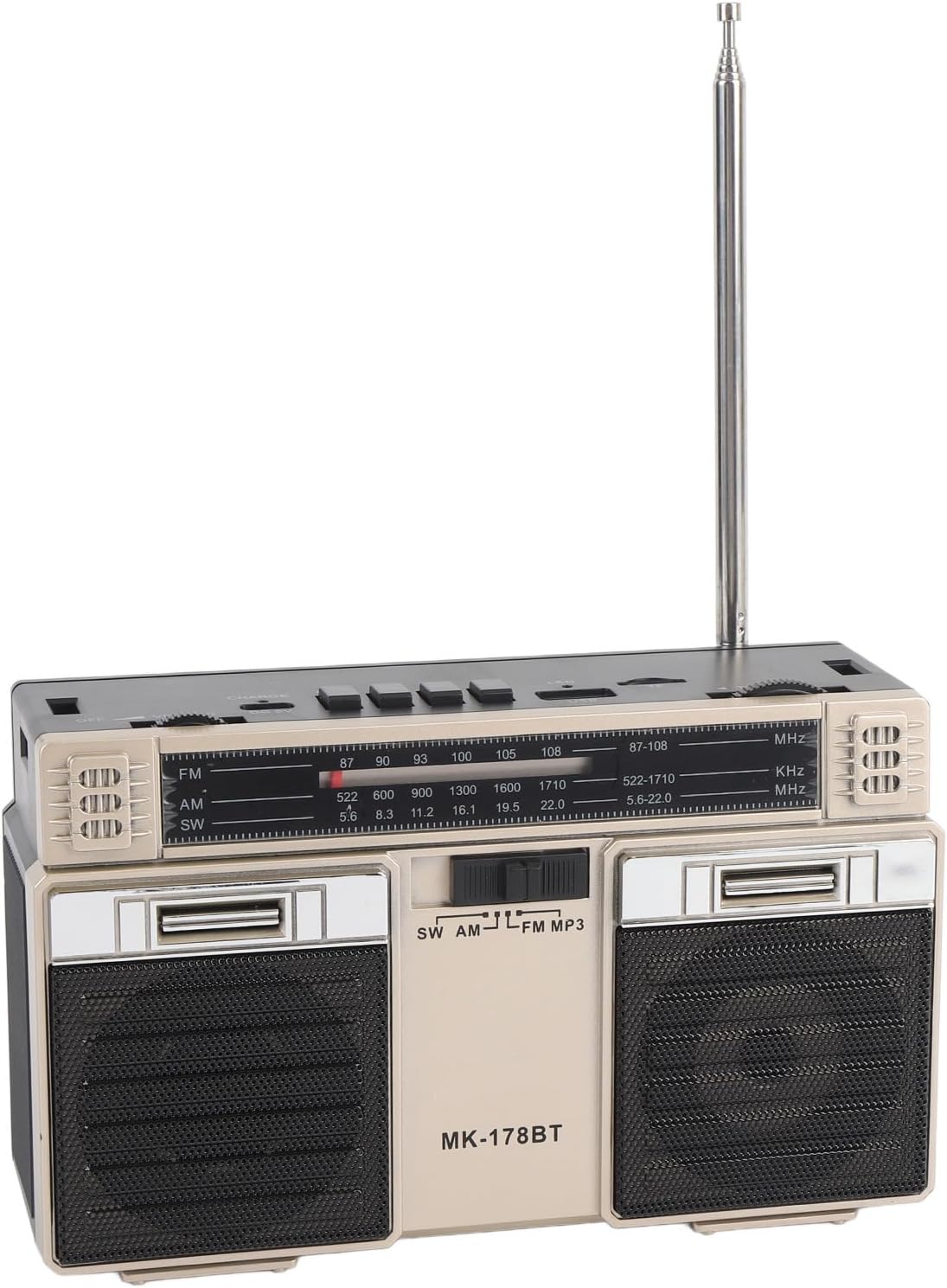
- Antena: Extendable for improved radio reception.
Nastavitev
1. Polnjenje baterije
- Connect the provided Type-C charging cable to the CHARGE (DC 5V) port on the radio.
- Drugi konec kabla priključite na standardni napajalnik USB (ni priložen) ali vrata USB računalnika.
- The LED indicator will illuminate during charging. It will change color or turn off once fully charged.
- A full charge provides up to 18 hours of battery life.
2. Vklop/izklop
- To power on the radio, slide the IZKLOP/VKLOP switch to the 'ON' position.
- To power off, slide the switch back to the 'OFF' position.
Navodila za uporabo
1. Izbira načina
Pritisnite M/* button repeatedly to cycle through the available modes: FM, AM, SW, Bluetooth, USB, and TF Card (if inserted).
2 Delovanje radia (FM/AM/SW)
- Extend the telescopic antenna for optimal reception, especially for FM and SW bands.
- Select the desired radio band (FM, AM, or SW) using the M/* gumb.
- Počasi obrnite UGLAŠEVANJE knob to scan for stations. The frequency will be displayed on the front panel.
- Prilagodite GLASNOST nastavite želeno glasnost poslušanja.
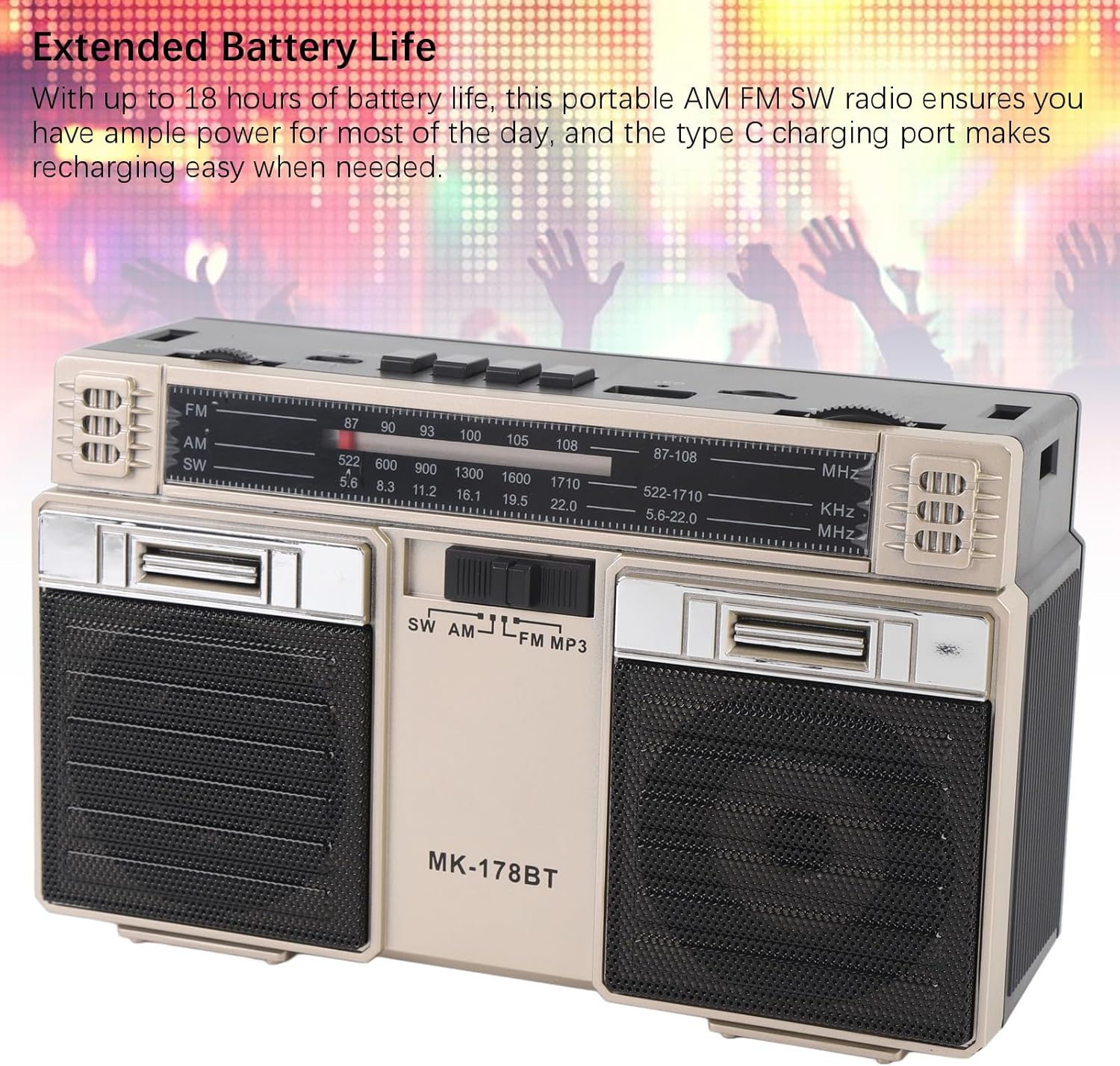
Image: The radio with its telescopic antenna fully extended, demonstrating optimal setup for radio reception.
3. Delovanje Bluetooth
- Pritisnite M/* button until the radio enters Bluetooth mode (an audible prompt or indicator may confirm this).
- V napravi, ki podpira Bluetooth (npr. pametni telefon, tablični računalnik), poiščite razpoložljive naprave Bluetooth.
- Select "MK-178BT" (or similar name) from the list to pair.
- Once paired, you can stream audio from your device to the radio. Use the ►█, ◀◀, in â-º-ºã gumbi za nadzor predvajanja.
4. USB/Storage Card Playback
- Vstavite USB-pogon v Reža USB or a Micro SD (TF) card into the TF reža.
- The radio should automatically switch to USB or TF card mode. If not, press the M/* gumb za izbiro pravilnega načina.
- The radio will begin playing audio fileiz vstavljene pomnilniške naprave.
- Uporabite ►█ button to play/pause, and the ◀◀ / â-º-ºã gumbi za preskakovanje skladb.
Vzdrževanje
1. Čiščenje
- Wipe the exterior of the radio with a soft, dry cloth.
- Ne uporabljajte abrazivnih čistil, topil ali močnih kemikalij.
2. Skrb za baterijo
- Pred prvo uporabo popolnoma napolnite baterijo.
- Da bi podaljšali življenjsko dobo baterije, se izogibajte pogostemu popolnemu praznjenju.
- If storing the radio for an extended period, charge it to about 50% every few months.
3. Shranjevanje
- Radio shranjujte na hladnem in suhem mestu, stran od neposredne sončne svetlobe in ekstremnih temperatur.
- Hranite ga ločeno od prahu in vlage.
Odpravljanje težav
| Težava | Možen vzrok | rešitev |
|---|---|---|
| Radio se ne vklopi. | Baterija je prazna. Stikalo za vklop je izklopljeno. | Charge the battery. Ensure the power switch is in the 'ON' position. |
| Slab radijski sprejem. | Antena ni iztegnjena. Območje šibkega signala. Motnje. | Fully extend the telescopic antenna. Try repositioning the radio. Move away from electronic devices causing interference. |
| Povezava Bluetooth se ne vzpostavi. | Radio not in Bluetooth mode. Device not discoverable. Already paired with another device. | Ensure radio is in Bluetooth mode. Make sure your device's Bluetooth is on and discoverable. Disconnect from other devices. |
| USB/TF kartica ne predvaja. | Incorrect mode selected. Incompatible file format. Corrupted storage device. | Pritisnite M/* to select USB/TF mode. Ensure audio files are in a compatible format (e.g., MP3). Try a different USB drive or TF card. |
| Ni zvoka ali nizka glasnost. | Volume too low. Mute activated (if applicable). | Povečajte GLASNOST knob. Check if the connected Bluetooth device's volume is also up. |
Specifikacije
- Številka modela: MK-178BT (Internal SKU: EBTOOLSshukg7o0ny-12)
- Material: ABS
- FM frekvenčni razpon: 87 do 108 MHz
- AM frekvenčno območje: 522 do 1710 KHz
- SW frekvenčno območje: 5.6 do 22 MHz
- Storage Card/Small Memory Card Support: Maximum 32GB (not included)
- Vgrajena baterija: 1200 mAh Li-Polymer
- vir energije: Napajanje z baterijo (polnjenje tipa C)
- Tehnologija povezljivosti: Bluetooth
- Dimenzije izdelka: 7.48 x 4.72 x 3.14 palcev (19 x 12 x 8 cm)
- Teža artikla: 1.35 funtov (0.61 kg)
- Posebne lastnosti: Portable, Bluetooth, Rechargeable
Garancija in podpora
For warranty information or technical support, please refer to the purchase platform or contact EBTOOLS customer service directly. Keep your purchase receipt as proof of purchase.