
1. Uvod
This instruction manual provides essential information for the proper use and maintenance of your Meenova A2190 Charging Case, designed as a replacement for AirPods Pro (1st Generation). This case is compatible with AirPods Pro earbuds models A2083 and A2084. Please read this manual thoroughly before use to ensure optimal performance and longevity of your device.
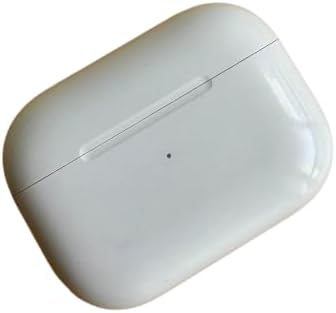
Image 1.1: The Meenova A2190 Charging Case in its closed state, showing its compact design.
2. Vsebina paketa
Ko odprete paket, bi morali najti naslednji predmet:
- 1 x Meenova A2190 Charging Case for AirPods Pro (1st Generation)
Note: This package includes the charging case only. Earbuds (left and right) are not included.
3. Združljivost
The Meenova A2190 Charging Case is specifically designed for AirPods Pro (1st Generation). It is compatible with AirPods Pro earbuds bearing model numbers A2083 and A2084.
Important: Please verify the model number of your earbuds before attempting to use this charging case to ensure compatibility.

Image 3.1: A detailed table outlining various AirPods models, their corresponding charging case models, earbud models, and charging port types. This image helps users identify their specific AirPods generation and compatible charging case.
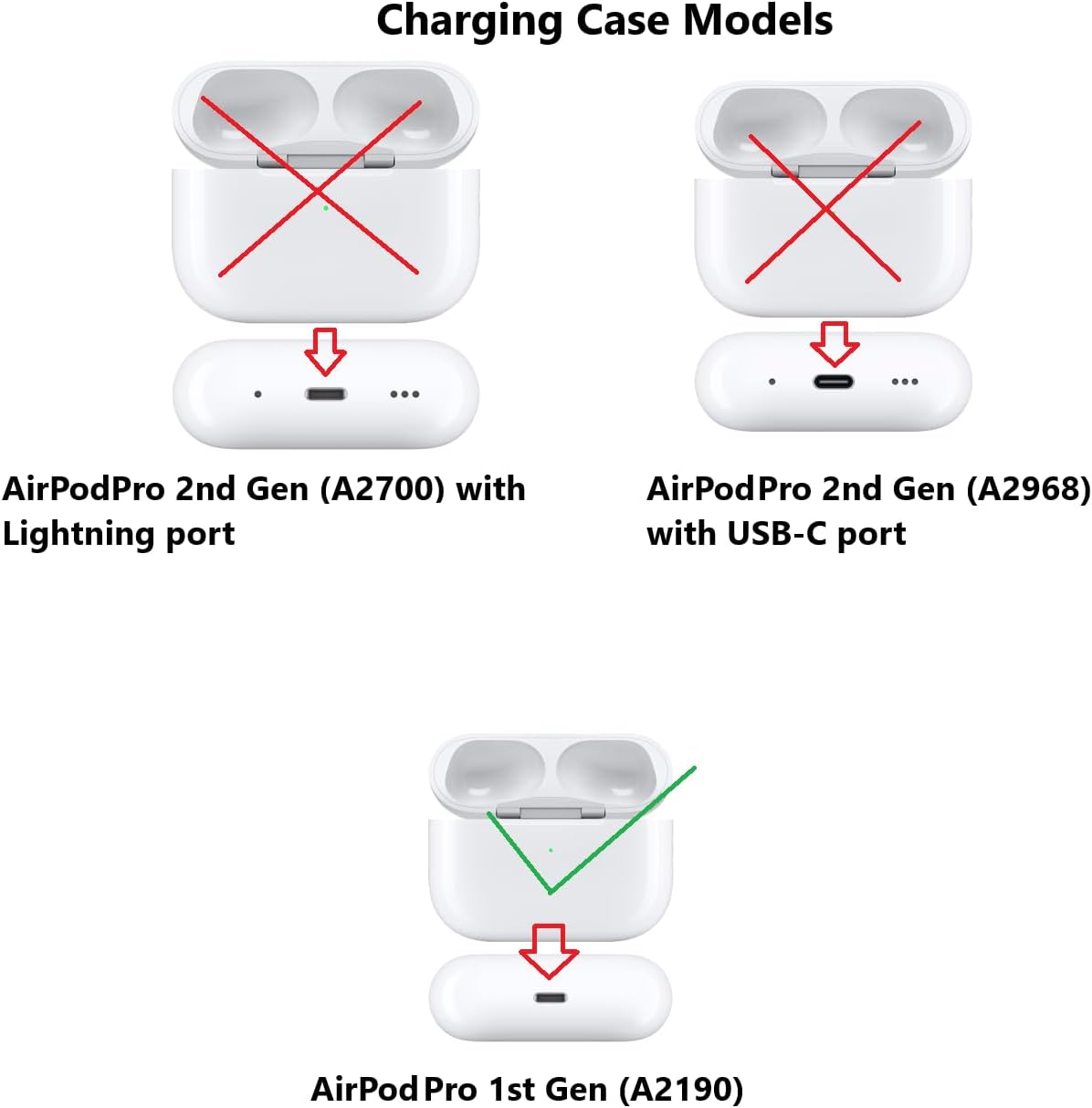
Image 3.2: Visual comparison of different AirPods Pro charging case models, highlighting the correct model (A2190) for 1st Generation AirPods Pro with a green checkmark, and incompatible models (A2700, A2968) with red crosses.
4. Nastavitev
4.1 Začetna obtožba v zadevi
Before first use, or if the case battery is low, charge the Meenova A2190 Charging Case. Connect a Lightning cable (not included) to the charging port at the bottom of the case and plug it into a power source. The indicator light on the front of the case will show charging status.
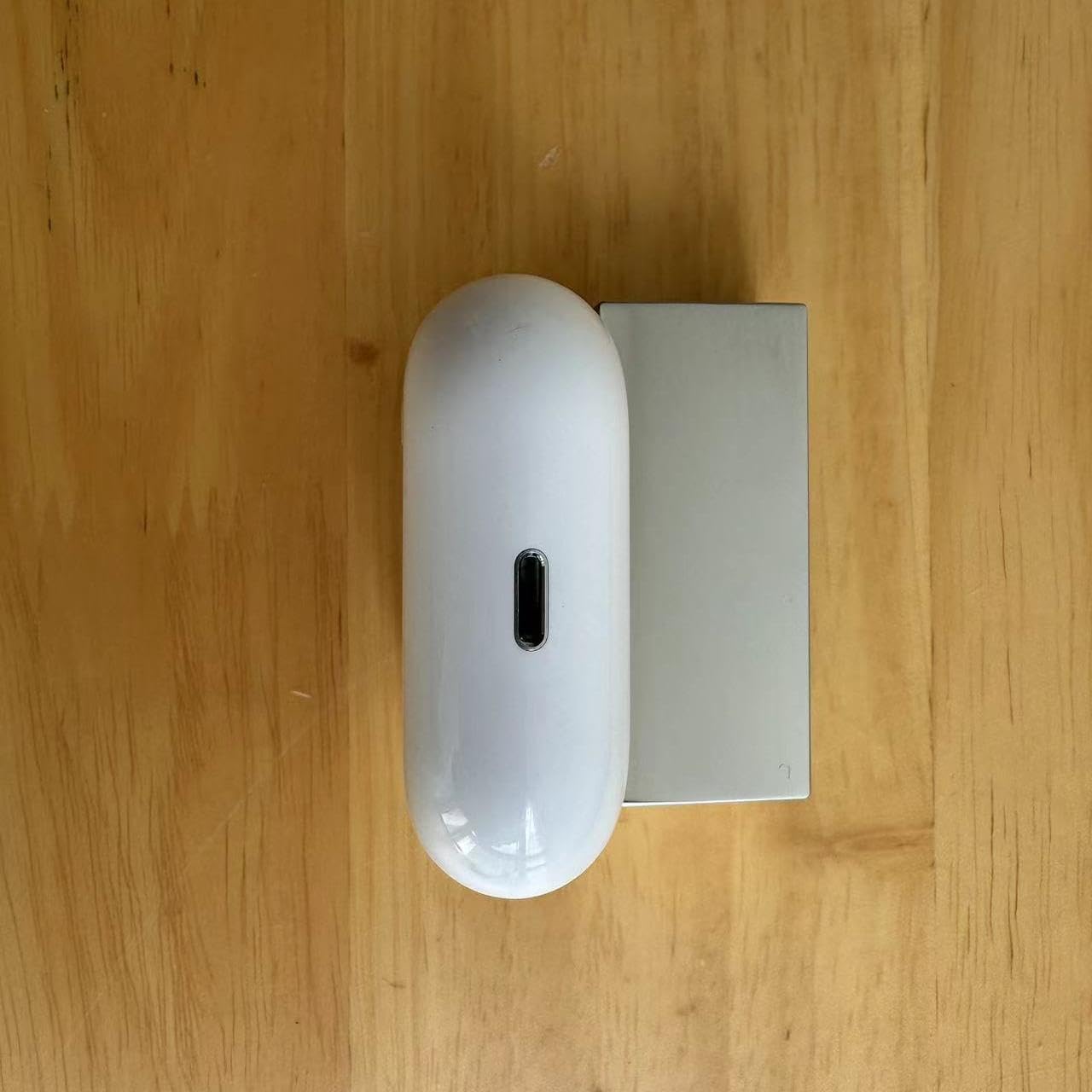
Image 4.1: The bottom of the Meenova A2190 Charging Case, illustrating the Lightning charging port.
4.2 Navodila za seznanjanje
To pair your AirPods Pro (1st Generation) earbuds with this replacement charging case, follow these steps carefully:
- Forget Earbuds from Bluetooth: On your iPhone or iPad, navigate to nastavitve > Bluetooth. Locate your AirPods Pro in the list of devices, tap the "i" icon next to them, and select "Forget This Device." Confirm your choice.
- Charge Earbuds and Case: Place your AirPods Pro earbuds into the Meenova A2190 Charging Case. Charge the earbuds and case for a minimum of 30 minutes. During this charging period, ensure your iPhone or iPad is kept in close proximity to the charging case (side-by-side is recommended).
- Ponastavitev in ponovna povezava:
- With the earbuds inside the charging case, open the lid.
- Press and hold the setup button on the back of the charging case until the status light flashes amber, then white.
- Bring the open charging case close to your iPhone or iPad. A setup animation should appear on your device's screen.
- Follow the on-screen instructions to reconnect your AirPods Pro.
If pairing is unsuccessful, repeat the charging step for a longer duration (e.g., overnight) and attempt the reset and reconnect process again. If issues persist, please refer to the Troubleshooting section or contact customer support.

Image 4.2: The Meenova A2190 Charging Case opened, showing the internal compartments for earbuds and the status indicator light.
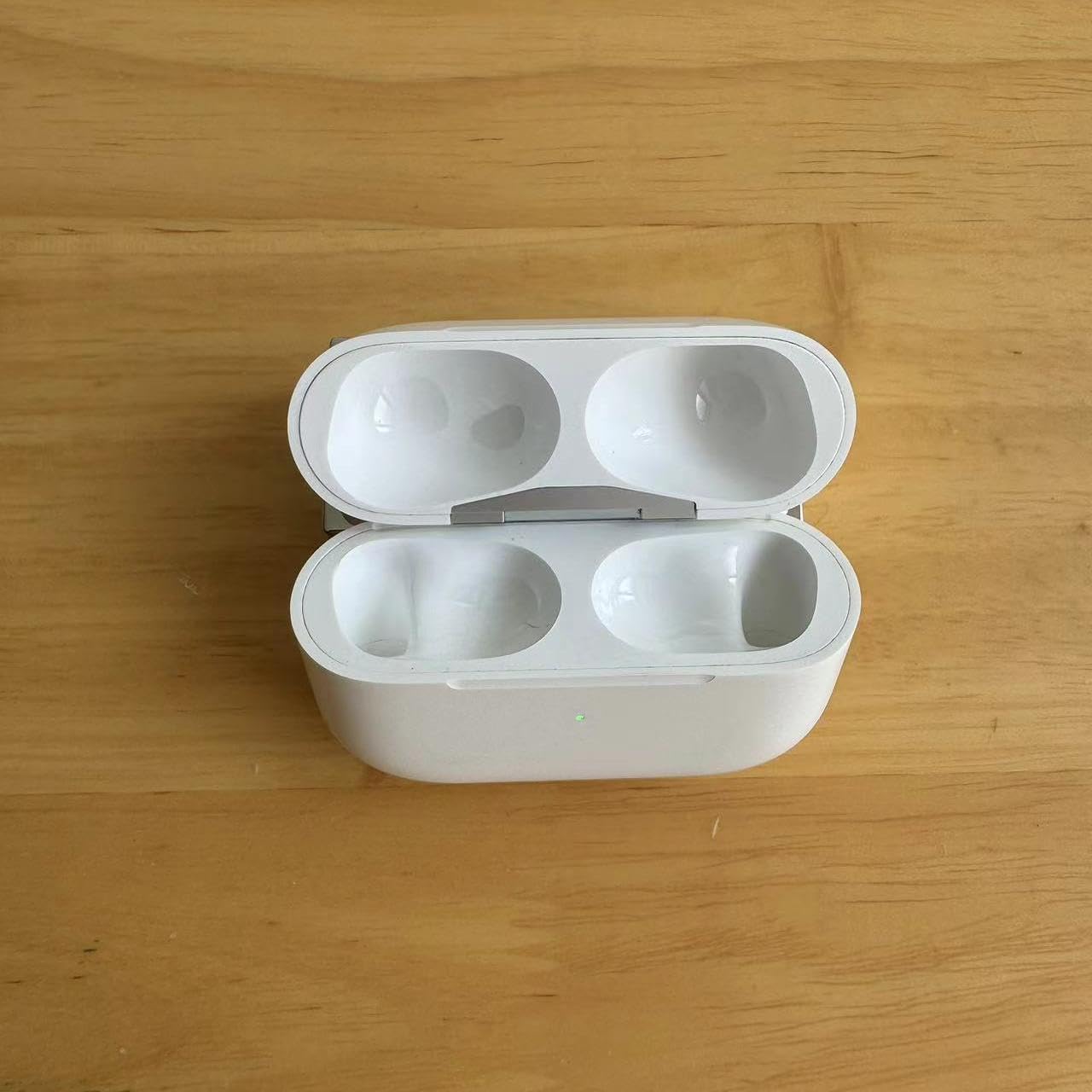
Slika 4.3: Pogled od zgoraj navzdol view of the open Meenova A2190 Charging Case, clearly showing the two earbud slots.
5. Navodila za uporabo
5.1 Charging Earbuds with the Case
The Meenova A2190 Charging Case allows you to charge your AirPods Pro earbuds on the go, even without a direct power source, provided the case itself is charged. Simply place your AirPods Pro earbuds into their respective slots within the charging case and close the lid. The earbuds will begin charging automatically.
The case's internal battery stores power, enabling multiple charges for your earbuds before the case itself needs recharging.
6. Vzdrževanje
To ensure the longevity and optimal performance of your charging case, follow these maintenance guidelines:
- Čiščenje: Use a soft, dry, lint-free cloth to clean the exterior of the charging case. Avoid using abrasive materials, solvents, or aerosol sprays.
- Shranjevanje: Polnilno ohišje shranjujte na hladnem in suhem mestu, stran od neposredne sončne svetlobe in ekstremnih temperatur.
- Zaščita: Avoid dropping the case or exposing it to excessive force, which could damage internal components.
- Vlaga: Polnilno ohišje hranite stran od vode in drugih tekočin.
7. Odpravljanje težav
7.1 Težave s seznanjanjem
If you encounter difficulties pairing your AirPods Pro earbuds with the Meenova A2190 Charging Case, consider the following:
- Re-attempt Pairing Steps: Carefully re-follow the pairing instructions provided in Section 4.2. Ensure all steps, especially forgetting the device from Bluetooth and charging duration, are strictly adhered to.
- Podaljšano polnjenje: If initial attempts fail, try charging the earbuds within the case for a longer period, such as a full night, before attempting to reset and reconnect.
- Bližina: Ensure your iPhone/iPad remains very close to the charging case during the pairing process.
- Earbud Model Verification: Double-check that your earbuds are indeed AirPods Pro (1st Generation) models A2083 or A2084. Incompatible earbuds will not pair correctly.
If these steps do not resolve the issue, please contact Meenova customer support for further assistance.
8. Specifikacije
| Funkcija | Podrobnost |
|---|---|
| Številka modela | A2190 |
| Združljivost | AirPods Pro (1st Generation), Earbud Models A2083, A2084 |
| Faktor oblike | Primer |
| Vrsta školjke | težko |
| barva | Bela |
| Teža predmeta | 1.76 unč (približno 50 gramov) |
| Dimenzije paketa | 4.33 x 2.76 x 2.36 palcev |
| Posebne lastnosti | Lahka |
| Proizvajalec | Meenova |
9. Garancija in podpora
For warranty information or technical support regarding your Meenova A2190 Charging Case, please contact Meenova customer service directly. Refer to the contact information provided with your purchase or visit the official Meenova webstran za pomoč.
When contacting support, please have your product model number (A2190) and purchase details readily available.