
Uvod
This manual provides essential information for the setup, operation, maintenance, and troubleshooting of your Samsung 55-Inch Class OLED 4K S85F Series Smart TV. This television features self-illuminating pixels for vibrant color and dramatic contrast, powered by an advanced AI processor. It offers enhanced brightness and depth within a sleek design. Enjoy multi-dimensional audio with Object Tracking Sound Lite and Dolby Atmos.

Slika: spredaj view of the Samsung 55-Inch Class OLED 4K S85F Series Smart TV.
Kaj je v škatli
Verify that all the following items are included with your Samsung S85F Series TV:
- Samsung 55-Inch Class OLED 4K S85F Series Smart TV
- Napajalni kabel
- Daljinski upravljalnik SolarCell™ (TM2560E)
- Komponente TV stojala
- Uporabniški priročnik (ta dokument)

Image: Diagram illustrating the TV dimensions and the contents of the box, including the TV, remote, power cable, and user manual.
Nastavitev
1. Fizična namestitev
Carefully unpack the TV and all components. Place the TV on a stable, flat surface or mount it to a wall using a compatible VESA mount (sold separately). If using the included stand:
- Attach the stand components to the TV following the instructions provided in the separate stand assembly guide.
- Prepričajte se, da so vsi vijaki dobro pritrjeni.
- Place the TV in its desired location, ensuring adequate ventilation around the unit.
2. Povezovanje zunanjih naprav
Zunanje naprave priključite na vrata televizorja. Lokacije vrat si oglejte na spodnji sliki.

Slika: Podrobna view of the TV's rear connectivity panel, highlighting various ports.
- Vrata HDMI (1–4): Connect devices such as Blu-ray players, game consoles, or set-top boxes. HDMI 3 (eARC) supports enhanced audio return for high-quality sound systems. HDMI 4 is optimized for 4K@120Hz gaming.
- Vrata USB-A: Za napajanje ali predvajanje medijev iz pomnilniških naprav USB.
- Zvočni izhod (optični): Connects to soundbars or receivers for digital audio output.
- Ethernet (LAN): Za žično internetno povezavo.
- Kabel/ANT: Connects to an over-the-air antenna or cable TV signal.
- EX-Link: Samsung servisna vrata za zunanji nadzor in diagnostiko.
3. Začetni vklop
- Napajalni kabel priključite na televizor in nato v stensko vtičnico.
- Pritisnite gumb za vklop na daljinskem upravljalniku, da vklopite televizor.
- Sledite navodilom na zaslonu, da dokončate začetno nastavitev, vključno z izbiro jezika, omrežno povezavo in iskanjem kanalov.
Upravljanje televizorja
1. Daljinski upravljalnik
The included SolarCell™ Remote Control (TM2560E) allows you to navigate the TV's features. It can be charged by exposing its solar panel to light or via a USB-C cable.
2. Smart Hub & Navigation
Your Samsung Smart TV runs on the Tizen operating system, providing access to a wide range of apps, streaming services, and smart features. Press the Home button on your remote to access the Smart Hub.

Image: The Samsung Smart Hub interface displaying a variety of streaming applications and content options.
3. Picture & Sound Features
- Procesor NQ4 AI Gen2: This advanced processor uses AI with 20 neural networks to enhance picture quality to 4K resolution and optimize sound for an improved viewizkušnje.
- Nadgradnja ločljivosti 4K z umetno inteligenco: The AI processor upscales content to near 4K resolution, ensuring sharp and smooth picture quality from various sources.
- OLED HDR: Self-illuminating pixels provide optimized brightness and deep, inky blacks, revealing hidden details and dynamic contrast in every scene.
- Pantone Validated Color: Experience realistic colors and accurate skin tones, validated by Pantone experts, for a vibrant and true-to-life picture.
- Ojačevalnik barv Pro: AI analyzes each scene to enhance hues, providing a more vibrant and dynamic color experience.
- Object Tracking Sound Lite with Dolby Atmos: Enjoy multi-dimensional audio that moves with the on-screen action, creating an immersive sound experience.

Image: An illustration of the NQ4 AI Gen2 Processor chip, representing its role in advanced picture and sound processing.

Image: A visual representation of 4K AI Upscaling, showing enhanced detail around a child and a dog.
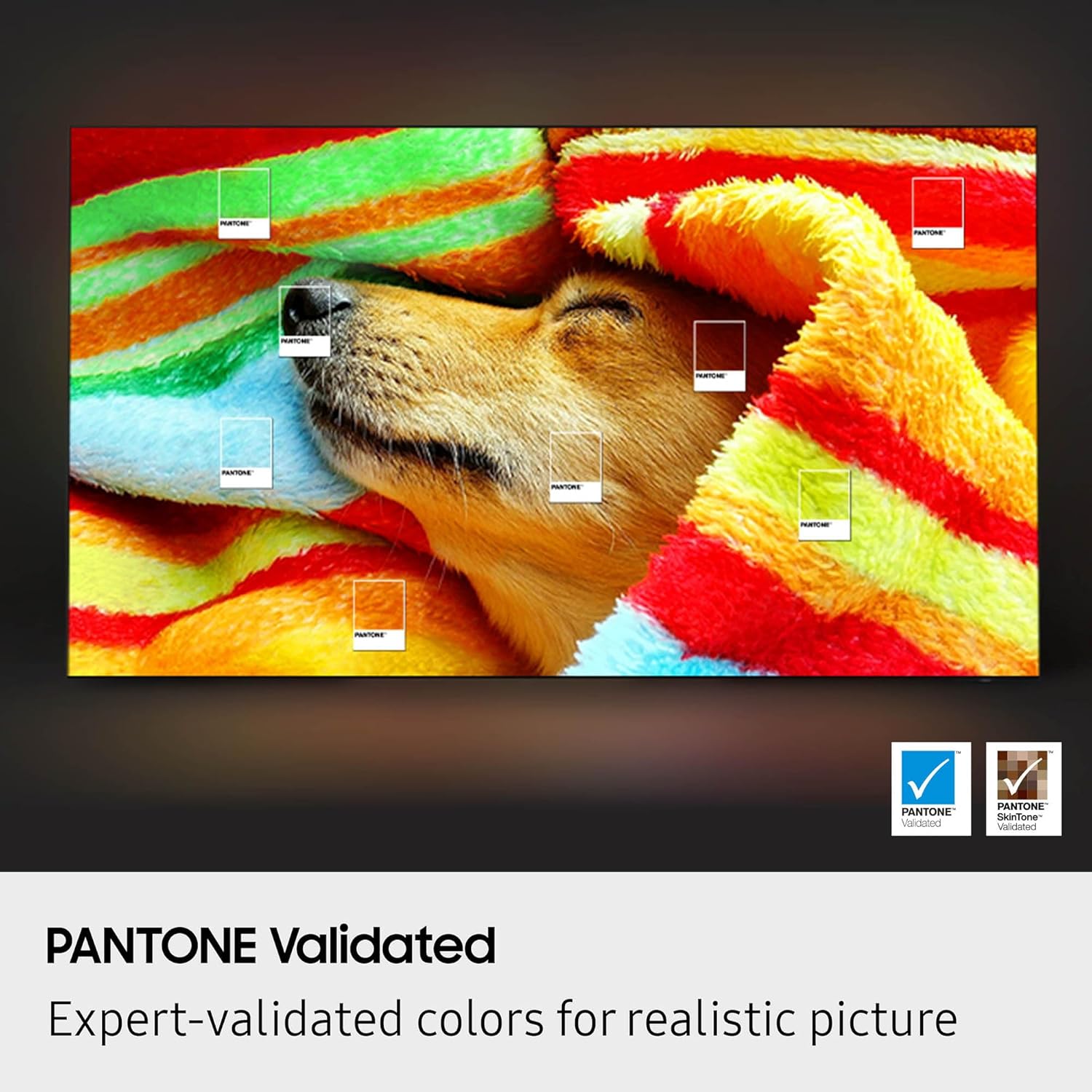
Image: A cave scene illustrating the dynamic brightness and contrast capabilities of OLED HDR.

Image: A visual demonstrating Pantone Validated colors, with color swatches overlaid on an image of a dog.
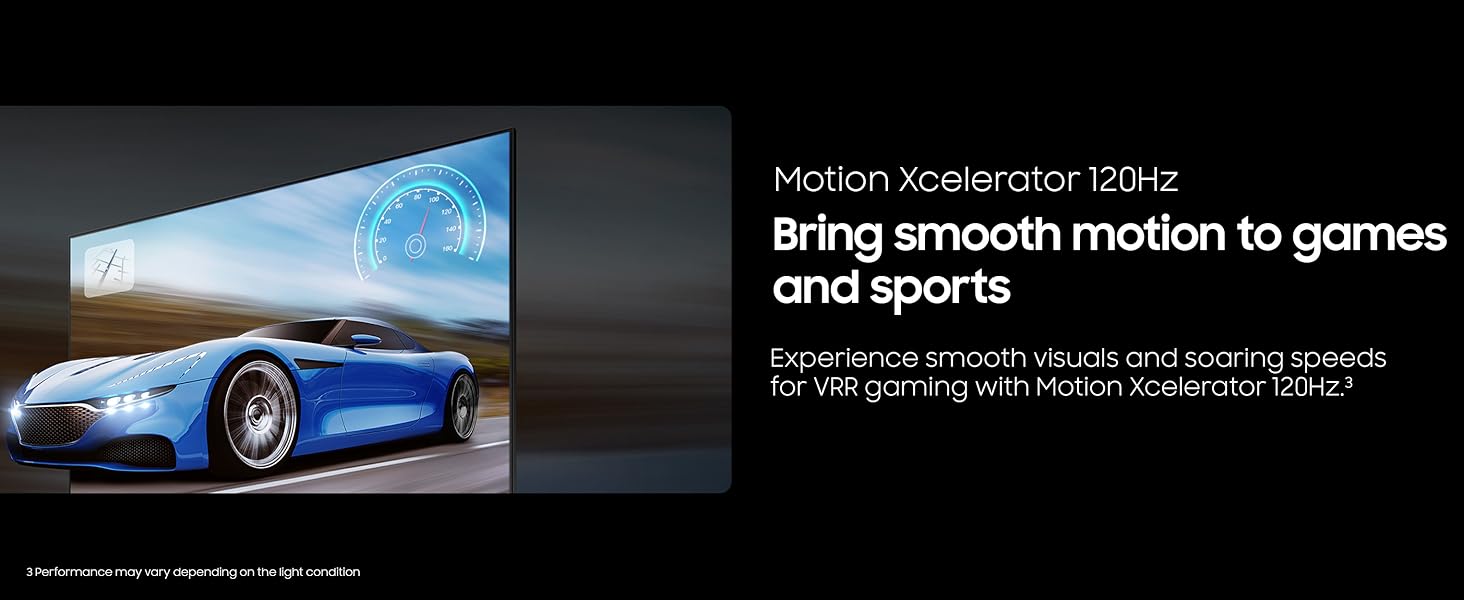
Image: A side-by-side comparison showing the visual difference with Color Booster Pro turned OFF and ON, highlighting enhanced vibrancy.
4. Igralne funkcije
- Motion Xcelerator 120Hz: Provides smooth motion for games and sports, reducing blur and enhancing clarity during fast-paced scenes.
- Igralni način: Optimizes settings for gaming, reducing input lag and enhancing visual performance.
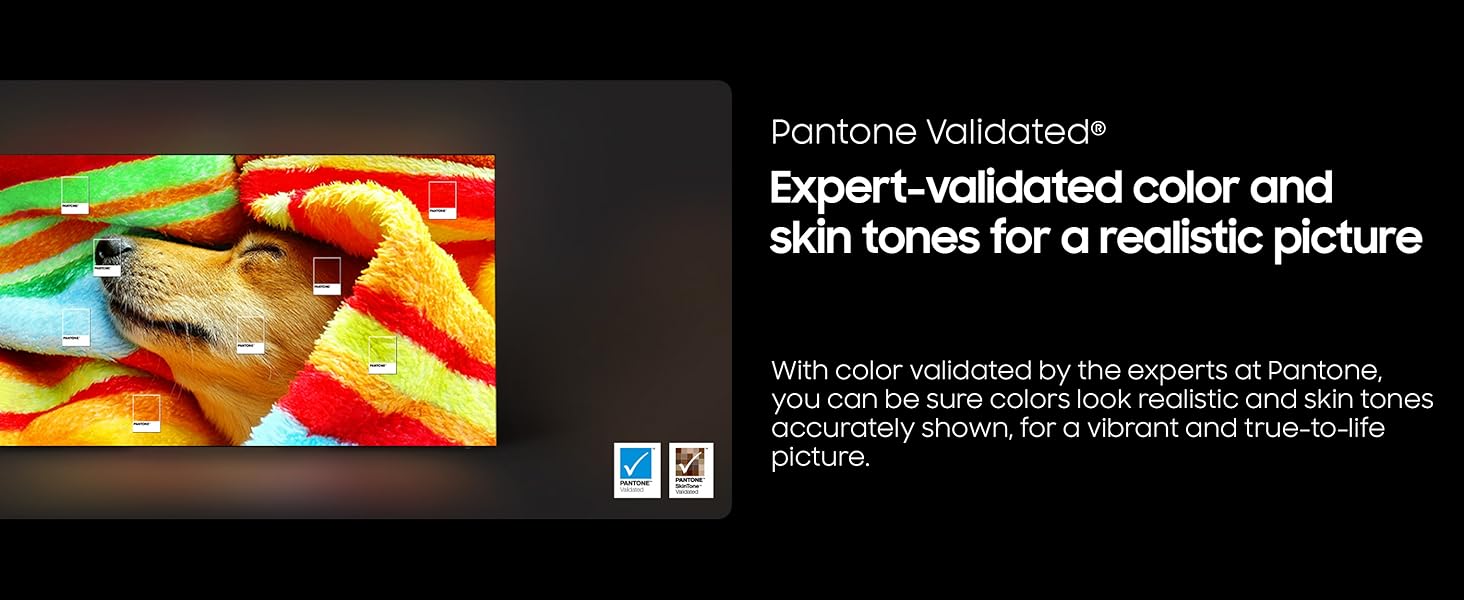
Image: A dynamic image of a racing car, illustrating the smooth motion provided by Motion Xcelerator 120Hz.
5. Glasovni pomočnik
The TV includes Alexa Built-in, allowing you to control your TV and smart home devices using voice commands.
Vzdrževanje
- Čiščenje zaslona: Zaslon nežno obrišite z mehko, suho krpo iz mikrovlaken. Za trdovratne madeže rahlo obrišiteampKrpo sperite z vodo ali raztopino za čiščenje zaslonov, posebej zasnovano za elektroniko. Izogibajte se agresivnim kemikalijam ali abrazivnim materialom.
- Čiščenje ohišja televizorja: Za brisanje okvirja in zadnje plošče televizorja uporabite mehko, suho krpo.
- Posodobitve programske opreme: Ensure your TV's software is up to date for optimal performance and security. You can usually find this option in the TV's settings menu under Support > Software Update.
- Nega daljinskega upravljalnika: Keep the SolarCell™ Remote Control exposed to light for charging. If needed, charge via the USB-C port. Avoid exposing the remote to extreme temperatures or moisture.
Odpravljanje težav
Če imate težave s televizorjem, poskusite naslednje običajne rešitve:
- Brez napajanja: Prepričajte se, da je napajalni kabel varno priključen tako na televizor kot v stensko vtičnico. Vtičnico preizkusite z drugo napravo.
- Brez slike/zvoka: Check that the correct input source is selected. Verify all cable connections (HDMI, antenna, etc.) are secure. Restart connected devices.
- Daljinski upravljalnik ne deluje: Prepričajte se, da je daljinski upravljalnik napolnjen. Usmerite daljinski upravljalnik neposredno v televizor.
- Težave z omrežno povezavo: Preverite povezavo usmerjevalnika Wi-Fi ali ethernetnega kabla. Znova zaženite usmerjevalnik in televizor.
- Težave s kakovostjo slike: Prilagodite nastavitve slike (svetlost, kontrast, barva) v meniju televizorja. Prepričajte se, da je vir vsebine visoke kakovosti.
For more detailed troubleshooting or persistent issues, refer to the comprehensive e-Manual accessible through your TV's settings or visit the official Samsung support webmesto.
Specifikacije
| Funkcija | Podrobnost |
|---|---|
| Znamka | SAMSUNG |
| Številka modela | QN55S85FAFXZA |
| Velikost zaslona | 55 palcev (diagonala 140 cm) |
| Tehnologija zaslona | OLED |
| Resolucija | 4K (3840 x 2160) |
| Hitrost osveževanja | 120 Hz |
| Razmerje stranic | 16:9 |
| Dimenzije izdelka (s stojalom) | 48.2 cm Š x 30.1 cm V x 9.3 cm G |
| Dimenzije izdelka (brez stojala) | 48.2 cm Š x 27.8 cm V x 1.3 cm G |
| Teža predmeta | 27.8 funta |
| barva | Grafit črna |
| Tehnologija povezljivosti | Bluetooth, Ethernet, HDMI, USB, Wi-Fi |
| Posebne lastnosti | Built-In Speaker, Game Mode, Alexa Built-in |
Garancija in podpora
Za vaš Samsung TV velja omejena garancija. Za posebne garancijske pogoje glejte garancijski list, ki je priložen izdelku, ali obiščite uradno spletno stran Samsung. webspletno mesto. Za tehnično podporo, registracijo izdelka ali povpraševanja o storitvah obiščite Podpora Samsung ali pa se obrnite neposredno na njihovo službo za stranke.