
1. Uvod
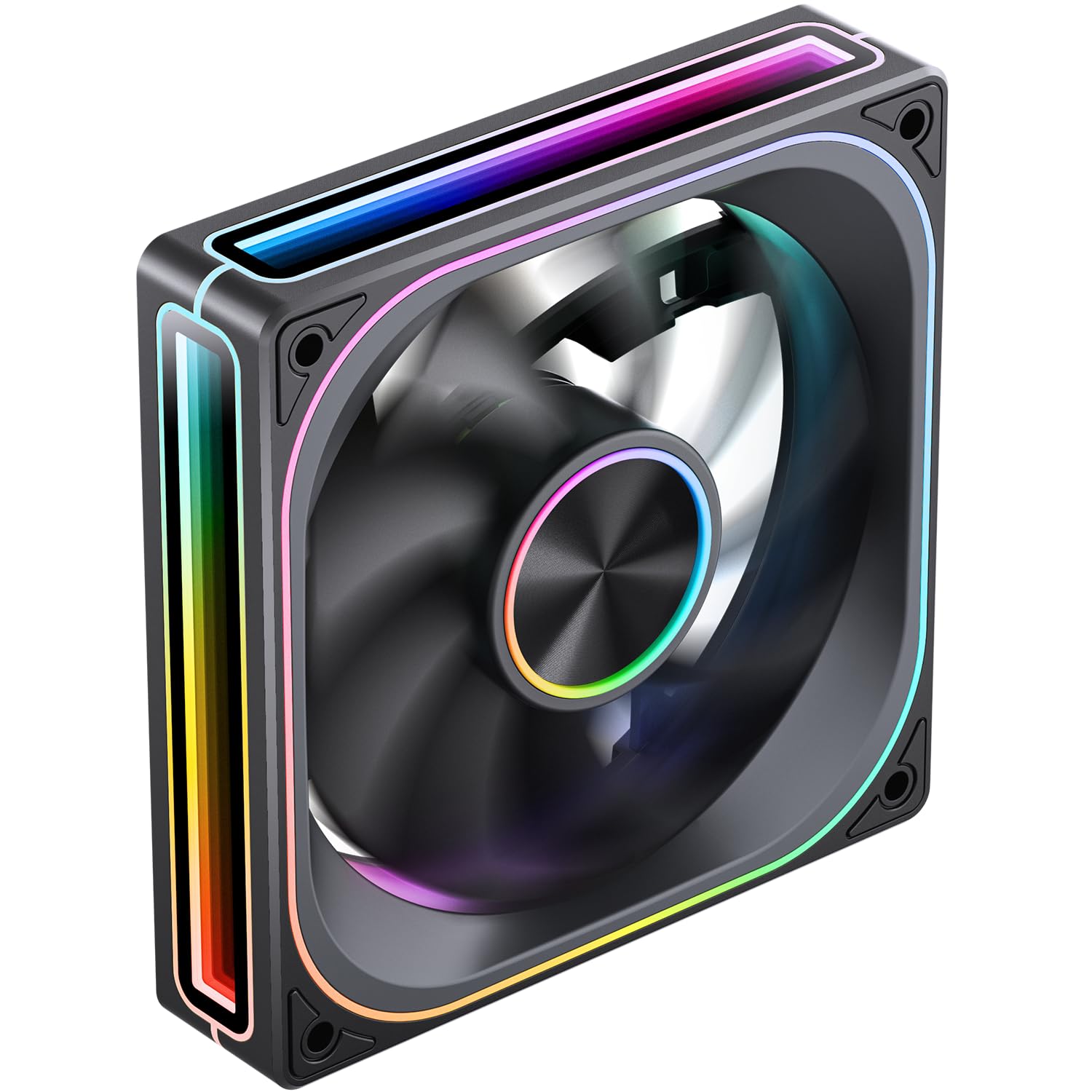
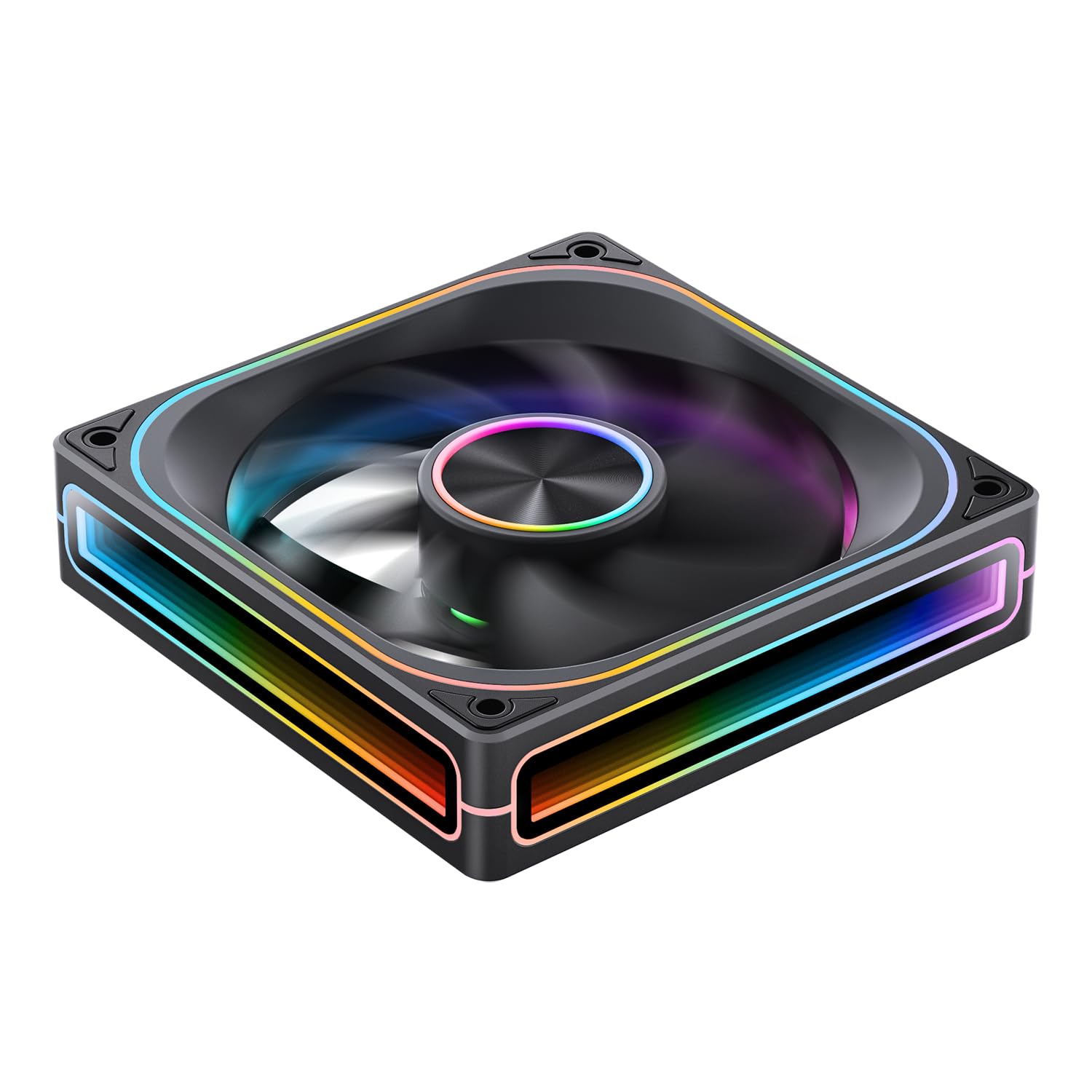
Hvala za nakupasing the JONSBO ZA-120B PC Case Fan. This fan is designed to provide efficient cooling for your computer system while offering customizable ARGB lighting effects. Featuring a 28mm thick design, 4-sides infinity mirror, and PWM control, it ensures both aesthetic appeal and optimal performance. This manual provides detailed instructions for installation, operation, and maintenance to help you get the most out of your product.
2. Varnostne informacije
Prosimo, preberite in upoštevajte ta varnostna navodila, da preprečite poškodbe izdelka ali telesne poškodbe:
- Always disconnect power from your computer before installing or handling any internal components.
- Handle the fan by its frame to avoid touching the blades, which could cause damage or injury.
- Zagotovite ustrezno ozemljitev, da preprečite poškodbe občutljivih komponent zaradi elektrostatične razelektritve (ESD).
- Do not attempt to modify the fan or its cables. Unauthorized modifications may void your warranty and pose safety risks.
- Keep the fan away from liquids and excessive moisture.
- Ko ventilatorja ne uporabljate, ga hranite na hladnem in suhem mestu.
3. Vsebina paketa
Preverite, ali so v paketu vsi elementi:
- JONSBO ZA-120B PC Case Fan
- Montažni vijaki
- Uporabniški priročnik (ta dokument)
4. Izdelek je končanview
The JONSBO ZA-120B is a high-performance PC case fan designed for optimal airflow and stunning visual effects. Key features include:
- 4-Sides Infinity Mirror: Creates a deep, multi-layered lighting illusion from all angles.
- Nadzor PWM: Allows for precise fan speed adjustment (700-2400 RPM) to balance cooling performance and noise levels.
- Addressable RGB (ARGB) Sync: Compatible with motherboard ARGB software (3-pin 5V header) for synchronized lighting effects across your system.
- Simplified Cables: Integrated male and female PWM and ARGB headers for easy daisy-chaining and cable management.
- Aluminum Nameplate: Features a durable aluminum CD pattern nameplate for a premium finish.
- 28mm Thick Design: Enhanced thickness for improved airflow and static pressure.



5. Nastavitev in namestitev
Follow these steps to properly install your JONSBO ZA-120B PC Case Fan:
- Pripravite svoj sistem:
- Turn off your computer and disconnect it from the power outlet.
- Open your computer case to access the fan mounting locations.
- Namestitev ventilatorja:
- Position the fan in your desired mounting location (e.g., front, top, rear, bottom of the case). Ensure the airflow direction is correct for your cooling setup (typically intake for front/bottom, exhaust for rear/top).
- Secure the fan to the case using the provided mounting screws. Tighten them evenly to prevent vibration.
- Connect Power (PWM):
- Locate an available 4-pin fan header on your motherboard (labeled 'CPU_FAN', 'SYS_FAN', 'CHA_FAN', etc.).
- Connect the fan's 4-pin PWM cable to the motherboard header. If installing multiple fans, you can daisy-chain them using the integrated male and female PWM heads, then connect the last fan in the chain to a single motherboard header.
- Povežite ARGB razsvetljavo:
- Locate an available 3-pin 5V ARGB header on your motherboard (often labeled 'ARGB_HEADER', 'D_LED', 'VDG', etc.). Do not connect to a 4-pin 12V RGB header, as this will damage the LEDs.
- Connect the fan's 3-pin ARGB cable to the motherboard header. Similar to PWM, you can daisy-chain multiple fans using the integrated male and female ARGB heads, connecting the last fan to a single motherboard ARGB header.
- If your motherboard does not have a 3-pin 5V ARGB header, you may need an external ARGB controller (not included) to control the lighting effects.
- Upravljanje kablov:
- Route all cables neatly to ensure proper airflow and a clean build. Use cable ties if necessary.
- Zaprite ohišje in vklopite napravo:
- Close your computer case and reconnect the power.
- Power on your computer and verify that the fan is spinning and the ARGB lighting is functioning.
6. Delovanje
Once installed, the JONSBO ZA-120B fan operates automatically based on your system's settings. Here's how to manage its functions:
- Nadzor hitrosti ventilatorja (PWM):
- The fan speed is controlled via the 4-pin PWM connection to your motherboard.
- You can adjust fan curves and speeds through your motherboard's BIOS/UEFI settings or dedicated software provided by your motherboard manufacturer (e.g., ASUS AI Suite, Gigabyte SIV, MSI Dragon Center).
- This allows you to optimize for quiet operation at low loads and increased cooling performance under heavy loads.
- Nadzor osvetlitve ARGB:
- The ARGB lighting effects are controlled via the 3-pin 5V ARGB connection to your motherboard.
- Use your motherboard's ARGB synchronization software (e.g., ASUS Aura Sync, Gigabyte RGB Fusion, MSI Mystic Light Sync, ASRock Polychrome Sync) to customize colors, patterns, and synchronize lighting with other ARGB components.
- If using an external ARGB controller, refer to the controller's manual for lighting adjustment instructions.
7. Vzdrževanje
Regular maintenance helps ensure optimal performance and longevity of your fan:
- Čiščenje:
- Periodically (every 3-6 months, depending on environment) clean dust from the fan blades and frame.
- Use compressed air to blow away dust. Hold the fan blades gently to prevent them from spinning rapidly during cleaning, which can damage the bearings.
- For stubborn dust, use a soft, dry cloth or a cotton swab.
- Pregled:
- Check cables for any signs of wear, fraying, or loose connections.
- Ensure mounting screws are still tight.
8. Odpravljanje težav
If you encounter issues with your JONSBO ZA-120B fan, refer to the following common problems and solutions:
- Ventilator se ne vrti:
- Ensure the 4-pin PWM cable is securely connected to a functional motherboard fan header.
- Check your motherboard's BIOS/UEFI settings to ensure the fan header is enabled and configured correctly (e.g., not set to 0 RPM).
- Test the fan on a different fan header or with a known working fan to rule out a faulty header or fan.
- ARGB Lighting Not Working or Incorrect Colors:
- Verify the 3-pin ARGB cable is correctly connected to a 3-pin 5V ARGB header on your motherboard. Ensure it is not connected to a 4-pin 12V RGB header.
- Check your motherboard's ARGB software to ensure lighting is enabled and configured.
- If daisy-chaining, ensure all connections are secure and the total number of LEDs does not exceed your motherboard/controller's capacity. (Note: This fan has 68+ LEDs, which may exceed some basic controllers).
- Try updating your motherboard's BIOS and ARGB software to the latest versions.
- Prekomerni hrup:
- Ensure the fan is securely mounted and screws are tightened evenly to prevent vibration.
- Očistite morebitni prah, ki se je nabral na lopaticah ventilatorja.
- Adjust the fan speed curve in your motherboard's BIOS/UEFI or software to reduce RPMs at lower temperatures.
- Prepričajte se, da noben kabel ne ovira lopatic ventilatorja.
9. Specifikacije
| Funkcija | Specifikacija |
|---|---|
| Številka modela | ZA-120B |
| Dimenzije | 120 x 120 x 28 mm (približno 5.8 x 5 x 1.18 palcev) |
| Hitrost vrtenja | 700–2400 vrt/min (±10 %) |
| Nivo hrupa | 21.3-37.3 dB(A) |
| Vrsta napajalnega konektorja | 4-Pin (PWM) |
| ARGB Connector Type | 3-Pin (5V Addressable RGB) |
| Fan Voltage | DC 12 voltov |
| LED voltage | 5 volta |
| Fan Wattage | 5.16 vatov |
| LED Wattage | 5.80 vatov |
| Združljive naprave | PC ohišje |
| Metoda hlajenja | Zračno hlajenje (ventilator) |
| Število elementov | 1 |

10. Garancija in podpora
JONSBO products are manufactured to high-quality standards. For warranty information and technical support, please refer to the official JONSBO webali se obrnite na lokalnega prodajalca. Shranite dokazilo o nakupu za uveljavljanje garancije.
Za dodatno pomoč obiščite JONSBO Store on Amazon or contact JONSBO customer service.