
Uvod
Thank you for choosing the Gravity C20 Pro Smartwatch. This rugged smartwatch is designed for durability and advanced functionality, featuring a 1.83-inch TFT display, IP68 waterproofing, Bluetooth calling, AI voice assistant, and over 100 sports modes. This manual will guide you through the setup, operation, and maintenance of your new device.

Slika: spredaj view of the Gravity C20 Pro Smartwatch, showcasing its rugged design and display.
Kaj je v škatli
- Gravity C20 Pro Smartwatch
- Polnilni kabel
- Uporabniški priročnik
Konec izdelkaview in funkcije
The Gravity C20 Pro is built to withstand challenging environments while providing comprehensive smart features. Its robust construction and advanced sensors make it an ideal companion for active lifestyles.
Ključne značilnosti:
- Durable 1.83" TFT Display: Large and clear screen for easy readability.
- Vodoodpornost IP68: Designed to protect against dust and water exposure.
- Bluetooth klicanje: Klicajte in sprejemajte klice neposredno z zapestja.
- Glasovno upravljanje z umetno inteligenco: Hands-free operation for various functions.
- 100+ športnih načinov: Comprehensive tracking for a wide range of physical activities.
- Spremljanje zdravja: Includes heart rate, sleep tracking, step counting, and sedentary reminders.
- Dolga življenjska doba baterije: 380mAh battery offering extended standby time.
- Pametna obvestila: Receive alerts for calls, messages, and apps.

Image: Two Gravity C20 Pro smartwatches, emphasizing their robust and outdoor-ready design.

Image: A graphic displaying icons for key features such as heart rate monitoring, call reminders, pedometer, information reminders, blood pressure monitor, sleep monitor, calories, sedentary reminder, exercise data, IP68 waterproof, stress monitor, voice assistant, blood oxygen monitor, heart rate warning, and calculator.
Nastavitev
1. Začetno polnjenje
Before first use, fully charge your Gravity C20 Pro Smartwatch. Connect the magnetic charging cable to the charging points on the back of the watch and plug the USB end into a power adapter (not included) or a computer's USB port. The watch display will indicate charging status.
2. Vklop/izklop
- Vklop: Pritisnite in držite gumb za vklop (običajno ob strani), dokler se zaslon ne prižge.
- Ugasniti: Press and hold the Power button, then select 'Power Off' on the screen.
3. Namestitev in seznanjanje aplikacij
To unlock the full potential of your smartwatch, download the companion app on your iOS or Android device. Iskanje the app name (refer to the packaging or quick start guide for the exact name) in the App Store or Google Play Store.
- Prenesite in namestite aplikacijo na svoj pametni telefon.
- Odprite aplikacijo in sledite navodilom na zaslonu, da ustvarite račun ali se prijavite.
- V pametnem telefonu omogočite Bluetooth.
- In the app, navigate to the 'Device' or 'Add Device' section.
- Select 'Gravity C20 Pro' from the list of available devices.
- Potrdite zahtevo za seznanjanje tako na telefonu kot na pametni uri.
Navodila za uporabo
Osnovna navigacija
- Povlecite gor/dol: Pomikajte se po menijih in obvestilih.
- Povlecite levo/desno: Dostop do hitrih funkcij ali različnih številčnic ure.
- Tapnite: Izberite element ali odprite aplikacijo.
- Gumb za vklop: Press to wake/sleep the screen, or return to the home screen. Long press for power options.
- Športni gumb: Dedicated button to quickly access sports modes.
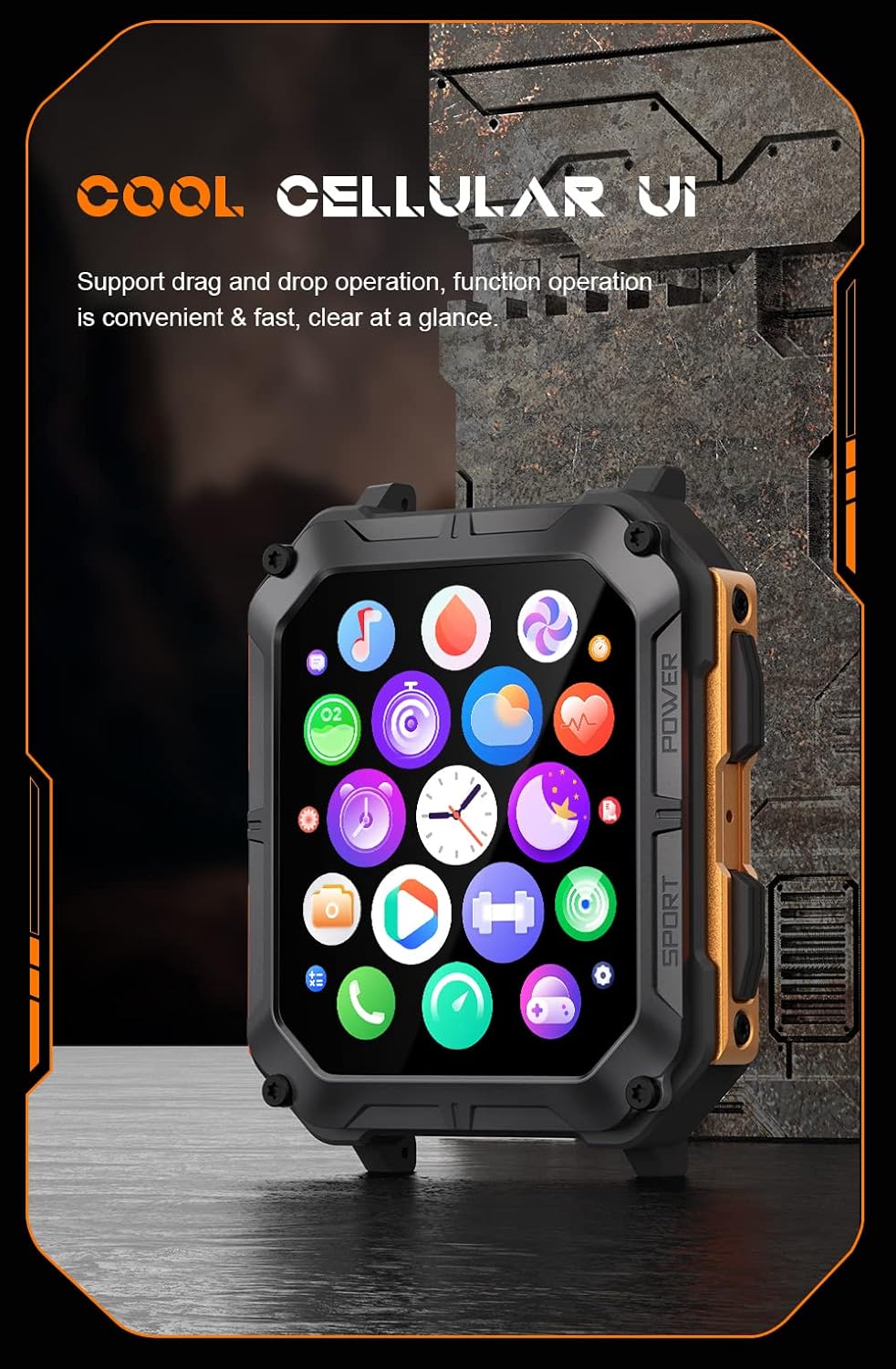
Image: The smartwatch display showing a grid of colorful application icons, illustrating the user interface.
Bluetooth klicanje
Ko sta ura združeni, lahko kličete in sprejemate klice neposredno z uro.
- Odgovarjanje na klice: Ko prejmete klic, tapnite zeleno ikono za odgovor na zaslonu ure.
- Klicanje: Za začetek klica dostopite do številčnice ali seznama stikov na uri.
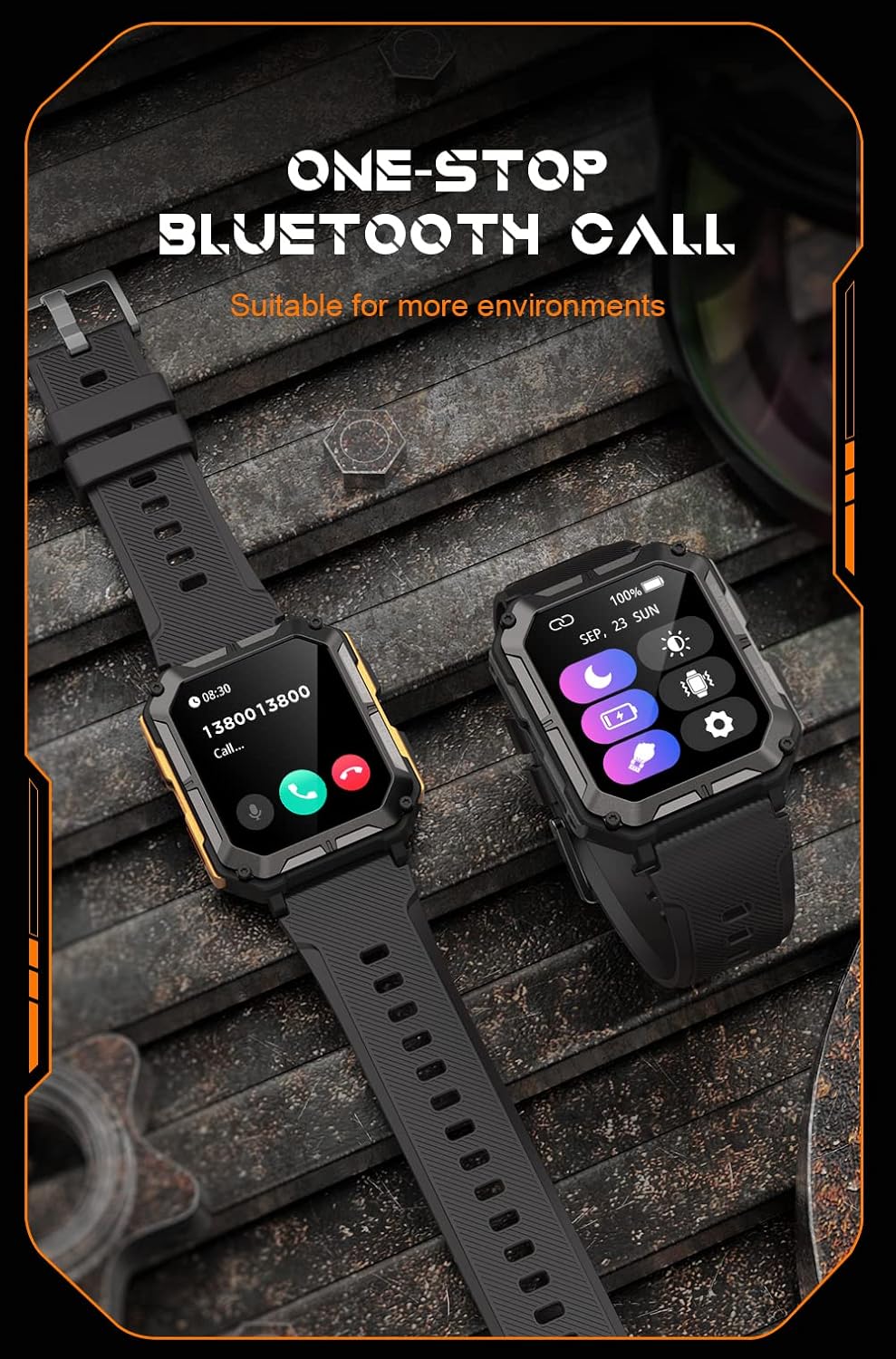
Image: Two smartwatches, one showing an incoming call notification with options to answer or decline, demonstrating the Bluetooth call feature.
Glasovni pomočnik AI
Activate the AI voice assistant by a designated gesture or button press (refer to in-app settings). You can then use voice commands for various tasks, such as checking weather, setting alarms, or initiating calls.
Športni načini
The watch supports over 100 sports modes. Access them via the Sport button or the main menu. Select your activity to start tracking metrics like duration, distance, calories burned, and heart rate.
Spremljanje zdravja
The C20 Pro continuously monitors your health data.
- Srčni utrip: View real-time heart rate on the watch or in the app.
- Sledenje spanju: Wear the watch to bed for detailed sleep analysis (deep sleep, light sleep, awake time).
- Kisik v krvi: Measure your SpO2 levels.
- Koraki in kalorije: Track your daily activity and calorie expenditure.

Image: The smartwatch display showing current heart rate (BPM) and blood oxygen saturation (SpO2) levels, indicating health monitoring capabilities.
Obvestila
Prejemajte obvestila s pametnega telefona neposredno na uro. Prepričajte se, da so dovoljenja za obvestila omogočena tako v nastavitvah telefona kot v spremljevalni aplikaciji.
Vzdrževanje
Čiščenje pametne ure
Regularly clean your watch to ensure optimal performance and hygiene. Use a soft, lint-free cloth to wipe the screen and body. For stubborn dirt, slightly dampkrpo sperite z vodo. Izogibajte se uporabi agresivnih kemikalij ali abrazivnih materialov.
Vodoodpornost (IP68)
The Gravity C20 Pro is IP68 water-resistant, meaning it can withstand dust and immersion in water up to 1.5 meters for 30 minutes. It is suitable for daily use, such as washing hands or light rain. However, it is not recommended for hot showers, saunas, or diving, as steam and high water pressure can compromise the seals.
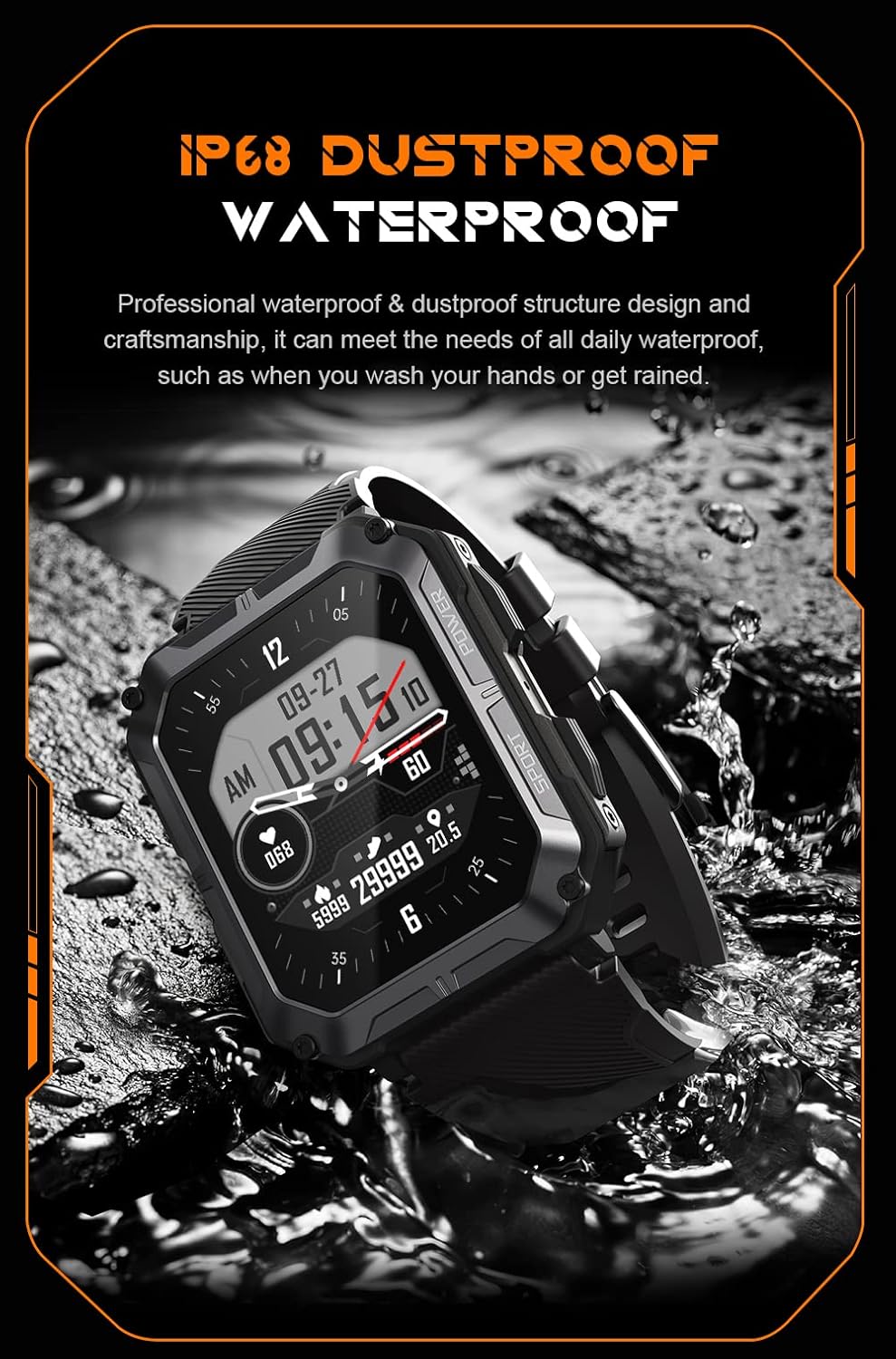
Image: The smartwatch partially submerged in water, illustrating its IP68 dustproof and waterproof capabilities.
Skrb za baterijo
Za podaljšanje življenjske dobe baterije:
- Izogibajte se ekstremnim temperaturam.
- Charge the watch before the battery completely drains.
- If storing for a long period, charge it to about 50% and power it off.
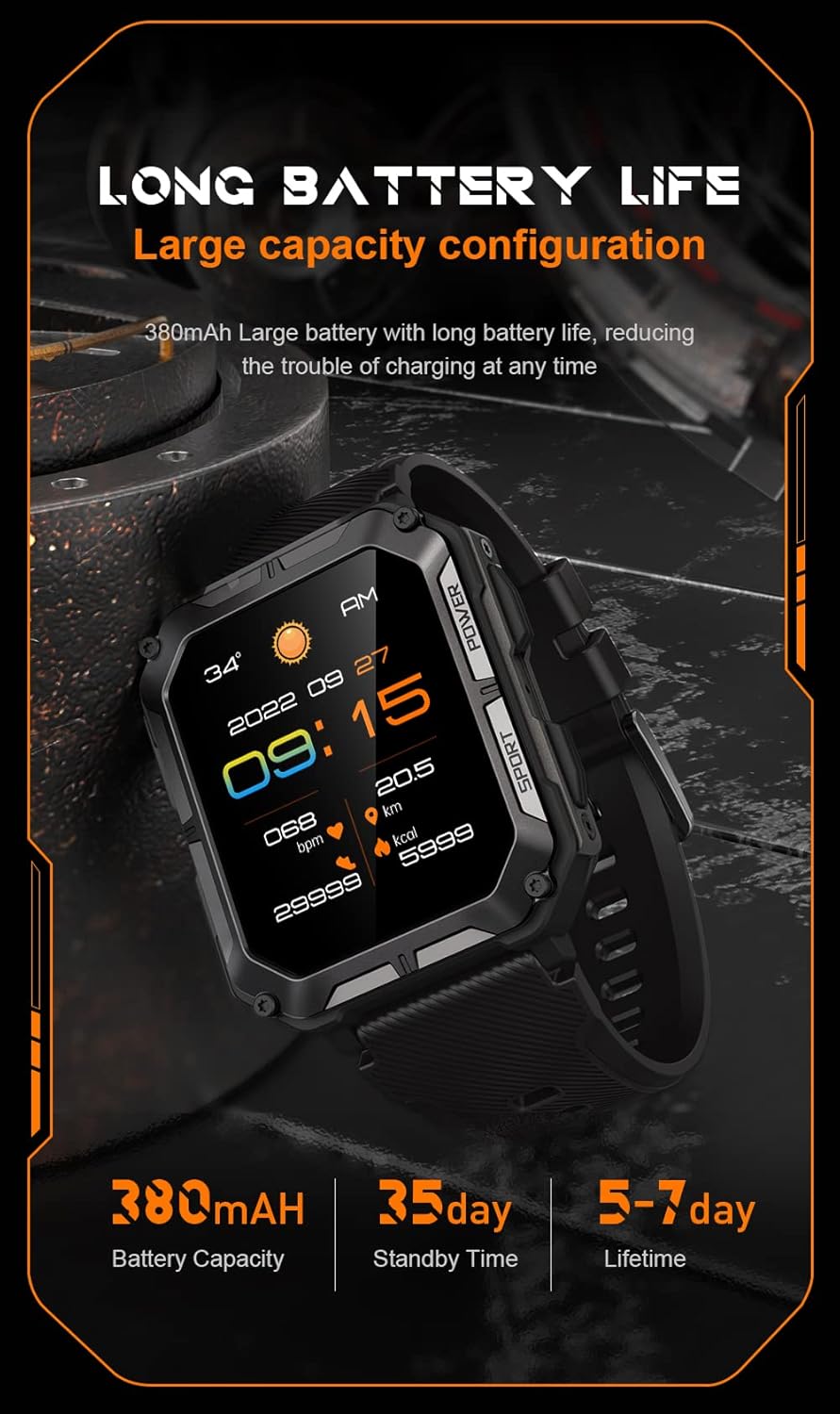
Image: The smartwatch display showing the time, date, weather, heart rate, steps, and battery level, with accompanying text emphasizing its long battery life and 380mAh capacity.
Odpravljanje težav
| Težava | Možna rešitev |
|---|---|
| Watch won't power on | Ensure the watch is fully charged. Press and hold the Power button for at least 10 seconds to force a restart. |
| Seznanitev s telefonom ni mogoča | Ensure Bluetooth is enabled on your phone. Restart both the watch and phone. Clear previous pairings in phone's Bluetooth settings. Make sure the app is updated. |
| Netočni zdravstveni podatki | Ensure the watch is worn snugly on your wrist, not too tight or too loose. Clean the sensor on the back of the watch. Update watch firmware via the app. |
| Obvestila niso prejeta | Check notification permissions in your phone's settings for the companion app. Ensure the app is running in the background. Verify Bluetooth connection. |
| Kratka življenjska doba baterije | Reduce screen brightness. Turn off unnecessary features like 'Always-On Display'. Limit frequent heart rate monitoring. Ensure no background apps are draining power. |
Specifikacije
| Funkcija | Podrobnost |
|---|---|
| Številka modela | W4-C28 |
| Velikost zaslona | 1.83 palcev |
| Kapaciteta baterije | 380 mAh |
| Vodoodpornost | IP68 |
| Povezljivost | Bluetooth |
| Operacijski sistem | Android OS (compatible with iOS) |
| Teža predmeta | 1 funtov |
| Temperaturna odpornost | -24°C do 60°C |
Garancija in podpora
Informacije o garanciji
The Gravity C20 Pro Smartwatch comes with a standard manufacturer's warranty. Please refer to the warranty card included in your product packaging or visit the official Gravity webZa podrobne pogoje glede garancijskega kritja in trajanja obiščite spletno mesto.
Podpora uporabnikom
For any technical assistance, troubleshooting not covered in this manual, or warranty claims, please contact Gravity customer support. Contact information can typically be found on the official Gravity webspletnem mestu ali na embalaži izdelka.