
Uvod
This manual provides essential information for the setup, operation, and maintenance of your PowerA Enhanced Wireless Controller, featuring the unique Pikachu vs. Gengar design. This officially licensed controller is designed to enhance your gaming experience on Nintendo Switch, Nintendo Switch Lite, and Nintendo Switch (OLED Model) consoles.
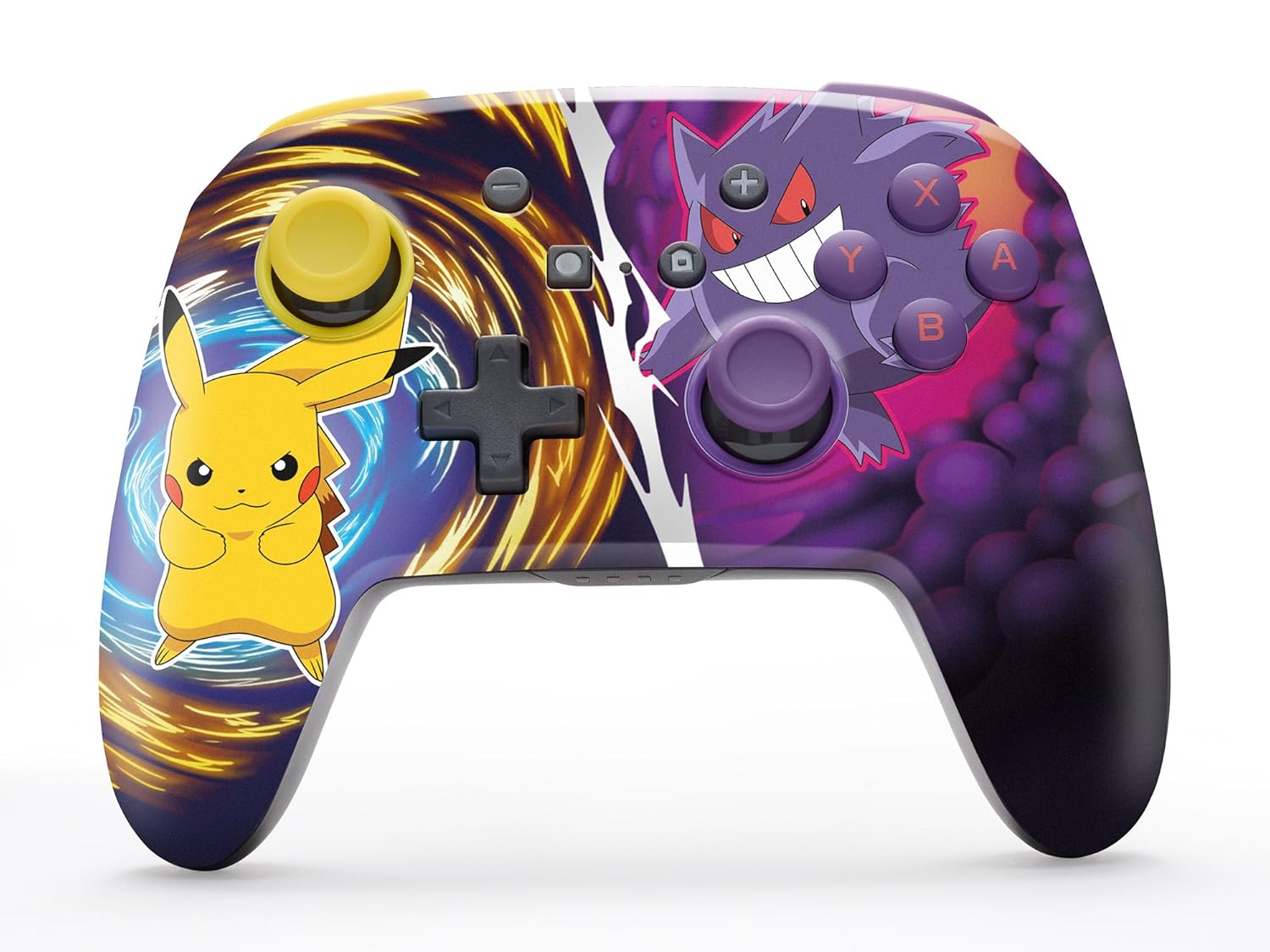
The PowerA Enhanced Wireless Controller with Pikachu vs. Gengar artwork.
Ključne značilnosti
- Brezžična povezljivost: Utilizes Bluetooth 5.0 technology for a stable connection.
- Akumulatorska baterija: Integrated lithium-ion battery provides up to 30 hours of gameplay per charge.
- Napredni igralni gumbi, ki jih je mogoče preslikati: Two programmable buttons on the back for custom control.
- Ergonomska oblika: Superior ergonomics for extended comfortable gaming sessions.
- Smooth Thumbstick Control: Embedded anti-friction rings ensure precise and fluid movement.
- Nadzor gibanja: Supports intuitive motion controls for compatible games.

Ergonomska zasnova za udobno igranje.
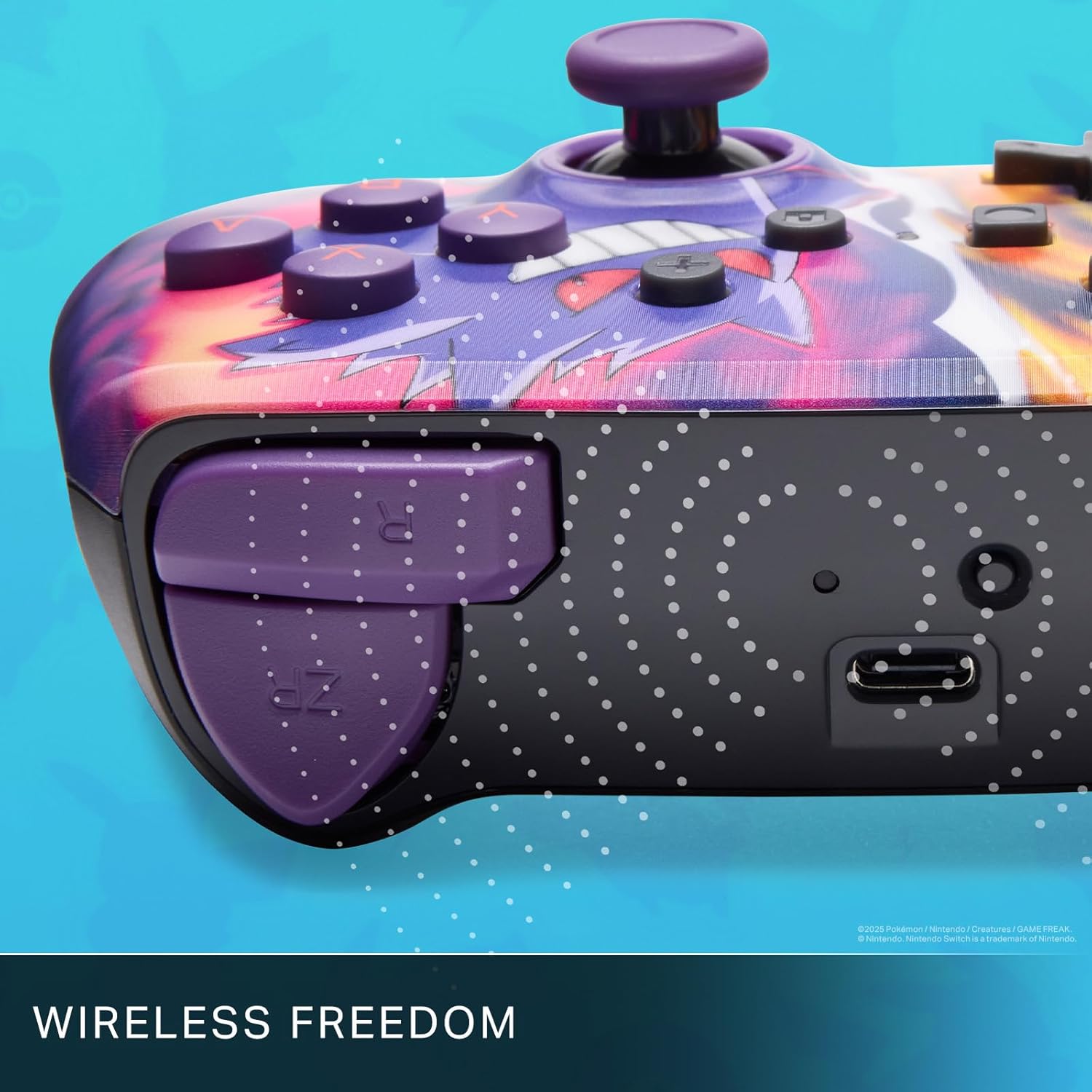
Enjoy wireless freedom with Bluetooth 5.0 technology.
Nastavitev in seznanjanje
- Prepričajte se, da je vaša konzola Nintendo Switch vklopljena in posodobljena na najnovejšo sistemsko programsko opremo.
- V meniju HOME izberite Krmilniki, potem Spremenite oprijem/vrstni red.
- Pritisnite in držite Gumb SYNC on the top edge of your PowerA Enhanced Wireless Controller for at least one second. The Player LED(s) will flash.
- Once paired, the Player LED(s) corresponding to the controller number will remain lit.
- Pritisnite Gumb to confirm and exit the menu. Your controller is now ready for use.
Polnjenje krmilnika
The controller features an internal 900mAh lithium-ion rechargeable battery, providing up to 30 hours of gameplay on a single charge. To charge your controller:
- Connect the included 10ft (3m) USB-C charge cable to the USB-C port on the top of the controller.
- Connect the other end of the USB-C cable to a USB power source (e.g., Nintendo Switch dock, USB wall adapter, or computer USB port).
- The LED indicator on the controller will show charging status. It will typically turn off or change color when fully charged.

Connect the USB-C cable to charge your controller.
Napredni igralni gumbi
Your PowerA Enhanced Wireless Controller includes two mappable Advanced Gaming Buttons (AGBs) on the back, allowing you to assign specific button functions for quick access during gameplay.
Programming AGBs:
- Pritisnite Programski gumb on the back of the controller. The Program LED will flash, indicating programming mode.
- Press the button you wish to map (A/B/X/Y/L/R/ZL/ZR/Left Stick Click/Right Stick Click/D-Pad). The Program LED will flash rapidly.
- Press the Advanced Gaming Button (AGB L or AGB R) you want to assign the function to. The Program LED will stop flashing, indicating the AGB is now programmed.
Resetting AGBs:
To reset all Advanced Gaming Buttons to their default (no function) state, press and hold the Programski gumb for five seconds. The Program LED will flash slowly, then turn off, confirming the reset.
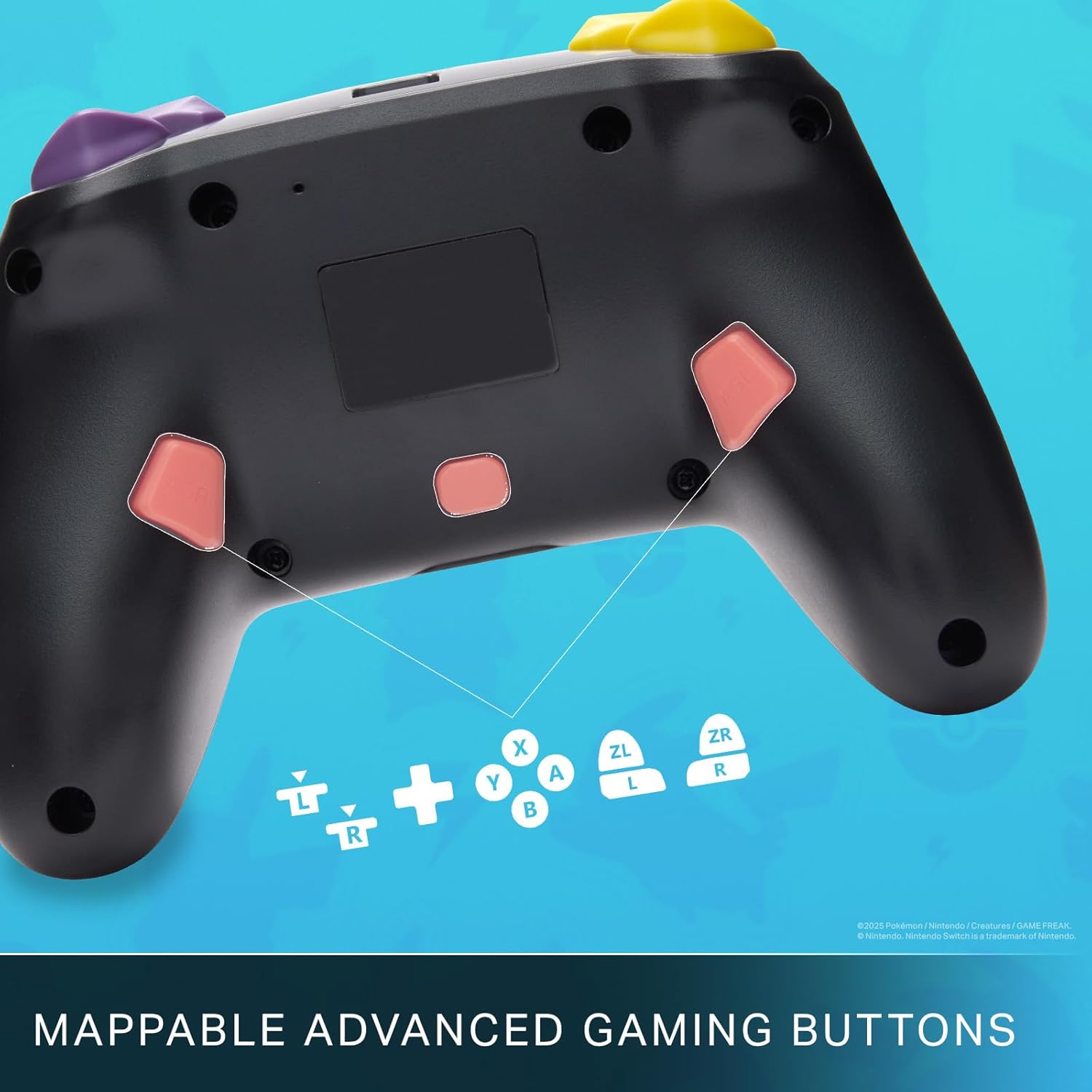
Mappable Advanced Gaming Buttons for personalized control.
Združljivost
This PowerA Enhanced Wireless Controller is compatible with the following Nintendo consoles:
- Nintendo Switch
- Nintendo Switch Lite
- Nintendo Switch (OLED Model)
- Nintendo Switch 2 (Note: C button not available)

The controller is compatible with Nintendo Switch 2, though the C button functionality is not available.
Specifikacije
| Funkcija | Podrobnost |
|---|---|
| Združljive naprave | Nintendo Switch |
| Vrsta krmilnika | Igralni plošček |
| Tehnologija povezljivosti | Bluetooth, USB |
| Dodatne funkcije | Ergonomski, brezžični |
| Količina gumbov | 12 |
| Platforma strojne opreme | Igralna konzola |
| Vir napajanja | Baterija (litij-ionska za ponovno polnjenje) |
| Združljivi modeli igralnih konzol | Nintendo Switch, Nintendo Switch Lite |
| Teža predmeta | 0.68 funta |
| Mere predmeta | 6.02 x 4.41 x 2.48 palcev |
| barva | Pikachu vs Gengar |
| Ime modela | Pikachu vs. Gengar |
| Številka modela | NSGP0420-01R |
Nega in vzdrževanje
- Keep the controller dry. Avoid exposure to moisture or extreme temperatures.
- Krmilnik očistite z mehko, suho krpo. Ne uporabljajte agresivnih kemikalij ali abrazivnih materialov.
- Ko krmilnika ne uporabljate, ga shranite na varno mesto, da preprečite poškodbe.
Odpravljanje težav
Krmilnik se ne povezuje:
- Prepričajte se, da je krmilnik popolnoma napolnjen.
- Verify the controller is within the Bluetooth range of your Nintendo Switch console.
- Attempt to re-pair the controller following the "Setup and Pairing" instructions.
Unresponsive Buttons/Joysticks:
- Preverite, ali so okoli gumbov ali igralnih palic kakšne fizične ovire ali umazanija.
- Perform a hard reset by holding the SYNC button for 10 seconds, then attempt to re-pair.
- Ensure the controller's firmware is up to date (check PowerA's official webspletno mesto za posodobitve).
Garancija in podpora
This PowerA Enhanced Wireless Controller comes with a Dveletna omejena garancija. For detailed warranty information, product support, and troubleshooting assistance, please visit the official PowerA support webspletno mesto: