
1. Izdelek je končanview
This LED grille emblem is designed to enhance your vehicle's appearance with dynamic RGB color-changing illumination. It features a vibrant rainbow gradient effect and integrates seamlessly into the vehicle's front grille. The emblem is controlled via Bluetooth, offering multiple lighting modes and customization options.
Ključne značilnosti:
- Dynamic Illumination: RGB color-changing capabilities with flow series effects.
- Bluetooth nadzor: Manage lighting modes, colors, and patterns via a connected device.
- Vzdržljiva konstrukcija: Weather-resistant design for lasting performance in various conditions.
- Prilagajanje: Offers solid colors, fading effects, and rainbow patterns.
- Visoka vidljivost: Bright, clear LED lighting for enhanced vehicle presence.
2. Kaj je vključeno
Preverite, ali so v paketu prisotne vse komponente:
- LED Grille Emblem
- Montažna oprema
- Priročnik za krmilnik
- snopu
3. Vodič za namestitev
This emblem is designed for direct replacement of the stock emblem with pre-wired connections. Professional installation is recommended.
Preden začnete:
- Ensure the vehicle's engine is off and the battery is disconnected to prevent electrical shorts.
- Pred začetkom namestitve natančno preberite vsa navodila.
- Confirm compatibility with your vehicle model (Charger, Challenger, 300, Grand Cherokee).
Potrebna orodja:
- Basic hand tools (screwdrivers, wire strippers, crimpers)
- Zip ties or cable management clips
- Električni trak ali termoskrčljiva cev
Koraki namestitve:
- Remove Existing Emblem: Carefully remove the original grille emblem from your vehicle. This may involve unscrewing, unclipping, or gently prying it off. Refer to your vehicle's service manual for specific instructions.
- Pripravite montažno območje: Clean the area where the new LED emblem will be installed, ensuring it is free of dirt and debris.
- Mount the LED Emblem: Position the new LED grille emblem in place. Use the provided mounting hardware to secure it firmly to the grille.
- Povežite ožičenje: Route the emblem's wiring harness to a suitable power source. Typically, this involves connecting to a 12V power supply (e.g., parking lights, accessory power) and a ground point. Ensure all connections are secure and properly insulated using electrical tape or heat shrink tubing.
- Varno ožičenje: Use zip ties or cable management clips to neatly secure the wiring, preventing it from interfering with moving parts or being exposed to damage.
- Ponovno priključite baterijo: Ko so vse povezave vzpostavljene in zavarovane, ponovno priključite akumulator vozila.
- Testna funkcionalnost: Turn on your vehicle's ignition and test the emblem's illumination and control functions.

Figure 3.1: SRT LED emblem installed on a vehicle's front grille, illuminated red, with vehicle headlights on.

Figure 3.2: Black Challenger with illuminated emblem and a view of the engine bay for wiring reference.
4. Navodila za uporabo
The LED grille emblem is controlled via a Bluetooth application on your smartphone.
Vklop:
The emblem will illuminate when connected to a power source, typically linked to your vehicle's accessory power or parking lights. Refer to your installation for specific power-on conditions.
Bluetooth nadzor:
- Prenesite aplikacijo: Locate and download the recommended control application from your smartphone's app store. Refer to the included Controller Manual for the specific app name or QR code.
- Omogoči Bluetooth: Prepričajte se, da je Bluetooth na vašem pametnem telefonu omogočen.
- Seznani napravo: Open the control app. The app should automatically detect and connect to the LED grille emblem. If not, follow the app's instructions to manually pair.
- Prilagodi osvetlitev: Use the app interface to select from various lighting modes, including solid colors, fading effects, and rainbow patterns. Adjust brightness and speed as desired.

Figure 4.1: Smartphone app interface for controlling the LED emblem's colors and effects.

Figure 4.2: Emblem displaying a purple illumination.

Figure 4.3: Emblem displaying a green illumination.
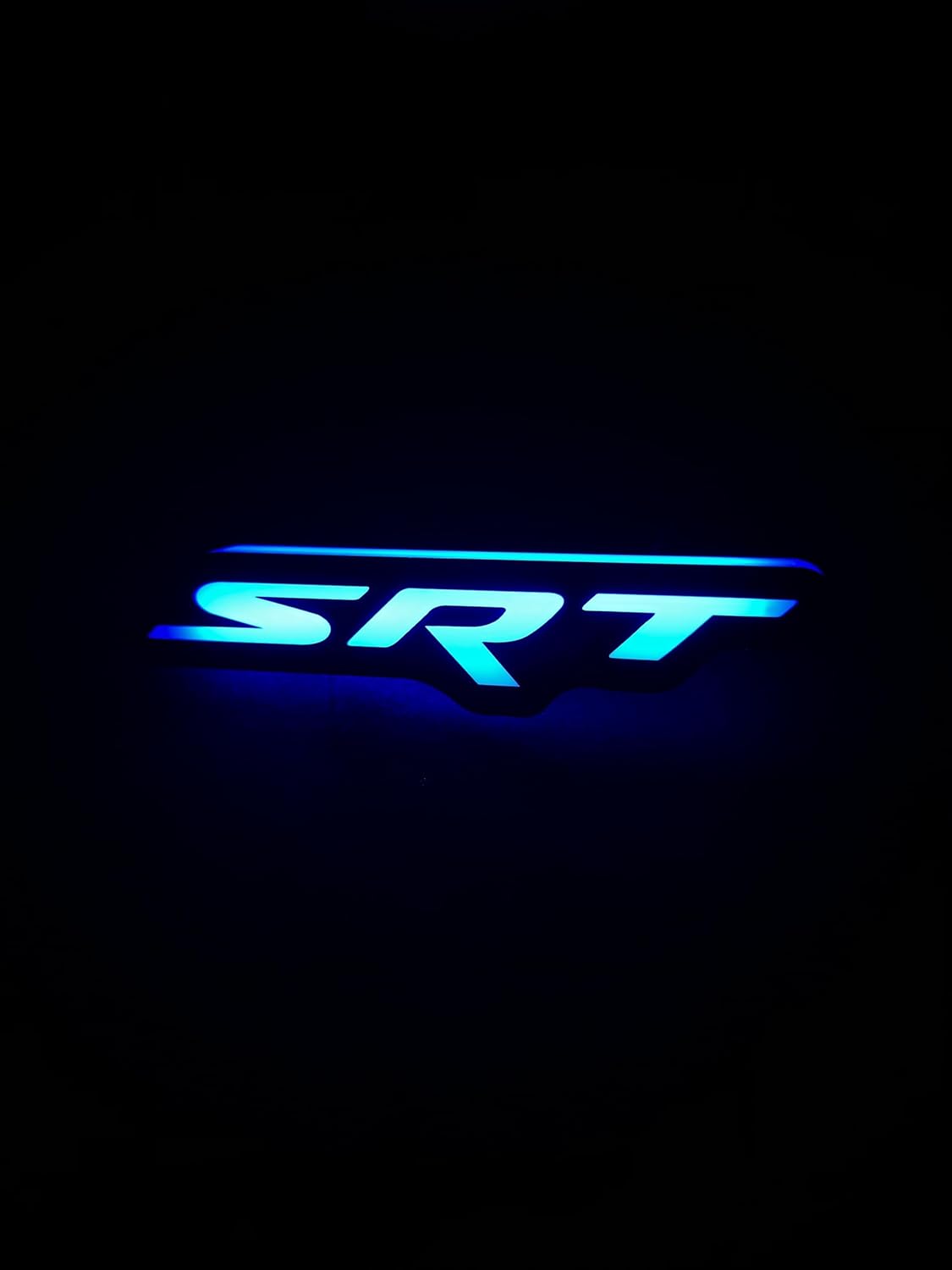
Figure 4.4: Emblem displaying a blue illumination.

Figure 4.5: Emblem displaying a red-to-orange gradient flow effect.
5. Vzdrževanje
The LED grille emblem is designed for durability and minimal maintenance.
- Čiščenje: Clean the emblem periodically with a soft, damp cloth. Avoid abrasive cleaners or harsh chemicals that could damage the LED surface or finish.
- Pregled: Regularly inspect the emblem and its wiring for any signs of damage, loose connections, or wear. Ensure the emblem remains securely mounted.
- Odpornost na vremenske vplive: While weather-resistant, prolonged exposure to extreme conditions may affect performance. Ensure proper sealing of all electrical connections during installation.
6. Odpravljanje težav
If you encounter issues with your LED grille emblem, refer to the following table:
| Težava | Možen vzrok | rešitev |
|---|---|---|
| Emblem not illuminating | No power, loose wiring connection, faulty LED, blown fuse. | Check power connections and ground. Ensure wiring is secure. Inspect vehicle's fuse box for a blown fuse. If issues persist, contact customer support. |
| Težave s povezavo Bluetooth | Bluetooth not enabled, app not running, emblem not in pairing mode, interference. | Ensure Bluetooth is active on your phone. Restart the control app. Power cycle the emblem (if possible). Move closer to the emblem. |
| Incorrect colors or patterns | App settings incorrect, controller malfunction. | Verify settings within the control app. Reset the emblem's controller if an option is available in the app or manual. |
| Emblem stopped working after a short period | Water intrusion, electrical short, component failure. | Inspect for signs of water damage or burnt wiring. Ensure all connections were properly sealed during installation. If internal component failure is suspected, contact customer support. |
7. Specifikacije izdelka
| Specifikacija | Podrobnost |
|---|---|
| Znamka | Generično |
| Številka modela | 3058496051 |
| Številka dela proizvajalca | 7260 |
| Material | LED, plastika |
| Zunanji zaključek | Osvetljen |
| Fit Vrsta | Univerzalni |
| Položaj avtomobilskega dela | Spredaj |
| Združljivi tipi vozil | 300 Hellcat, Car, Challenger, Charger, Jeep Grand Cherokee Srt, SRT8 Grand Cherokee |
| Mere predmeta | 7 x 1 x 2 palcev |
8. Garancija in podpora strankam
This product is typically covered by a limited manufacturer's warranty against defects in materials and workmanship. Please refer to the packaging or the seller's terms and conditions for specific warranty details and duration.
For technical assistance, troubleshooting not covered in this manual, or warranty claims, please contact the retailer or manufacturer directly. Keep your proof of purchase for warranty validation.