
1. Uvod
Thank you for choosing the Netzu Alarm Clock 6206ZD. This digital alarm clock is designed to provide a reliable wake-up experience, especially for heavy sleepers and individuals with hearing impairments, through its powerful vibrating bed shaker, loud alarm, and bright wake-up light. This manual will guide you through the setup, operation, and maintenance of your new alarm clock.
2. Varnostne informacije
- Prepričajte se, da je napajalnik priključen na ustrezno električno vtičnico.
- Naprave ne izpostavljajte vodi ali prekomerni vlagi.
- Napravo hranite stran od virov toplote in neposredne sončne svetlobe.
- Uporabljajte samo priloženi napajalnik.
- For battery backup, insert 2 AAA batteries (not included) correctly, observing polarity.
- Naprave ne poskušajte sami razstaviti ali popraviti. Za pomoč se obrnite na podporo strankam.
3. Vsebina paketa
Prosimo, preverite paket za naslednje artikle:
- Netzu Alarm Clock (Model 6206ZD)
- Vibrating Bed Shaker
- Napajalni adapter
- Uporabniški priročnik

Slika 3.1: Sestavine izdelka
4. Izdelek je končanview
Familiarize yourself with the main components of your Netzu Alarm Clock:
- Sprednji zaslon: Large RGB LED time display.
- Zgornja plošča: Snooze button, light bar, control buttons (Time Set, Alarm Set, Brightness, Color, Volume, DST).
- Zadnja stran: Power input port, bed shaker port, battery compartment.
- Vibrating Bed Shaker: Connects to the alarm clock for silent or combined wake-up.
5. Nastavitev
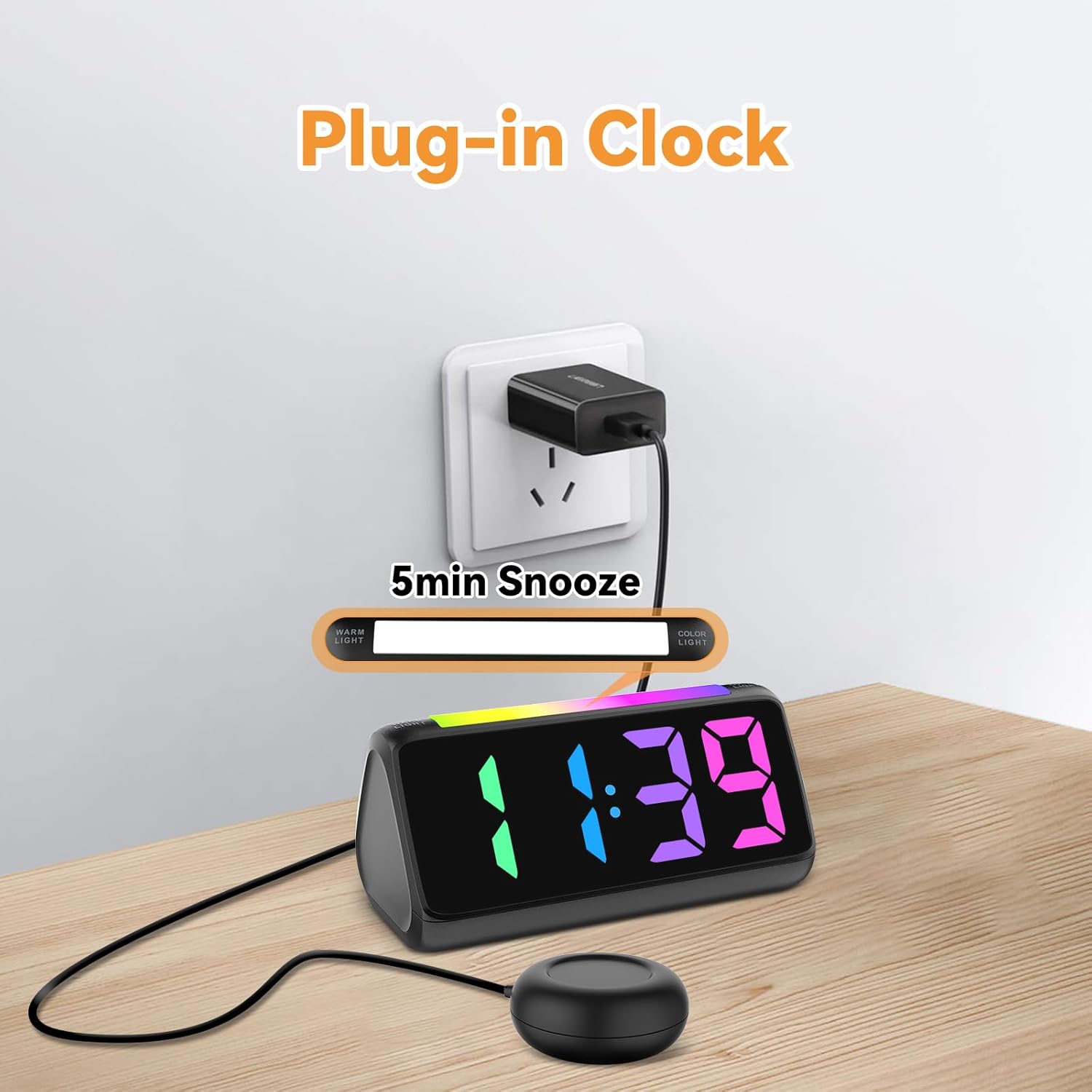
5.1 Napajalni priključek
- Connect the provided power adapter to the DC input port on the back of the alarm clock.
- Priključite napajalnik v standardno električno vtičnico. Zaslon se bo prižgal.
Slika 5.1: Napajalni priključek
5.2 Battery Installation (for Power Loss Memory)
Za ohranitev nastavitev časa in alarma med izpadom električne energijetage, namestite rezervne baterije:
- Open the battery compartment cover on the bottom of the alarm clock.
- Insert 2 new AAA batteries (not included), ensuring correct polarity (+ and -).
- Trdno zaprite pokrov prostora za baterije.
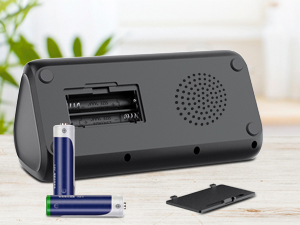
Slika 5.2: Predal za baterije
5.3 Priključitev stresalnika postelje
Plug the cable of the vibrating bed shaker into the dedicated port on the back of the alarm clock. Place the shaker under your pillow or mattress for optimal vibration.
6. Navodila za uporabo
6.1 Nastavitev časa
- Pritisnite in držite ČAS NAST button (usually located on the top or back) until the hour digits flash.
- Uporabite +/- buttons (or similar adjustment buttons) to set the hour. Pay attention to AM/PM indicators if in 12-hour format.
- Pritisnite ČAS NAST again to confirm the hour and move to minutes.
- Uporabite +/- gumbe za nastavitev minut.
- Pritisnite ČAS NAST one last time to save the time.
- To switch between 12-hour and 24-hour display, briefly press the ČAS NAST button when not in setting mode.
- To adjust for Daylight Saving Time (DST), long press the poletni čas button to add or subtract an hour.
Slika 6.1: Prikaz časovnega formata
6.2 Nastavitev alarma
The alarm clock offers three wake-up modes: Ring Only, Vibration Only, or Ring + Vibration.
- Pritisnite in držite ALARM NASTAVLJEN gumb, dokler ne utripajo številke ure budilke.
- Uporabite +/- gumbe za nastavitev želene ure budilke.
- Pritisnite ALARM NASTAVLJEN again to confirm the hour and move to minutes.
- Uporabite +/- gumbe za nastavitev želenih minut alarma.
- Pritisnite ALARM NASTAVLJEN again to select the wake-up mode: Ring Only, Vibration Only, or Ring + Vibration. An icon on the display will indicate the selected mode.
- Pritisnite ALARM NASTAVLJEN one last time to save the alarm settings.
- To adjust alarm volume (4 levels, up to 110 dB), use the GLASNOST button (or +/- during alarm setting).

Slika 6.2: Three Wake-up Modes
6.3 Funkcija dremeža
Ko se oglasi alarm, pritisnite veliko DREMEŽ button on the top of the clock to temporarily silence the alarm for 5 minutes. The alarm will sound again after the snooze period.
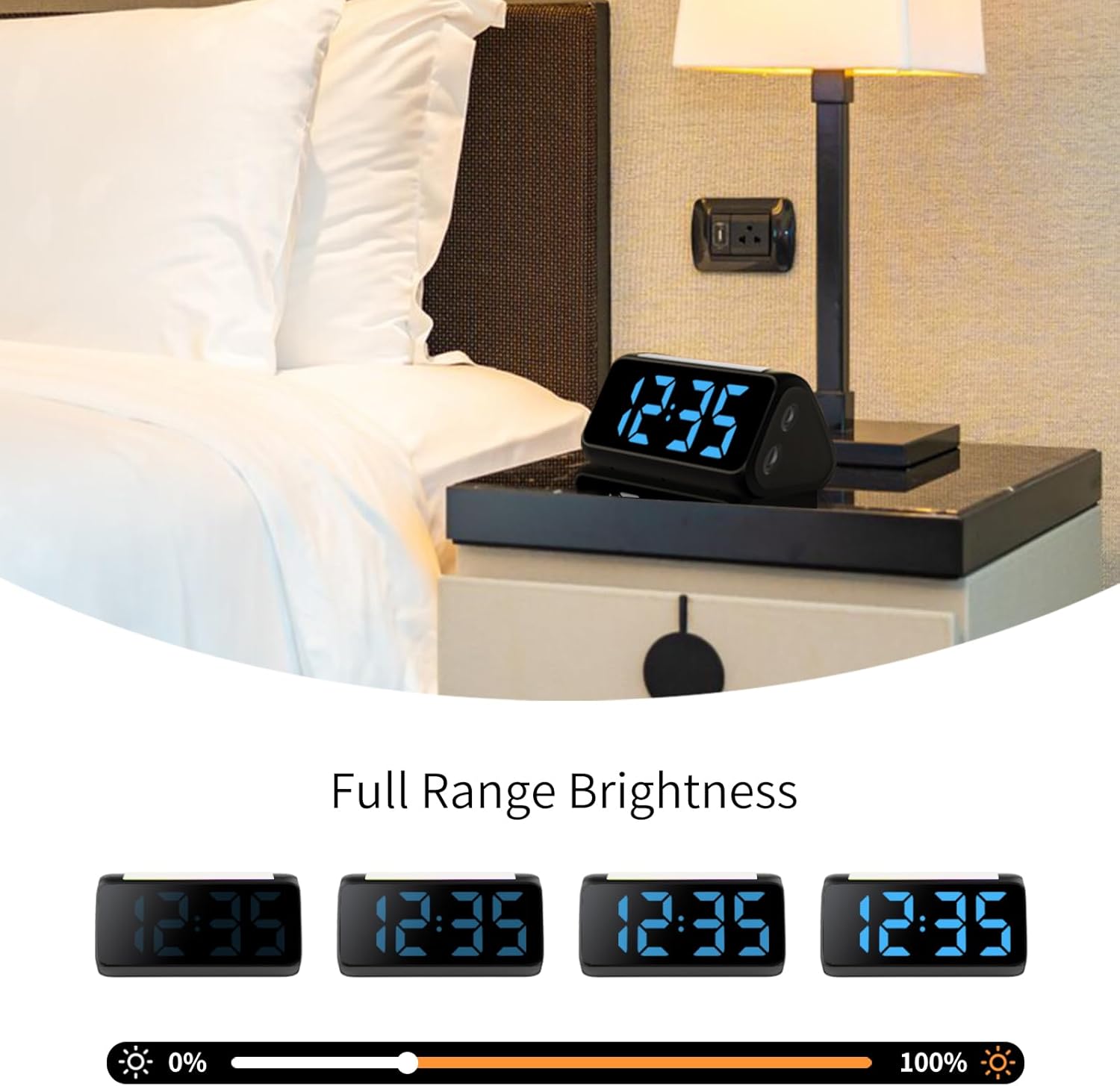
6.4 Adjusting Display Brightness and Color
The alarm clock features an RGB display with 11 color options and adjustable brightness (10%-100%).
- Pritisnite SVETLOst button (or a dedicated dimmer button) to cycle through brightness levels for the time display.
- Pritisnite BARVA button to cycle through the 11 available display colors.
Slika 6.3: Colorful Display Options
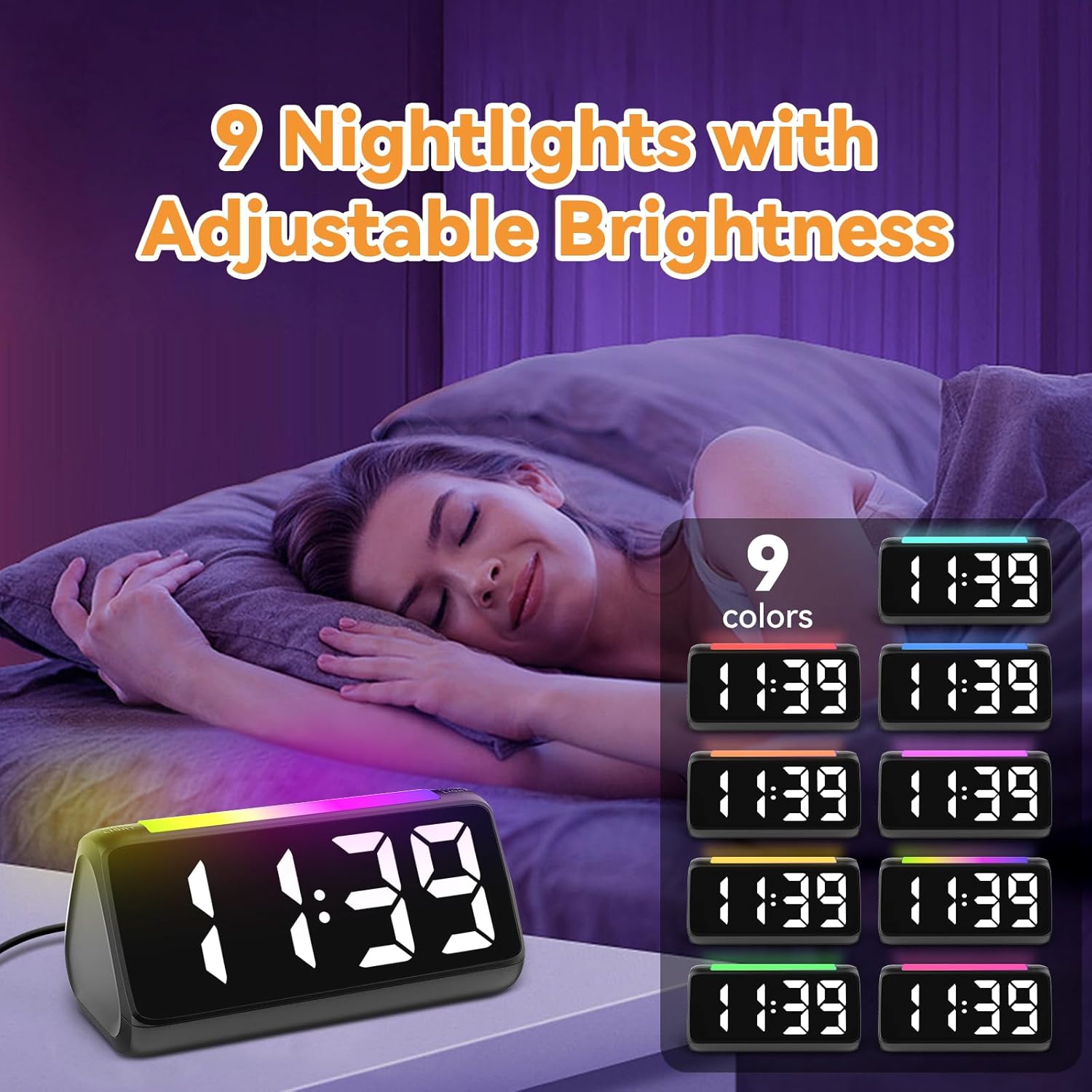
6.5 Uporaba nočne lučke
The integrated light bar offers 9 color modes and adjustable brightness, functioning as a calming night light.
- Pritisnite NOČNA LUČ button (or a dedicated light bar button) to turn the night light on/off and cycle through color modes.
- Uporabite +/- buttons (or a separate brightness control for the night light) to adjust its brightness.

Slika 6.4: Night Light with Adjustable Brightness
7. Vzdrževanje
To ensure the longevity and proper functioning of your alarm clock:
- Napravo očistite z mehko, suho krpo. Ne uporabljajte abrazivnih čistil ali topil.
- Keep the bed shaker clean and free from dust.
- If not using the clock for an extended period, remove the AAA backup batteries to prevent leakage.
8. Odpravljanje težav
| Težava | Možen vzrok | rešitev |
|---|---|---|
| Prikaz ure je izklopljen. | Brez moči ali močitage. | Ensure the power adapter is securely plugged in. Check the power outlet. If using battery backup, ensure batteries are fresh and correctly installed. |
| Alarm se ne oglasi/ne vibrira. | Alarm not set, incorrect mode, or volume too low. | Verify alarm time and mode (Ring Only, Vibration Only, or Ring + Vibration) are correctly set. Increase alarm volume. Ensure the bed shaker is properly connected. |
| Zaslon je presvetel/pretemn. | Potrebno je prilagoditi nastavitev svetlosti. | Pritisnite SVETLOst gumb za preklapljanje med stopnjami svetlosti. |
| Čas je napačen. | Time not set or DST not adjusted. | Follow instructions in Section 6.1 to set the correct time. Adjust DST if applicable. |
| Nočna lučka ne deluje. | Night light is off or brightness is too low. | Pritisnite NOČNA LUČ button to turn it on and cycle through modes. Adjust its brightness. |
9. Specifikacije
| Funkcija | Podrobnost |
|---|---|
| Znamka | Netzu |
| Številka modela | 6206ZD |
| Vrsta zaslona | Digital LED (RGB) |
| Vir napajanja | Električni na kabel |
| Rezervna baterija | 2 AAA baterije (niso vključene) |
| Glasnost alarma | 4 levels, up to 110 dB |
| Trajanje dremeža | 5 minut |
| Barve zaslona | 11 možnosti |
| Barve nočne svetlobe | 9 načinov |
| Dimenzije izdelka | 6.3 cm Š x 3.15 cm V |
| Material | Plastika |
| Teža predmeta | 13.7 unč |
10. Garancija in podpora
Netzu products are designed for reliability and performance. For warranty information or technical support, please refer to the contact details provided with your purchase or visit the official Netzu website. Please have your model number (6206ZD) ready when contacting support.