
1. Uvod
The Xigmatek Aqua V AIR is a high-performance mid-tower PC case designed for gaming enthusiasts. It features a spacious interior, optimized airflow, and tempered glass panels on the front and side to showcase your components. Equipped with seven 120mm ARGB fans, it supports graphics cards up to 410mm in length and is compatible with motherboards featuring hidden connectors for a clean build.
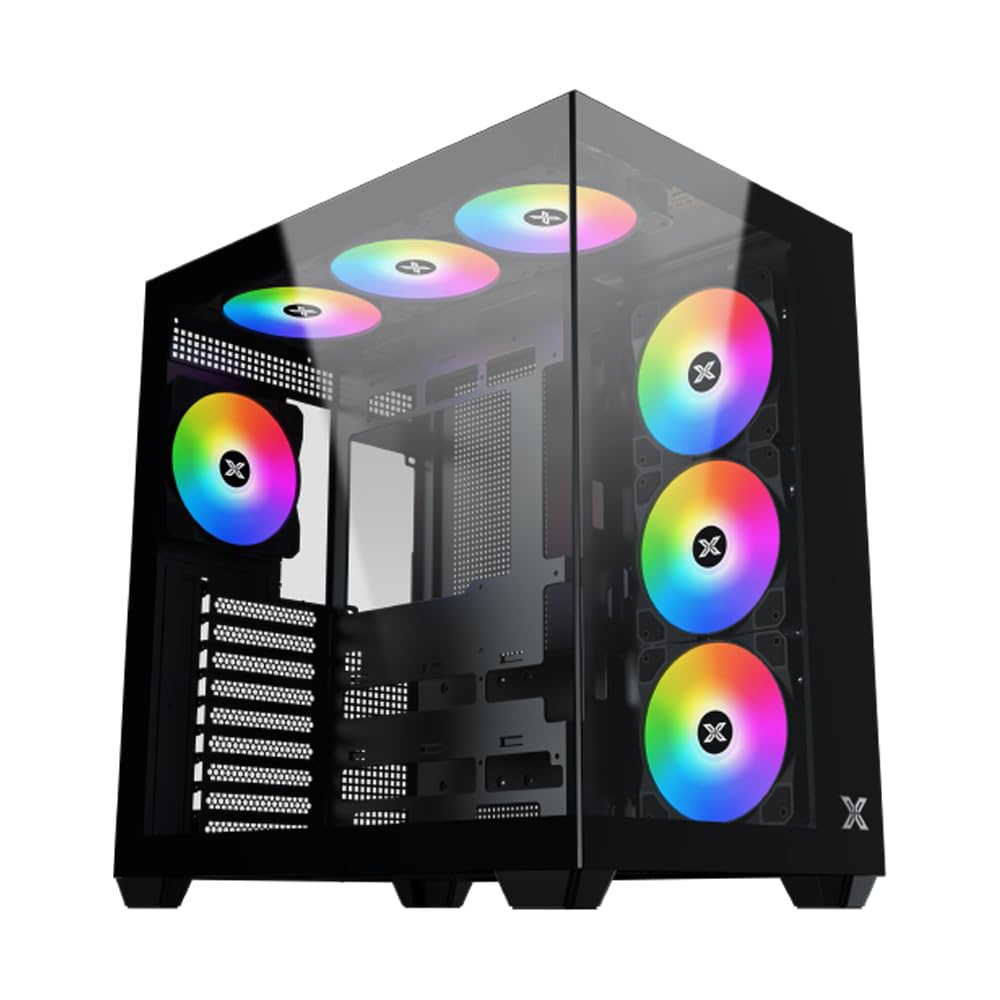
Slika 1: Na splošno view of the Xigmatek Aqua V AIR PC Case.
2. Ključne značilnosti
- Material: Constructed from high-quality steel for durability and reliability.
- Dimenzije: 427 x 285 x 455 mm (L x W x H), offering a spacious interior.
- Hladilni sistem: Supports up to three 120mm or two 140mm fans for optimal cooling performance.
- Podpora za radiator: Compatible with 240/280/360mm radiators on the top, bottom, and rear for versatile cooling options.
- V/I plošča: Features 2x USB 3.0 ports, 1x USB-C port, and HD audio for convenient connectivity.
- Združljivost matične plošče: Supports ATX, Micro ATX, and Mini ITX motherboards, including those with hidden connectors.
- GPU dolžina: Primerno za grafične kartice dolžine do 410 mm.
- Podpora za shranjevanje: Zagotavlja ample space for multiple storage drives.
3. Specifikacije
| Funkcija | Podrobnost |
|---|---|
| Znamka | Xigmatek |
| Številka modela | EN45820 |
| serija | Aqua V AIR BLACK |
| barva | Črna |
| Dimenzije (D x Š x V) | 42.7 x 28.5 x 45.5 cm |
| Teža izdelka | 8.8 kilogramov |
| Material | Legirano jeklo, kaljeno steklo |
| Združljivost matične plošče | ATX, mikro ATX, mini ITX |
| Vrsta ohišja | Srednji stolp |
| Priporočene uporabe | Gaming, High-Performance Computing |
| Vrata USB 3.0 | 2 |
| Vrata USB-C | 1 |
| Metoda hlajenja | Water (Liquid Cooling Support) |
| Velikost ventilatorja | 120 Millimeters (Pre-installed ARGB fans) |
| Vrsta montaže napajalnika | Spodnji nosilec |
4. Nastavitev in namestitev
This section provides general guidance for installing components into your Xigmatek Aqua V AIR PC case. Always refer to the specific manuals for your motherboard, power supply, and other components for detailed instructions.
4.1 Priprava primera
- Razpakirajte ohišje računalnika in odstranite ves embalažni material.
- Carefully remove the tempered glass side panel(s) and front panel (if applicable) to access the interior. Store them safely to prevent damage.
- Identify the accessory box, which typically contains screws, cable ties, and other small parts.
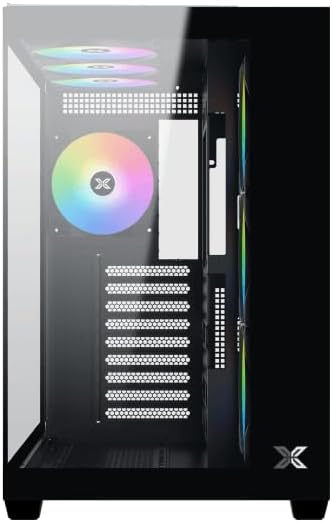
Slika 2: Notranjost view z odstranjeno stransko ploščo.
4.2 Namestitev matične plošče
- Install the I/O shield (if not pre-installed on your motherboard) into the rear opening of the case.
- Align your ATX, Micro ATX, or Mini ITX motherboard with the standoffs inside the case. Ensure all standoffs match the screw holes on your motherboard.
- Secure the motherboard with the appropriate screws provided in the accessory kit.

Figure 3: Motherboard tray and cable management area.
4.3 Namestitev napajalne enote (PSU).
- Locate the PSU mounting area at the bottom rear of the case.
- Slide your PSU into position, ensuring the fan faces downwards (if the case has a bottom vent) or upwards.
- Napajalnik pritrdite z vijaki na zadnji strani ohišja.
4.4 Namestitev pogona za shranjevanje
The case supports various storage configurations. Refer to the case diagram for specific drive bay locations.
- Install 2.5" SSDs or 3.5" HDDs into the designated drive bays or mounting brackets.
- Secure the drives with screws.
4.5 Namestitev grafične kartice (GPU)
- Z zadnje strani ohišja odstranite potrebne pokrove rež PCIe.
- Vstavite grafično kartico v ustrezno režo PCIe na matični plošči.
- Grafično kartico pritrdite z vijaki.
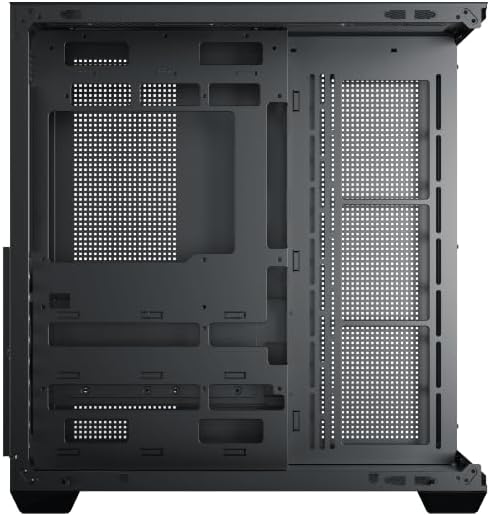
Figure 4: Components installed inside the case.
4.6 Upravljanje kablov
Utilize the cable routing cutouts and tie-down points behind the motherboard tray to manage cables for improved airflow and aesthetics.
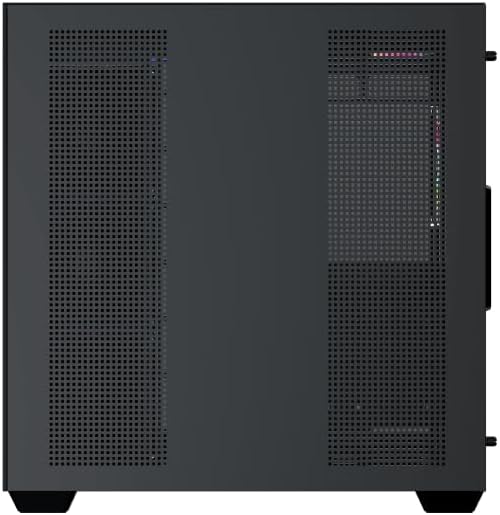
Figure 5: Top panel and I/O ports.
5. Navodila za uporabo
5.1 Vklop
Once all components are securely installed and connected, close the side panels. Connect your power cable to the PSU and press the power button on the case's front I/O panel.
5.2 Nadzor ventilatorja ARGB
The Xigmatek Aqua V AIR comes with pre-installed ARGB fans. These fans can typically be controlled via:
- Programska oprema matične plošče: If your motherboard supports ARGB synchronization, connect the fan's ARGB cables to the motherboard's 3-pin 5V ARGB header and use the motherboard's software (e.g., ASUS Aura Sync, MSI Mystic Light, Gigabyte RGB Fusion) to customize lighting effects.
- Integrirani krmilnik: If your case includes a built-in ARGB controller, use the dedicated button on the I/O panel to cycle through various lighting modes and colors.
6. Vzdrževanje
Redno vzdrževanje pomaga zagotoviti optimalno delovanje in dolgo življenjsko dobo komponent vašega računalnika.
6.1 Čiščenje filtra za prah
The Xigmatek Aqua V AIR case is equipped with dust filters to prevent dust buildup. Locate and gently remove the dust filters (typically on the top, front, and bottom). Clean them with compressed air or by rinsing with water. Ensure they are completely dry before reattaching.
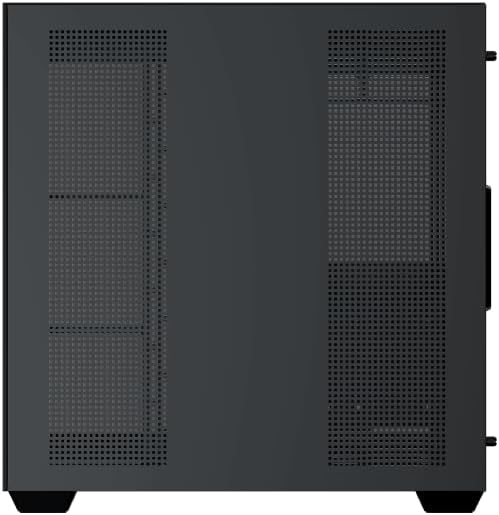
Figure 6: Bottom dust filter.
6.2 Generalno čiščenje
Use a soft, dry cloth to wipe down the exterior of the case. For tempered glass panels, use a glass cleaner and a microfiber cloth to avoid streaks. Avoid using abrasive cleaners or solvents.
7. Odpravljanje težav
Če naletite na težave, upoštevajte naslednje pogoste korake za odpravljanje težav:
- Brez napajanja:
- Ensure the PSU is switched on and properly connected to the wall outlet and motherboard.
- Check all power connections to components (motherboard, CPU, GPU, drives).
- Preverite, ali je kabel stikala za vklop na sprednji plošči pravilno priključen na matično ploščo.
- Ventilatorji se ne vrtijo / RGB ne deluje:
- Check if fan power cables are securely connected to the motherboard or fan controller.
- Ensure ARGB cables are connected to the correct 3-pin 5V ARGB header (not 4-pin 12V RGB).
- If using a controller, ensure it has power and is functioning correctly.
- Pregrevanje:
- Ensure all fans are spinning and oriented correctly for optimal airflow (intake/exhaust).
- Očistite filtre za prah in notranje komponente.
- Preverite, ali sta hladilnik procesorja in hladilnik grafičnega procesorja pravilno nameščena in delujeta.
8. Garancija in podpora
The Xigmatek Aqua V AIR PC Case comes with a 2-letna garancija proizvajalca. For technical support, warranty claims, or further assistance, please contact Xigmatek customer service or visit their official webmesto.
Prosimo, shranite dokazilo o nakupu za namene garancije.


