
1. Izdelek je končanview
The KOORUI G2722P is a 27-inch QHD (2560x1440) gaming monitor designed for an immersive visual experience. It features a Fast IPS panel with a 200Hz refresh rate and a 1ms response time, ensuring smooth and responsive gameplay. The monitor supports HDR 400 for enhanced contrast and color depth, and Adaptive Sync technology to minimize screen tearing and stuttering. Its ergonomic stand allows for height, tilt, and pivot adjustments, and it is VESA 75x75mm compatible for flexible mounting options.

The KOORUI G2722P monitor integrated into a typical gaming environment.
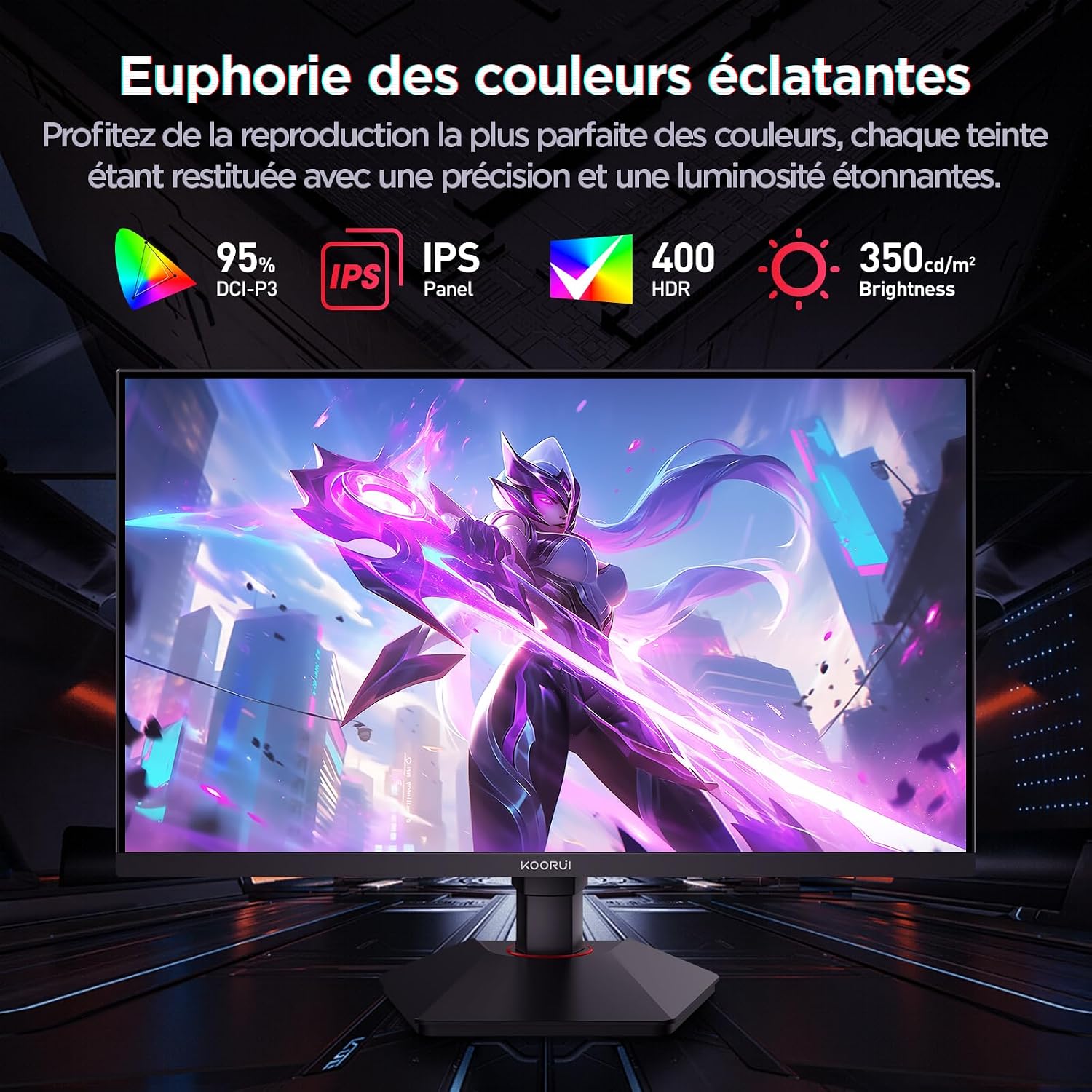
This image highlights the monitor's color capabilities, including 95% DCI-P3 color gamut, IPS panel technology, HDR 400 support, and 350 cd/m² brightness.
2. Varnostne informacije
- Pred uporabo monitorja natančno preberite vsa navodila.
- Monitorja ne izpostavljajte dežju ali vlagi, da preprečite nevarnost požara ali električnega udara.
- Ne odpirajte monitorja casing. V notranjosti ni delov, ki bi jih lahko uporabnik popravil. Vsa servisna dela prepustite usposobljenemu osebju.
- Monitor postavite na stabilno, ravno površino, da preprečite njegov padec.
- Monitorja ne izpostavljajte neposredni sončni svetlobi, virom toplote in ekstremnim temperaturam.
- Zagotovite ustrezno prezračevanje okoli monitorja. Ne blokirajte prezračevalnih odprtin.
- Uporabljajte samo napajalnik in kable, ki jih je priložil ali priporočil proizvajalec.
- Med nevihtami ali če monitorja dalj časa ne uporabljate, ga izključite iz električne vtičnice.
3. Vsebina paketa
Preverite, ali so v paketu prisotni vsi elementi:
- Monitor KOORUI G2722P
- Stojalo za monitor (podstavek in vrat)
- Napajalnik in napajalni kabel
- Kabel DisplayPort (DP)
- Uporabniški priročnik (ta dokument)
- Vijaki za montažo stojala
4. Sestavljanje monitorja
4.1 Pritrditev stojala
- Monitor previdno položite z zaslonom navzdol na mehko, čisto krpo, da preprečite praske.
- Attach the stand neck to the back of the monitor until it clicks into place or is secured with screws (refer to specific instructions in the included quick start guide).
- Pritrdite podstavek stojala na vrat stojala in ga pritrdite s priloženim vijakom.
- Previdno dvignite monitor in ga postavite na stabilno mizo.
4.2 Namestitev VESA
The monitor supports VESA 75x75mm mounting. To use a VESA mount:
- Odstranite stojalo, če je že pritrjeno.
- Attach your VESA-compatible mount (sold separately) to the 75x75mm screw holes on the back of the monitor using appropriate screws.
- Ensure the mount is securely fastened before releasinmonitor.

This image demonstrates the monitor's ergonomic adjustments (height, tilt, pivot) and provides a visual reference for stand attachment points.
5. Priključitev monitorja
Monitor priključite na računalnik ali druge naprave z uporabo razpoložljivih vrat.
- Napajalni priključek: Connect the power cable to the power adapter, then connect the adapter to the monitor's power input and a wall outlet.
- Video povezava:
- For optimal performance (QHD @ 200Hz), use the provided DisplayPort (DP 1.4) cable to connect the monitor to your graphics card.
- Alternatively, use an HDMI 2.0 cable to connect to an HDMI port on your device.
- Avdio izhod: Connect external speakers or headphones to the 3.5mm audio output jack on the monitor if you wish to use the monitor's audio passthrough.

This image displays the rear of the monitor, highlighting the available connectivity options: two HDMI 2.0 ports, one DisplayPort 1.4, an audio output jack, and the VESA 75x75mm mounting pattern.
6. Upravljanje monitorja
6.1 Vklop/izklop
- Pritisnite gumb za vklop na monitorju, da ga vklopite ali izklopite.
- Indikatorska lučka napajanja sveti, ko je monitor vklopljen.
6.2 Zaslonski meni (OSD)
The OSD menu allows you to adjust various monitor settings. Typically, buttons are located on the back or bottom right of the monitor.
- Pritisnite enega od gumbov OSD, da aktivirate meni.
- Use the navigation buttons (usually directional or a joystick) to browse through menu options.
- Pritisnite gumb za izbiro, da vstopite v podmeni ali potrdite nastavitev.
- Pritisnite gumb za izhod, da zaprete zaslonski meni.
7. Nastavitve zaslona
7.1 Ločljivost in hitrost osveževanja
The monitor supports a native resolution of 2560x1440 (QHD) and a maximum refresh rate of 200Hz. Ensure your graphics card and operating system are configured to use these settings for the best experience.

This image illustrates the difference in motion clarity between a 75Hz and a 200Hz refresh rate, emphasizing the 1ms response time for reduced blur and ghosting.
7.2 Adaptive Sync (FreeSync)
This monitor supports Adaptive Sync technology (compatible with AMD FreeSync) to synchronize the monitor's refresh rate with your graphics card's frame rate, eliminating screen tearing and reducing stuttering.
- Enable Adaptive Sync in the monitor's OSD menu.
- Ensure Adaptive Sync (or FreeSync) is enabled in your graphics card control panel.

This image visually compares the display with Adaptive Sync enabled versus disabled, demonstrating how Adaptive Sync eliminates screen tearing for a smoother visual experience.
7.3 HDR 400
The monitor supports HDR 400, providing a wider dynamic range for brighter whites and deeper blacks, resulting in more vibrant and realistic images.
- Enable HDR in your operating system's display settings and in the monitor's OSD menu if available.
7.4 Barvne nastavitve
The Fast IPS panel offers excellent color reproduction and wide viewing kotov.
- Adjust color temperature, gamma, and saturation through the OSD menu to suit your preferences.
- The monitor features a 178-degree wide viewing angle, ensuring consistent color and image quality from various perspectives.
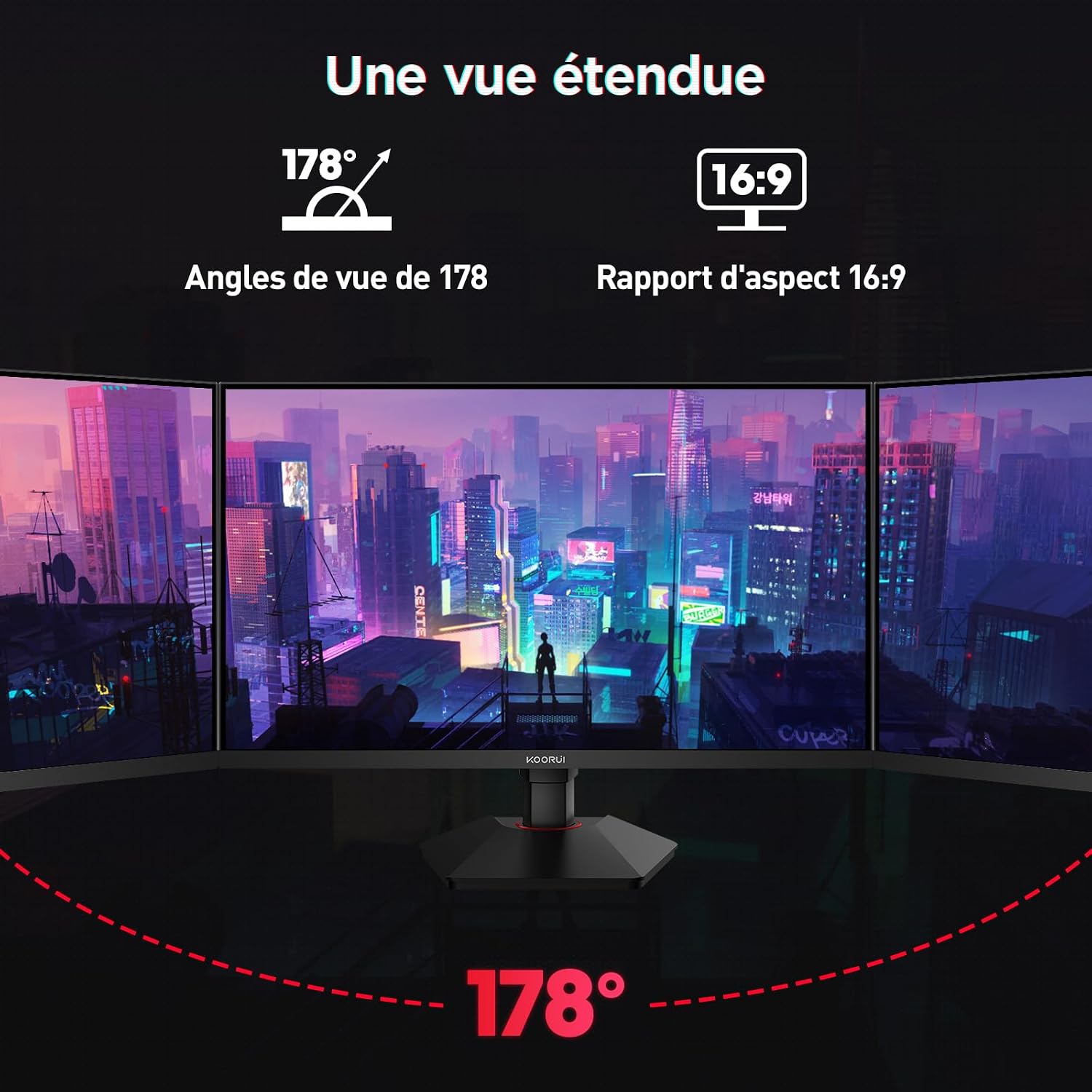
This image demonstrates the monitor's wide 178-degree viewing angle, illustrating how the display maintains clarity and color consistency even when viewed from extreme angles, ideal for multi-monitor setups.
8. Ergonomske prilagoditve
Stojalo za monitor omogoča različne nastavitve za optimizacijo vašega viewudobje:
- Nastavitev višine: Adjust the monitor height by up to 100mm by gently pushing or pulling the monitor up or down.
- Nastavitev nagiba: Tilt the screen from -5° (forward) to +20° (backward) to find your preferred viewvhodni kot.
- Vrtenje (rotacija): Rotate the screen 90° to switch between landscape and portrait orientations.
This image illustrates the full range of ergonomic adjustments available: 100mm height adjustment, -5° to +20° tilt, and 90° pivot rotation for optimal viewudobje.
9. Funkcije za nego oči
The KOORUI G2722P monitor incorporates features designed to reduce eye strain during prolonged use:
- Tehnologija brez utripanja: Zmanjša utripanje zaslona, ki lahko povzroči utrujenost oči.
- Filter za šibko modro svetlobo: Minimizes harmful blue light emissions to protect your eyes. This feature can usually be adjusted or enabled/disabled in the OSD menu.
10. Vzdrževanje
Pravilno vzdrževanje zagotavlja dolgo življenjsko dobo in optimalno delovanje vašega monitorja.
- Čiščenje zaslona: Zaslon nežno obrišite z mehko krpo, ki ne pušča vlaken. Za trdovratne madeže uporabite čistilno raztopino za monitorje, ki jo nanesete na krpo in ne neposredno na zaslon.
- Čiščenje C-jaasing: Za čiščenje monitorja uporabite mehko, suho krpo casing. Izogibajte se uporabi abrazivnih čistil ali topil.
- Ravnanje: Avoid touching the screen directly with your fingers or sharp objects. Do not place heavy objects on the monitor.
11. Odpravljanje težav
Če imate težave z monitorjem, si oglejte naslednje pogoste težave in rešitve:
| Težava | Možna rešitev |
|---|---|
| Na zaslonu ni slike |
|
| Utripanje ali trganje slike |
|
| Ni zvoka iz zvočnega izhoda |
|
| Monitor ne doseže 200 Hz |
|
12. Specifikacije
Key technical specifications for the KOORUI G2722P monitor:
| Funkcija | Specifikacija |
|---|---|
| Velikost zaslona | 27 palcev |
| Vrsta plošče | Skoraj IPS |
| Resolucija | QHD (2560 x 1440) |
| Hitrost osveževanja | 200Hz |
| Odzivni čas | 1ms |
| Podpora za HDR | HDR 400 |
| Prilagodljiva sinhronizacija | FreeSync |
| Kontrastno razmerje | 1000:1 (statično) |
| Svetlost | 350 cd/m² |
| Viewkota | 178° (V/V) |
| Barvna lestvica | 95 % DCI-P3 |
| Video vhodi | 2x HDMI 2.0, 1x DisplayPort 1.4 |
| Avdio izhod | 1x 3.5mm Audio Out |
| Združljivost VESA | 75x75 mm |
| Poraba energije | 19 Watts (Typical) |
| Ergonomija | Height, Tilt, Pivot Adjustment |

This diagram provides the physical dimensions of the monitor, including width, height, and depth.
Za podrobne informacije o energiji glejte podatkovno zbirko EPREL: https://eprel.ec.europa.eu/qr/2216313
13. Garancija in podpora
The KOORUI G2722P monitor comes with a 2-letna garancija proizvajalca. Ta garancija pokriva napake v materialu in izdelavi pri normalni uporabi.
For technical support, warranty claims, or further assistance, please contact KOORUI customer service through their official webspletno mesto ali prodajalec, kjer je bil izdelek kupljen.