
KWANWA KW319
KWANWA KW319 Digital Alarm Clock User Manual
Model: KW319
Uvod
Thank you for choosing the KWANWA KW319 Digital Alarm Clock. This clock is designed for ease of use and clear visibility, featuring a large LED display, multiple brightness settings, and a battery backup for convenience. Please read this manual carefully to ensure proper setup and operation.
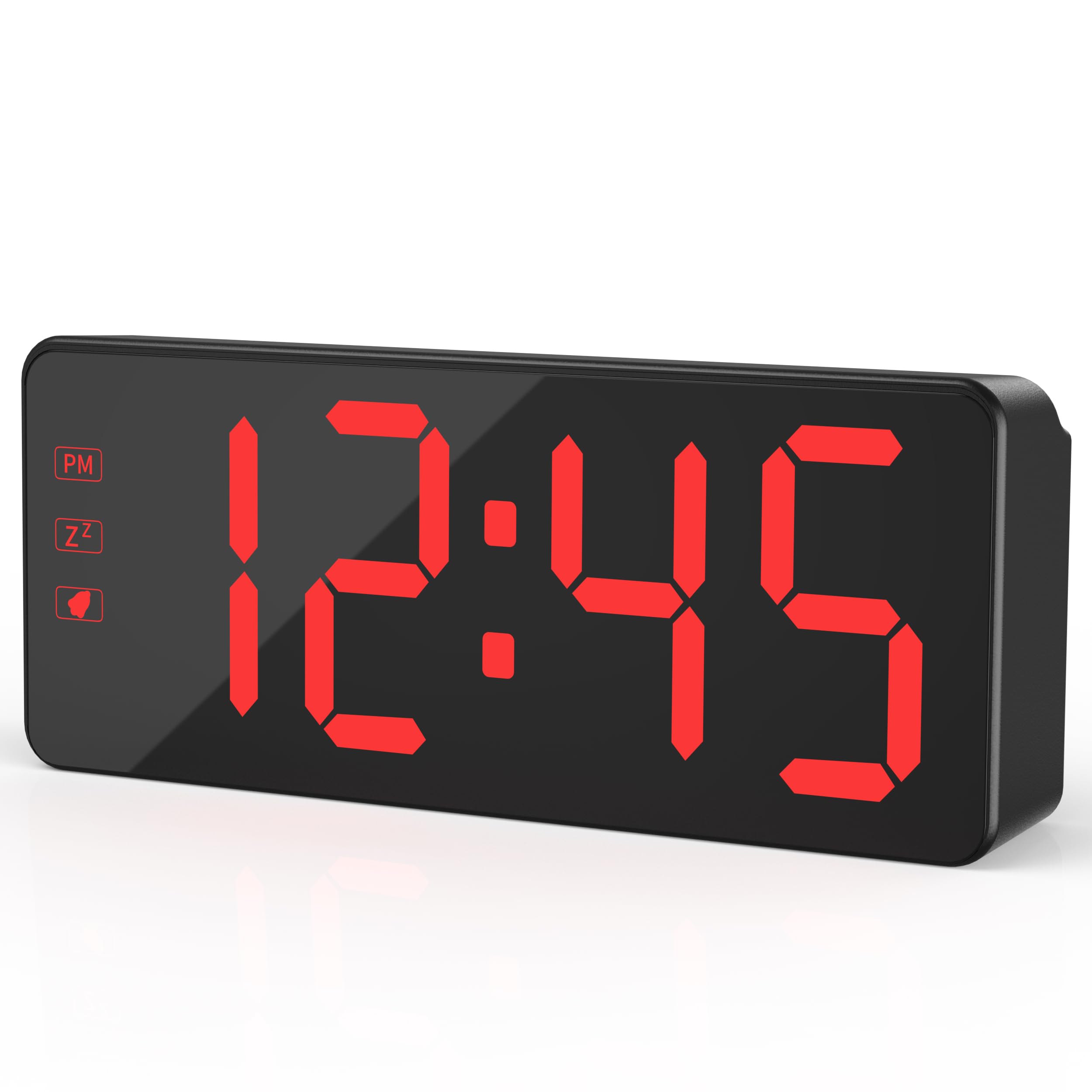
The KWANWA KW319 Digital Alarm Clock, showcasing its clear red LED display.
Ključne značilnosti:
- 2.4" Bold LED Display: Ultra-clear, glare-free digits for instant readability.
- 3-Level Dimmer & Auto Night Mode: Adjustable brightness (Low/Medium/High) with an automatic dimming feature from 8 PM to 6 AM.
- Rezervna baterija: Requires 3xAA batteries (not included) to save time and alarm settings during power outages. LED digits hide in battery mode to conserve energy, lighting up for 10 seconds when the top is tapped.
- Gradual Wake-Up Alarm: Alarm volume increases gradually over 120 seconds.
- Smart Snooze Function: Allows up to 3 snooze intervals of 7 minutes each.
- Oversized Tactile Buttons: Easy-to-use buttons for setting time and alarms.
- 12/24-Hour Switching: Intuitive setup for preferred time format.
Nastavitev
1. Vklop ure
The KWANWA KW319 Digital Alarm Clock operates primarily via its UL-certified power adapter. It also supports battery backup.
- Priključite napajalnik: Plug the provided 59-inch UL-certified adapter into the DC IN port on the back of the clock and then into a standard wall outlet. The LED time digits will display constantly.
- Namestitev rezervnih baterij (neobvezno, vendar priporočljivo): Open the battery compartment on the back of the clock and insert 3xAA batteries (not included). These batteries will preserve your time and alarm settings during a power interruption. In battery-only mode, the LED display will turn off to save power; tap the top of the clock to temporarily display the time for 10 seconds.

The KWANWA Digital Alarm Clock powered by its UL-certified adapter, showing the time display.
2. Initial Setup and Button Overview
Before first use, gently remove any protective film from the display. The clock features oversized tactile buttons on the back for easy adjustment.

Zadaj view of the clock, highlighting the large setting buttons for time and alarm adjustments.
3. Nastavitev časa
- Pritisnite in držite ČAS NAST button on the back of the clock until the hour digits begin to flash.
- Uporabite UP or DOL gumbe za nastavitev ure. Če uporabljate 12-urni format, bodite pozorni na indikator PM.
- Pritisnite ČAS NAST again to move to the minute digits. Use the UP or DOL gumbe za nastavitev minut.
- Pritisnite ČAS NAST še enkrat za potrditev in izhod iz načina nastavitve časa.
4. Nastavitev alarma
- Pritisnite in držite AL SET button on the back of the clock until the alarm hour digits begin to flash.
- Uporabite UP or DOL gumbe za nastavitev ure budilke.
- Pritisnite AL SET again to move to the alarm minute digits. Use the UP or DOL gumbe za nastavitev minut alarma.
- Pritisnite AL SET še enkrat za potrditev in izhod iz načina nastavitve alarma.
- Za vklop ali izklop alarma pritisnite AL VKLOP/IZKLOP gumb. Ko je aktiviran, se na zaslonu prikaže ikona alarma.
5. Adjusting Display Brightness and Night Mode
The clock offers three levels of brightness and an automatic night mode.
- Ročna svetlost: Pritisnite LUČ / SNOOZE button on the top of the clock to cycle through Low, Medium, and High brightness settings.
- Samodejni nočni način: The clock automatically dims the display between 8 PM and 6 AM for comfortable viewing in a dark room. This feature is enabled by default.

Visual representation of the three brightness levels: High, Medium, and Dim.
6. 12/24-Hour Format
Za preklop med 12-urnim in 24-urnim formatom časa pritisnite 12/24 gumb na zadnji strani ure.
The clock displaying time in both 12-hour (left) and 24-hour (right) formats.
Delovanje alarma
1. Gradual Wake-Up Alarm
The alarm features a gradual wake-up technology. When the alarm sounds, its volume will slowly increase over 120 seconds to provide a gentle awakening.

Illustration of the alarm's auto-ascending volume feature, showing increasing sound waves.
2. Funkcija dremeža
Ko se oglasi alarm, pritisnite veliko LUČ / SNOOZE button on the top of the clock to activate the snooze function. The alarm will pause for 7 minutes and then sound again. You can use the snooze function up to 3 times.
3. Izklop alarma
To turn off the alarm completely after it sounds (without snoozing), press any button on the back of the clock (e.g., AL SET, UP, DOL, oz AL VKLOP/IZKLOP).
Vzdrževanje
Čiščenje
Za čiščenje ure površino nežno obrišite z mehko, suho krpo. Ne uporabljajte abrazivnih čistil ali topil, saj lahko poškodujejo zaslon ali ...asing.
Zamenjava baterije
If the clock is primarily used with the power adapter, the backup batteries will last for an extended period. Replace the 3xAA batteries when the clock fails to retain time or alarm settings during a power outage.
Odpravljanje težav
- Display is blank or not lighting up:
- Ensure the power adapter is securely plugged into both the clock and a working wall outlet.
- If running on battery backup, the display will be off to save power. Tap the top of the clock to temporarily illuminate the display.
- Preverite, ali so baterije pravilno vstavljene in niso izpraznjene. Po potrebi jih zamenjajte.
- Nastavitve časa ali alarma se izgubijo po izpadu električne energijetage:
- This indicates the backup batteries are either not installed or are depleted. Install or replace the 3xAA batteries.
- Alarm se ne oglasi:
- Ensure the alarm is activated. Check for the alarm icon on the display. If not present, press the AL VKLOP/IZKLOP gumb.
- Preverite, ali je čas alarma pravilno nastavljen.
- Gumbi se ne odzivajo ali jih je težko pritisniti:
- Prepričajte se, da gumbov ne ovirajo nobeni ostanki.
- If the issue persists, try unplugging the clock and removing the batteries for a few minutes, then reconnecting power to reset the device.
Specifikacije
| Znamka | KWANWA |
| Številka modela | KW319 |
| Vrsta zaslona | LED Digits |
| barva | Black Case-red Led |
| Dimenzije izdelka | 5.1 cm Š x 2.5 cm V |
| Teža predmeta | 0.27 kilogramov |
| Vir napajanja | Corded Powered |
| Rezervna baterija | Potrebujete 3 AA bateriji (nista vključeni) |
| Material | Plastika |
| Posebna funkcija | 3-Level Dimmer, Auto Night Mode, Backup Battery, Snooze |
Garancija in podpora
For warranty information or technical support, please refer to the product packaging or contact KWANWA customer service directly. Keep your purchase receipt for warranty claims.
Ask a question about this manual
Ask about setup, troubleshooting, compatibility, parts, safety, or missing instructions. Manuals+ will review the question and use this page’s manual context to help answer it.