
1. Uvod
This manual provides detailed instructions for the setup, operation, and maintenance of your TMY Native 1080P Mini Projector. Please read this manual thoroughly before using the projector to ensure proper function and longevity.
2. Kaj je v škatli
- TMY Native 1080P Mini Projector
- Daljinski upravljalnik
- Napajalni kabel
- HDMI kabel
- Uporabniški priročnik
- Komplet za čiščenje
3. Izdelek je končanview
The TMY Native 1080P Mini Projector is designed for versatile home entertainment, offering native 1080P resolution and various connectivity options in a compact form factor.

3.1 Priključki za povezljivost
Projektor ima več vhodov za priključitev različnih naprav:

- Vrata HDMI: For connecting devices such as TV sticks, PCs, gaming consoles, and DVD players.
- Vrata USB: Za priklop USB-ključkov za predvajanje medijev files.
- 3.5 mm avdio priključek: For connecting external wired speakers or headphones.
- Vhodna moč: Za priključitev napajalnega kabla.
4. Nastavitev
4.1 Namestitev
Position the projector on a stable, flat surface. The projection distance can range from 1.5 meters to 5 meters, producing a screen size from 40 inches to 200 inches. Ensure there are no obstructions between the projector and the projection surface.
4.2 Napajalni priključek
- Priključite napajalni kabel na vhod za napajanje projektorja.
- Drugi konec napajalnega kabla priključite v električno vtičnico.
4.3 Začetni vklop
Pritisnite gumb za vklop na projektorju ali daljinskem upravljalniku, da vklopite napravo. Indikatorska lučka bo zasvetila.
4.4 Ostrenje in korekcija trapezne slike
To achieve a clear and rectangular image, adjust the focus ring and keystone correction dial located on the projector. The projector supports ±15° vertical keystone correction.

5. Navodila za uporabo
5.1 Povezovanje naprav
Projektor ponuja več načinov za povezavo naprav:

5.1.1 Povezava HDMI
Connect your device (e.g., TV Stick, PC, gaming console) to the projector's HDMI port using an HDMI cable. Select the corresponding HDMI input source from the projector's menu.
5.1.2 Povezava USB
Insert a USB drive into the USB port. Navigate to the media player function in the projector's menu to browse and play files.
5.1.3 Povezava WiFi (zrcaljenje zaslona)
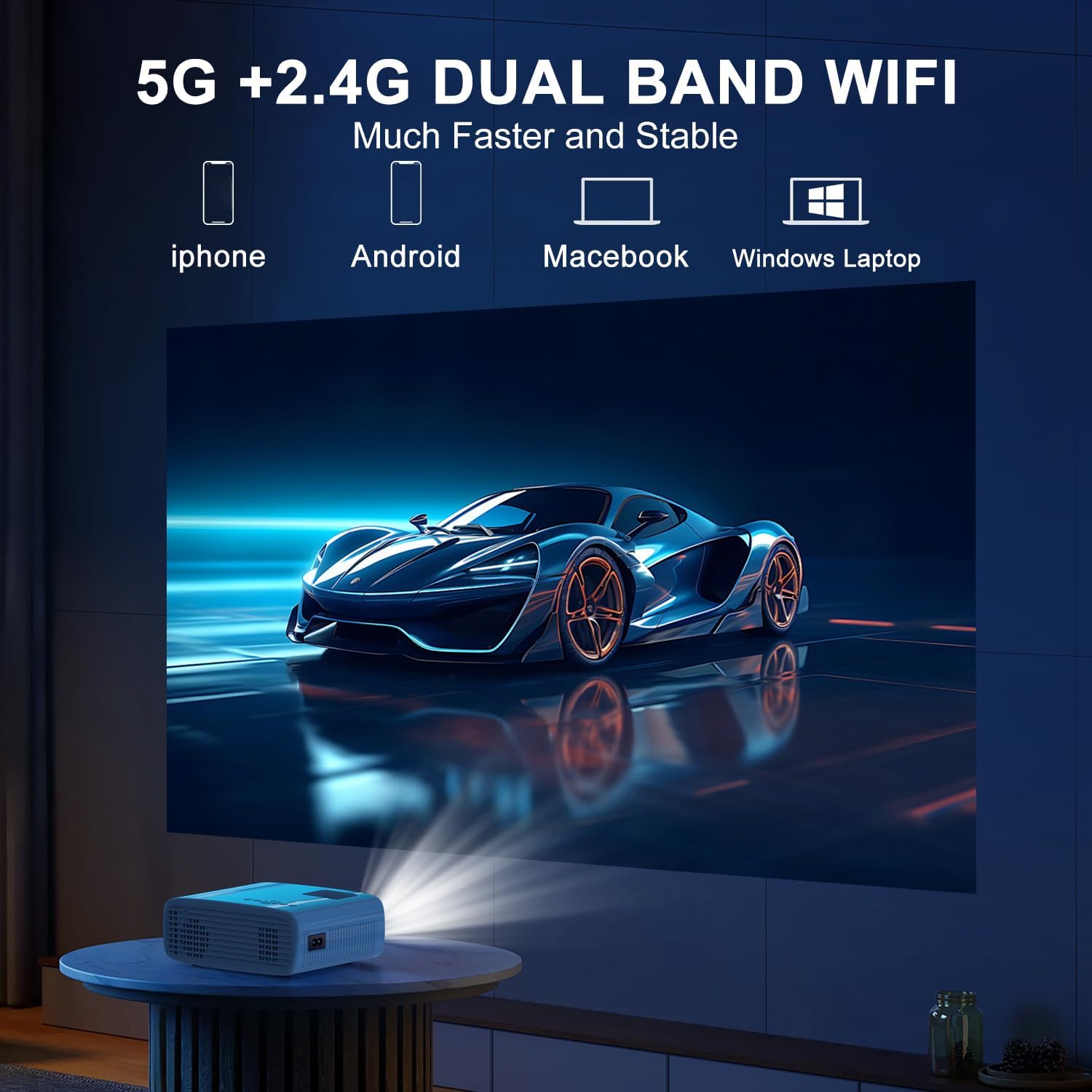
The projector supports 5G/2.4G dual-band WiFi for wireless screen mirroring from compatible smartphones, tablets, and laptops. Access the WiFi settings in the projector's menu to connect to your home network and initiate screen mirroring.

5.1.4 Povezava Bluetooth
The projector features two-way Bluetooth 5.2 technology. It can connect to external Bluetooth speakers or headphones for audio output. Additionally, it can function as a Bluetooth speaker itself, allowing you to connect your smartphone or tablet to play audio through the projector's built-in speakers.
Opomba:
- Bluetooth does not support screen mirroring with your phone.
- When connecting to external Bluetooth speakers, ensure the speaker is in pairing mode.
5.2 Funkcija povečave
The projector includes a 100% to 50% zoom function, allowing you to adjust the screen size digitally without physically moving the projector. This feature is accessible through the projector's menu settings.
5.3 Navigacija po meniju
Use the remote control to navigate through the projector's on-screen menu. The menu allows you to select input sources, adjust picture settings (brightness, contrast, color), sound settings, and other system configurations.
6. Vzdrževanje
6.1 Čiščenje
- Objektiv: Use the provided cleaning cloth or a soft, lint-free cloth to gently wipe the projector lens. Avoid abrasive materials.
- Zunanjost: Zunanjost projektorja obrišite z mehko, suho krpo. Ne uporabljajte tekočih čistil ali topil.
- Zračne reže: Periodically check and clean the air vents to ensure proper airflow and prevent overheating.
6.2 Shranjevanje
When not in use, store the projector in a cool, dry place, away from direct sunlight and extreme temperatures. Use the original packaging or a protective case to prevent dust accumulation and damage.
7. Odpravljanje težav
- Brez napajanja: Ensure the power cord is securely connected to both the projector and the power outlet. Check if the power outlet is functional.
- Brez slike: Verify that the correct input source is selected in the projector's menu. Check all cable connections (HDMI, USB).
- Zamegljena slika: Adjust the focus ring on the projector until the image is clear. Ensure the projection distance is within the recommended range.
- Slika ni pravokotna: Use the keystone correction dial to adjust the image until it appears rectangular.
- Ni zvoka: Check the volume settings on both the projector and the connected device. If using external speakers, ensure they are properly connected and powered on.
- Sound/Video Lag: For screen mirroring, ensure a stable WiFi connection. For wired connections, try a different cable or port. Note that Bluetooth does not support screen mirroring and may introduce slight audio delay with external speakers.
- Pregrevanje: Ensure the projector's air vents are not blocked. Operate the projector in a well-ventilated area.
8. Specifikacije
| Funkcija | Specifikacija |
|---|---|
| Znamka | TMY |
| Model | B0DMW2G124 |
| Ločljivost zaslona | Izvorna ločljivost 1920 x 1080 (1080P) |
| Tehnologija povezljivosti | 3.5mm Jack, Bluetooth 5.2, HDMI, USB, Wi-Fi (5G/2.4G) |
| Posebne lastnosti | 50%-100% Zoom, Built-In Cooling System, Two-way Bluetooth, Wi-Fi Ready |
| Priporočene uporabe | Igre, domači kino |
| Teža predmeta | 2.51 funtov |
| Dimenzije paketa | 9.09 x 8.7 x 4.17 palcev |
| barva | Bela+črna |
9. Garancija in podpora
For warranty information or technical support, please refer to the warranty card included in your product packaging or contact TMY customer service directly. Contact details can typically be found on the official TMY webspletnega mesta ali prek vaše nakupovalne platforme.