
Uvod
This user manual provides essential information for the safe and effective use of your CJP-Geek UL 12V Power Adapter, model PSCJQ918WPR-248. This adapter is designed to provide a stable 12V power supply for compatible mini PCs and desk computers, including AWOW AK-41, AK34-J, NYi3, and Beelink T4 models. Please read this manual thoroughly before use and retain it for future reference.
Varnostne informacije
Za zagotovitev varnega delovanja in preprečevanje poškodb upoštevajte naslednje varnostne ukrepe:
- Vhodna voltage: Prepričajte se, da je glasnost vtičnicetage is within the specified range of 100-240V AC.
- Lastnosti zaščite: The adapter includes built-in Over Voltage Protection, Over Current Protection, Short Circuit Protection, and Input Protection to safeguard your devices.
- Okoljski pogoji: Use the adapter in a dry environment. Avoid exposure to water, moisture, or high humidity.
- Prezračevanje: Do not cover the adapter during use, as this may lead to overheating.
- Fizična poškodba: Do not drop, disassemble, or attempt to repair the adapter. If damaged, discontinue use immediately.
- Skrb za kabel: Do not place heavy objects on the power cord or subject it to excessive bending or pulling.
- otroci: Adapter hranite izven dosega otrok.
Vsebina paketa
Po odprtju paketa preverite, ali so vsi elementi prisotni:
- CJP-Geek UL 12V Power Adapter (Model: PSCJQ918WPR-248)
Konec izdelkaview
Familiarize yourself with the components and features of your power adapter.

Slika 1: Glavni view of the CJP-Geek 12V Power Adapter, showing the adapter block with a 2-prong plug and the attached DC output cable with a round tip connector.
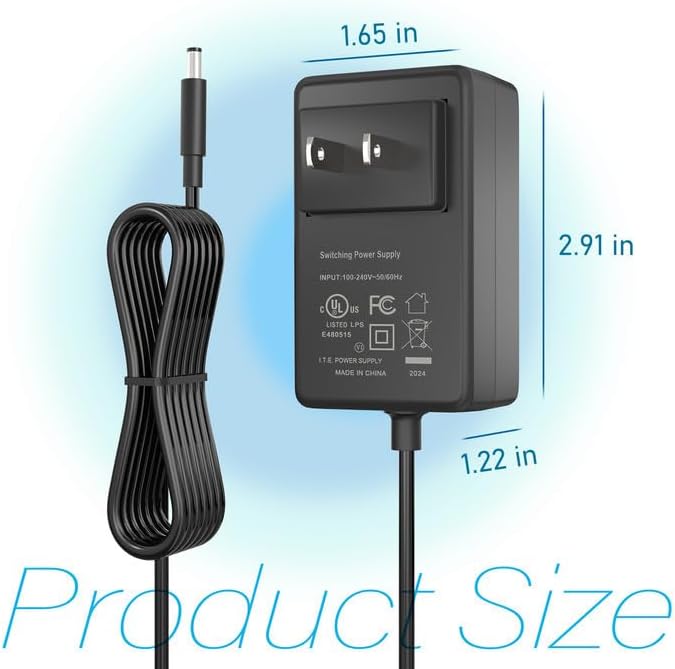
Slika 2: Product dimensions of the CJP-Geek 12V Power Adapter. The adapter block measures approximately 1.65 inches in width, 2.91 inches in height, and 1.22 inches in depth.

Slika 3: Diagram illustrating the multi-certification security features of the CJP-Geek 12V Power Adapter, including Over Temperature Protection, Overcharge Protection, Short Circuit Protection, Overvoltage Protection, Overcurrent Protection, and Overpower Protection.
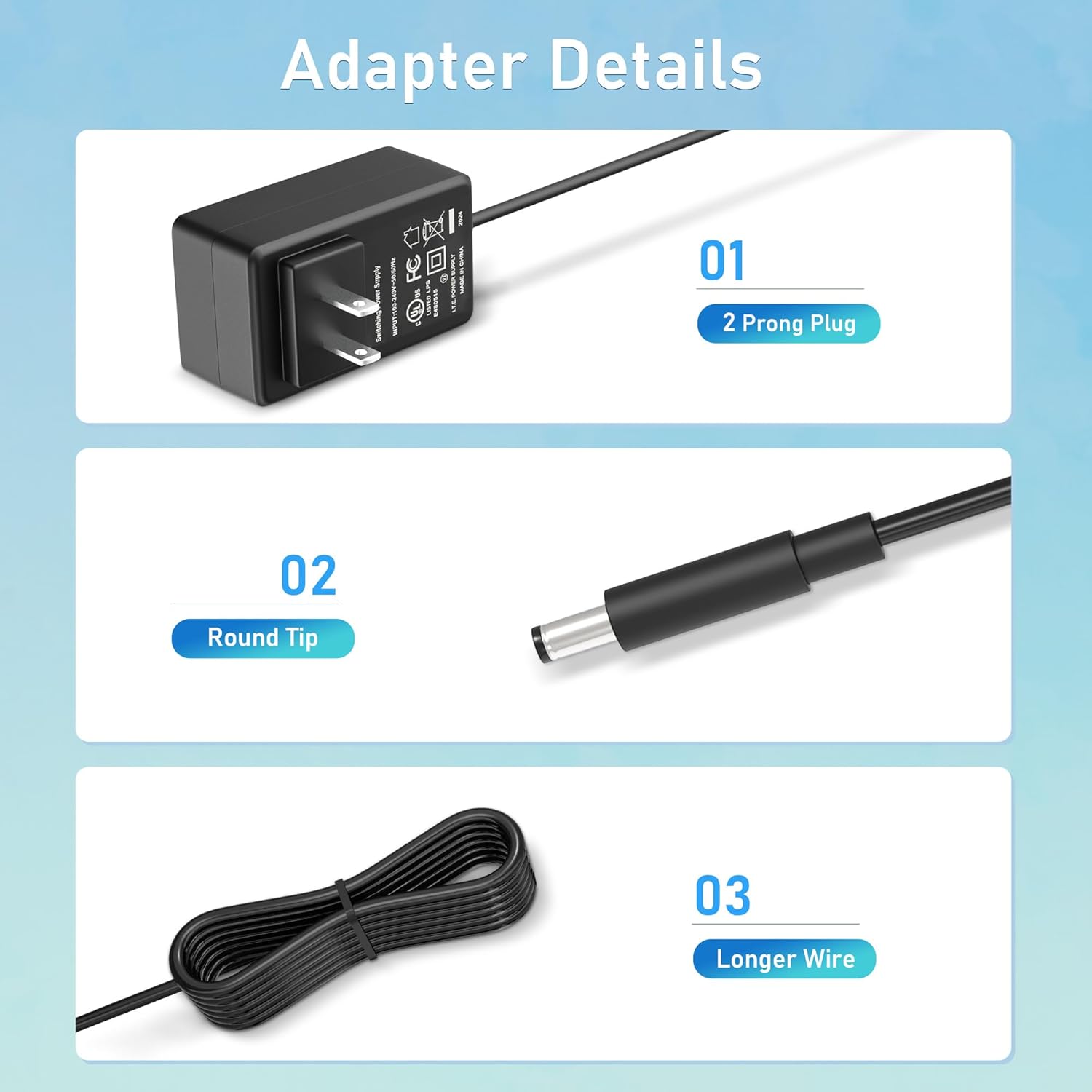
Slika 4: Podrobno view of the adapter's key components: (01) a standard 2-prong plug for wall outlets, (02) a round tip DC connector for device input, and (03) a longer wire for extended reach.
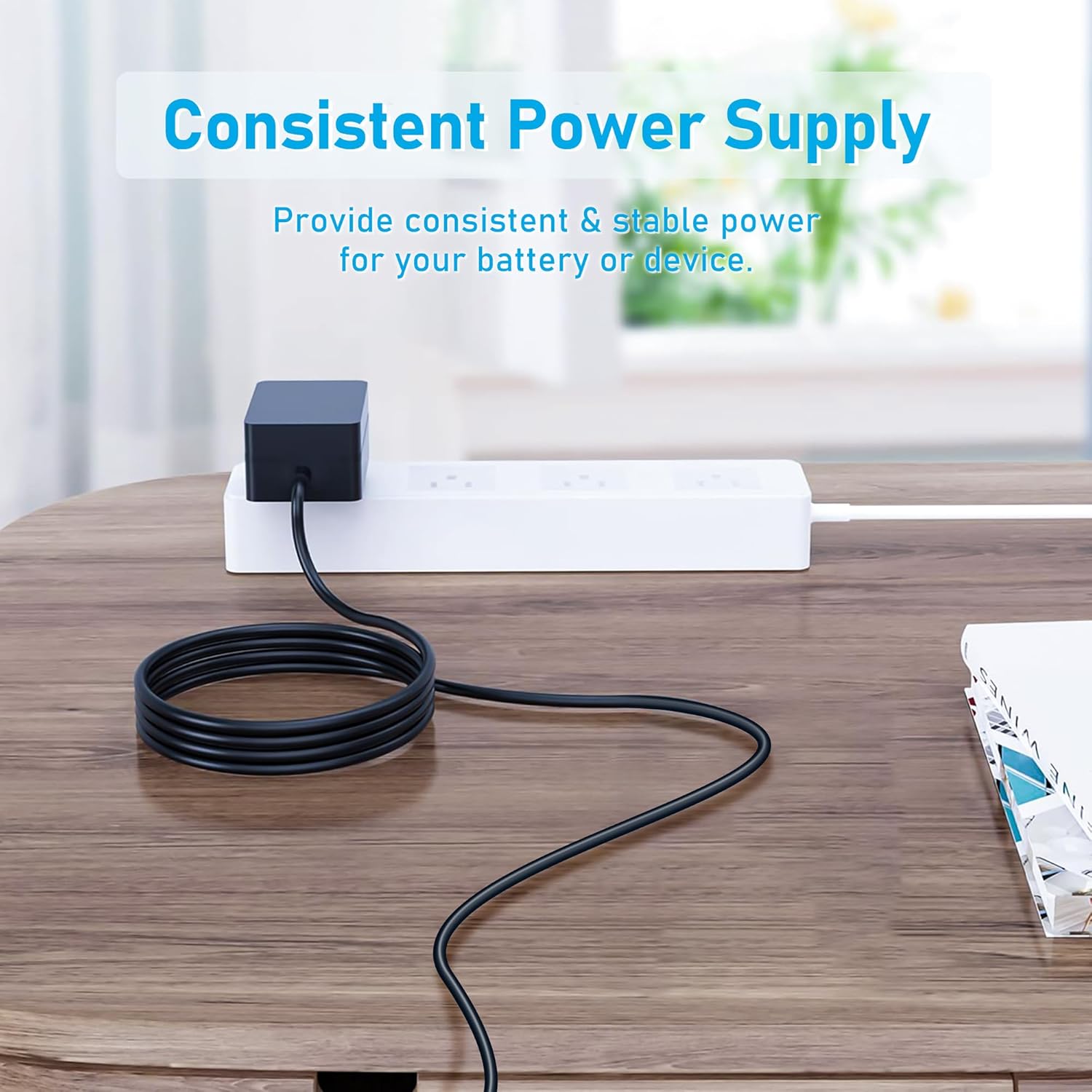
Slika 5: The CJP-Geek 12V Power Adapter connected to a power strip, demonstrating its ability to provide consistent and stable power to a device (not shown) on a desk.
Navodila za namestitev
- Preverite združljivost: Ensure your device requires a 12V DC input and has a compatible round tip power port. Refer to your device's manual for power specifications.
- Povežite se z napravo: Insert the round tip DC connector of the CJP-Geek power adapter firmly into the power input port of your mini PC or compatible device.
- Priključite na električno vtičnico: Plug the 2-prong AC plug of the power adapter into a standard 100-240V AC wall outlet or power strip.
- Vklop: Once connected, your device should receive power. Follow your device's instructions to power it on.
Navodila za uporabo
The CJP-Geek 12V Power Adapter operates automatically once connected to a power source and a compatible device. It provides a continuous and stable power supply. No user intervention is required for its basic operation.
- Prepričajte se, da je adapter nameščen v dobro prezračevanem prostoru, da preprečite pregrevanje.
- Ko adapterja dalj časa ne uporabljate, ga izključite iz električne vtičnice.
Vzdrževanje
Proper maintenance ensures the longevity and reliable performance of your power adapter:
- Čiščenje: Pred čiščenjem adapter izključite iz vseh virov napajanja. Za brisanje zunanjosti uporabite mehko, suho krpo. Ne uporabljajte tekočih čistil ali abrazivnih materialov.
- Shranjevanje: Ko adapterja ne uporabljate, ga shranjujte na hladnem in suhem mestu, stran od neposredne sončne svetlobe in ekstremnih temperatur.
- Pregled kabla: Periodically inspect the power cord and connectors for any signs of damage, fraying, or loose connections. If damage is found, discontinue use.
Odpravljanje težav
If you encounter issues with your power adapter, refer to the following common solutions:
- Naprava nima napajanja:
- Prepričajte se, da je adapter varno priključen v delujočo stensko vtičnico.
- Verify that the DC connector is fully inserted into your device's power port.
- Preizkusite stensko vtičnico z drugo napravo, da se prepričate, da deluje.
- Check for any visible damage to the adapter or cable.
- Pregrevanje adapterja:
- Prepričajte se, da je adapter v dobro prezračevanem prostoru in ni pokrit.
- Confirm that your device's power requirements do not exceed the adapter's specifications.
- Device Not Charging/Powering On:
- Confirm that the adapter's output voltage (12V) and connector type are compatible with your device.
- If the issue persists, consult your device's manual or contact customer support.
Specifikacije
| Funkcija | Specifikacija |
|---|---|
| Številka modela | PSCJQ918WPR-248 |
| Vhodna voltage | 100-240V AC |
| Vhodna frekvenca | 50/60 HZ |
| Izhodna voltage | 12V DC |
| Vrsta priključka | Okrogla konica |
| Vrsta vtiča | 2-Prong US Standard |
| barva | Črna |
| Teža predmeta | 3 unč (približno 85 gramov) |
| Varnostne funkcije | Preko Voltage Protection, Over Current Protection, Short Circuit Protection, Input Protection, Over Temperature Protection, Overcharge Protection, Overpower Protection |
| Združljive naprave | AWOW AK-41, AK34-J, NYi3, Beelink T4 Mini PC Desk Computer, and other devices requiring 12V DC with a compatible round tip connector. |
Garancija in podpora
For warranty information or technical support, please refer to the product packaging or contact CJP-Geek customer service through their official channels. Keep your purchase receipt as proof of purchase.