
Uvod
The Jabra Engage 65 SE is a professional wireless headset designed for enhanced communication in office and call center environments. It offers industry-leading wireless performance, advanced noise-cancelling microphone technology, and extended battery life to support all-day use. This manual provides detailed instructions for setting up, operating, maintaining, and troubleshooting your headset.
Kaj je v škatli
Preverite, ali so v paketu prisotne vse komponente:
- Jabra Engage 65 SE Headset (Dual-Ear)
- Osnovna enota
- USB-C to USB-A Cable (for PC connection)
- RJ-9 to RJ-9 Cable (for desk phone connection)
- Power Supply (US plug)
- Uporabniški priročnik (ta dokument)
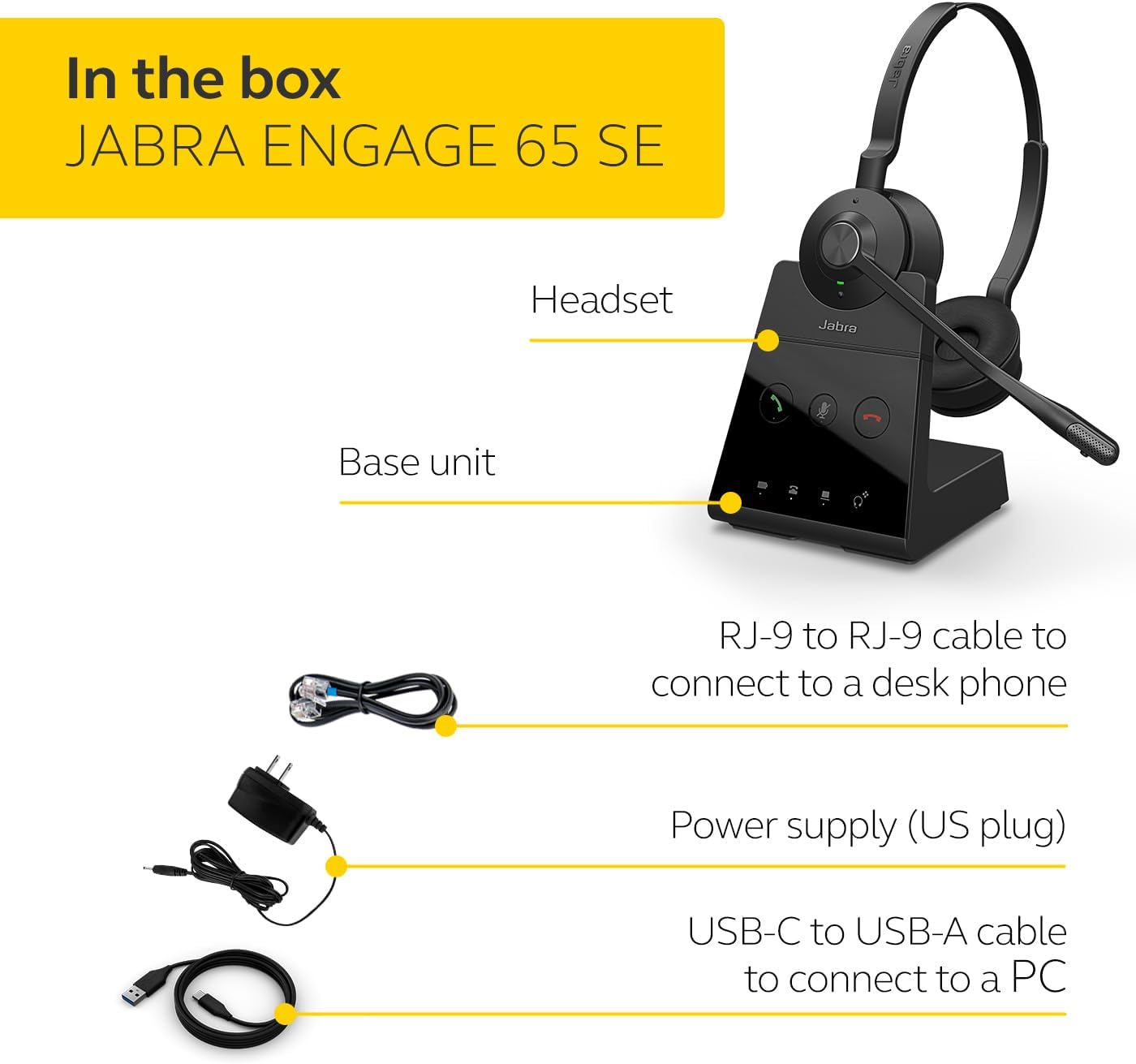
Image: The Jabra Engage 65 SE package contents, showing the headset, base unit, USB cable, RJ-9 cable, and power supply.
Nastavitev
1. Connect the Base Unit
- Napajalni priključek: Connect the power supply to the base unit and plug it into a power outlet.
- Povezava z računalnikom: Use the provided USB-C to USB-A cable to connect the base unit to your computer's USB port.
- Povezava s stacionarnim telefonom: Use the provided RJ-9 to RJ-9 cable to connect the base unit to your desk phone's headset port. Consult your desk phone's manual for specific port identification.
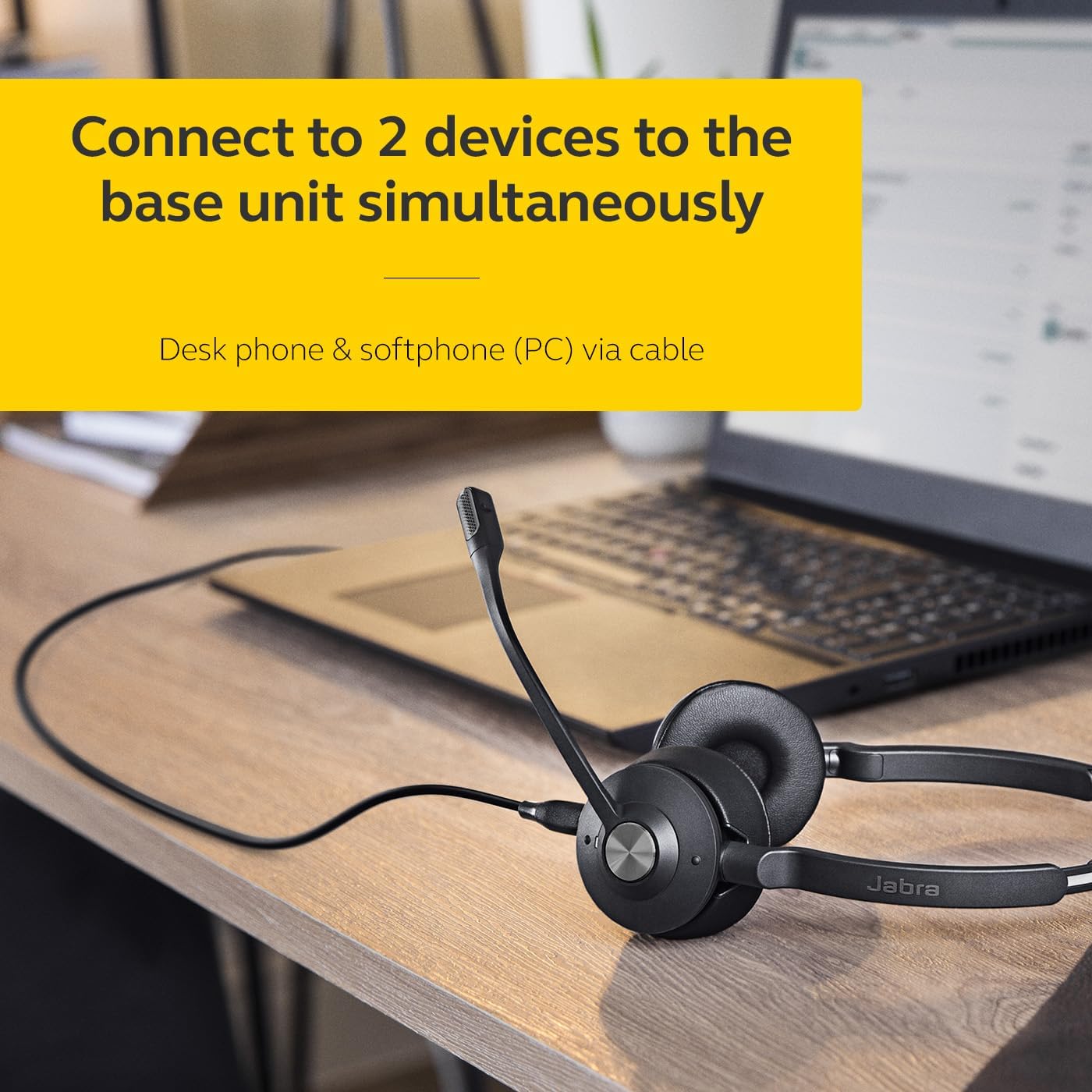
Image: The Jabra Engage 65 SE headset base unit connected to a laptop, illustrating PC connectivity.
2. Napolnite slušalke
Place the headset onto the base unit. The headset will begin charging automatically. Ensure the headset is fully charged before first use for optimal battery performance.
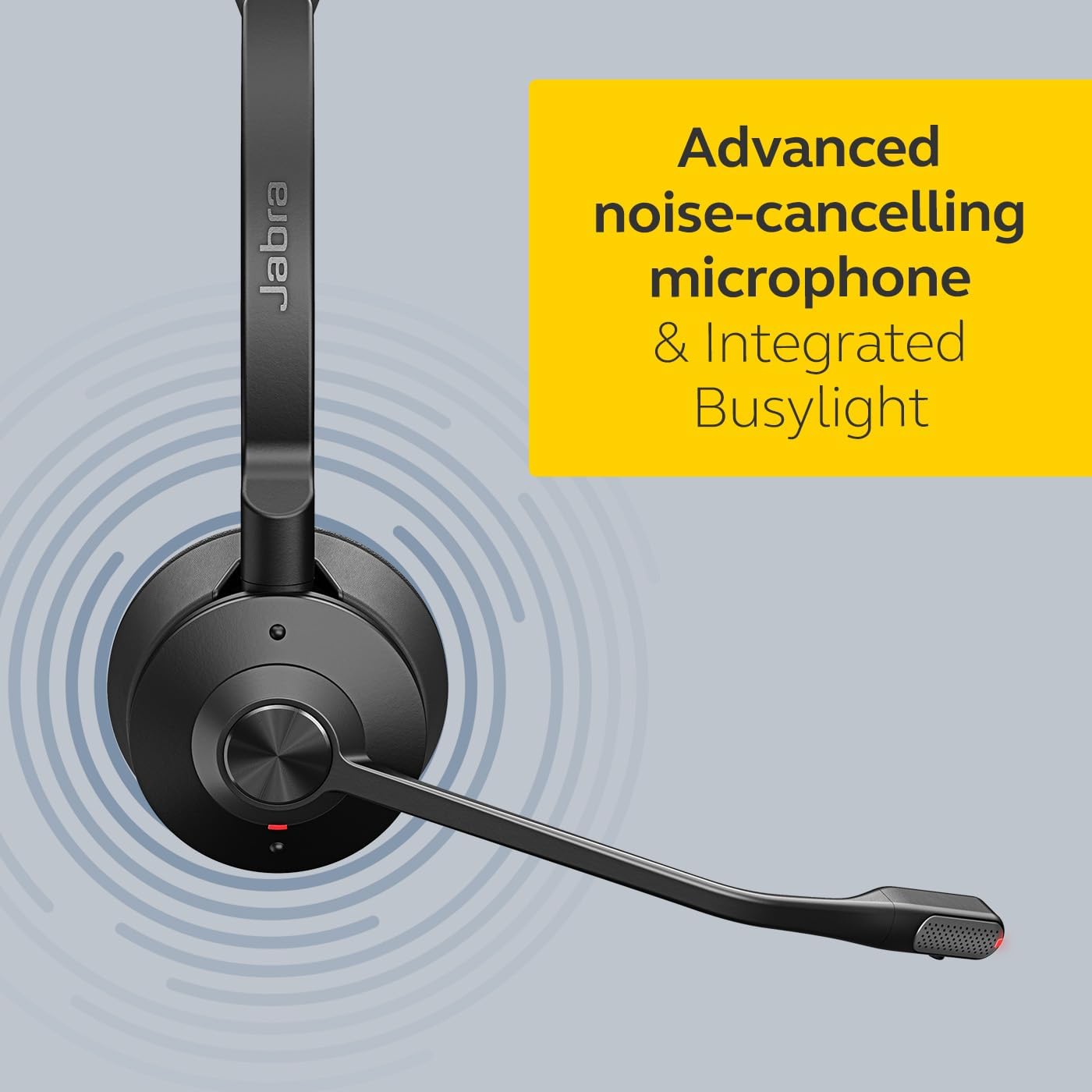
Image: The Jabra Engage 65 SE headset resting on its charging base, indicating proper docking for charging.
3. Začetno seznanjanje
The headset and base unit are pre-paired from the factory. If re-pairing is needed, follow the instructions in the full user manual available on the Jabra support webmesto.
Video: Uradnik nadview of the Jabra Engage 65 SE Wireless Headset, demonstrating its features and setup.
Navodila za uporabo
Nošenje slušalk
Adjust the headband for a comfortable fit. Position the microphone boom approximately 2 cm (0.8 inches) from your mouth. The microphone boom is flexible and can be adjusted for optimal voice pickup.

Image: A user wearing the Jabra Engage 65 SE headset, highlighting its comfortable design and microphone placement for clear communication.
Nadzor klicev
The headset features intuitive controls for managing calls:
- Sprejmi/končaj klic: Press the multi-function button on the earcup.
- Izklop/vklop zvoka: Press the mute button on the microphone boom or base unit.
- Prilagoditev glasnosti: Uporabite gumba za povečanje/zmanjšanje glasnosti na slušalki.

Slika: Bližnji posnetek view of the headset's earcup, illustrating the location of the call control buttons for easy access during use.
Indikator zasedenosti
The integrated busylight on the headset automatically illuminates when you are on a call, signaling to colleagues that you are busy and should not be disturbed. This feature helps minimize interruptions and improve focus.
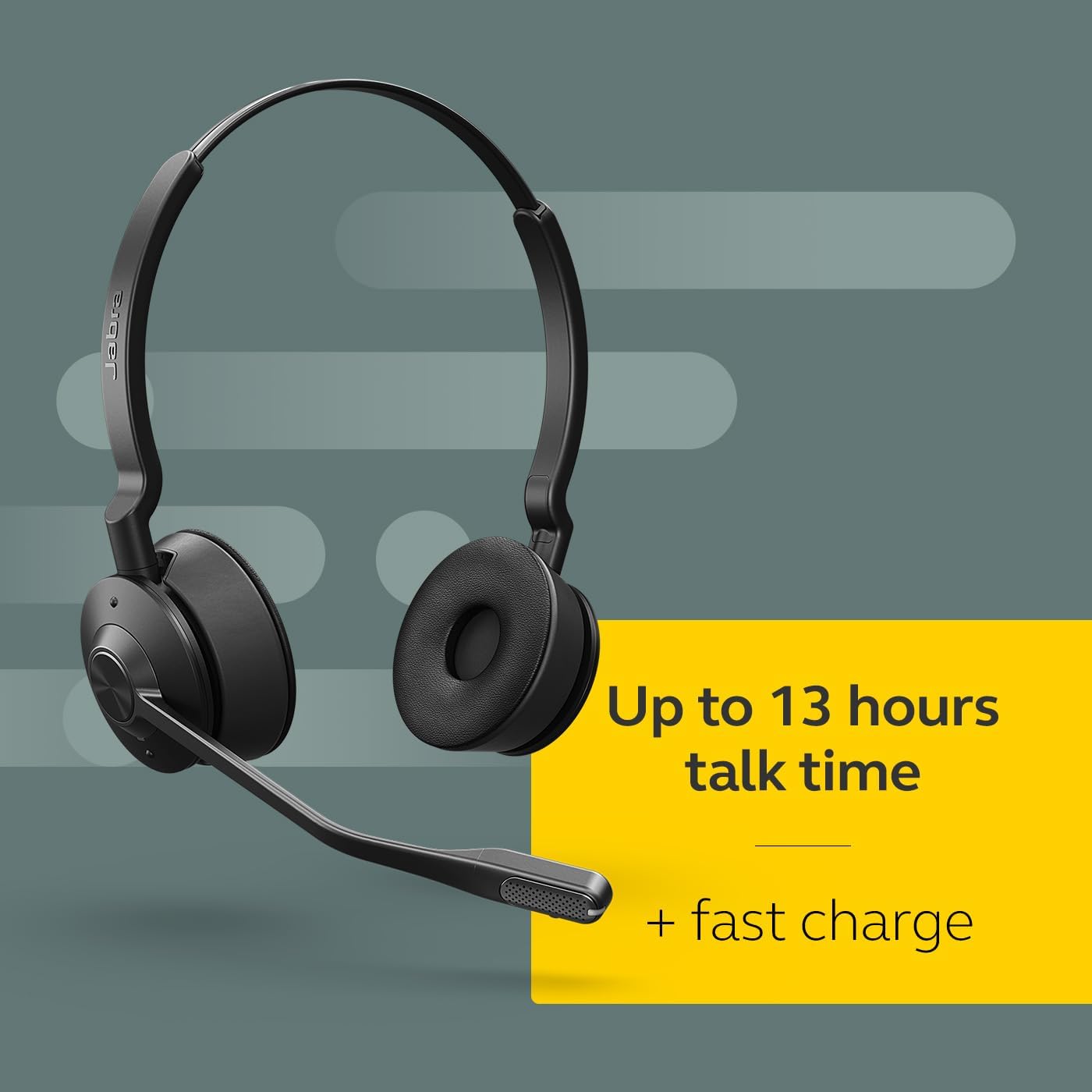
Image: The Jabra Engage 65 SE headset with its busylight active, indicating a user is currently on a call.
Wireless Range and Connectivity
The headset provides a wireless range of up to 150 meters (490 feet) from the base unit, allowing freedom of movement. It can connect to up to two devices simultaneously: a desk phone and a softphone (PC) via the base unit.
Vzdrževanje
Čiščenje
- Wipe the headset and base unit with a soft, dry cloth.
- Izogibajte se uporabi močnih kemikalij ali abrazivnih materialov.
- Ensure no moisture enters the charging port or microphone openings.
Skrb za baterijo
- For optimal battery longevity, avoid fully discharging the headset frequently.
- Ko slušalk ne uporabljate, jih shranjujte na hladnem in suhem mestu.
- The headset offers up to 13 hours of talk time and supports fast charging.
Odpravljanje težav
If you encounter issues with your Jabra Engage 65 SE headset, refer to the following common solutions:
| Težava | Možna rešitev |
|---|---|
| Ni zvoka / Slaba kakovost zvoka |
|
| Slušalke se ne povezujejo |
|
| Kratka življenjska doba baterije |
|
For more detailed troubleshooting and support, please visit the official Jabra support webmesto.
Specifikacije
| Funkcija | Podrobnost |
|---|---|
| Znamka | Jabra |
| Ime modela | Engage 65 SE |
| Številka modela | 9659-553-125 |
| Tehnologija povezljivosti | Bluetooth, Wireless (DECT) |
| Brezžično Domet | Do 150 metrov |
| Življenjska doba baterije (čas pogovora) | Do 13 ur |
| Čas polnjenja baterije | 90 minut |
| Nadzor hrupa | Aktivno odpravljanje hrupa |
| Mikrofon | Napredno odpravljanje šumov |
| Namestitev ušesa | On Ear (Dual-Ear) |
| Teža | 1.2 funtov |
| Materiali | Umetno usnje, polikarbonat (PC), nerjaveče jeklo |
| Združljive naprave | Universal (Desk phone, PC) |
Garancija in podpora
Informacije o garanciji
The Jabra Engage 65 SE headset comes with a 2-letna garancija proizvajalcaProsimo, shranite dokazilo o nakupu za uveljavljanje garancije.
Podpora uporabnikom
For further assistance, product registration, or to download the full user manual and software updates, please visit the official Jabra support webspletno mesto: