
amazon basics AB-IBT-82ANC
Amazon Basics Pro Series Wireless Noise Cancelling ANC Over Ear Headphone
Model: AB-IBT-82ANC
Uvod
This manual provides detailed instructions for the setup, operation, maintenance, and troubleshooting of your Amazon Basics Pro Series Wireless Noise Cancelling ANC Over Ear Headphones. Please read this manual thoroughly before using the product to ensure proper function and longevity.

Image: The Amazon Basics Pro Series Wireless Noise Cancelling ANC Over Ear Headphone in black, showcasing njegovo elegantno obliko.
Vsebina paketa
Preverite, ali so v paketu prisotni vsi elementi:
- Amazon Basics Pro Series Wireless Noise Cancelling ANC Over Ear Headphone
- USB polnilni kabel tipa C
- 3.5 mm AUX kabel
- Uporabniški priročnik (ta dokument)
Nastavitev
1. Začetno polnjenje
Before first use, fully charge the headphones. Connect the supplied USB Type-C charging cable to the headphone's charging port and the other end to a USB power source (e.g., computer USB port or wall adapter). The LED indicator will show charging status and turn off or change color when fully charged.
A full charge provides up to 74 hours of playback at 50% volume with ANC off, or 34 hours with ANC on.
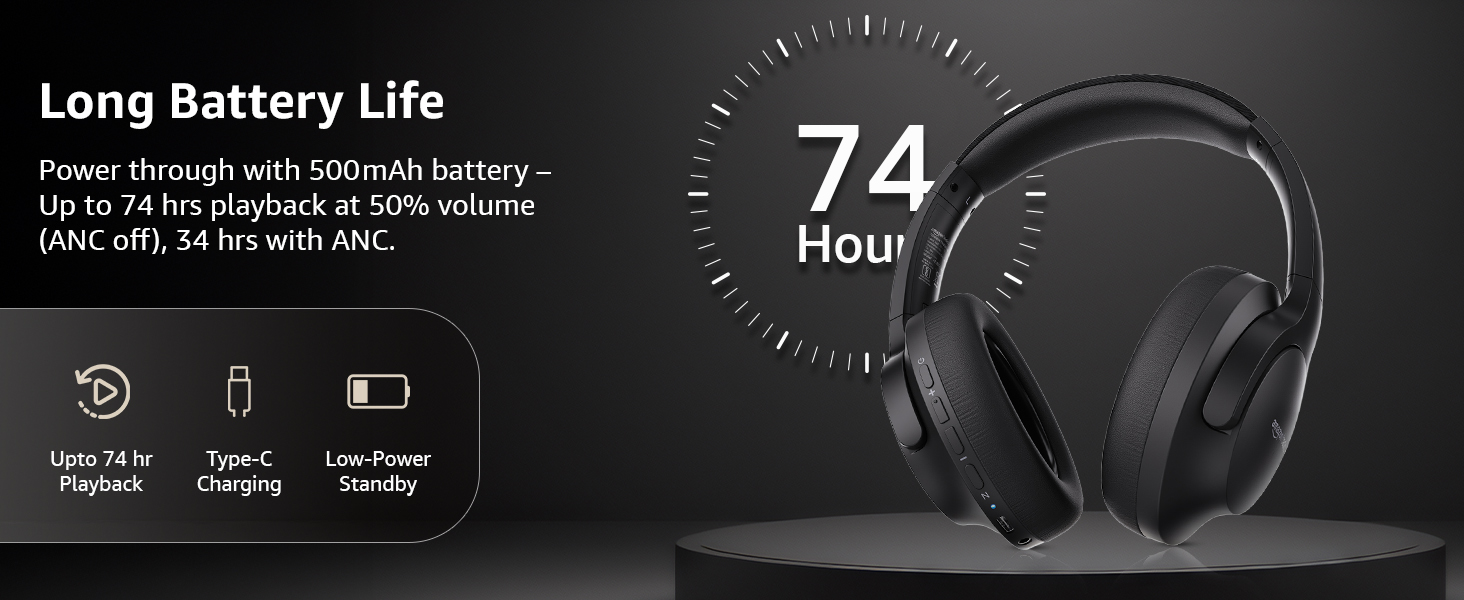
Image: An illustration highlighting the long battery life of the headphones, indicating up to 74 hours of playback.
2. Bluetooth seznanjanje
- Prepričajte se, da so slušalke napolnjene in izklopljene.
- Pritisnite in držite gumb za vklop, dokler LED indikator ne utripa modro in rdeče, kar označuje način seznanjanja.
- V napravi (pametnem telefonu, tablici, prenosniku) omogočite Bluetooth in poiščite razpoložljive naprave.
- Select "AB-IBT-82ANC" from the list of found devices.
- Ko je povezava vzpostavljena, bo LED indikator svetil modro ali počasi utripal.
The headphones support dual pairing, allowing connection to two devices simultaneously for seamless switching.

Image: The headphones shown connected to both a smartphone and a laptop, illustrating the multi-pairing capability.
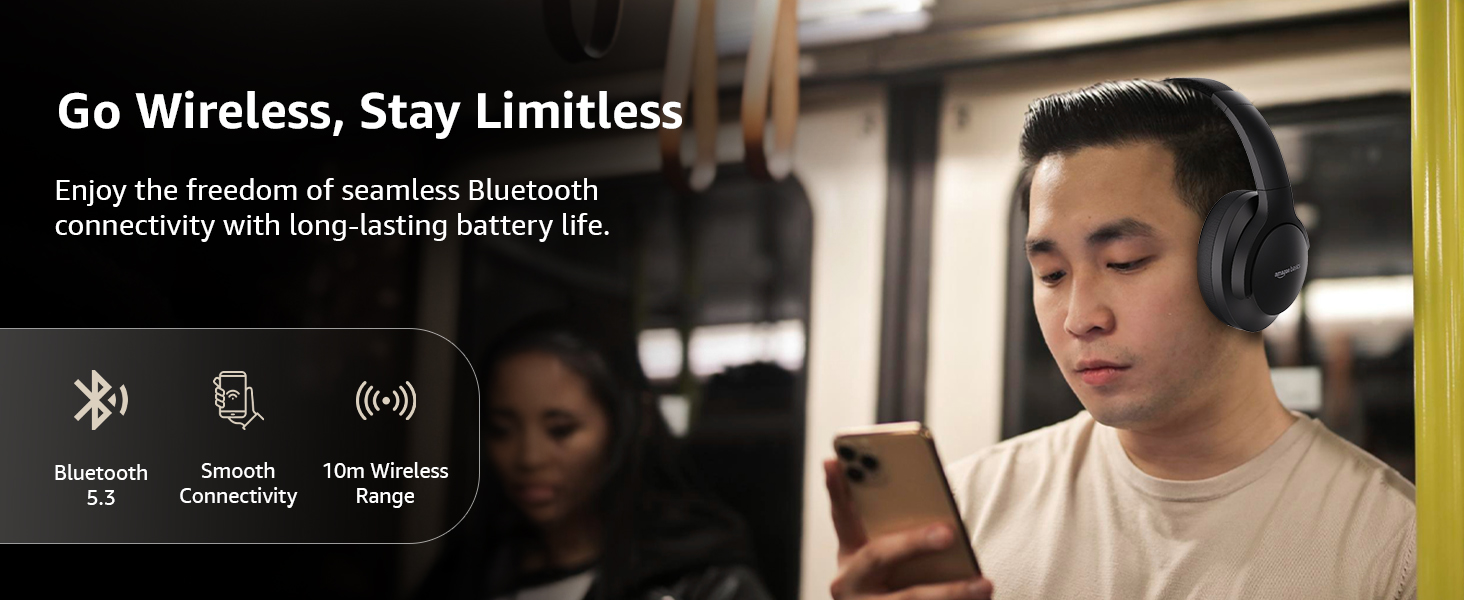
Image: A visual representation of the wireless capabilities, including Bluetooth 5.3 and a 10-meter wireless range.
3. Žična povezava (način AUX)
For a wired connection, plug the 3.5mm AUX cable into the headphone's AUX port and the other end into your audio device's 3.5mm jack. This mode does not require battery power.
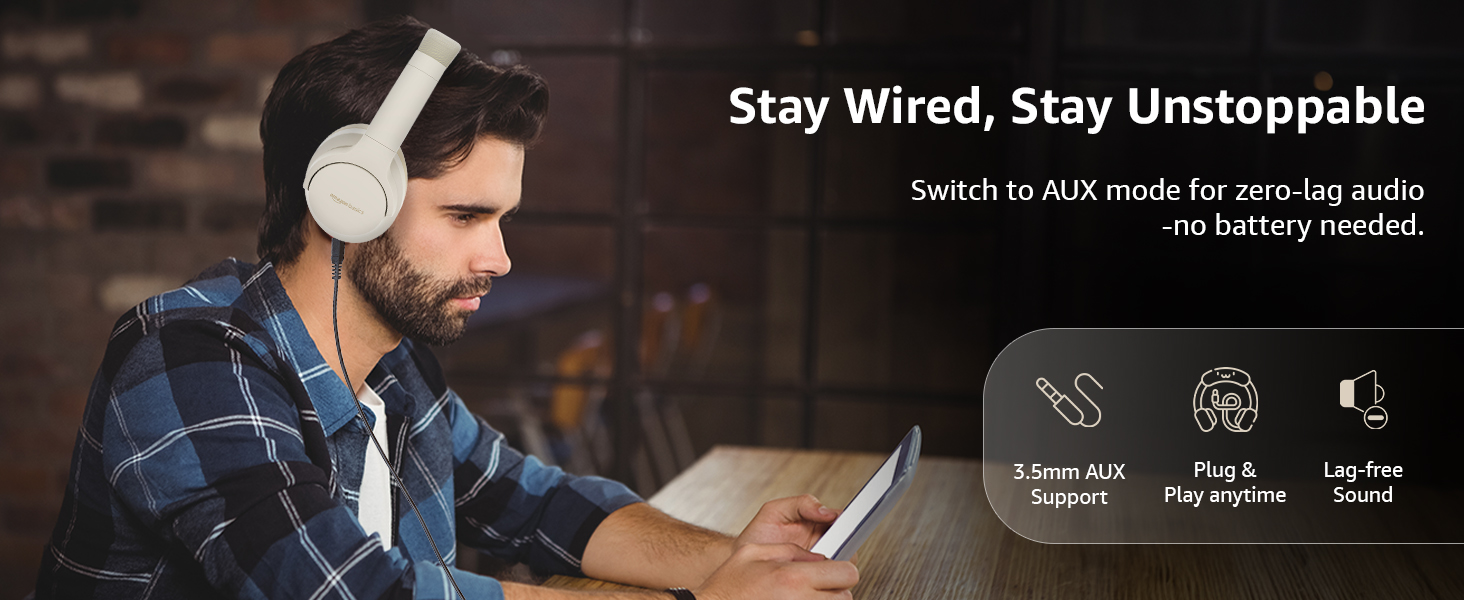
Image: A user demonstrating the wired AUX connection, emphasizing lag-free audio without needing battery power.
Navodila za uporabo
1. Vklop/izklop
- Vklop: Pritisnite in držite gumb za vklop približno 3 sekundi.
- Ugasniti: Pritisnite in držite gumb za vklop približno 5 sekundi.
2. Accessible Controls
Slušalke imajo intuitivne kontrole, ki se nahajajo na ušesnih školjkah:
- Povečanje glasnosti/naslednja skladba: Kratek pritisk za povečanje glasnosti, dolg pritisk za naslednjo skladbo.
- Zmanjšanje glasnosti/prejšnja skladba: Kratek pritisk za zmanjšanje glasnosti, dolg pritisk za prejšnjo skladbo.
- Predvajaj/Premor/Sprejmi klic: Enkrat pritisnite večfunkcijski gumb.
- Končaj klic: Med klicem enkrat pritisnite večfunkcijski gumb.
- Zavrni klic: Med dohodnim klicem dolgo pritisnite večfunkcijski gumb.
- Aktivirajte glasovnega pomočnika (Siri/Google Assistant): Dvakrat pritisnite večfunkcijski gumb.
- Vklop/izklop ANC: Dedicated ANC button to toggle Active Noise Cancellation.
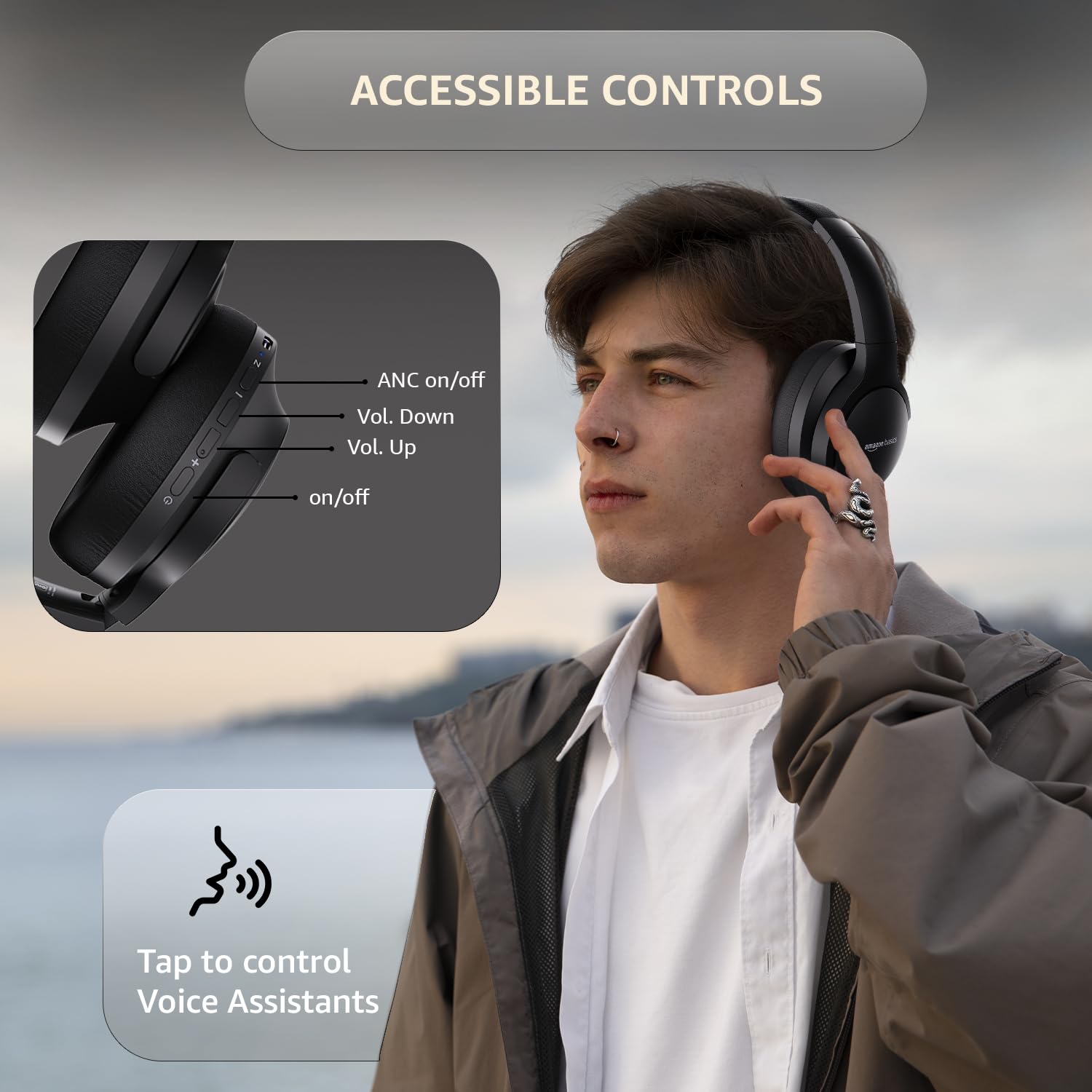
Image: A detailed diagram illustrating the location and function of the accessible controls on the headphone earcup.
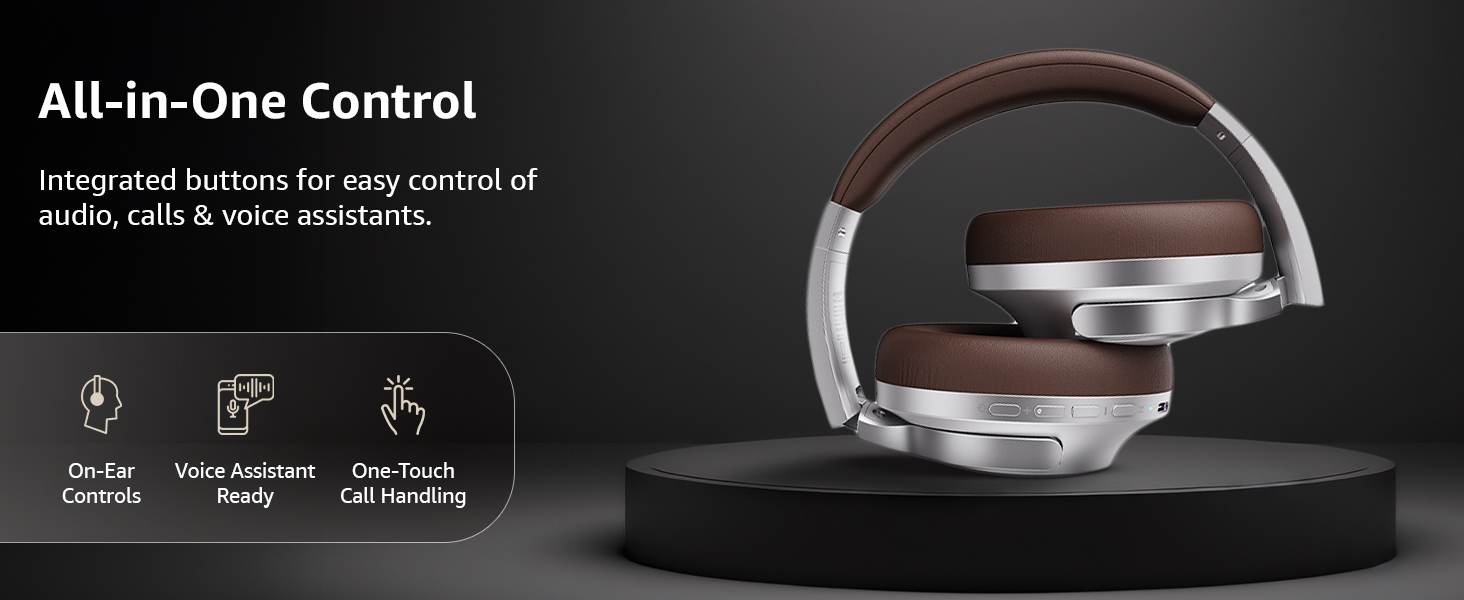
Slika: Prekoview of the integrated controls, highlighting ease of use for audio, calls, and voice assistants.
3. Aktivno odpravljanje šumov (ANC)
The Active Noise Cancellation feature reduces ambient noise, providing a more immersive listening experience. Press the dedicated ANC button to activate or deactivate this feature. Note that ANC functionality may slightly reduce overall battery life.

Image: A person wearing the headphones in a public setting, illustrating the effectiveness of Active Noise Cancellation in reducing distractions.
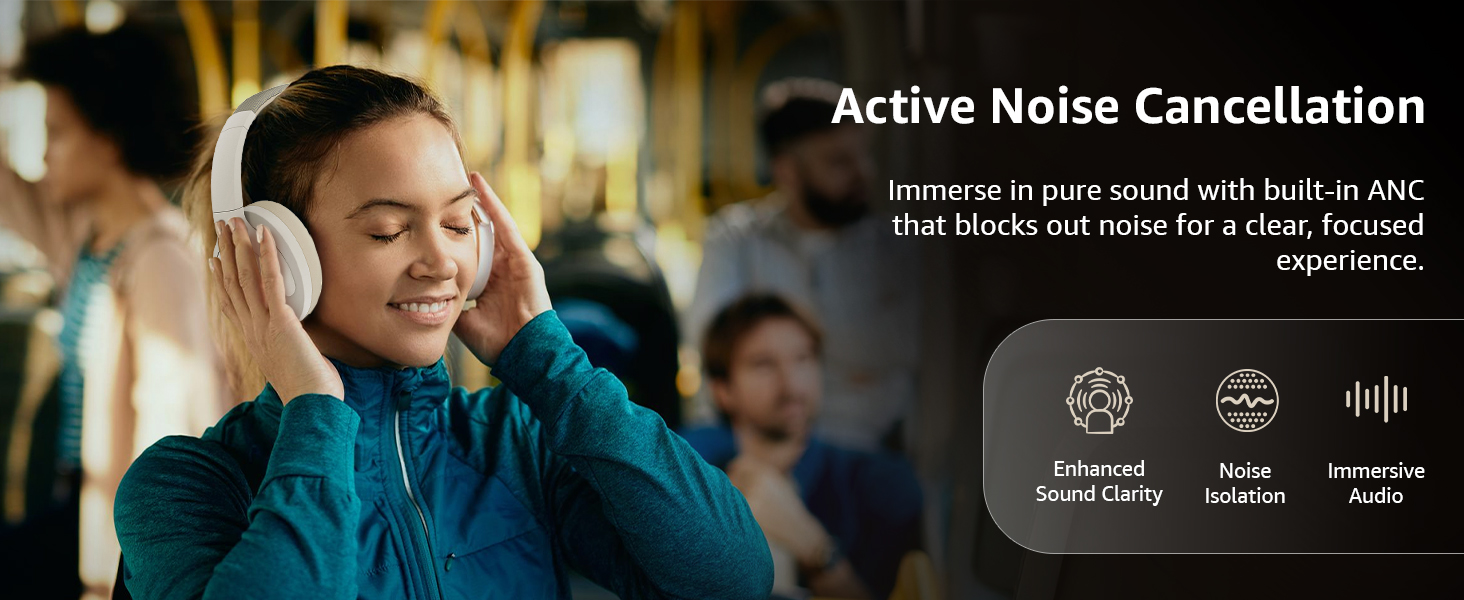
Image: A graphic emphasizing the benefits of Active Noise Cancellation, including enhanced sound clarity and immersive audio.
4. Audio Quality and Drivers
The headphones are equipped with 40mm drivers, designed to deliver rich bass, clear mids, and precise highs for a balanced audio experience.
Slika: Eksplodirala view diagram illustrating the 40mm drivers, which are responsible for the headphone's sound output.
Vzdrževanje
1. Čiščenje
- Slušalke obrišite z mehko, suho krpo, ki ne pušča vlaken.
- Do not use abrasive cleaners, solvents, or spray cleaners directly on the headphones.
- Clean the ear cushions gently with a damp po potrebi obrišite s krpo in jih pred uporabo pustite, da se popolnoma posušijo na zraku.
2. Shranjevanje
When not in use, store the headphones in a cool, dry place, away from direct sunlight and extreme temperatures. The headphones feature a sleek and foldable design for convenient storage and portability.
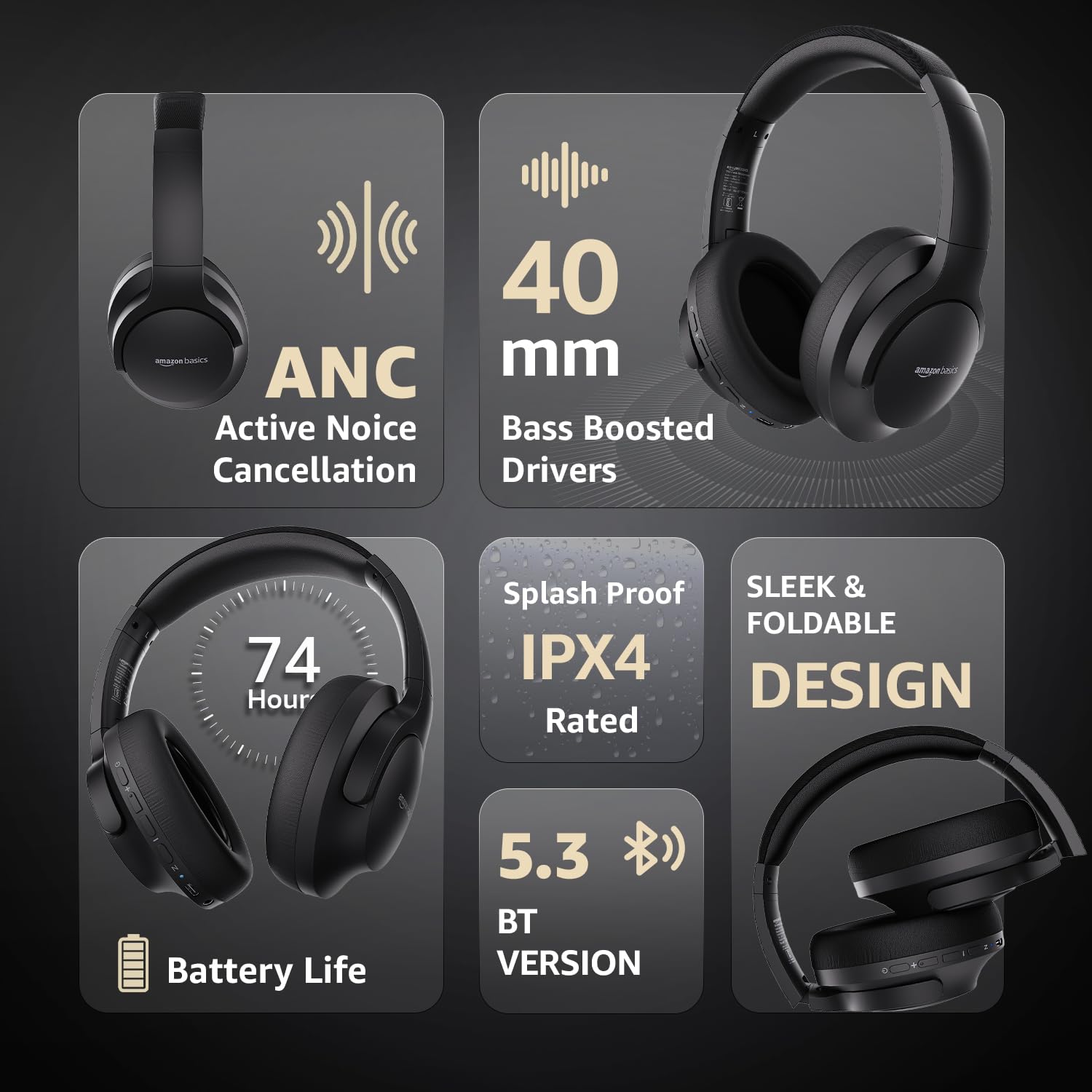
Image: An infographic highlighting key features, including the sleek and foldable design of the headphones for easy storage.
3. Skrb za baterijo
- Izogibajte se pogostemu popolnemu praznjenju baterije.
- Slušalke redno polnite, tudi če jih dlje časa ne uporabljate, da ohranite stanje baterije.
- Baterije ne izpostavljajte visokim temperaturam.
Odpravljanje težav
| Težava | Možen vzrok | rešitev |
|---|---|---|
| Slušalke se ne vklopijo. | Nizka baterija. | Charge the headphones fully using the supplied USB Type-C cable. |
| Seznanitev prek Bluetootha ni mogoča. | Slušalke niso v načinu seznanjanja; Bluetooth naprave izklopljen; preveč oddaljeno od naprave. | Ensure headphones are in pairing mode (flashing blue/red). Turn Bluetooth on your device. Move headphones closer to the device (within 10m). |
| Brez zvoka. | Glasnost je prenizka; napačen vir zvoka; slušalke niso priključene. | Increase volume on headphones and device. Verify correct audio output on device. Re-pair Bluetooth or check AUX cable connection. |
| ANC ne deluje učinkovito. | ANC ni aktiviran; okoljski hrup je previsok. | Pritisnite gumb ANC za aktivacijo. ANC je najučinkovitejši proti nizkofrekvenčnemu, stalnemu hrupu. |
Specifikacije
| Funkcija | Podrobnost |
|---|---|
| Številka modela | AB-IBT-82ANC |
| Tehnologija povezljivosti | Brezžično (Bluetooth 5.3), žično (3.5 mm AUX) |
| Velikost gonilnika | 40 mm |
| Kapaciteta baterije | 500 mAh litij-polimer |
| Življenjska doba baterije (izklopljeno ANC) | Do 74 ur (pri 50% glasnosti) |
| Življenjska doba baterije (z vklopljenim ANC) | Up to 34 hours (at 100% volume), 62 hours (at 50% volume) |
| Vrata za polnjenje | USB Type-C |
| Brezžično Domet | Do 10 metre |
| Ocena vodoodpornosti | IPX4 (odporno na škropljenje) |
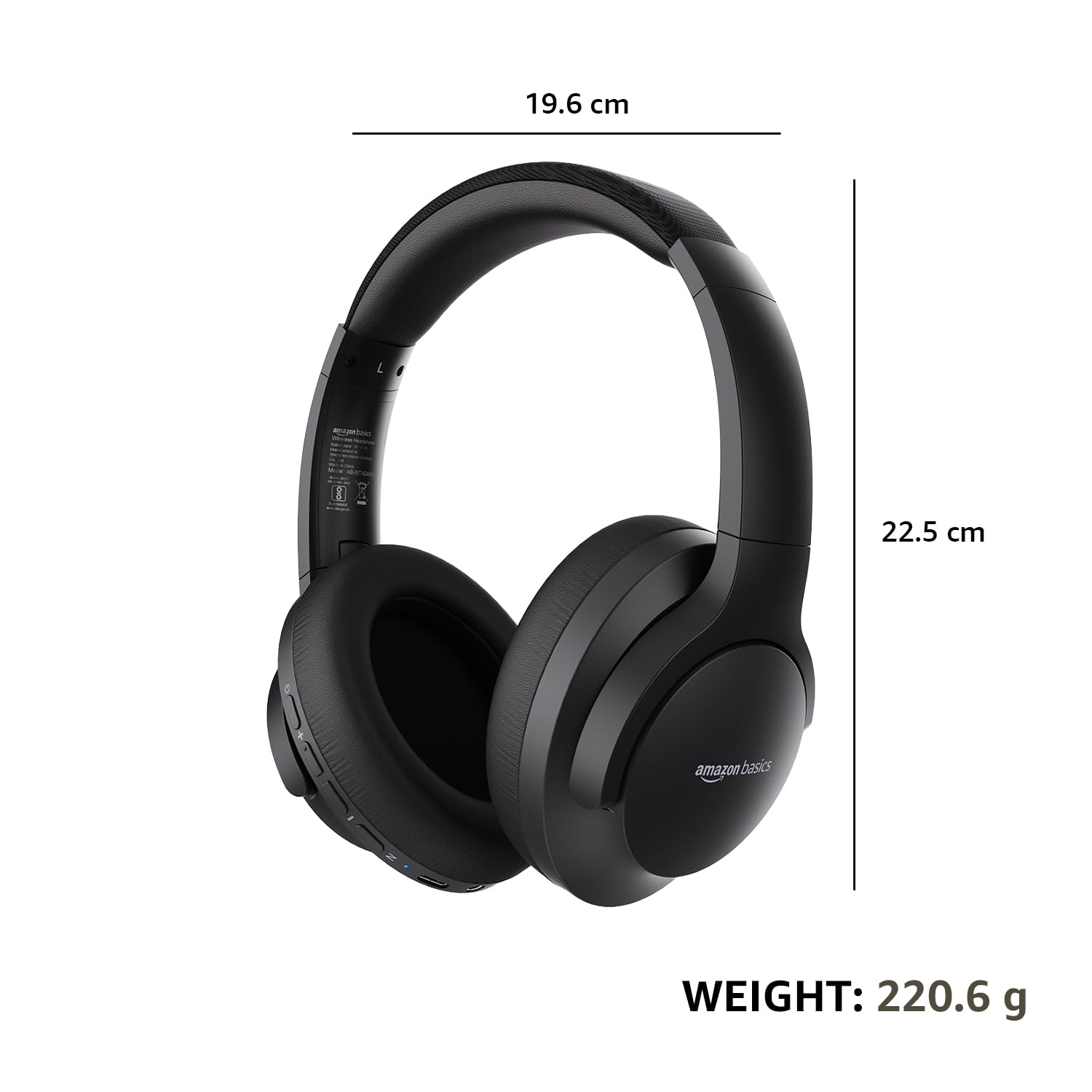
| Dimensions (Headphone) | 19.61 x 22.5 x 8.72 cm |
| Teža (slušalke) | 220.6 g |
| Material | Plastika, poliuretan (PU) |
| Združljive naprave | Cellphones, Gaming Consoles, Laptops, Tablets |

Image: A visual representation of the headphone's dimensions and weight for reference.
Udobje in dizajn
The headphones are designed for extended wear with an over-ear fit, soft ear cushions, and an adjustable headband, ensuring comfort during long listening sessions.

Image: A person wearing the headphones, demonstrating the comfortable over-ear fit.
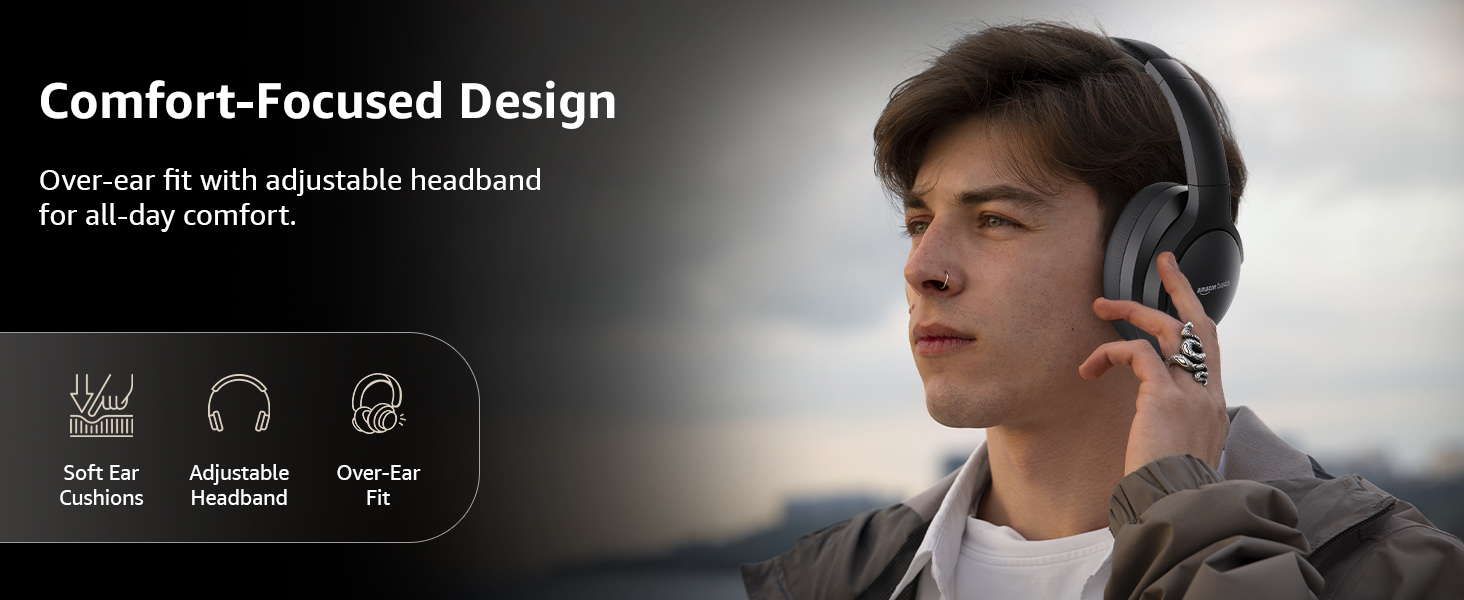
Image: A graphic detailing the comfort-focused design elements, including soft ear cushions and an adjustable headband.
Garancija in podpora
Warranty information for your Amazon Basics Pro Series Wireless Noise Cancelling ANC Over Ear Headphones is typically provided with the product packaging or can be found on the Amazon Basics official website. For technical support or warranty claims, please refer to the contact information provided with your purchase or visit the Amazon Basics support page.
Za morebitna vprašanja v zvezi z garancijo shranite dokazilo o nakupu.
Ask a question about this manual
Ask about setup, troubleshooting, compatibility, parts, safety, or missing instructions. Manuals+ will review the question and use this page’s manual context to help answer it.