
1. Uvod
Thank you for choosing the GGSTOPWATER JM13 Open Ear Headphones. These innovative earbuds are designed for comfort and safety, allowing you to enjoy high-quality audio while remaining aware of your surroundings. Their non-intrusive design reduces ear fatigue, making them ideal for extended wear during various activities.

Figure 1: Open-ear design for comfort and awareness.
2. Kaj je v škatli
Your GGSTOPWATER JM13 package includes the following items:
- True Wireless Bluetooth Headphones (2 units)
- Headset Charging Compartment (1 unit)
- Polnilni kabel tipa C (1 kos)
- Uporabniški priročnik (1 enota)
- Silicone Lanyard (1 unit)

Slika 2: Vse komponente so vključene v paket.
3. Navodila za namestitev
3.1 Polnjenje slušalk in etuija
Before first use, fully charge the earbuds and the charging case. The case features a Type-C charging port for convenient power input.
- Place the earbuds into their respective slots in the charging case. They are magnetized to ensure proper placement.
- Connect the provided Type-C charging cable to the charging case and a power source.
- Indikatorske lučke na ohišju bodo prikazovale stanje polnjenja. Ko je ohišje popolnoma napolnjeno, bodo lučke označile zaključek.

Figure 3: Charging the earbuds and case.
3.2 Bluetooth seznanjanje
The JM13 headphones utilize advanced Bluetooth 5.4 technology for a fast and stable connection.
- Prepričajte se, da so slušalke napolnjene in odstranjene iz polnilnega ohišja. Samodejno bodo prešle v način seznanjanja.
- V napravi (pametnem telefonu, tablici, prenosniku) pojdite v nastavitve Bluetooth in vklopite Bluetooth.
- Iskanje available devices and select "JM13" from the list.
- Ko je povezava vzpostavljena, bo glasovni poziv potrdil uspešno seznanitev.

Figure 4: Bluetooth connection process.
The headphones support multi-device linking, compatible with iOS, Android, and Windows systems, allowing seamless switching between devices.
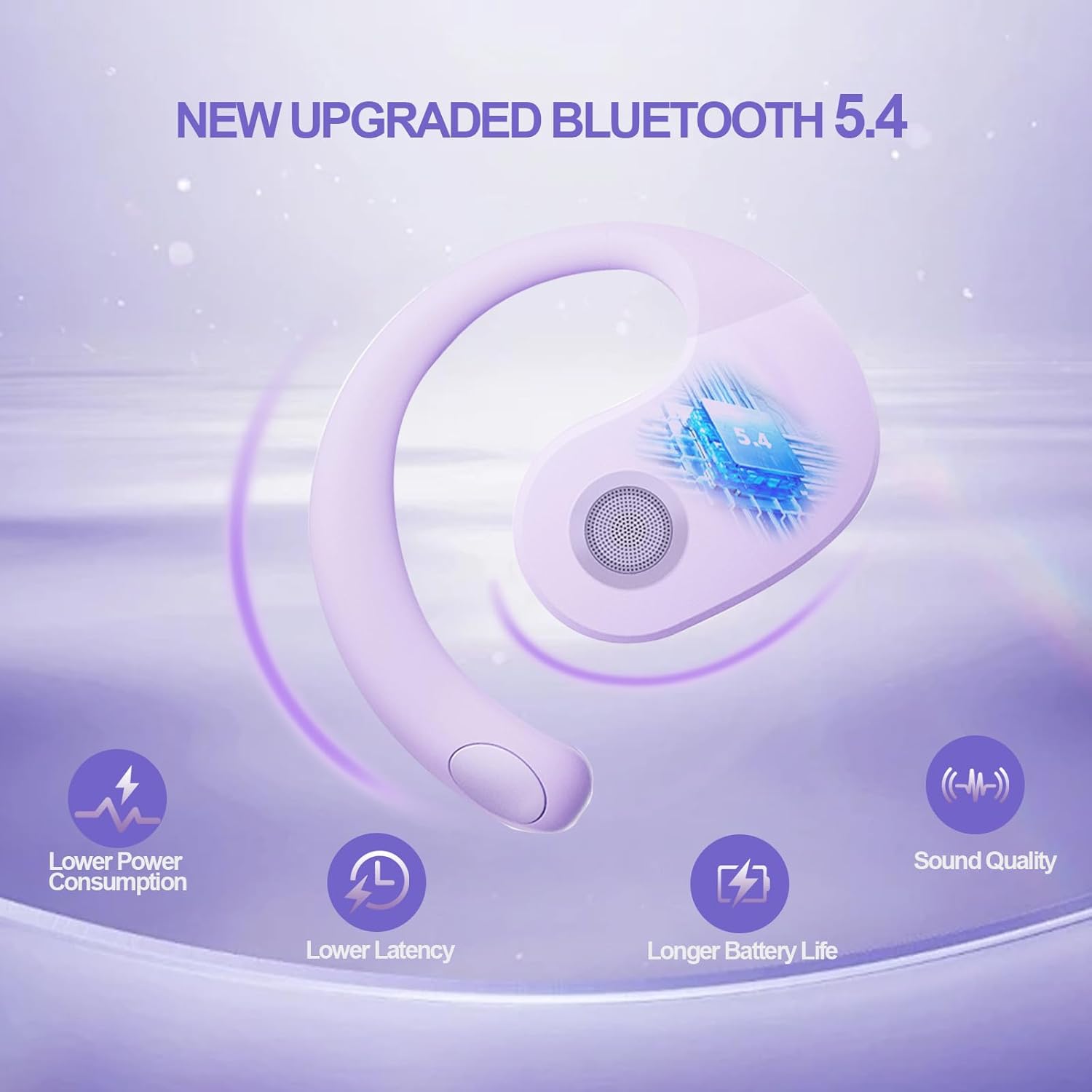
Slika 5: Prednosti povezljivosti Bluetooth 5.4.
4. Navodila za uporabo
4.1 Kontrole na dotik
The JM13 earbuds feature intuitive touch controls for managing calls and music:
| Akcija | Ukaz |
|---|---|
| Predvajanje/začasno ustavitev glasbe | Single touch (either earbud) |
| Prejšnja pesem | Double touch (Left earbud) |
| Naslednja pesem | Double touch (Right earbud) |
| Zmanjšanje glasnosti | Triple touch (Left earbud) |
| Glasnost | Triple touch (Right earbud) |
| Sprejmi/končaj klic | Click to answer, then click to hang up |
| Zavrni klic | Dolg pritisk 2 sekundi |
| Vklop | Dolg pritisk 3 sekundi |
| Izklop | Dolg pritisk 5 sekundi |
4.2 Scenariji uporabe
The open-ear design and secure fit make these earbuds suitable for a variety of activities:
- Sports & Fitness: The flexible ear hooks and IPX5 waterproof rating ensure they stay secure and protected during workouts, running, and other physical activities.
- Aktivnosti na prostem: Maintain spatial awareness to hear approaching vehicles or people, enhancing safety during outdoor sports or walks.
- Office & Daily Use: Enjoy audio content or take calls comfortably without blocking out important ambient sounds.

Figure 6: Versatile use for various scenarios.
4.3 Official Product Video: Touch Controls & Features
Video Description: This video demonstrates the physical product, its open-ear design, and how to use the touch controls for music playback and call management. It also highlights the secure fit and portability of the earbuds.
5. Vzdrževanje in nega
5.1 Vodoodporen in odporen proti prahu
The JM13 earbuds are rated IPX5 waterproof, meaning they are protected against low-pressure water jets from any direction. They are also dustproof.
- Wipe the earbuds clean with a soft, dry cloth after each use, especially after workouts or exposure to moisture.
- Do not submerge the earbuds in water or expose them to high-pressure water jets.
- Avoid exposing the charging case to water or excessive dust, as it is not waterproof.

Figure 7: IPX5 waterproof and dustproof protection.
5.2 Shranjevanje
Slušalke shranite v polnilno škatlico, ko jih ne uporabljate, da jih zaščitite pred prahom, poškodbami in da ostanejo napolnjene.
6. Odpravljanje težav
If you encounter issues with your GGSTOPWATER JM13 headphones, please refer to the following common solutions:
- Ni zvoka/nizka glasnost: Ensure the earbuds are properly connected to your device. Check the volume levels on both the earbuds (via touch controls) and your connected device.
- Ni mogoče seznaniti: Make sure the earbuds are in pairing mode (alternating flashing white and green lights). Turn off and on your device's Bluetooth, then try searching again. Ensure no other devices are currently connected to the earbuds.
- Težave s polnjenjem: Verify that the Type-C cable and power source are working correctly. Ensure the earbuds are correctly seated in the charging case and that the case itself has power. Clean the charging contacts on both the earbuds and the case if necessary.
- Voice Prompts Not in English: If voice prompts are in an unexpected language, refer to the full instruction manual (included in the box) for language setting adjustments, or perform a factory reset if available.
- Prekinjena povezava: Move closer to your connected device to reduce signal interference. Ensure there are no major obstructions between the earbuds and your device.
Če težava ne izgine, se obrnite na podporo strankam.
7. Specifikacije
| Funkcija | Podrobnost |
|---|---|
| Ime modela | JM13 |
| Znamka | GGSTOPWATER |
| Tehnologija povezljivosti | Brezžično (Bluetooth 5.4) |
| Namestitev ušesa | Odprto uho |
| Faktor oblike | On Ear (with ear hooks) |
| Nadzor hrupa | Aktivno odpravljanje hrupa |
| Vrsta zvočnega gonilnika | Dinamični gonilnik (16 mm) |
| Frekvenčno območje | 20 Hz - 20,000 Hz |
| Impedanca | 32 Ohm |
| Življenjska doba baterije (skupaj z ohišjem) | Do 48 ur |
| Ocena vodotesnosti | IPX5 |
| Material | Silikon, plastika |
| Teža predmeta | 3.52 unč |
| barva | Vijolična |
8. Garancija in podpora
GGSTOPWATER products come with a standard manufacturer's warranty. For detailed warranty information, product support, or service inquiries, please refer to the warranty card included in your package or visit the official GGSTOPWATER webmesto.
For direct assistance, you may contact our customer support team via the contact information provided in your product documentation.