
Uvod
This manual provides detailed instructions for the safe and effective use of your Andoer 1080P Digital Camera. Please read this manual thoroughly before operating the device and retain it for future reference. This camera is designed to capture high-quality photos and videos, featuring a 56MP picture resolution and 1080P video recording capabilities. It includes an 8X digital zoom, AF auto-focus, and a 2.88-inch IPS screen for clear viewing.
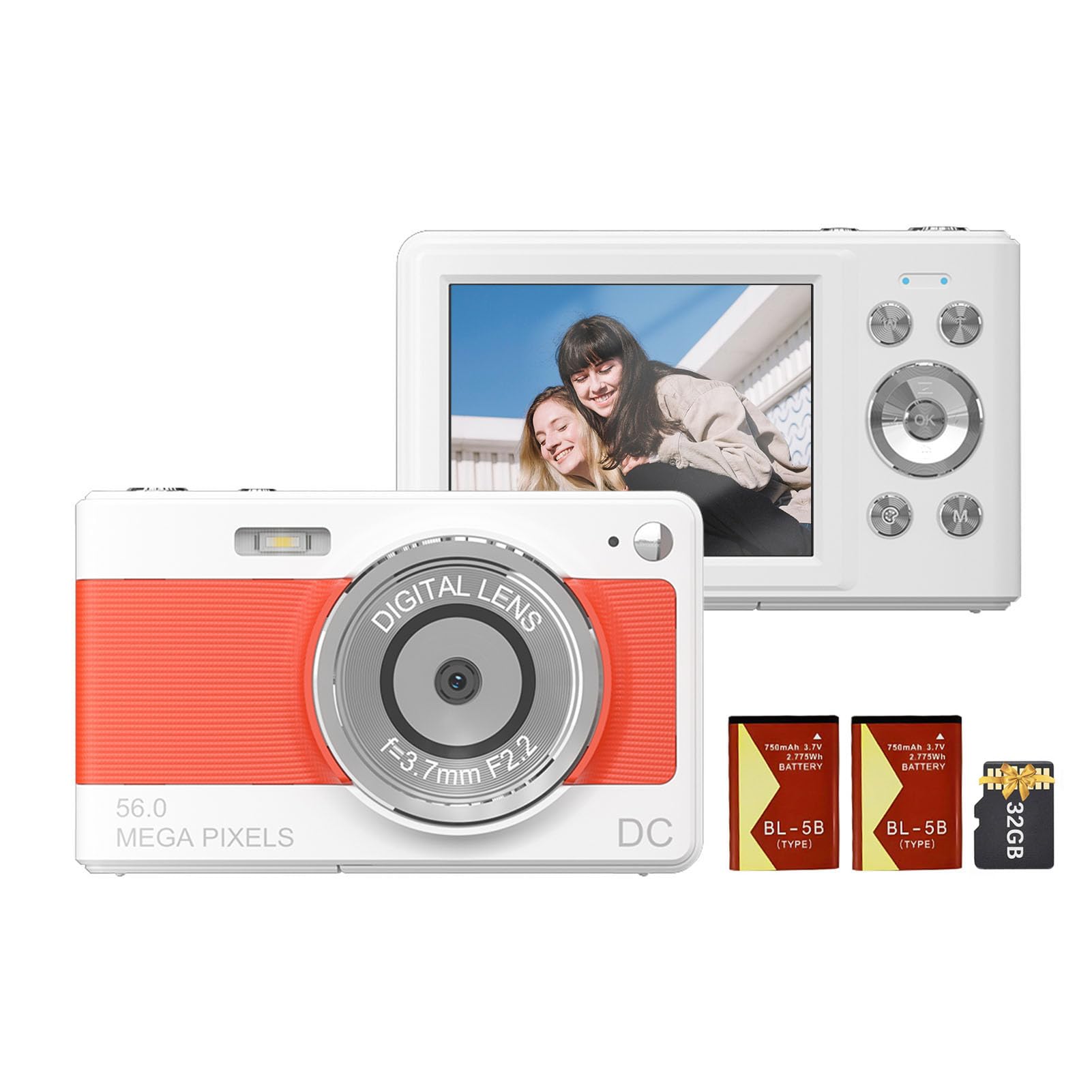
Spredaj view of the Andoer 1080P Digital Camera, showcasinnjegov objektiv in kompaktna zasnova.
Vsebina paketa
Preverite, ali so v paketu prisotni vsi elementi:
- 1 x Andoer Digital Camera
- 2 x Lithium Batteries (3.7V 750mAh)
- 1 x USB Charge Cable (Type-C)
- 1 x zapestni trak
- 1 x torba za prenašanje
- 1 x 32GB spominska kartica
- 1 x Uporabniški priročnik (angleščina)
Nastavitev
1. Namestitev in polnjenje baterije
The camera uses a rechargeable lithium battery. Two batteries are included to ensure extended usage.
- Locate the battery compartment on the bottom or side of the camera.
- Odprite pokrov prostora za baterije.
- Insert a fully charged battery, ensuring the correct polarity as indicated inside the compartment.
- Trdno zaprite pokrov prostora za baterije.
- To charge the battery, connect the camera to a power source using the provided Type-C USB cable. The charging indicator light will illuminate.
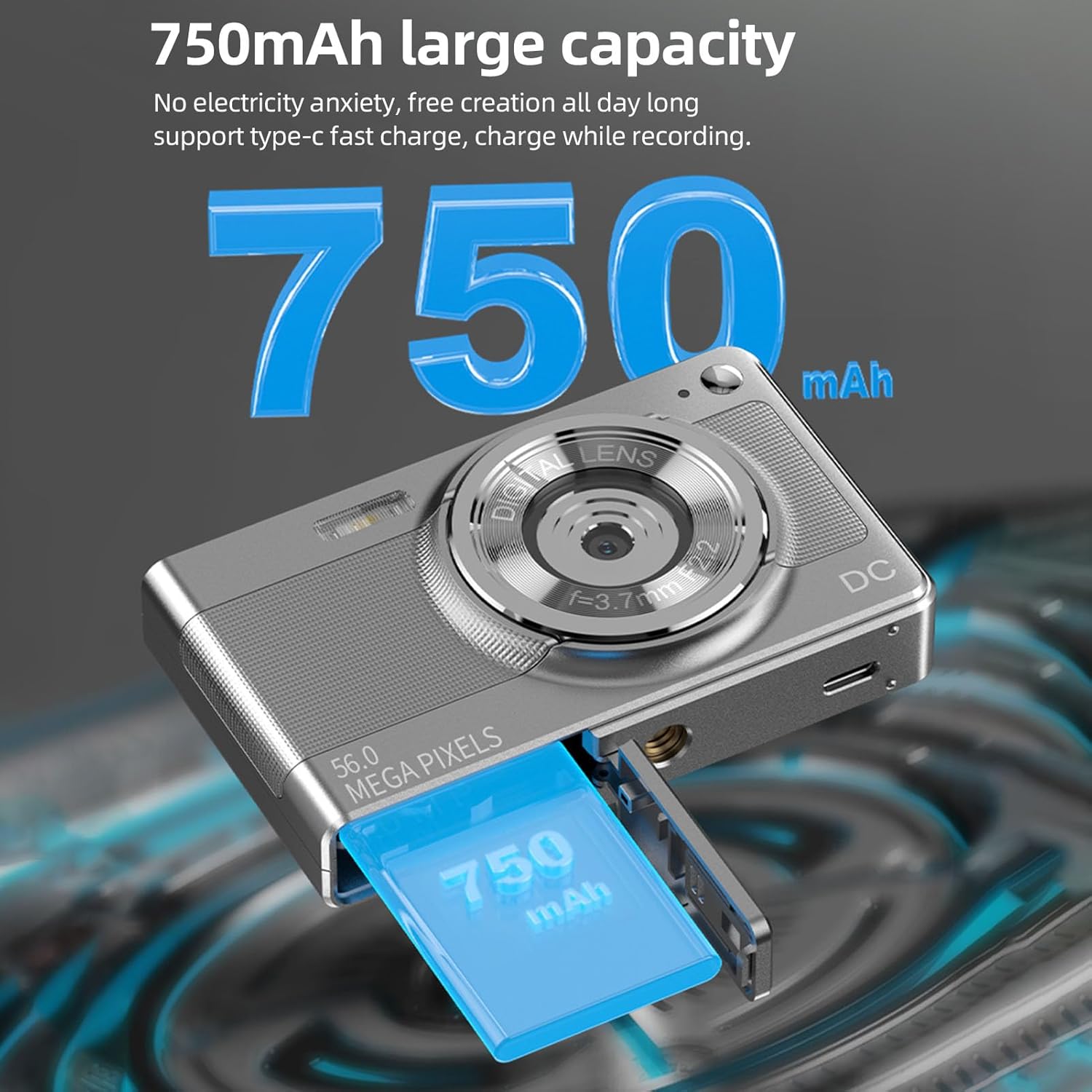
Illustration of the 750mAh battery and its insertion into the camera's battery compartment.
2. Namestitev pomnilniške kartice
A 32GB memory card is included for immediate use. Ensure the camera is powered off before inserting or removing the memory card.
- Locate the memory card slot, typically on the side of the camera.
- Insert the 32GB memory card into the slot with the metal contacts facing the correct direction (refer to the diagram near the slot if available).
- Kartico nežno potisnite, dokler se ne zaskoči.
- Za odstranitev kartico ponovno potisnite navznoter, dokler rahlo ne skoči ven, nato pa jo izvlecite.
Navodila za uporabo
1. Vklop/izklop
- To power on: Press and hold the power button (usually marked with VKLOP/IZKLOP or a power symbol) until the screen illuminates.
- To power off: Press and hold the power button again until the screen turns off.
2. Fotografiranje
The camera supports up to 56MP picture resolution.
- Vklopi kamero.
- Ensure the camera is in photo mode (indicated by an icon on the screen, typically a camera symbol).
- Kadrirajte posnetek z uporabo 2.88-palčnega IPS zaslona.
- The camera features AF auto-focus. Allow the camera to focus on your subject.
- Pritisnite sprožilec do polovice, da izostrite sliko, nato pa ga pritisnite do konca, da jo posnamete.
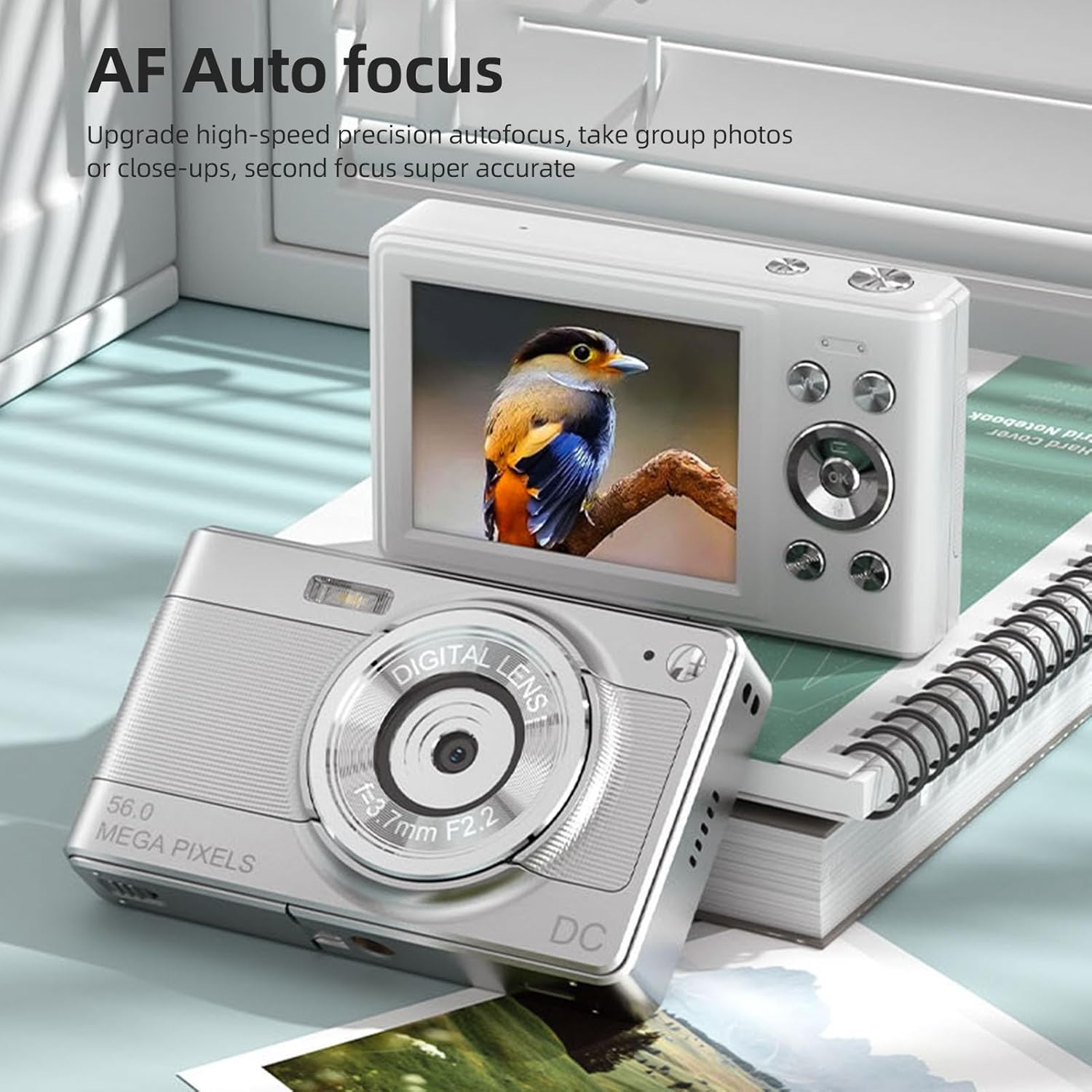
The camera's AF Auto Focus system ensures sharp images by automatically adjusting the lens.
3. Snemanje videoposnetkov
Record videos in 1080P resolution.
- Vklopi kamero.
- Switch to video recording mode (indicated by a video camera icon).
- Press the shutter button to start recording. A red indicator or timer will appear on the screen.
- Ponovno pritisnite sprožilec, da ustavite snemanje.
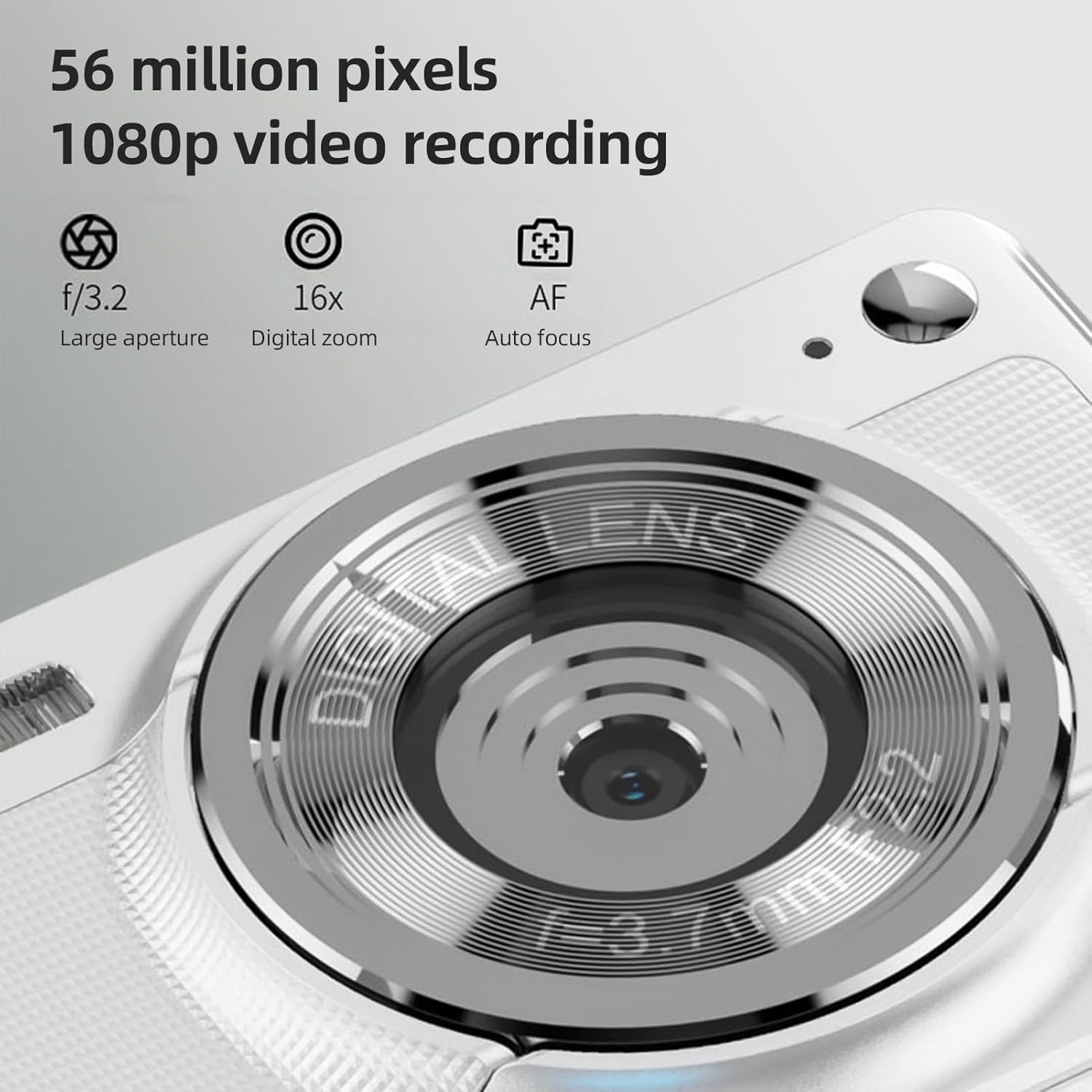
The camera is capable of capturing 56-megapixel photos and recording 1080p videos.
4. Digitalni zoom
The camera features an 8X digital zoom.
- While in photo or video mode, use the zoom buttons (often marked with W for Wide and T for Telephoto, or +/- symbols) to zoom in or out.
- Upoštevajte, da lahko digitalni zoom zmanjša kakovost slike v primerjavi z optičnim zoomom.

Comparison showing the effect of 8X digital zoom versus no zoom mode.
5. Vgrajena bliskavica
Use the built-in flash for low-light conditions.
- Access the flash settings through the camera's menu.
- Select from options such as Auto Flash, Fill-in Flash, Red-eye Reduction, or Flash Off.
6. Druge funkcije
The camera includes several features to enhance your photography:
- Anti-Shake: Helps reduce blur caused by camera movement.
- Face Detect: Automatically detects and focuses on faces in the frame.
- Continuous Photography: Captures a series of photos rapidly.
- Samosprožilec: Delays the shutter release by 2, 5, or 10 seconds.
- Barvni učinki: Apply various filters or color tones to your images.
7. Viewing in Prenos Files
Review your captured media and transfer them to other devices.
- Predvajanje: Press the playback button (often indicated by a play icon) to view photos and videos on the 2.88-inch IPS screen. Use the navigation buttons to browse.
- File Transfer (OTG Method):
- Remove the memory card from the camera.
- Insert the memory card into a card reader.
- Connect the card reader to your mobile phone or computer using an OTG adapter or USB cable to export photos and videos.

The camera's memory card can be used with an OTG adapter or card reader for easy transfer of files to a mobile phone or computer.
Vzdrževanje
- Čiščenje leče: Uporabite mehko krpo, ki ne pušča vlaken in je posebej zasnovana za objektive fotoaparatov. Izogibajte se dotikanju objektiva s prsti.
- Čiščenje zaslona: Gently wipe the IPS screen with a microfiber cloth. Do not use harsh chemicals.
- Shranjevanje: When not in use, store the camera in the provided carrying bag in a cool, dry place away from direct sunlight and extreme temperatures.
- Vzdrževanje baterije: Do not expose batteries to high temperatures. If the camera will not be used for an extended period, remove the battery.
Odpravljanje težav
| Težava | Možen vzrok | rešitev |
|---|---|---|
| Kamera se ne vklopi. | Baterija je prazna ali nepravilno vstavljena. | Napolnite baterijo. Prepričajte se, da je baterija vstavljena s pravilno polarnostjo. |
| Fotografiranje/snemanje videoposnetkov ni mogoče. | Pomnilniška kartica je polna, zaklenjena ali ni vstavljena. | Insert a memory card. Check if the memory card is locked. Delete unnecessary fileali zamenjajte kartico. |
| Slike so zamegljene. | Camera shake, subject too close, or lens is dirty. | Hold the camera steady. Ensure adequate lighting. Clean the lens. Use AF auto-focus. |
| Flash is not working. | Flash is set to "Off" or battery is low. | Check flash settings in the menu. Charge the battery. |
Specifikacije
- Slikovni senzor: CMOS senzor
- Zaslon: 2.88-palčni zaslon IPS
- Ločljivost slike: 56M, 48M, 36M, 30M, 24M, 20M, 16M, 12M, 8M, 5M, 3M
- Ločljivost videa: 1080P, 720P
- Digitalni zoom: 8X
- Samodejno ostrenje: Yes (AF)
- Anti-Shake: ja
- Face Detect: ja
- Samosprožilec: 2 sec / 5 sec / 10 sec / Off
- Izpostavljenost: EV-3 to EV+3
- Ravnovesje beline: Samodejno / dnevna svetloba / oblačno / fluorescentno / žareče
- Napajanje: Lithium battery (3.7V 750mAh)
- Velikost predmeta: 9.8 * 6 * 2 cm / 3.9 * 2.4 * 0.8 palcev
- Teža artikla: 110 g / 3.8 oz (vključno z baterijo)
- Priložena pomnilniška kartica: 32 GB
- Jezikovna podpora: Chinese, Japanese, English, French, Spanish, Portuguese, German, Dutch, Italian, etc.
Garancija in podpora
Specific warranty details are not provided in this manual. For warranty information, technical support, or service inquiries, please refer to the product packaging or contact Andoer customer service directly through their official webspletno mesto ali prodajalec, kjer je bil izdelek kupljen.
Račun shranite kot dokazilo o nakupu za morebitne garancijske zahtevke.