
1. Uvod
Hvala za nakupasing the Zenwire D300S Mini Projector. This manual provides essential information for the safe and efficient operation of your device. Please read it thoroughly before use and retain it for future reference.
Varnostni ukrepi
- Ne glejte neposredno v lečo projektorja, ko jeamp je vklopljen.
- Poskrbite za ustrezno prezračevanje, da preprečite pregrevanje. Ne blokirajte prezračevalnih odprtin.
- Uporabljajte samo priloženi napajalnik.
- Projektor hranite stran od vode ali drugih tekočin.
- Projektorja ne postavljajte na nestabilne površine.
- Projektorja ne poskušajte razstavljati ali popravljati sami. Obrnite se na usposobljeno servisno osebje.
2. Vsebina paketa
Prosimo, preverite, ali so v vašem paketu vsi artikli:
- Zenwire D300S Mini Projector
- Daljinski upravljalnik
- Napajalni adapter
- AV Cable
- Uporabniški priročnik (ta dokument)
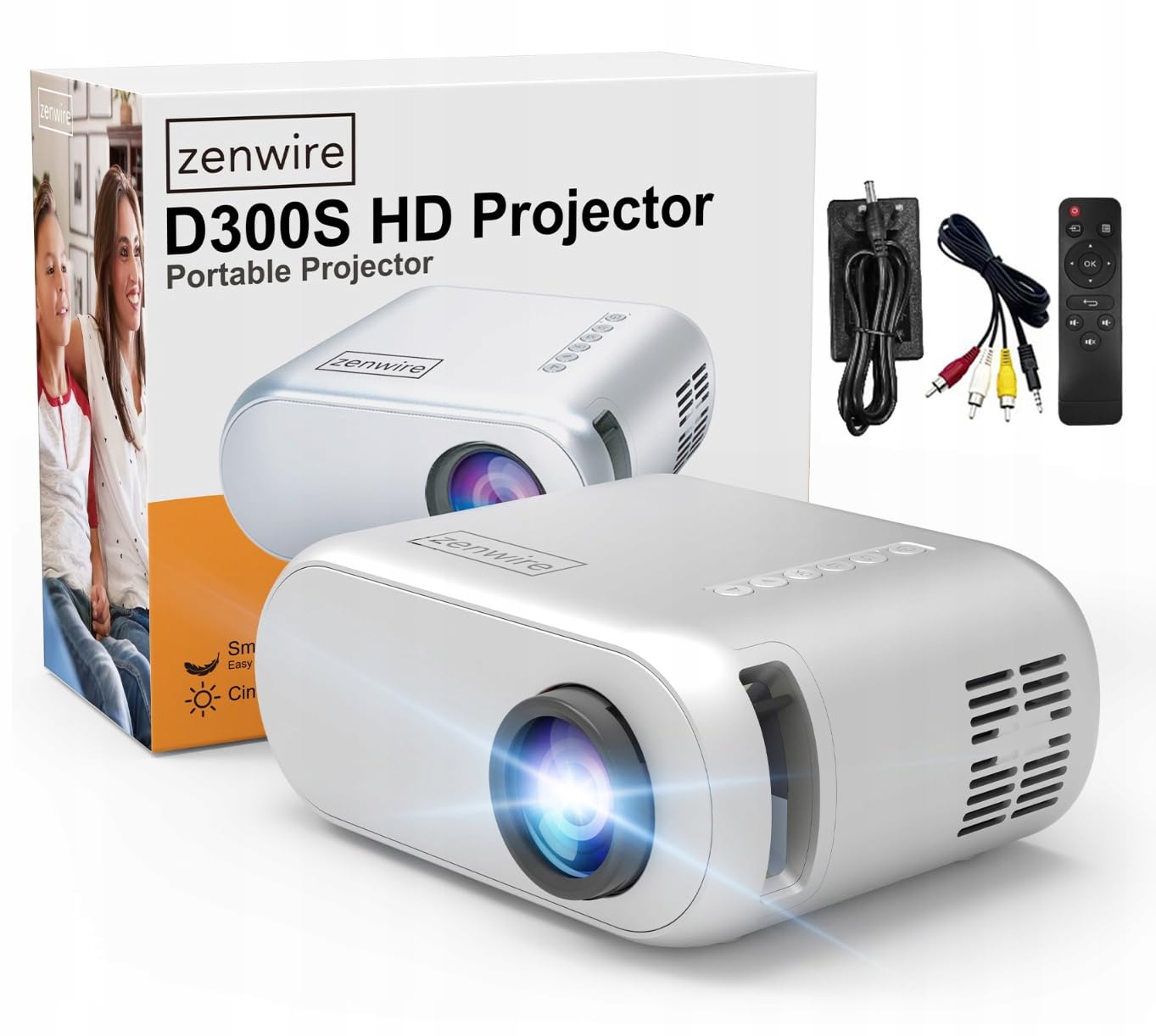
Image 2.1: Zenwire D300S Mini Projector and included accessories.
3. Izdelek je končanview
Projector Front and Top View
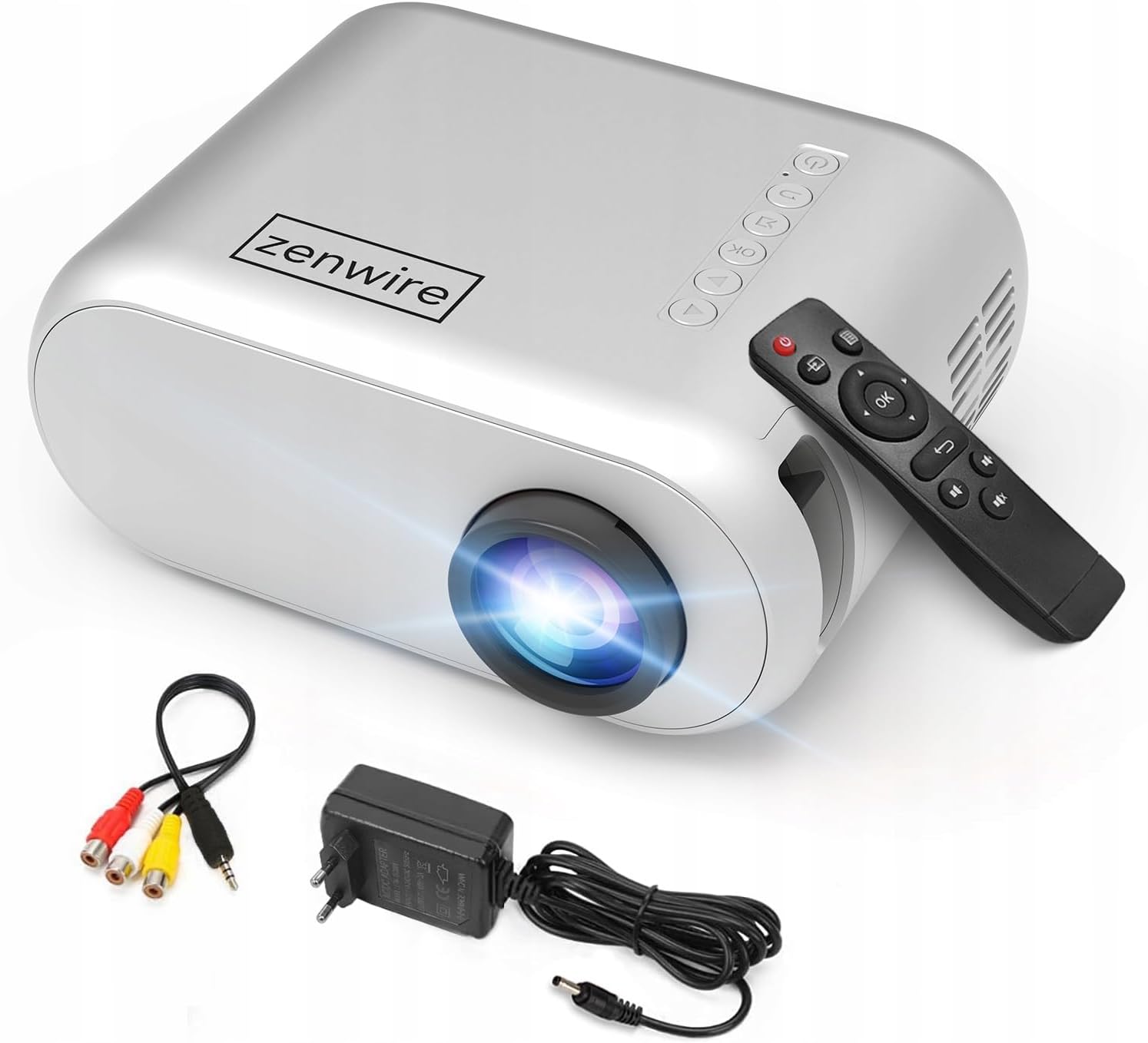
Image 3.1: Front and top view of the projector, showing the lens and top control panel.
Rear Panel and Connectivity
The rear panel of the projector features various ports for connecting external devices:

Slika 3.2: Zadaj view of the projector, highlighting the input/output ports.
- AV vhod: For connecting devices using the included AV cable.
- Vhod HDMI: For connecting devices such as laptops, gaming consoles, or streaming sticks.
- Vrata USB: Za priklop USB ključkov za predvajanje medijev files neposredno.
- AUX izhod: Za priklop zunanjih zvočnikov ali slušalk.
- Vhod DC moči: Za priključitev napajalnika.
Zgornja nadzorna plošča
The top of the projector features a control panel for basic operations:
- Gumb za vklop: Vklopi ali izklopi projektor.
- Navigacijski gumbi (gor/dol/levo/desno): Uporablja se za krmarjenje po menijih.
- Gumb V redu: Potrjuje izbire.
- Gumb za nazaj: Vrne se na prejšnji meni ali zaslon.
- Gumb za vir: Selects input source (HDMI, AV, USB).
4. Nastavitev
4.1 Namestitev
Place the projector on a stable, flat surface. Ensure there is adequate space around the projector for ventilation. The projection distance affects the screen size. Refer to the image below for recommended distances and corresponding screen sizes.

Image 4.1: Recommended projection distances and screen sizes.
- For a 30-inch screen, place the projector approximately 0.9 meters away.
- For a 50-inch screen, place the projector approximately 1.5 meters away.
- For an 80-inch screen, place the projector approximately 2.4 meters away.
- For a 100-inch screen, place the projector approximately 3.0 meters away.
4.2 Napajalni priključek
Connect the power adapter to the DC Power Input port on the projector, then plug the adapter into a power outlet.
4.3 Povezovanje naprav
The Zenwire D300S supports various input sources:
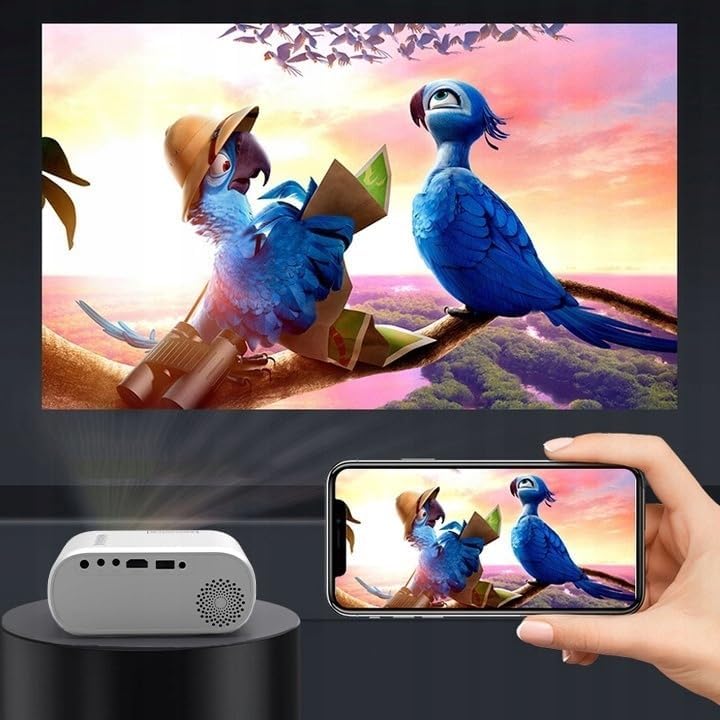
Slika 4.2: Primeramples of devices that can be connected to the projector.
- HDMI: Connect your laptop, gaming console, or streaming device using an HDMI cable.
- USB: Za predvajanje medijev vstavite USB-ključek v vrata USB files neposredno.
- OD: Use the included AV cable to connect older devices like DVD players.
- Audio Out (AUX): Connect external speakers or headphones to the AUX port for enhanced audio.
4.4 Prilagoditev ostrenja
Turn on the projector. Adjust the focus ring located near the lens until the projected image is clear and sharp.
5. Navodila za uporabo
5.1 Vklop/izklop
Press the Power button on the projector or the remote control to turn the device on or off.
5.2 Izbira vira
After powering on, use the 'Source' button on the projector or remote control to select the desired input source (HDMI, AV, USB).
5.3 Navigacija po meniju
Use the navigation buttons (Up/Down/Left/Right) on the projector or remote to browse through menus. Press 'OK' to confirm a selection and 'Back' to return.
5.4 Nadzor glasnosti
Prilagodite glasnost z gumbi za glasnost na daljinskem upravljalniku.
5.5 Connecting to a Phone/Laptop
To project content from a phone or laptop:
- Za prenosne računalnike: Connect via HDMI cable. Select HDMI as the input source on the projector.
- Za telefone: Depending on your phone model, you may need an adapter (e.g., USB-C to HDMI, Lightning to HDMI) to connect via HDMI. Alternatively, some phones support wireless display technologies that can be used with a compatible streaming stick connected to the projector's HDMI port.

Image 5.1: Projecting content from a smartphone to the Zenwire D300S Mini Projector.
6. Vzdrževanje
6.1 Čiščenje leče
Za nežno brisanje leče projektorja uporabite mehko krpo, ki ne pušča vlaken in je posebej zasnovana za optične leče. Ne uporabljajte abrazivnih čistil ali prekomerne sile.
6.2 Čiščenje ohišja projektorja
Zunanjost projektorja obrišite z mehko, suho krpo. Za trdovratne madeže rahloamp Uporabite lahko krpo, nato pa še suho krpo.
6.3 Prezračevanje
Regularly check that the ventilation openings are free from dust and obstructions to ensure proper airflow and prevent overheating.
7. Odpravljanje težav
Če imate težave s projektorjem, si oglejte naslednje pogoste težave in rešitve:
| Težava | Možen vzrok | rešitev |
|---|---|---|
| Ni projicirane slike | Power not connected, incorrect input source, device not sending signal. | Check power connection, select correct input source, ensure connected device is on and outputting video. |
| Slika je zamegljena | Focus not adjusted, projector too close/far. | Adjust the focus ring, reposition the projector according to recommended distances. |
| Brez zvoka | Volume too low, external speakers not connected, audio format not supported. | Increase volume, connect external speakers via AUX, check audio settings on source device. |
| Daljinski upravljalnik ne deluje | Batteries dead, obstruction between remote and projector. | Replace batteries, ensure clear line of sight to the projector's IR receiver. |
8. Specifikacije
- Model: Zenwire D300S
- Izvorna ločljivost: 1280 x 720p HD
- Svetlost: 3000 Lumens (100 ANSI Lumens)
- Povezljivost: HDMI, USB, AUX, AV
- Razmerje stranic: 16:9/4:3
- Razdalja projekcije: 0.9m - 3.0m (approx. 30-100 inches)
9. Garancija in podpora
The Zenwire D300S Mini Projector comes with a standard manufacturer's warranty. Please refer to the warranty card included in your package for specific terms and conditions. For technical support or service inquiries, please contact your retailer or the Zenwire customer service department.