
1. Uvod
The ttec Spoti Smart Tracker 2SMT01S is an Apple-certified device designed to help you locate your personal belongings. It integrates seamlessly with the Apple Find My network, allowing you to track items such as keys, bags, and luggage using your iOS device. The tracker features audible alerts for easy detection and boasts a compact, lightweight design for portability. Advanced wireless connectivity is provided by Bluetooth 5.1, and with iOS 17 or later, you can utilize multiple profiles within the Find My app.
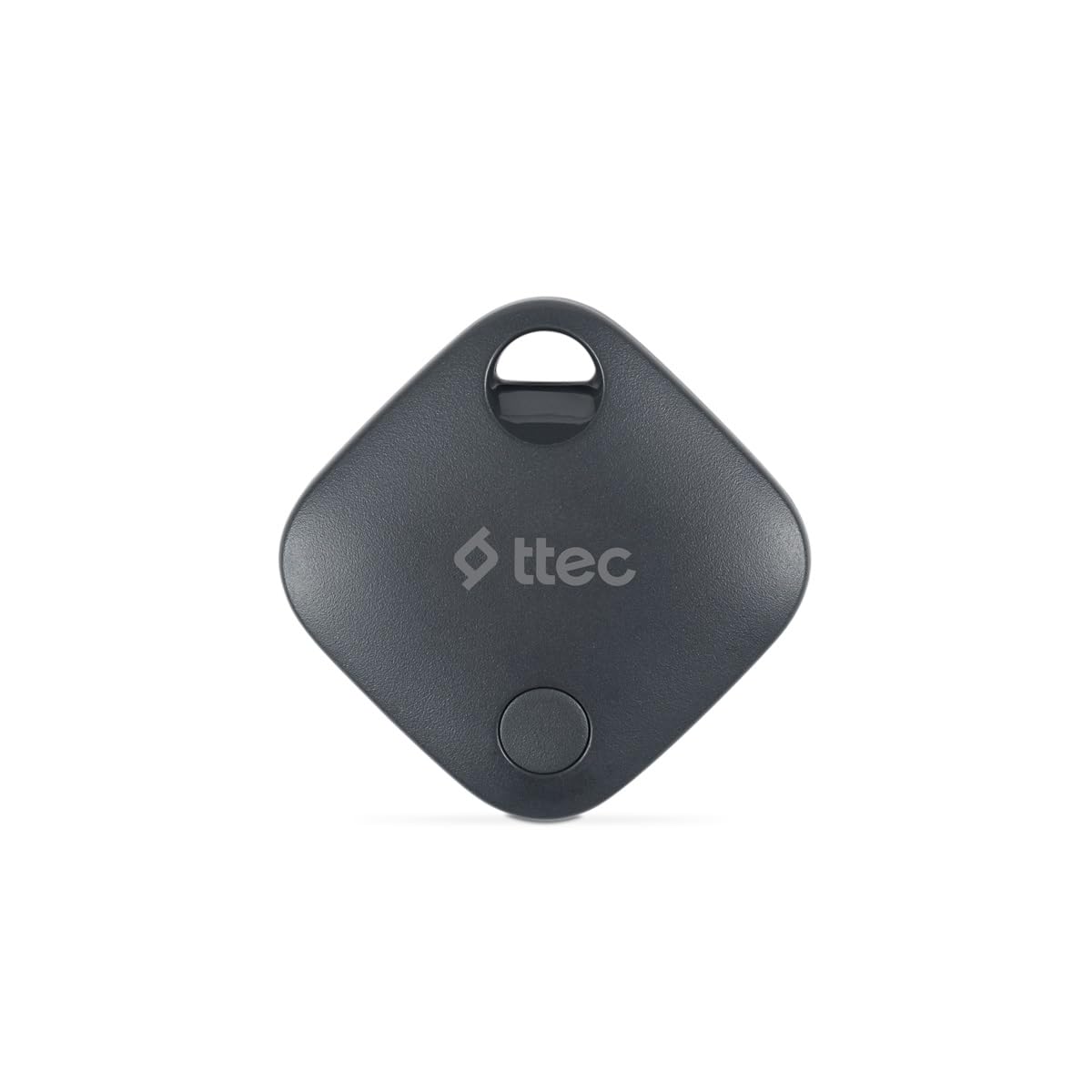
Image 1.1: ttec Spoti Smart Tracker 2SMT01S product packaging, showing the device and key features.
2. Vsebina paketa
Prosimo, preverite paket za naslednje artikle:
- 1 x ttec Spoti Smart Tracker 2SMT01S
- 1 x Uporabniški priročnik (ta dokument)
- Note: A CR2032 battery is required and is included in the package.

Image 2.1: The ttec Spoti Smart Tracker 2SMT01S device.
3. Nastavitev
3.1. Namestitev baterije
The ttec Spoti Smart Tracker uses one CR2032 coin cell battery. Ensure the battery is correctly inserted before use.
- Locate the battery compartment on the back of the tracker.
- Open the compartment cover by twisting it counter-clockwise or by gently prying it open with a small tool if indicated.
- Vstavite baterijo CR2032 s pozitivno stranjo (+) obrnjeno navzgor.
- Varno zaprite pokrov predelka.
3.2. Združevanje z aplikacijo Apple Find My
The ttec Spoti Smart Tracker is designed to work with the Apple Find My network. Follow these steps to pair your tracker with your iOS device:
- Ensure your iOS device (iPhone, iPad, or iPod touch) is running iOS 14.5 or later.
- Odprite Find My aplikacijo v vaši napravi iOS.
- Tapnite Predmeti zavihek na dnu zaslona.
- Tapnite Dodaj predmet, nato izberite Drug podprt element.
- Bring your ttec Spoti Smart Tracker close to your iOS device.
- The app will detect the tracker. Follow the on-screen instructions to name your item and register it to your Apple ID.
- Once paired, the tracker will appear on the map in the Find My app.
Note: For iOS 17 and later, the Find My app supports using multiple profiles, allowing for more flexible item management.
4. Operating the Smart Tracker
4.1. Iskanje vašega predmeta
To find an item attached to your ttec Spoti Smart Tracker:
- Odprite Find My aplikacijo v vaši napravi iOS.
- Pojdi na Predmeti zavihek.
- Select your ttec Spoti Smart Tracker from the list.
- Aplikacija bo na zemljevidu prikazala zadnjo znano lokacijo sledilnika.
- If the item is nearby, tap Predvajaj zvok to make the tracker emit an audible alert, helping you pinpoint its exact location.
- If the item is not nearby, the Find My network will help locate it. When another Apple device user passes by your item, its location will be anonymously updated in the Find My app.
4.2. Izgubljeni način
If your item is lost, you can enable Lost Mode:
- V Find My app, select your ttec Spoti Smart Tracker.
- Pomaknite se navzdol in tapnite Omogoči pod Izgubljeni način.
- Follow the instructions to enter a phone number or email address where you can be contacted.
- If someone finds your item, they can use their iPhone to scan the tracker and see your contact information.
5. Zamenjava baterije
The ttec Spoti Smart Tracker uses a standard CR2032 coin cell battery. When the battery level is low, you will receive a notification on your iOS device via the Find My app. To replace the battery:
- Locate the battery compartment on the back of the tracker.
- Odprite pokrov predala.
- Odstranite staro baterijo CR2032.
- Vstavite novo baterijo CR2032 s pozitivno stranjo (+) obrnjeno navzgor.
- Varno zaprite pokrov predelka.
Warning: Dispose of used batteries responsibly according to local regulations. Keep batteries out of reach of children.
6. Vzdrževanje
To ensure the longevity and optimal performance of your ttec Spoti Smart Tracker:
- Napravo hranite čisto in suho. Po potrebi jo obrišite z mehko, suho krpo.
- Avoid exposing the tracker to extreme temperatures, direct sunlight, or harsh chemicals.
- Naprave ne poskušajte razstavljati ali spreminjati, saj boste s tem razveljavili garancijo.
- Ensure the battery compartment is always securely closed to prevent dust and moisture ingress.
7. Odpravljanje težav
| Težava | Možen vzrok | rešitev |
|---|---|---|
| Tracker not appearing in Find My app. | Not paired, out of battery, or out of Bluetooth range during initial setup. |
|
| Cannot hear the sound alert. | Tracker is too far, battery is low, or environmental noise is too high. |
|
| Location not updating. | Tracker is out of range of any Apple Find My network device, or battery is dead. |
|
| Connection frequently drops. | Interference, low battery, or device malfunction. |
|
8. Specifikacije
| Znamka | ttec |
| Model | 2SMT01S |
| Tehnologija povezljivosti | Bluetooth 5.1 |
| Teža izdelka | 0.02 kilogramov |
| Vrsta baterije | 1 x CR2032 (priložen) |
| Proizvajalec | ttec |
| Država izvora | Kitajska |
| ASIN | B0D49TPB9Y |
9. Garancija in podpora
The ttec Spoti Smart Tracker 2SMT01S comes with a 2-year Official Distributor Warranty. Ta garancija pokriva napake v materialu in izdelavi pri normalni uporabi.
For warranty claims, technical support, or any questions regarding your product, please contact ttec customer service through their official webspletnega mesta ali kontaktnih podatkov, navedenih v dokumentaciji o nakupu.
Please have your proof of purchase and the product model number (2SMT01S) ready when contacting support.
10. Varnostne informacije
Da preprečite poškodbe naprave ali telesne poškodbe, preberite in upoštevajte ta varnostna navodila:
- Ne zaužijte baterije. Nevarnost kemičnih opeklin.
- Nove in rabljene baterije hranite izven dosega otrok.
- Če se predal za baterije ne zapre dobro, izdelek prenehajte uporabljati in ga hranite izven dosega otrok.
- Če mislite, da je nekdo pogoltnil baterije ali jih dal v kateri koli del telesa, takoj poiščite zdravniško pomoč.
- Do not expose the device to water or moisture unless specified as waterproof.
- Izogibajte se padcem ali izpostavljanju naprave močnim udarcem.
- Do not attempt to open, disassemble, or repair the device yourself.
- Dispose of the device and batteries according to local environmental regulations.
- This device complies with European Union Standards (CE).