
1. Uvod
This manual provides essential information for the safe and efficient installation, operation, and maintenance of the XP POWER C10N Non-Isolated DC/DC Converter. Please read this manual thoroughly before attempting to install or operate the device. Retain this manual for future reference.
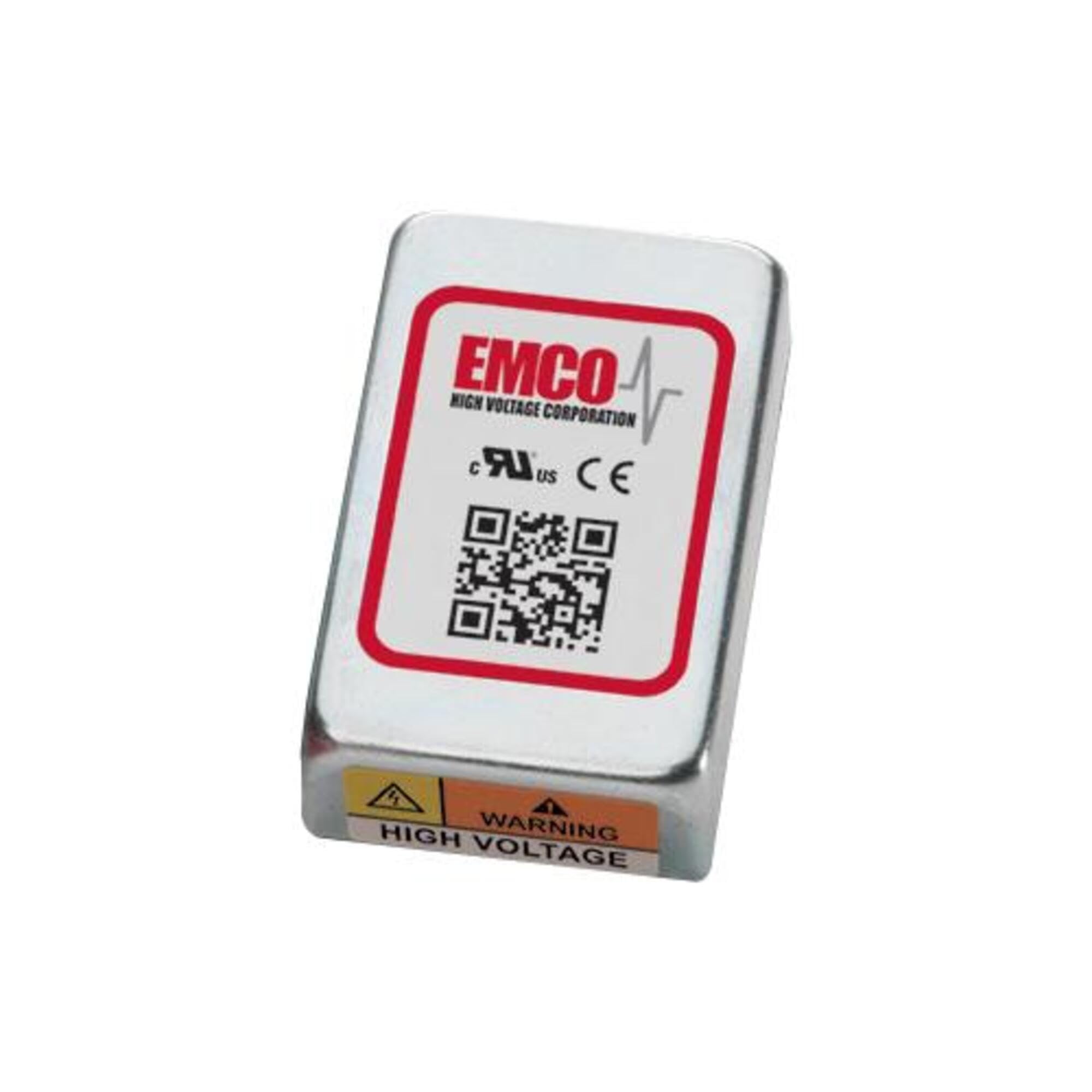
Image showing the physical unit of the XP POWER C10N Non-Isolated DC/DC Converter, typically displaying its casing in priključne sponke.
2. Varnostne informacije
Always observe the following safety precautions to prevent injury and damage to the device or connected equipment.
- Kvalificirano osebje: Namestitev in servisiranje mora izvajati samo usposobljeno osebje.
- Nevarnost električnega udara: This device operates with electrical voltages that can cause severe injury or death. Ensure all power sources are disconnected before installation, wiring, or maintenance.
- Pravilno ožičenje: Verify correct input and output polarity and voltage levels before applying power. Incorrect wiring can damage the converter and connected devices.
- Prezračevanje: Ensure adequate ventilation around the converter to prevent overheating. Do not obstruct airflow.
- Okoljski pogoji: Operate the converter within its specified environmental limits (temperature, humidity).
- Nosilnost: Do not exceed the maximum output current or power rating of the converter. Overloading can lead to damage or failure.
3. Nastavitev
3.1 Razpakiranje in pregled
Upon receiving the C10N converter, carefully unpack it and inspect for any signs of physical damage. If damage is found, do not proceed with installation and contact your supplier immediately.
3.2 Montaža
Mount the converter in a secure location that provides sufficient airflow for cooling. Ensure the mounting surface is stable and capable of supporting the converter's weight. Avoid mounting near heat sources or in enclosed spaces without ventilation.
3.3 Žične povezave
Refer to the product datasheet for specific pin assignments and wiring diagrams. Ensure all connections are secure and correctly polarized. Use appropriate wire gauges for the expected current levels.
- Vhodna moč: Povežite DC vhod voltage source to the designated input terminals. Observe correct polarity (+IN, -IN).
- Izhodna moč: Connect the load to the designated output terminals. Observe correct polarity (+OUT, -OUT).
- Ozemljitev: Ensure proper grounding practices are followed according to local electrical codes and product specifications.
3.4 Začetni vklop
Before applying power, double-check all wiring connections. Once verified, apply the specified input voltage. Spremljajte izhodno glasnosttage and current to ensure proper operation. If any anomalies are observed, immediately disconnect power and troubleshoot.
4. Delovanje
The C10N converter is designed for continuous operation within its specified parameters. Once properly installed and powered, it will provide a stable DC output voltage.
- Upravljanje obremenitve: Ensure the connected load does not exceed the converter's maximum output current or power rating.
- Spremljanje okolja: Maintain the operating environment within the specified temperature and humidity ranges to ensure optimal performance and longevity.
- Output Monitoring: Periodically verify the output voltage and current to confirm stable operation, especially in critical applications.
5. Vzdrževanje
The C10N converter is designed for minimal maintenance. However, periodic checks can help ensure long-term reliability.
- Čiščenje: Pretvornik naj bo čist in brez prahu. Za čiščenje uporabljajte mehko, suho krpo. Ne uporabljajte tekočih čistil ali topil.
- Preverjanje povezave: Občasno preverite vse ožičene povezave glede tesnosti in znakov korozije ali poškodb.
- Prezračevanje: Ensure that ventilation openings remain clear and unobstructed.
6. Odpravljanje težav
If the converter is not functioning as expected, perform the following basic troubleshooting steps:
| Težava | Možen vzrok | rešitev |
|---|---|---|
| Brez izhodne voltage | Brez vhodne moči Nepravilno ožičenje Zaščita pred preobremenitvijo je aktivirana | Check input power source and connections. Verify wiring against datasheet. Reduce load, then cycle input power. |
| Izhodna voltage nestabilno | Vhodna voltage nihanja Stanje preobremenitve Slabe povezave | Ensure stable input power. Zmanjšajte obremenitev. Preverite tesnost vseh žičnih povezav. |
| Pretvornik se pregreva | Nezadostno prezračevanje Stanje preobremenitve Visoka temperatura okolja | Zagotovite zadosten pretok zraka okoli enote. Zmanjšajte obremenitev. Relocate converter to a cooler environment. |
If the problem persists after performing these steps, contact XP POWER technical support.
7. Specifikacije
The following are key specifications for the XP POWER C10N Non-Isolated DC/DC Converter. For a complete list of detailed electrical and environmental specifications, please refer to the official product datasheet available on the XP POWER webmesto.
- Proizvajalec: XP POWER
- Model: C10N
- ASIN: B0D38GP8ZW
- Prvič na voljo: 3. maj 2024
- Tip: Non-Isolated DC/DC Converter
8. Garancija in podpora
For information regarding the warranty period and terms for your XP POWER C10N converter, please refer to the official warranty statement provided with your purchase or visit the XP POWER official website. Technical support is available to assist with any questions or issues not covered in this manual.
Kontaktni podatki: Please visit the official XP POWER website for the most current contact details for technical support and customer service in your region.