
1. Uvod
Hvala za nakupasing the Sharp GX-BT390 Crystal Clear Series Bluetooth Speaker. This portable speaker is designed to deliver high-quality audio with enhanced bass, featuring IP67 waterproof and dustproof capabilities, LED light modes, and True Wireless Stereo (TWS) pairing. This manual provides essential information for setup, operation, and maintenance to ensure optimal performance and longevity of your device.
2. Vsebina paketa
Prosimo, preverite, ali so vsi elementi prisotni:
- Sharp GX-BT390 Bluetooth Speaker
- Polnilni kabel (USB-C)
- Uporabniški priročnik
3. Izdelek je končanview
Familiarize yourself with the various parts of your Sharp GX-BT390 speaker.
Slika 3.1: Spredaj view of the Sharp GX-BT390 speaker, highlighting the control panel with volume buttons, play/pause, and power indicator.

Slika 3.2: Zadaj view of the Sharp GX-BT390 speaker, illustrating the sealed charging port and attachment points for the carrying strap.

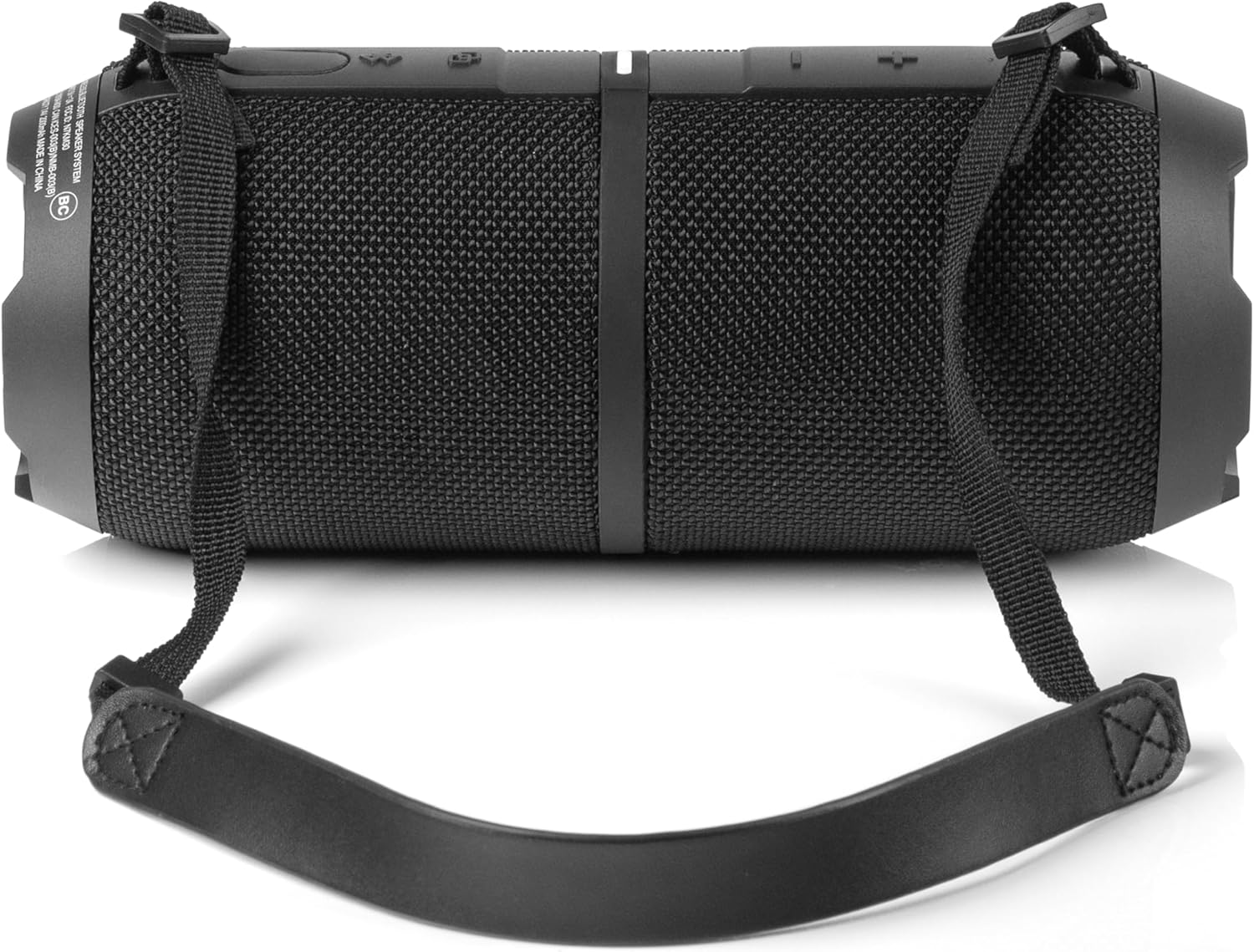
Slika 3.3: stran view of the Sharp GX-BT390 speaker, showing the textured surface and the adjustable carrying strap.

Figure 3.4: The Sharp GX-BT390 speaker with its end cap illuminated, displaying the Sharp logo and an active LED light mode.
Kontrole in indikatorji:
- Gumb za vklop: Pritisnite in držite za vklop/izklop.
- Povečanje glasnosti (+): Povečaj glasnost.
- Znižaj glasnost (-): Zmanjšajte glasnost.
- Gumb za predvajanje/pavzo: Predvajanje ali začasna ustavitev glasbe, sprejemanje/končanje klicev.
- Gumb za seznanjanje Bluetooth: Zaženite način seznanjanja Bluetooth.
- LED indikator: Prikazuje stanje napajanja, stanje polnjenja in stanje povezave Bluetooth.
- Gumb za svetlobni način: Preklapljajte med načini LED-luči.
4. Nastavitev
4.1 Polnjenje zvočnika
- Open the protective cover on the back of the speaker to access the USB-C charging port.
- Priloženi kabel USB-C priključite na polnilno vtičnico zvočnika.
- Drugi konec kabla USB-C priključite na združljiv napajalnik USB (ni priložen).
- LED indikator bo prikazoval stanje polnjenja. Popolno polnjenje običajno traja približno 3–4 ure.
- Once fully charged, disconnect the cable and securely close the protective cover to maintain IP67 water and dust resistance.
4.2 Vklop/izklop
- Za vklop: Press and hold the Power button for approximately 2 seconds until you hear an audible tone and the LED indicator illuminates.
- Za izklop: Press and hold the Power button for approximately 2 seconds until you hear an audible tone and the LED indicator turns off.
4.3 Bluetooth seznanjanje
- Ensure the speaker is powered on and within 1 meter of your Bluetooth device.
- The speaker will automatically enter Bluetooth pairing mode when first powered on, or if no device is connected. The LED indicator will flash rapidly.
- V napravi Bluetooth (pametni telefon, tablični računalnik itd.) omogočite Bluetooth in poiščite razpoložljive naprave.
- Select "Sharp GX-BT390" from the list of devices.
- Once paired, you will hear a confirmation tone, and the LED indicator will glow solid blue.
- If pairing fails, turn off the speaker and your device, then repeat the steps.
5. Navodila za uporabo
5.1 Predvajanje glasbe
- Predvajanje/pavza: Enkrat pritisnite gumb Predvajaj/Premor.
- Povečaj glasnost: Pritisnite gumb '+'.
- Znižaj glasnost: Pritisnite gumb '-'.
- Naslednja skladba: Pritisnite in držite gumb »+«.
- Prejšnja skladba: Pritisnite in držite gumb '-'.
5.2 Prostoročno klicanje
The Sharp GX-BT390 features a built-in microphone for hands-free calls when connected to your smartphone.
- Sprejmi klic: Enkrat pritisnite gumb Predvajaj/Premor.
- Končaj klic: Med klicem enkrat pritisnite gumb Predvajaj/Pavza.
- Zavrni klic: Pritisnite in držite gumb za predvajanje/pavzo 2 sekundi.
5.3 Združevanje s pravim brezžičnim stereo sistemom (TWS)
You can pair two Sharp GX-BT390 speakers together for a stereo sound experience.
- Ensure both GX-BT390 speakers are powered on and not connected to any Bluetooth device.
- On one speaker (this will be the primary speaker), press and hold the Bluetooth pairing button for 3 seconds. You will hear a tone.
- Zvočnika se bosta samodejno poiskala in povezala. Ko bosta povezana, boste zaslišali potrditveni zvok.
- Zdaj priključite napravo Bluetooth na primarni zvočnik, kot je opisano v poglavju 4.3.
5.4 načini LED luči
The speaker features two LED mood lighting effects that synchronize with the music.
- Press the Light Mode button to cycle through the available light modes.
- Press the Light Mode button again to select the next mode or turn off the lights.
Slika 5.1: Konecview of key features including hands-free calling, LED light effects, IP67 rating, 10-hour playtime, 30W power output, and Bluetooth connectivity.
6. Vzdrževanje
To ensure the longevity and performance of your Sharp GX-BT390 speaker, follow these maintenance guidelines:
- Čiščenje: Obrišite zvočnik z mehko, damp krpo. Ne uporabljajte abrazivnih čistil ali topil.
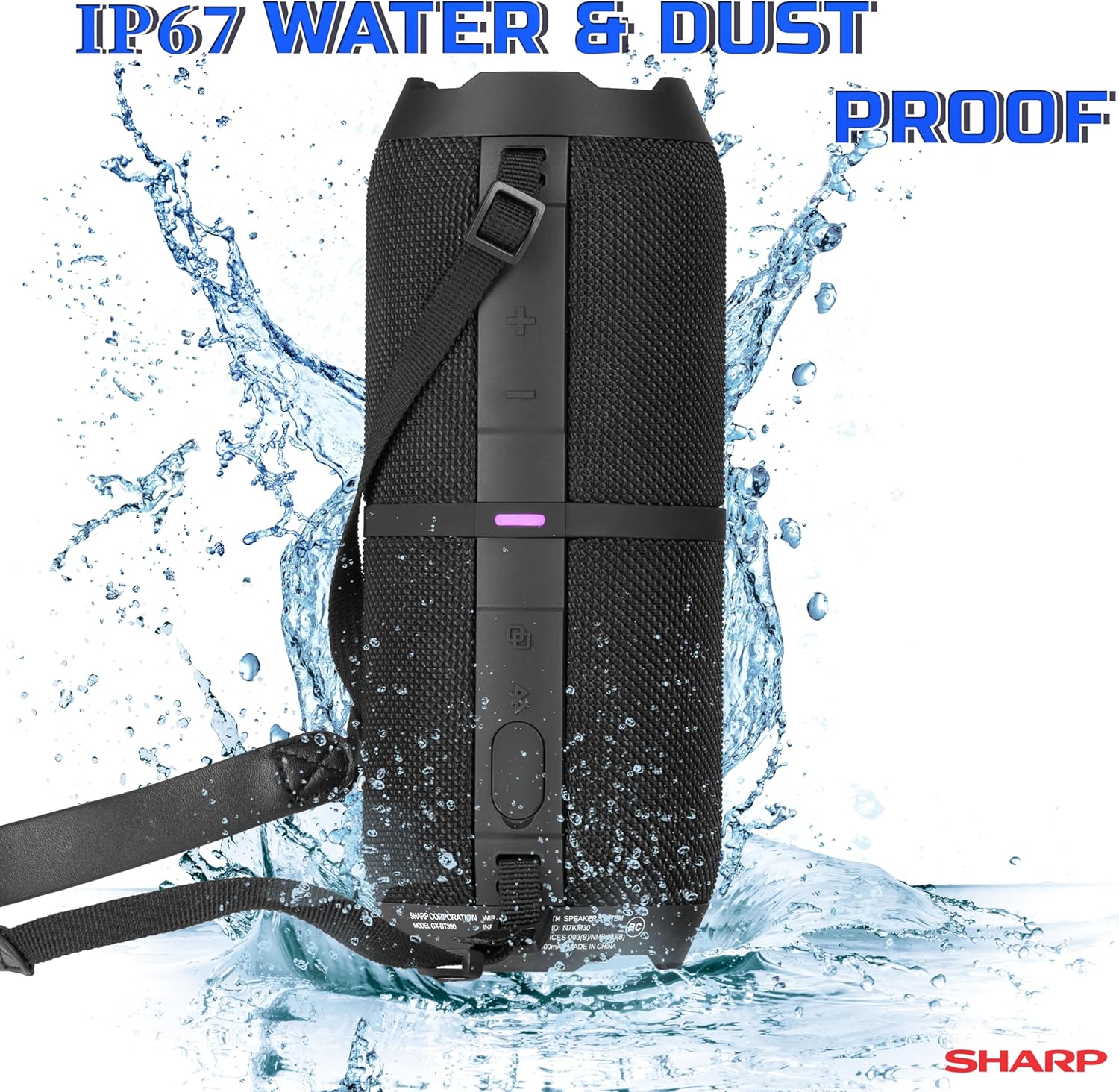
- Odpornost na vodo in prah (IP67): The speaker is rated IP67, meaning it is protected from dust ingress and can withstand immersion in water up to 1 meter for 30 minutes. Ensure the charging port cover is securely closed to maintain this rating. Avoid prolonged exposure to water or extreme conditions.
- Shranjevanje: Zvočnik shranjujte na hladnem in suhem mestu, stran od neposredne sončne svetlobe in ekstremnih temperatur.
- Vzdrževanje baterije: To preserve battery life, charge the speaker regularly, even if not in use for extended periods. Avoid fully discharging the battery frequently.

Figure 6.1: Visual representation of the speaker's IP67 waterproof and dustproof capabilities.
7. Odpravljanje težav
Če imate težave z zvočnikom, si oglejte naslednje pogoste težave in rešitve:
| Težava | Možen vzrok | rešitev |
|---|---|---|
| Zvočnik se ne vklopi | Prazna baterija; gumb za vklop ni bil pritisnjen dovolj dolgo | Napolnite zvočnik; Pritisnite in držite gumb za vklop 2 sekunde |
| Brez zvoka | Volume too low; Device not paired; Speaker muted | Increase volume on speaker and device; Re-pair Bluetooth; Check device mute settings |
| Bluetooth povezovanje ne uspe | Speaker too far from device; Device Bluetooth off; Interference | Ensure speaker is within 1 meter; Turn device Bluetooth on/off; Move away from other wireless devices |
| Slaba kakovost zvoka | Low battery; Device too far; Obstructions | Charge speaker; Move device closer; Remove obstructions between speaker and device |
| Seznanjanje TWS ne uspe | Speakers not in pairing mode; Already connected to another device | Prepričajte se, da sta oba zvočnika odklopljena od drugih naprav; natančno sledite korakom za seznanjanje s TWS. |
8. Specifikacije
Detailed technical specifications for the Sharp GX-BT390 Bluetooth Speaker:
| Funkcija | Specifikacija |
|---|---|
| Ime modela | GX-BT390(K) |
| Vrsta zvočnika | Zunanji, prenosni Bluetooth zvočnik |
| Tehnologija povezljivosti | Bluetooth |
| Brezžična komunikacijska tehnologija | Bluetooth |
| Največja izhodna moč zvočnika | 60 W (30 W RMS) |
| Način avdio izhoda | Stereo (s TWS seznanjanjem) |
| Posebne lastnosti | Bass Boost, Built-in Microphone, Dustproof, LED Light, Lightweight |
| Stopnja vodoodpornosti | IP67 (odporen na vodo in prah) |
| Vir napajanja | Napajanje na baterije (priložena je 1 litij-ionska baterija) |
| Življenjska doba baterije | Do 10 ur |
| Največji doseg | 33 čevljev (10 metra) |
| Nadzorna metoda | Dotaknite se gumbov |
| Dimenzije izdelka | 4" G x 8.5" Š x 4" V (10.16 cm G x 21.59 cm Š x 10.16 cm V) |
| Teža predmeta | 1.75 funta (28 unče) |

Figure 8.1: Internal component diagram illustrating the speaker drivers responsible for 30-watt rich bass and powerful sound.
9. Garancija in podpora
The Sharp GX-BT390 Bluetooth Speaker comes with a Limited Warranty. Please refer to the warranty card included in your package for specific terms and conditions. For technical support or service inquiries, please contact Sharp customer service through their official webspletnega mesta ali kontaktnih podatkov, ki so navedeni v dokumentaciji izdelka.


