
Uvod
Thank you for choosing the Lexip Tsume Kakashi Kamui Naruto Shippuden Controller. This high-performance gaming controller is designed to enhance your gaming experience with its unique design and advanced features. This manual provides essential information for setting up, operating, and maintaining your controller.
Vsebina paketa
Prosimo, preverite paket za naslednje artikle:
- Lexip Tsume Kakashi Kamui Naruto Shippuden Controller
- USB polnilni/podatkovni kabel
- Uporabniški priročnik (ta dokument)
Postavitev krmilnika
Familiarize yourself with the various components of your controller.

Slika 1: Spredaj view krmilnika, showcasing the limited edition design inspired by Naruto Shippuden.
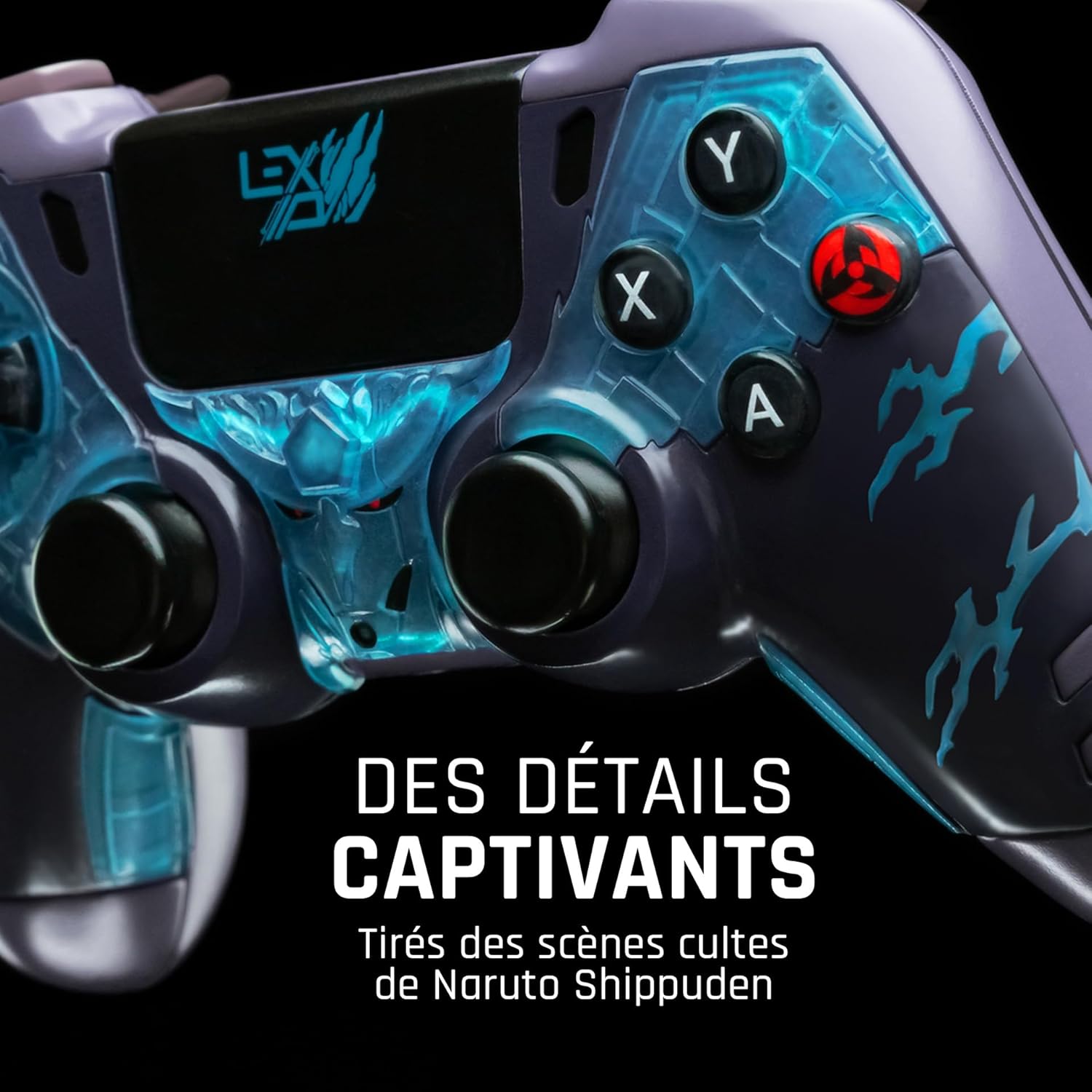
Slika 2: Podrobno view of the controller's face buttons and analog sticks, highlighting the intricate Naruto Shippuden design elements.

Slika 3: Zadaj view of the controller, illustrating the placement of the programmable paddles (M1, M2, M3) for enhanced gameplay.
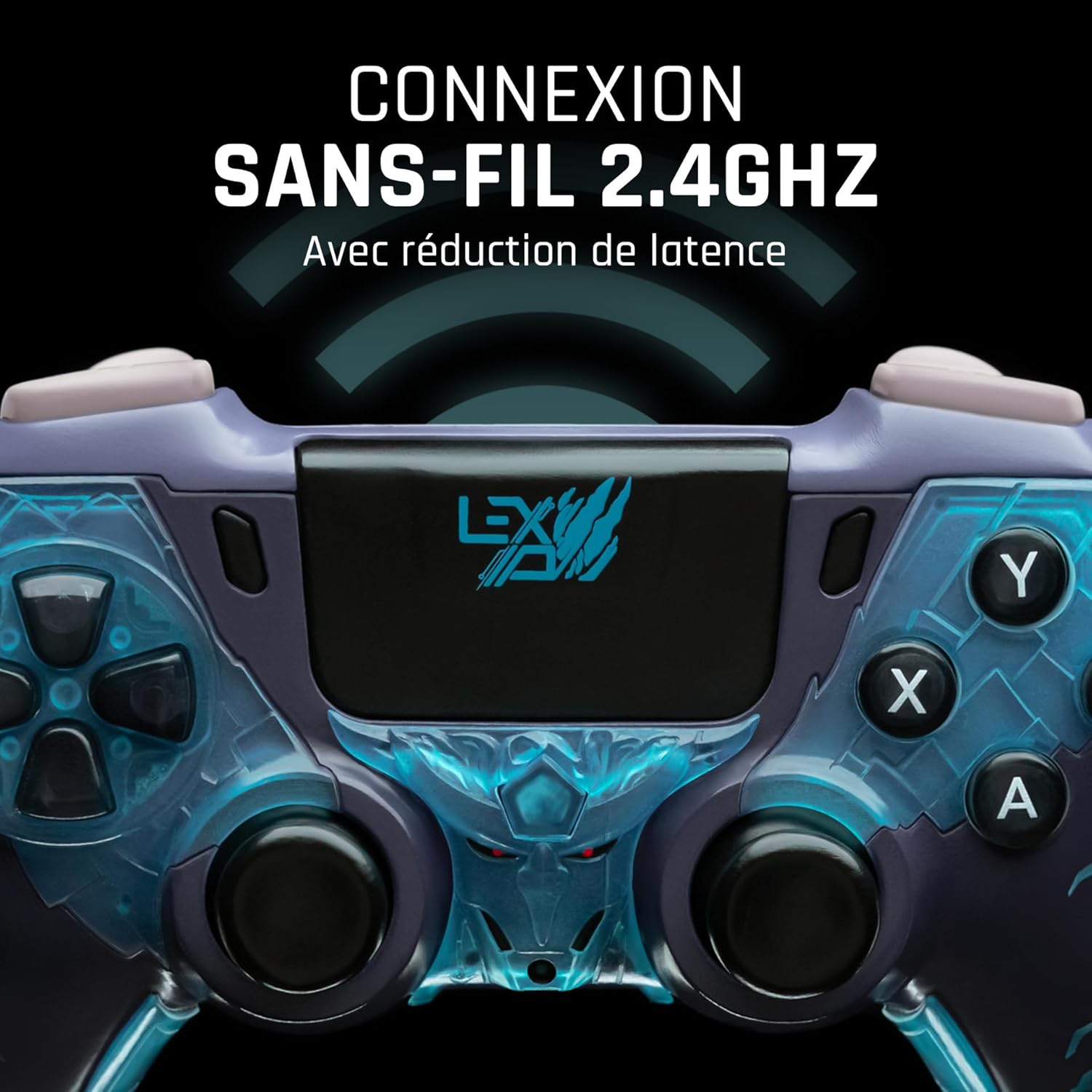
Slika 4: Spredaj view of the controller, indicating its 2.4GHz wireless connection capability for reduced latency.
Ključne komponente:
- Analogne palice: Two high-precision analog sticks for movement and camera control.
- D-pad: Smerna ploščica za natančen vnos.
- Gumbi na obrazu (A, B, X, Y): Standardni akcijski gumbi.
- Ramenski gumbi (L1, R1) in sprožilci (L2, R2): Za različna dejanja v igri.
- Programmable Paddles (M1, M2, M3): Located on the rear for custom button assignments.
- Domov gumb: For system menu access.
- Share/Options Buttons: For in-game menu and sharing functions.
- Vrata USB-C: Za polnjenje in žično povezavo.
Nastavitev
1. Začetno polnjenje
Before first use, fully charge the controller. Connect the supplied USB cable to the controller's USB-C port and the other end to a powered USB port (e.g., console, PC, or USB wall adapter). The charging indicator will show the charging status and turn off when fully charged.
2. Connecting Wirelessly (2.4GHz)
- Insert the 2.4GHz wireless dongle (if included, typically found in the controller's packaging or a dedicated slot) into an available USB port on your gaming console or PC.
- Vklopite krmilnik s pritiskom na gumb Domov.
- The controller will automatically attempt to pair with the dongle. The indicator light on the controller will stop flashing and remain solid once connected.
3. Connecting via USB Cable
To use the controller in wired mode or if wireless connection is not desired:
- Connect the USB cable to the controller's USB-C port.
- Drugi konec kabla USB priključite na prosta vrata USB na igralni konzoli ali računalniku.
- The controller will be recognized as a wired device and is ready for use.
Navodila za uporabo
Vklop/izklop
- Za vklop: Press the Home button. The controller will attempt to connect to the last paired device.
- Za izklop: Press and hold the Home button for approximately 5-10 seconds until the indicator lights turn off. The controller will also power off automatically after a period of inactivity to conserve battery.
Using Programmable Paddles
The controller features three programmable paddles (M1, M2, M3) on the rear. These paddles can be assigned to replicate other button inputs for quick access during gameplay. Refer to your console or PC's controller settings for specific button remapping options, as dedicated software for programming these paddles may not be available.

Slika 5: A user holding the controller, demonstrating its ergonomic design during use.
Vzdrževanje
- Čiščenje: Za čiščenje krmilnika uporabite mehko, suho krpo. Za trdovratno umazanijo rahlo obrišiteampKrpo sperite z vodo. Ne uporabljajte agresivnih kemikalij ali abrazivnih čistil.
- Shranjevanje: Krmilnik shranjujte na hladnem in suhem mestu, stran od neposredne sončne svetlobe in ekstremnih temperatur.
- Vzdrževanje baterije: Da podaljšate življenjsko dobo baterije, se izogibajte pogostemu popolnemu praznjenju krmilnika. Redno ga polnite, tudi če ga dalj časa ne uporabljate.
Odpravljanje težav
Krmilnik se ne povezuje
- Prepričajte se, da je krmilnik napolnjen.
- For wireless connection, ensure the 2.4GHz dongle is securely plugged into the console/PC and the controller is powered on.
- Try connecting the controller via the USB cable to verify functionality.
- Restart your console/PC and try connecting again.
Buttons/Sticks Unresponsive
- Prepričajte se, da je krmilnik pravilno priključen in vklopljen.
- Check for any physical obstructions or debris around the buttons or sticks.
- Preizkusite krmilnik z drugo igro ali aplikacijo, da ugotovite, ali je težava specifična za en program.
Kratka življenjska doba baterije
- Pred uporabo se prepričajte, da je krmilnik popolnoma napolnjen.
- Reduce rumble intensity if possible through system settings, as vibration motors consume significant power.
- Med uporabo in shranjevanjem se izogibajte ekstremnim temperaturam.
Specifikacije
| Funkcija | Podrobnost |
|---|---|
| Številka modela | TSXLXGC0002 |
| Povezljivost | 2.4 GHz brezžično, USB žično |
| Dimenzije (D x Š x V) | 3.94 x 1.97 x 0.5 palcev |
| Teža | 1.01 funtov |
| Vhodna voltage | 3V - 500mA |
| Programmable Paddles | Yes (M1, M2, M3) |
Garancija in podpora
For warranty information and technical support, please refer to the official Lexip website or contact Lexip customer service. Keep your proof of purchase for warranty claims.
Lexip Official Webspletno mesto: www.lexip.com (Note: This is a placeholder link, please refer to actual Lexip support channels.)