
EBTOOLS EBTOOLS1756ogbieh-12
User Manual for EBTOOLS YEEMI K21+ 4G Flip Phone
Model: EBTOOLS1756ogbieh-12
Uvod
This manual provides comprehensive instructions for the operation, maintenance, and troubleshooting of your EBTOOLS YEEMI K21+ 4G Flip Phone. Designed with seniors in mind, this phone features large buttons, dual screens, and essential functions like SOS and GPS for enhanced safety and ease of use. Please read this manual carefully to ensure proper use and to maximize the phone's capabilities.
1. Nastavitev
1.1 Vsebina paketa
Preden začnete, preverite, ali so v paketu vsi elementi:
- EBTOOLS YEEMI K21+ 4G Flip Phone
- Baterija
- USB kabel
- Uporabniški priročnik (ta dokument)

Image: The phone, battery, and USB cable included in the package.
1.2 Vstavljanje SIM kartice in baterije
- Odprite zadnji pokrov: Nežno odprite zadnji pokrov telefona.
- Vstavite SIM kartico(-e): Locate the SIM card slot(s). This phone supports dual SIM. Carefully insert your 4G compatible SIM card(s) into the designated slot(s) with the gold contacts facing down.
- Vstavite baterijo: Poravnajte kontakte baterije s kontakti telefona in nežno pritisnite baterijo na svoje mesto.
- Zapri zadnjo platnico: Namestite zadnji pokrov in se prepričajte, da se varno zaskoči.

Image: The phone in its open position, ready for SIM card and battery insertion.
1.3 Polnjenje baterije
Pred prvo uporabo popolnoma napolnite baterijo telefona.
- Connect the small end of the USB cable to the phone's charging port.
- Drugi konec kabla USB priključite na združljiv napajalnik USB (ni priložen) ali vrata USB računalnika.
- Indikator polnjenja na zaslonu bo prikazal stanje polnjenja.
2. Navodila za uporabo
2.1 Vklop/izklop
- Za vklop: Pritisnite in držite gumb za vklop/končanje klica (rdeči gumb), dokler se zaslon ne prižge.
- Za izklop: Press and hold the Power/End Call button until the power off options appear, then select "Power Off".
2.2 Klicanje in sprejemanje klicev
- Klicanje:
- Enter the phone number using the large keypad buttons.
- Press the Call button (green button) to dial.
- Sprejem klica:
- When the phone rings, open the flip to answer, or press the Call button.
- Če želite končati klic, pritisnite gumb za vklop/končanje klica.

Image: The phone showcasing its dual display feature, with the internal screen open and the external screen visible when closed.
2.3 Dual Screens and Large Font
The phone features a 2.6-inch high-definition main screen and a 1.77-inch external color high-definition screen. The external screen displays important information like time, date, and incoming call notifications without needing to open the phone. Large fonts and icons are used throughout the interface for improved readability.

Slika: Bližnji posnetek view of the phone's external screen, highlighting its dual SIM dual standby capability.
2.4 SOS and GPS Functionality
For emergencies, the phone is equipped with an SOS button and GPS positioning.
- Setting up SOS Contacts: Navigate to the SOS settings in the phone's menu to add emergency contact numbers.
- Aktiviranje SOS-a: In an emergency, press and hold the dedicated SOS button (usually located on the back or side of the phone). The phone will automatically call and send an emergency message with your GPS location to the pre-set SOS contacts.
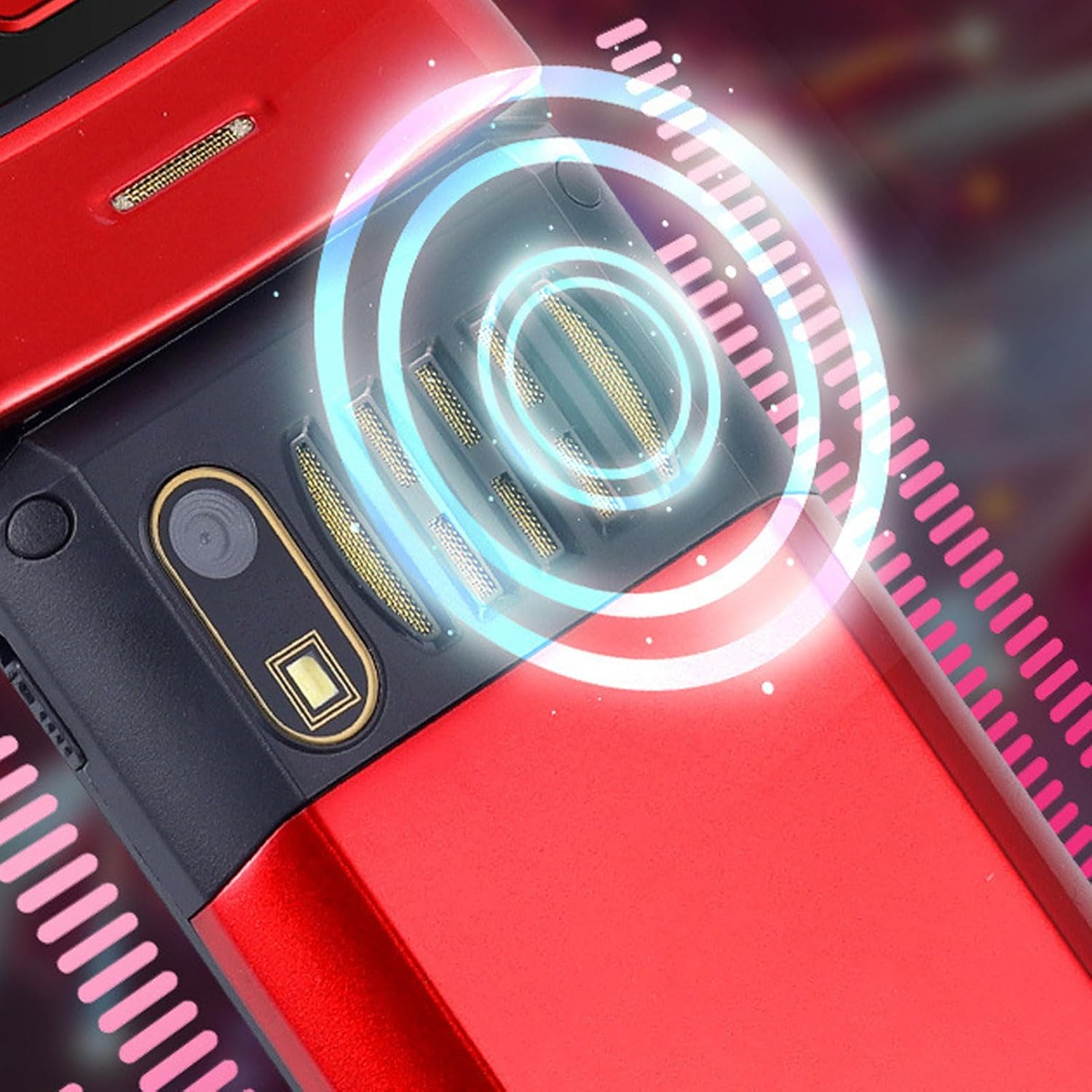
Image: The back of the phone, highlighting the speaker area, which contributes to clear sound for emergency calls.
2.5 Speed Dial and Shortcut Buttons
The phone supports 9 speed dial buttons for quick dialing of family numbers and 3 dedicated shortcut buttons for frequently used functions.
- Setting Speed Dial: Refer to the phone's menu for instructions on assigning contacts to speed dial numbers (typically 2-9).
- Using Shortcut Buttons: The dedicated shortcut buttons provide quick access to features like Camera, Messaging, or FM Radio.
3. Vzdrževanje
3.1 Skrb za baterije
- Izogibajte se izpostavljanju baterije ekstremnim temperaturam.
- Baterije ne preluknjajte, ne razstavljajte in ne povzročajte kratkega stika.
- Če telefona ne boste uporabljali dlje časa, ga pred shranjevanjem napolnite na približno 50 %.
3.2 Čiščenje telefona
- Use a soft, lint-free cloth to clean the phone's screen and body.
- Ne uporabljajte agresivnih kemikalij, čistilnih razpršil ali abrazivnih materialov.
- Polnilna vrata in rešetke zvočnikov naj bodo brez prahu in umazanije.
4. Odpravljanje težav
If you encounter issues with your phone, please refer to the following common problems and solutions:
| Težava | Možen vzrok | rešitev |
|---|---|---|
| Telefon se ne vklopi. | Baterija je prazna ali ni pravilno vstavljena. | Napolnite baterijo. Prepričajte se, da je baterija pravilno vstavljena. |
| Ne morem klicati ali sprejemati klicev. | Ni SIM kartice, SIM kartica ni pravilno vstavljena ali ni omrežnega signala. | Ensure SIM card is inserted correctly. Check network signal strength. Contact your service provider. |
| Slaba kakovost klicev. | Weak network signal, or speaker/microphone obstruction. | Move to an area with better signal. Clean speaker and microphone openings. |
| SOS function not working. | SOS contacts not set up, or no network signal. | Verify SOS contacts are correctly configured in settings. Ensure phone has network signal. |
5. Specifikacije
Key technical specifications for the EBTOOLS YEEMI K21+ 4G Flip Phone:
- Model: EBTOOLS1756ogbieh-12
- Povezljivost: 4G (supports 2G, 3G, and 4G network bands including GSM and CDMA)
- Glavni zaslon: 2.6-inch High Definition
- Zunanji zaslon: 1.77-inch Color High Definition
- Kapaciteta baterije: 4800mAh (Long Standby Time)
- Lastnosti: Large Buttons, Dual Screens, SOS with GPS Positioning, 9 Speed Dial Buttons, 3 Dedicated Shortcut Buttons, Clear Sound Speaker
- Dimenzije: Približno 5.51 x 3.15 x 2.76 cm (dimenzije paketa)
- Država izvora: Kitajska
6. Garancija in podpora
Your EBTOOLS YEEMI K21+ 4G Flip Phone comes with a standard manufacturer's warranty. Please refer to the warranty card included in your package for specific terms and conditions. For technical support, troubleshooting assistance beyond this manual, or warranty claims, please contact the seller or manufacturer directly.
Proizvajalec: EBTOOLS
Za dodatno pomoč lahko obiščete EBTOOLS Store on Amazon.
Ask a question about this manual
Ask about setup, troubleshooting, compatibility, parts, safety, or missing instructions. Manuals+ will review the question and use this page’s manual context to help answer it.